About Wedding Venue Inquiry Tracker Lite
Collect every wedding venue inquiry in one Notion tracker, with a due-today reply view, a pipeline from new to booked, and bookings by source.
What’s included
- Inquiries from website, email, Instagram, The Knot, and texts in one place
- Due Today view for pending replies and follow-ups
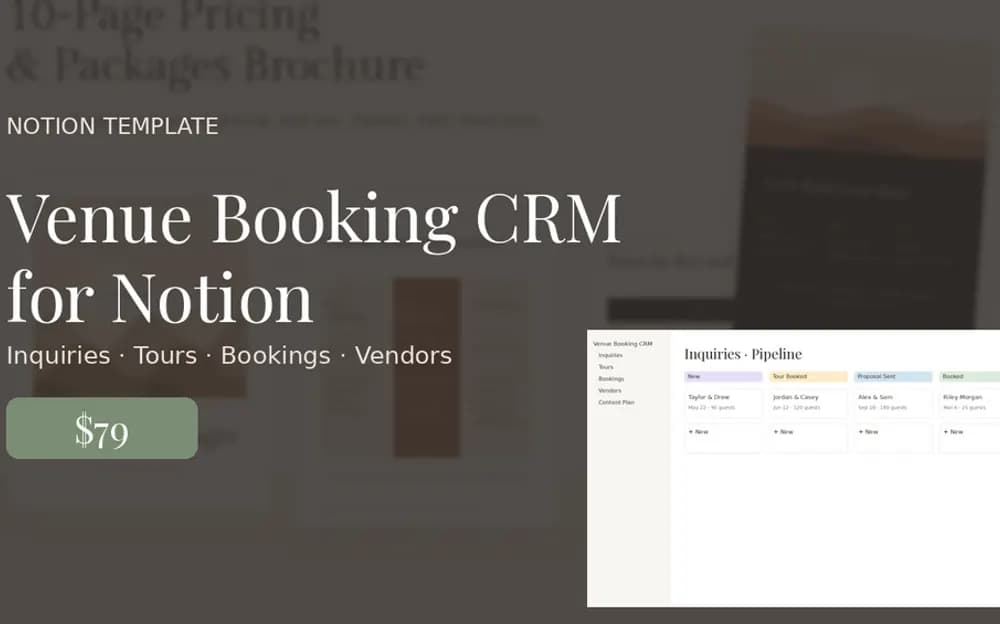
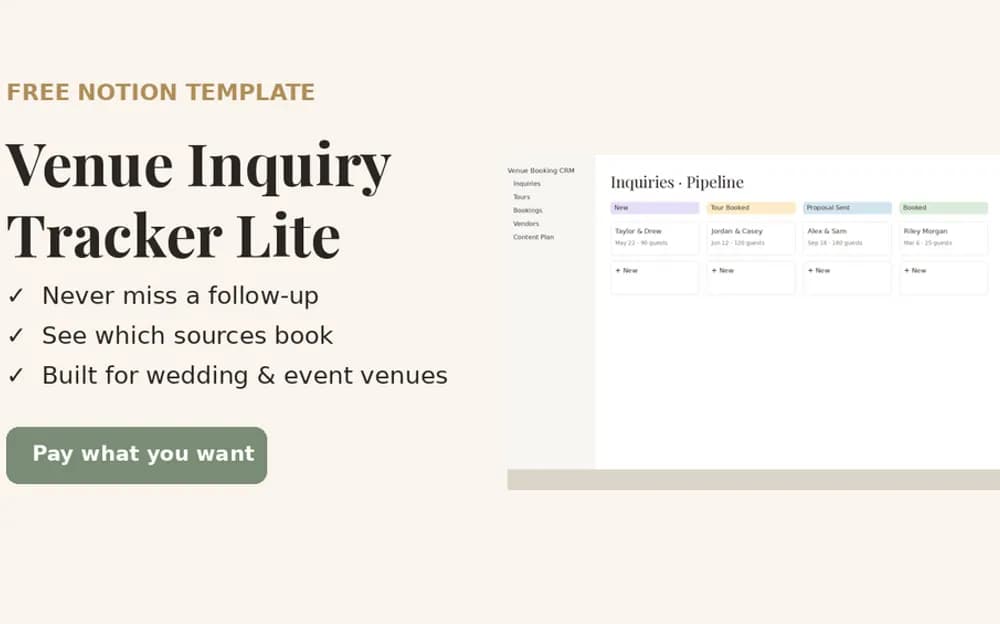
- Pipeline board from new to contacted, tour booked, proposal sent, and booked or lost
- Bookings by source view
- Six sample inquiries
How to use it in practice
Enter the inquiries that arrived this week, including the channel each one came through. Set a reply or follow-up date on each, and open the Due Today view at the start of every shift. Move couples along the pipeline as tours and proposals happen, then check the source view to see which listings produce bookings.
Set it up in your workspace
- Follow the original creator’s checkout or access instructions to obtain the Notion page. Open that page while signed in, then duplicate it into the workspace you want to use.
- Enter the inquiries that arrived this week, including the channel each one came through.
- Try one complete example before adding a large backlog. Check that its views and any calculations show what you expect, then replace the sample content with your own.
Who it suits and what to consider
Wedding and event venue owners or coordinators fielding inquiries from several channels. This is the free tier; tours, bookings, deposits, and vendors belong to the paid Venue Booking CRM. Inquiries are entered manually from each channel.