About Writing Portfolio
A writing portfolio needs more than links: readers benefit from knowing the audience, purpose, and your contribution. This template provides a public-page structure to explore. Check the published view and confirm you have permission to share any commissioned work.
What’s included
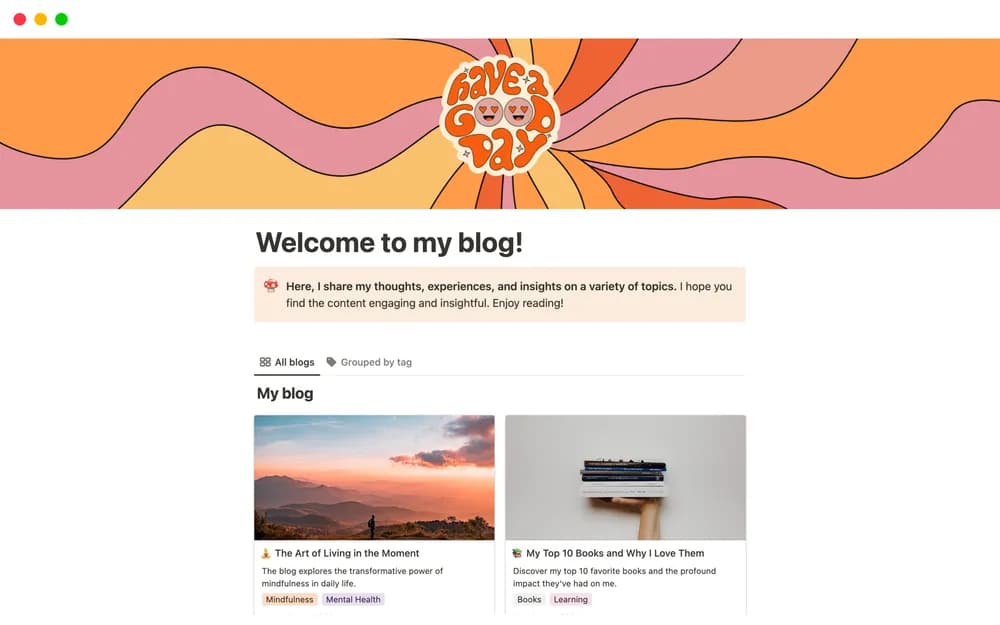
- Sections for introducing yourself and your projects
- Links to published writing samples
- A simple navigation structure you can tailor for different clients
How to use it in practice
Choose a few samples that match the work you want next. Explain the audience, your contribution, and why each piece belongs in the portfolio. Put your main contact action where a reader can find it quickly. Before sharing, check every link while signed out and confirm that client material is appropriate to publish.
Set it up in your workspace
- Follow the original creator’s checkout or access instructions to obtain the Notion page. Open that page while signed in, then duplicate it into the workspace you want to use.
- Choose three representative pieces and add a short explanation for each. Check every link from the public view.
- Try one complete example before adding a large backlog. Check that its views and any calculations show what you expect, then replace the sample content with your own.
Who it suits and what to consider
Writers sharing work with potential clients or employers. A straightforward portfolio for content writers, copywriters, and bloggers. It works best when the samples and explanations are selective and current.