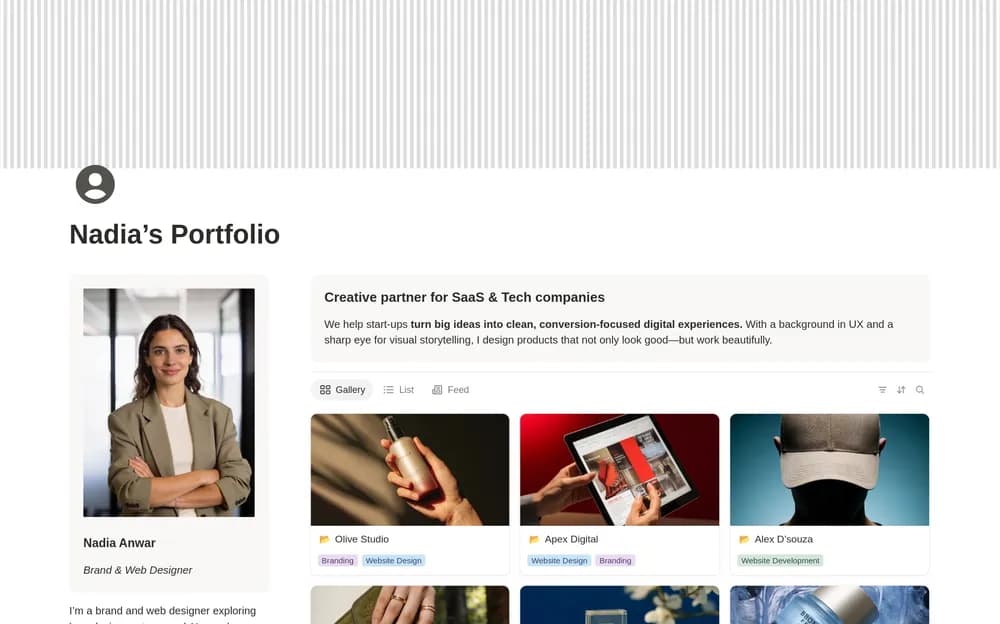
 Free
Work & business
Portfolios Notion templates
Give your work a clear public home. Find Notion portfolio templates for writing, design, freelance services, and showing what you can do.
Showing 1–5 of 5 templates
Free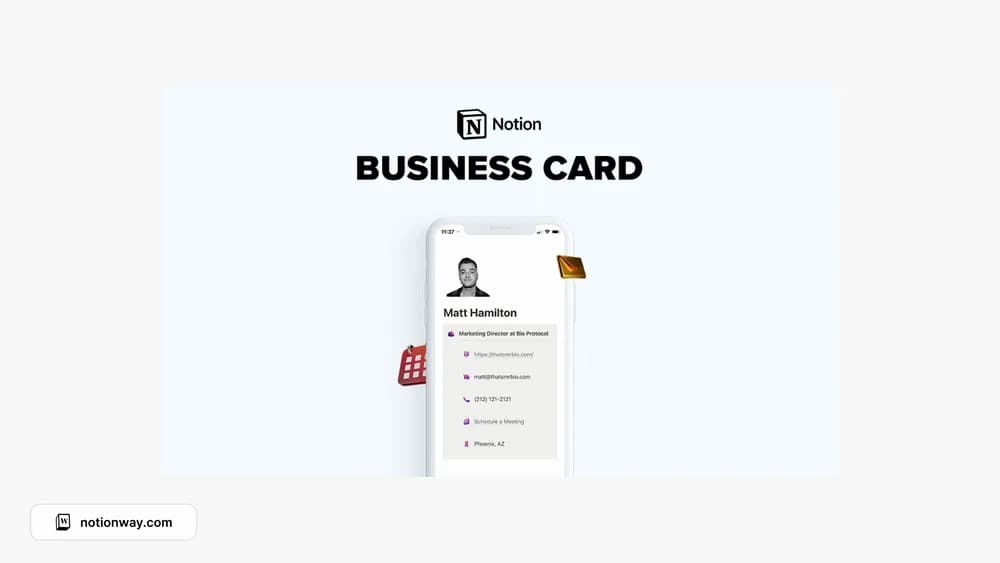 Free
Notion Digital Business Card
Create a simple digital business card as a public Notion page.
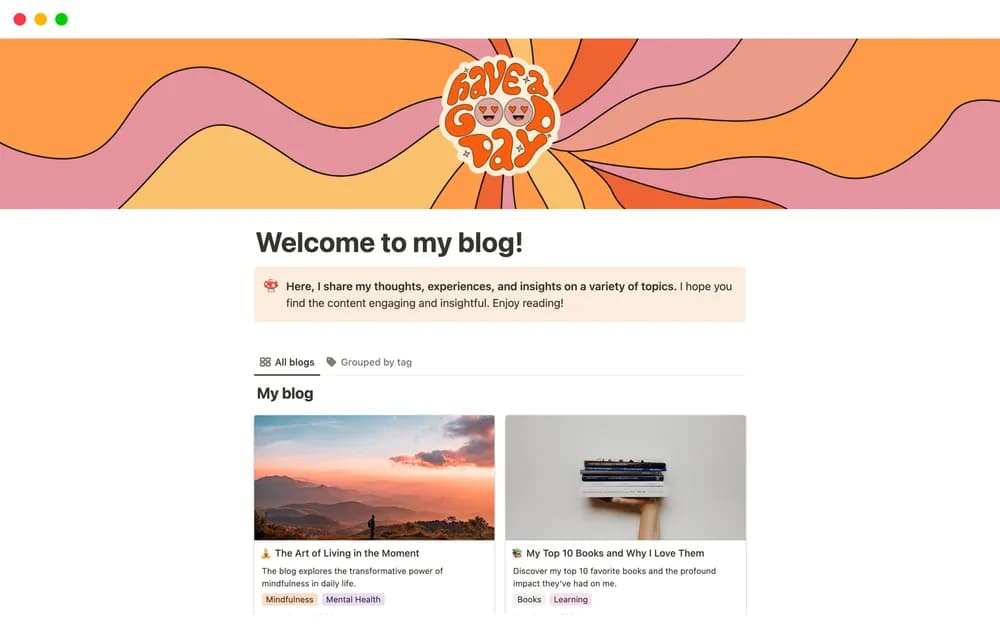 Free
Personal Blog
Notion’s personal-blog template for publishing a small collection of posts.
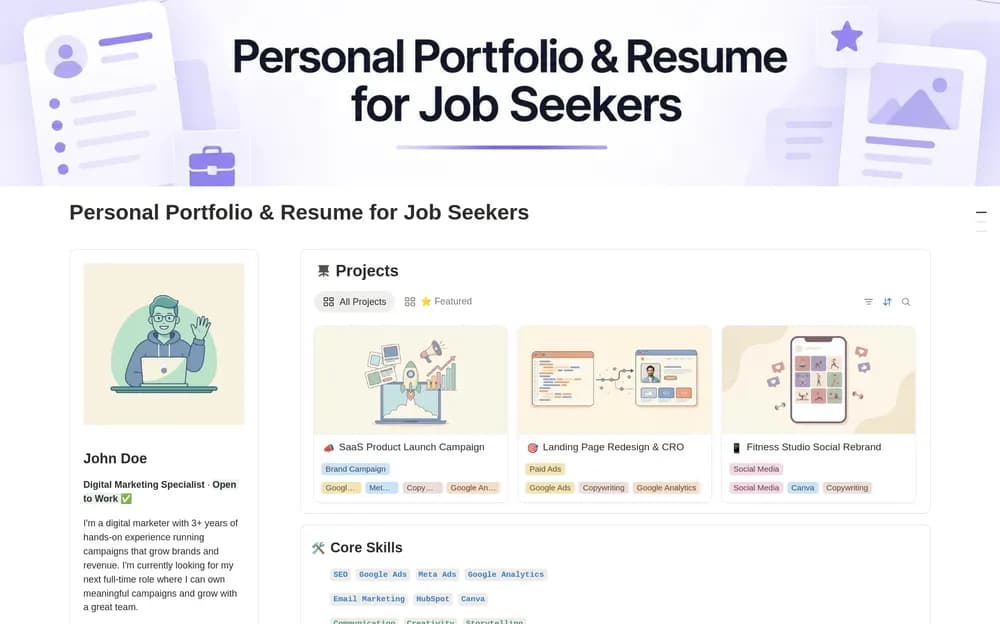 Free
Personal Portfolio & Resume for Job Seekers
Publish a job seeker’s portfolio site from Notion with a profile sidebar, guided project case studies, work history, and a full resume page.
 Free
A closer look at the collection
Which template fits your work?
Compare the purpose and included features before choosing a workspace.
Notion Digital Business Card
Freelancers and professionals sharing contact details.
- Introduce your work
- Share contact details
- Create a compact public page
Personal Portfolio & Resume for Job Seekers
Job seekers, career switchers, and recent graduates who want one shareable link for applications.
- Profile sidebar as a synced block with an Open to Work badge
- Projects database with a guided case-study template
- Work experience timeline with fill-in prompts
- Skills chips plus About Me and resume pages
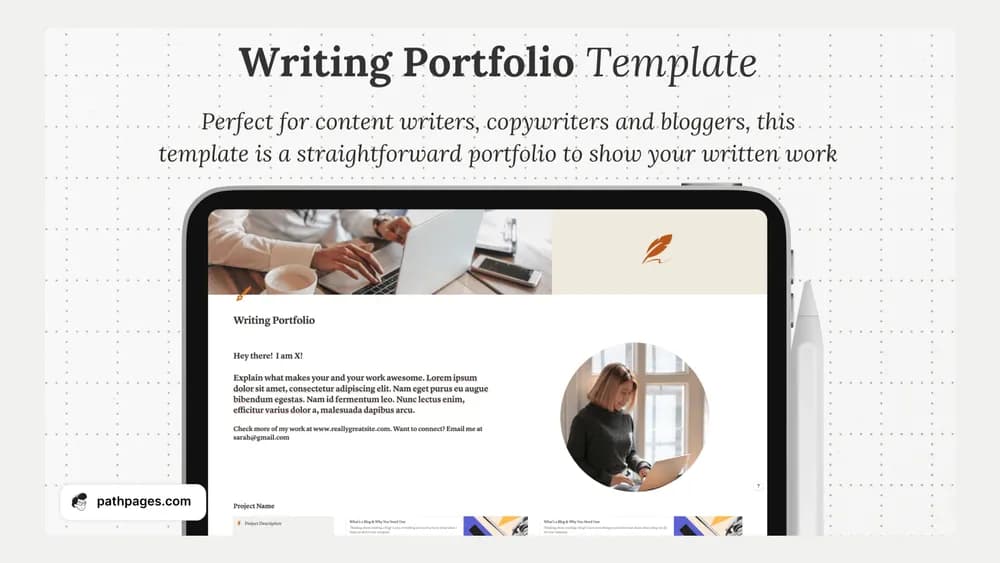
Writing Portfolio
Writers sharing work with potential clients or employers.
- Present writing samples
- Explain project context
- Create a public portfolio page
At a glance
Portfolios Notion templates compared
5 working templates from 5 creators: 5 free. Links last checked November 22, 2026.
| Template | Best for | Price | Creator |
|---|---|---|---|
| Notion Digital Business Card | Freelancers and professionals sharing contact details. | Free | Matt Bio |
| Personal Portfolio & Resume for Job Seekers | Job seekers, career switchers, and recent graduates who want one shareable link for applications. | Free | Jithin Rajiv |
| Writing Portfolio | Writers sharing work with potential clients or employers. | Free | Happy Habbits |
| Design Portfolio | Designers presenting projects to clients or employers. | Free | Safa |
| Personal Blog | Writers and individuals sharing ideas publicly. | Free | Notion |
Choose something that fits
How to compare portfolios templates
A portfolio should explain the work, your contribution, and what happened as a result. Look for a layout that gives a visitor enough context without a long search. Review the public page on mobile and check every project link. Make sure you have permission to publish client material before including it.
A few things to look for
Projects with context
Clear contact details
A readable public page
About the directoryPut it into practice
Explain the work before expecting the visitor to infer it
Choose representative projects and describe the problem, your role, the decisions, and the result. Keep contact details clear and review the published page while signed out. Check mobile readability and client publication permissions before adding images or documents from an engagement.
Every template in this collection
All 5 Portfolios Notion templates (A–Z)
Jump straight to any listing in the collection.
Before you choose
Common questions
How many projects should a portfolio include?+
Enough relevant work to show your capabilities clearly. A few complete, well-explained projects can be more useful than a large gallery without context or an obvious connection to the work you want next.
What is the best portfolio Notion template?+
It depends on the job you need it to do. Good starting points in this collection include Notion Digital Business Card (freelancers and professionals sharing contact details), Personal Portfolio & Resume for Job Seekers (job seekers, career switchers, and recent graduates who want one shareable link for applications) and Writing Portfolio (writers sharing work with potential clients or employers). Compare the included features below, then try your first choice with a week of real information before moving everything across.
Are there free templates in the portfolios collection?+
Yes. This collection currently includes 5 listings with a confirmed free creator offer. Use the Free filter to compare them. A free version can have different features from a creator’s paid upgrade, so check the original listing and current access terms before adding it to your workspace.