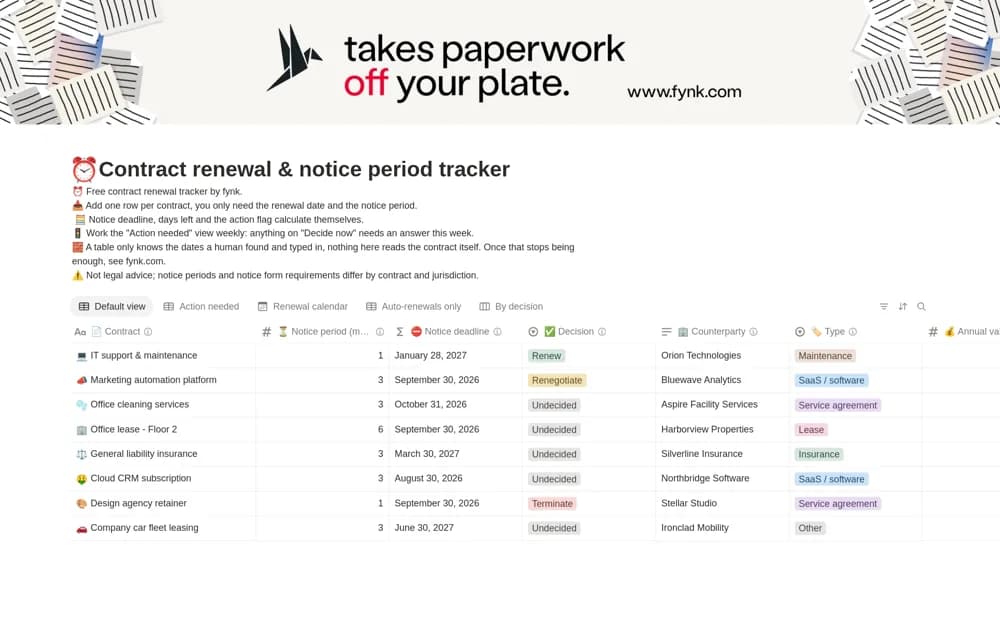
 Free
Contract renewal & notice period tracker
Track contract renewals in Notion with notice-period calculations, countdown flags, responsible owners, and views for renewal decisions.
Keep agreements and their practical deadlines findable. Browse Notion contract trackers for counterparties, status, renewal dates, document links, and the responsibilities created by an agreement.
Showing 1–3 of 3 templates
FreeTrack contract renewals in Notion with notice-period calculations, countdown flags, responsible owners, and views for renewal decisions.
 Paid
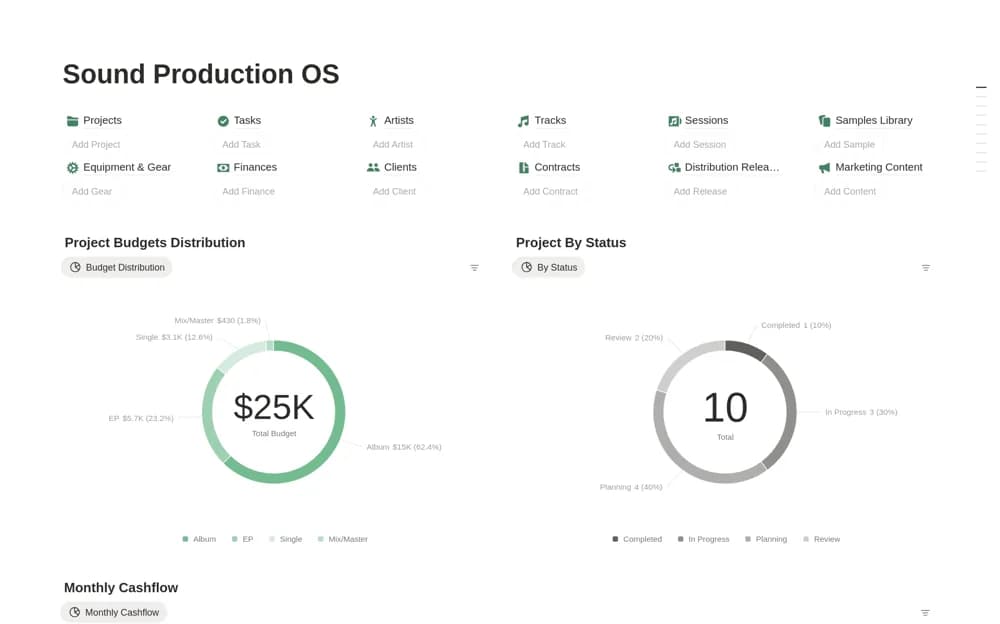
A music-production management workspace linking projects, tracks, sessions, samples, equipment, clients, releases, and business records.
 Paid
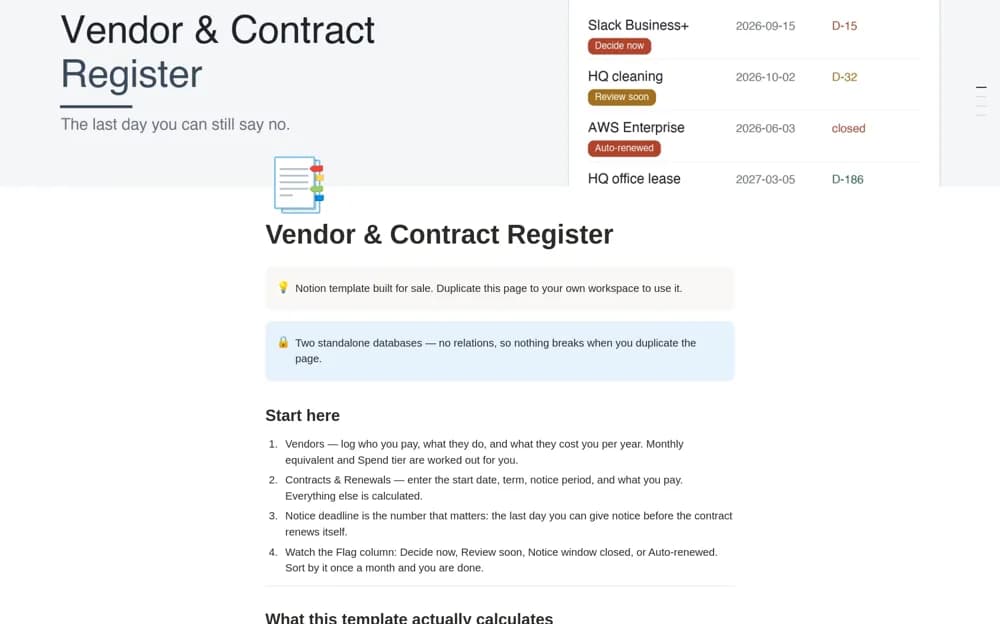
A vendor contract register calculating term dates, notice deadlines, annualized cost, and renewal attention flags.
Compare the purpose and included features before choosing a workspace.
Operations, legal, and finance teams keeping contract notice deadlines visible.
Music producers coordinating both creative work and project administration.
Operations and procurement teams reviewing recurring vendor agreements.
3 working templates from 3 creators: 1 free and 2 paid, with paid options from $29 to $99. Links last checked October 12, 2026.
| Template | Best for | Price | Creator |
|---|---|---|---|
| Contract renewal & notice period tracker | Operations, legal, and finance teams keeping contract notice deadlines visible. | Free | fynk |
| Sound Production OS | Music producers coordinating both creative work and project administration. | $99 | Nation4Business |
| Vendor & Contract Register | Operations and procurement teams reviewing recurring vendor agreements. | $29 | DailyForm |
Use the tracker as an index to the current signed document. Distinguish a draft, an agreement awaiting signature, and an active contract. Record notice periods as well as renewal dates, with an owner for the next review. Restrict access to confidential records and check document versions carefully. Legal interpretation and signing requirements belong with the appropriate qualified adviser and process.
Links to signed versions
Notice and renewal dates
Responsible contract owners
About the directoryIdentify the counterparty, agreement owner, current version, key dates, and location of the signed record. Keep requests for changes and approvals traceable to the relevant version. Link authoritative documents from their controlled storage location and assign someone to review approaching deadlines. Avoid treating a status label as evidence that an agreement was signed or renewed.
Jump straight to any listing in the collection.
A tracker organizes documents, dates, and responsibilities. It does not establish enforceability, complete legal review, or provide a signature service unless that separate capability is explicitly described. Use the appropriate legal process for the agreement itself.
It depends on the job you need it to do. Good starting points in this collection include Contract renewal & notice period tracker (operations, legal, and finance teams keeping contract notice deadlines visible), Sound Production OS (music producers coordinating both creative work and project administration) and Vendor & Contract Register (operations and procurement teams reviewing recurring vendor agreements). Compare the included features below, then try your first choice with a week of real information before moving everything across.
Yes. This collection currently includes 1 listing with a confirmed free creator offer, alongside 2 paid or freemium options. Use the Free filter to compare them. A free version can have different features from a creator’s paid upgrade, so check the original listing and current access terms before adding it to your workspace.