 Paid
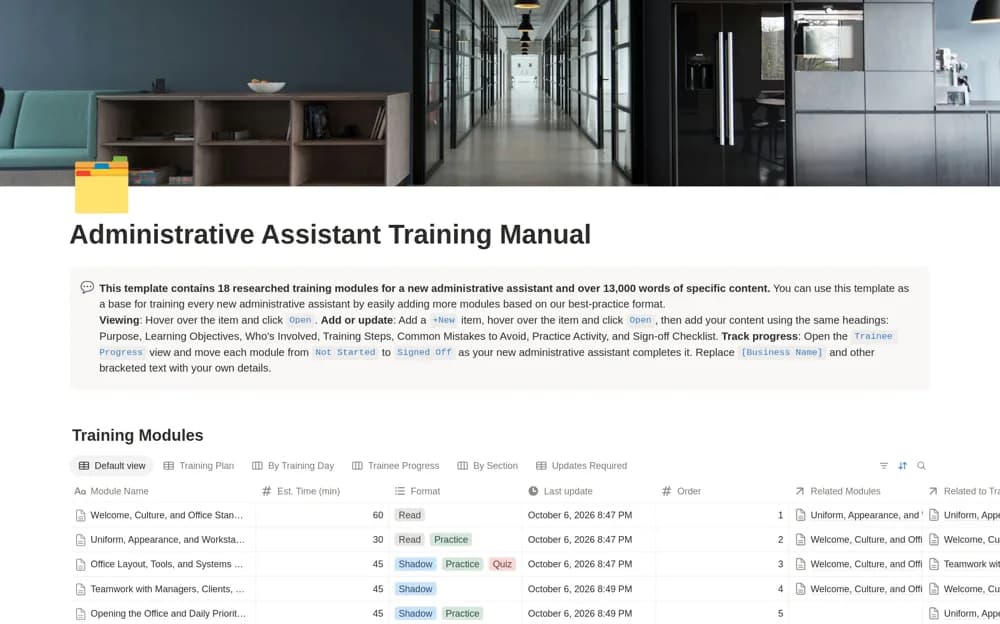
PaidAdministrative Assistant Training Manual
A five-day administrative training framework covering office routines, scheduling, communication, and handoffs.
Make a shared process easier to understand and maintain. Browse Notion guidelines for responsibilities, handoffs, decision points, supporting resources, and explaining how work moves through a team.
Showing 1–4 of 4 templates
A little structure goes a long way.PaidA five-day administrative training framework covering office routines, scheduling, communication, and handoffs.
 Free
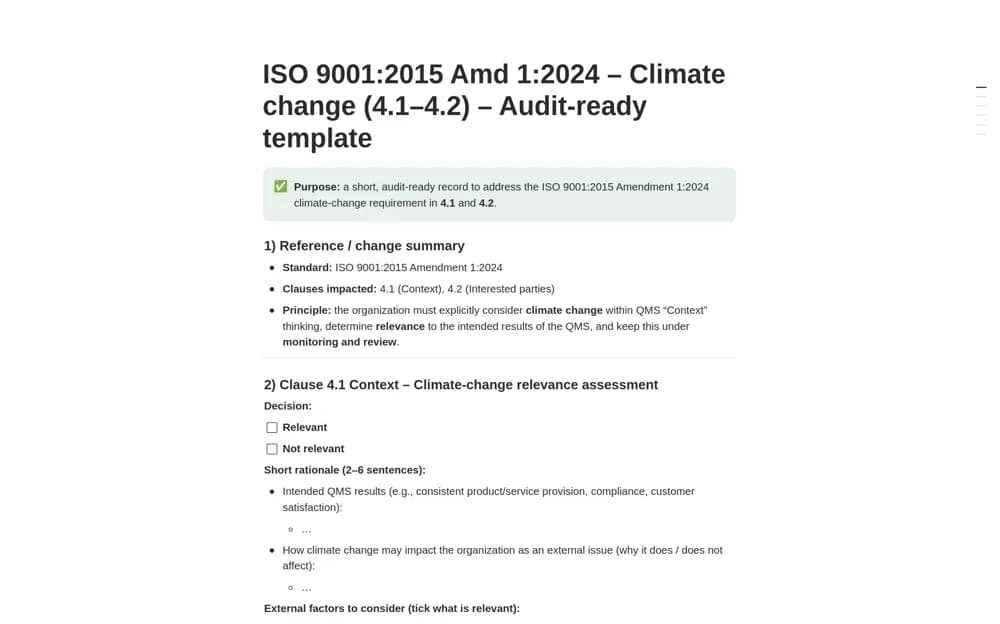
FreeA quality-management context worksheet focused on climate-related issues and interested-party requirements.
 Paid
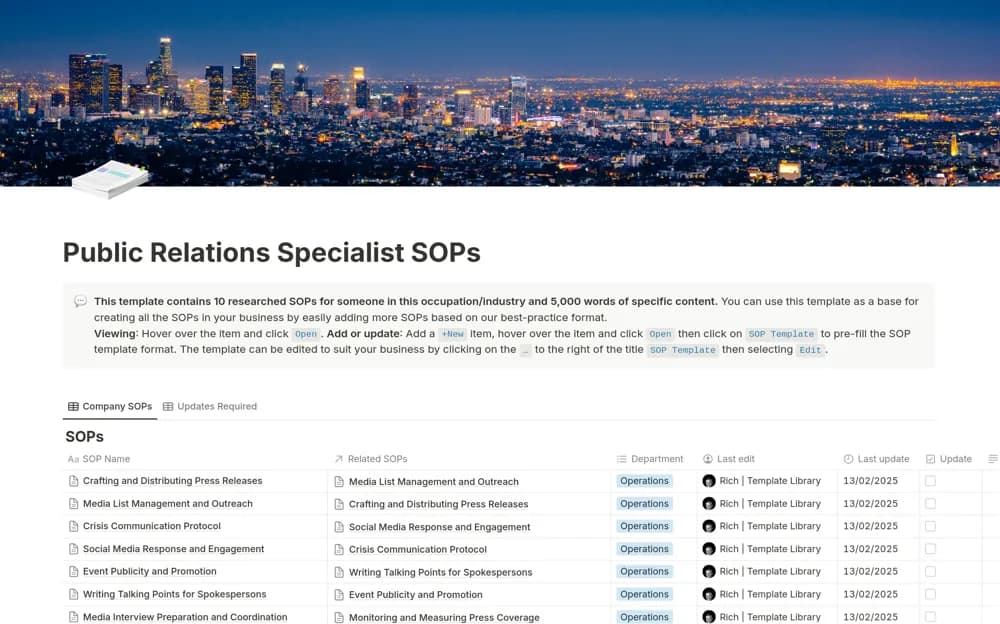
PaidA PR procedure library covering press releases, media outreach, crisis communication, social responses, and publicity work.
 Paid
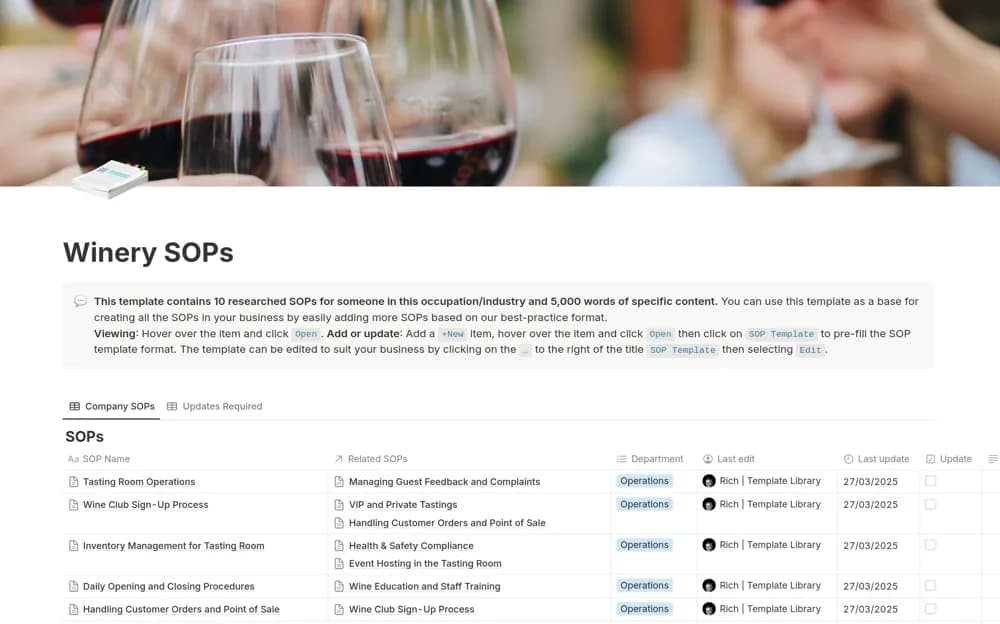
PaidA tasting-room procedure library covering opening, closing, guest service, tastings, club sign-ups, stock, and complaints.
Compare the purpose and included features before choosing a workspace.
Quality teams organizing evidence for a climate-context review.
Winery teams reviewing a starting structure for tasting-room operations.
Office managers preparing structured onboarding for an administrative assistant.
Show where the process starts and what counts as completion. Identify the information needed at each handoff and the person responsible for the next step. Use examples for decisions that are easy to misinterpret. Review a real case against the document before rolling it out, and record improvements when the actual workflow changes.
Clear entry and finish points
Handoff requirements
Practical decision examples
About the directoryYes. This collection currently includes 1 listing with a confirmed free creator offer, alongside 3 paid or freemium options. Use the Free filter to compare them. A free version can have different features from a creator’s paid upgrade, so check the original listing and current access terms before adding it to your workspace.