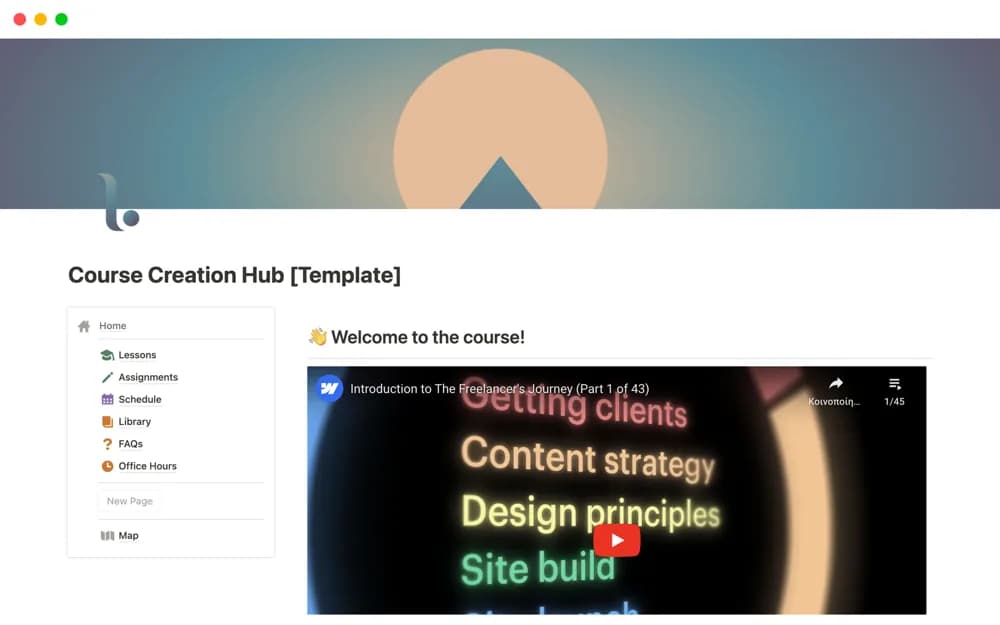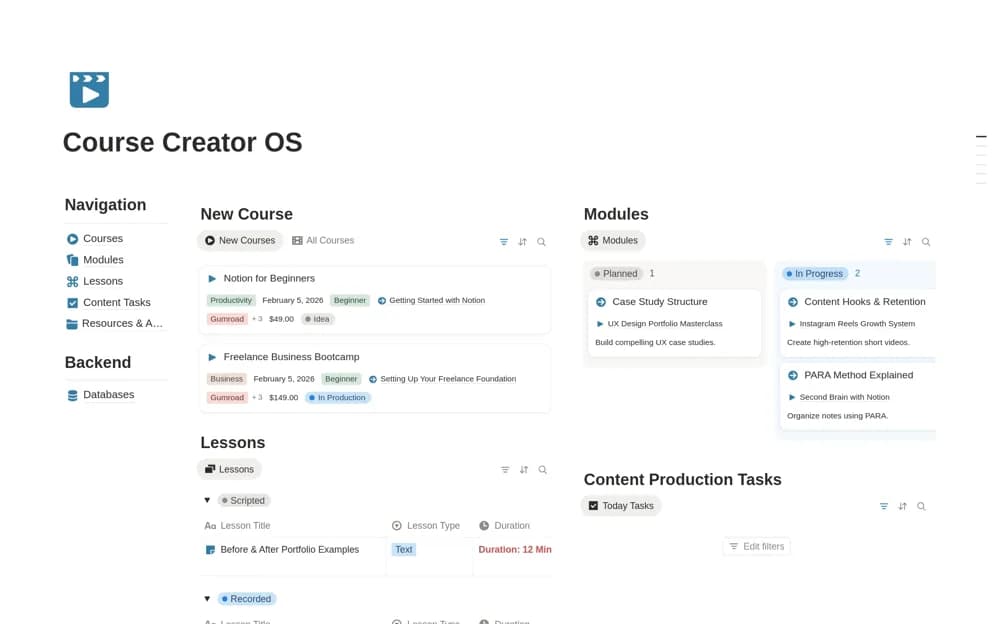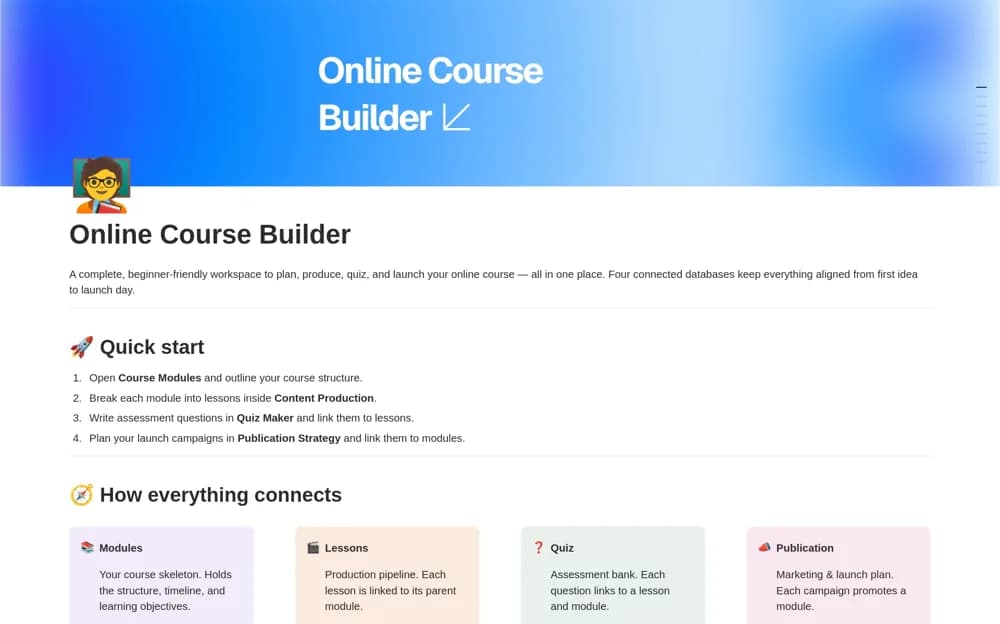
About Employee Onboarding Team Training Course Manager
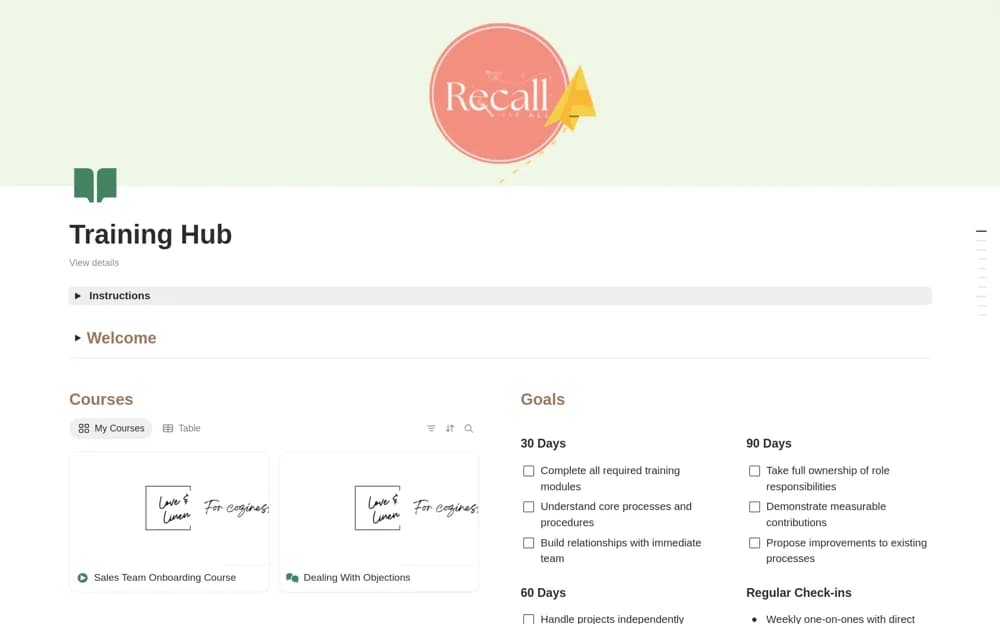
A new-hire learning hub with courses, lesson materials, reusable resources, and 30-, 60-, and 90-day goals.
What’s included
- Course, module, and lesson organization
- Reusable resource library and welcome section
- 30/60/90-day goals with draft-to-ready content stages
How to use it in practice
Start with one role and its first-week learning needs. Add current approved resources, name the reviewer for each course, and set realistic milestones with the new hire’s manager. Test the experience as a learner so navigation and access work before welcoming the next starter.
Set it up in your workspace
- Open the original Notion Marketplace listing and add the template to your chosen workspace while signed in. Keep its example records until you understand how the pages connect.
- Start with one role and its first-week learning needs.
- Try one complete example before adding a large backlog. Check that its views and any calculations show what you expect, then replace the sample content with your own.
Who it suits and what to consider
Managers building a repeatable onboarding and internal-training experience. The listing describes course organization and preparation stages, without establishing an accredited learning-management service.