About Freelance Client & Cashflow Hub
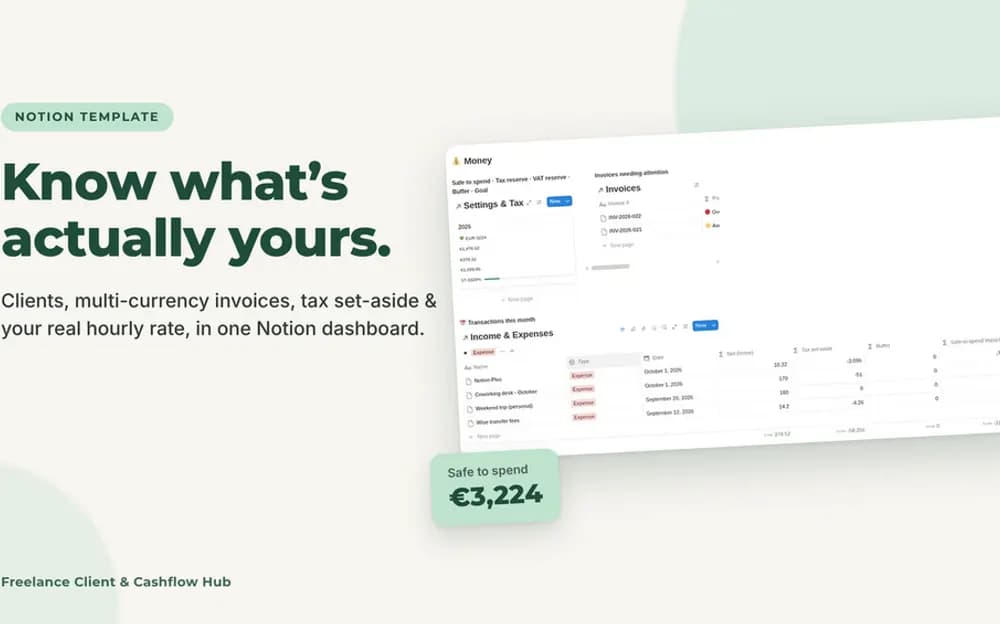
See how much freelance income is safe to spend in Notion, with tax and VAT reserves, multi-currency invoices, and real hourly rates per client.
What’s included
- Safe-to-spend dashboard with tax, VAT, and buffer reserves
- Multi-currency invoices with home-currency values and locked exchange rates
- Overdue invoice flags based on payment terms
- Time tracking with an hourly rate per client
- Client pipeline, projects, and four playbooks
How to use it in practice
Set your home currency, tax percentage, and VAT status in the settings, then enter your active clients. Log the payments received this month and lock the rate you actually got on each one. Track your hours for a week, including calls and admin, and compare each client’s hourly rate before your next pricing conversation.
Set it up in your workspace
- Follow the original creator’s checkout or access instructions to obtain the Notion page. Open that page while signed in, then duplicate it into the workspace you want to use.
- Set your home currency, tax percentage, and VAT status in the settings, then enter your active clients.
- Try one complete example before adding a large backlog. Check that its views and any calculations show what you expect, then replace the sample content with your own.
Who it suits and what to consider
Solo freelancers outside the US who are paid in several currencies and set money aside for tax and VAT. Exchange rates are updated manually, and the tax reserve uses a percentage you choose rather than tax advice. It does not file taxes or send invoices.