About Freelance Client Onboarding Toolkit
Decide what to offer and charge as a new freelancer or virtual assistant, with a service menu, rate calculator, onboarding checklist, and scripts.
What’s included
- Menu of 48 services in eight categories with skill levels
- Pricing guide for hourly, fixed-project, and retainer work
- Rate, quote, and retainer calculators
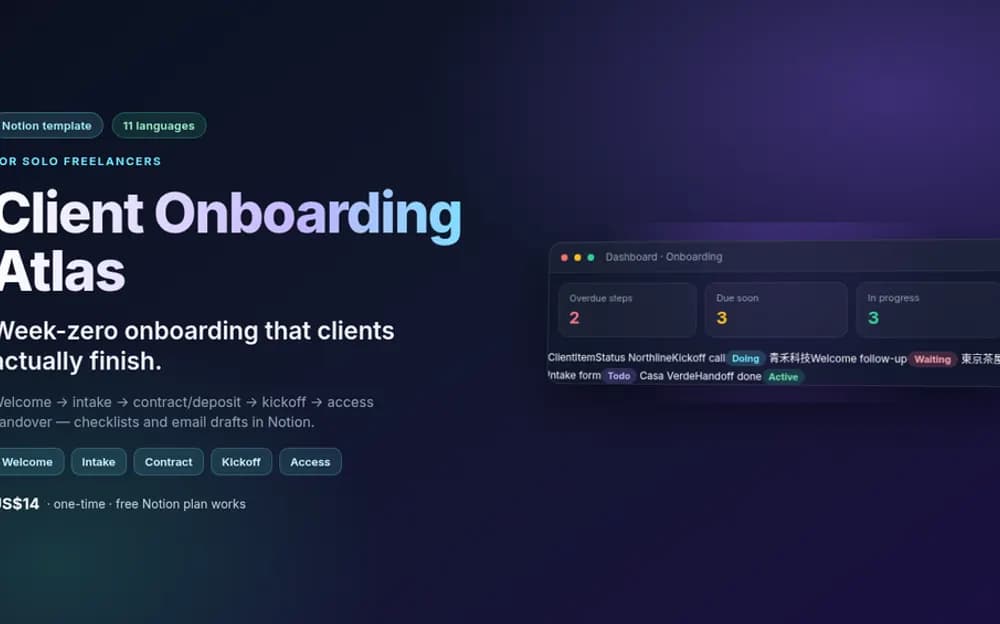
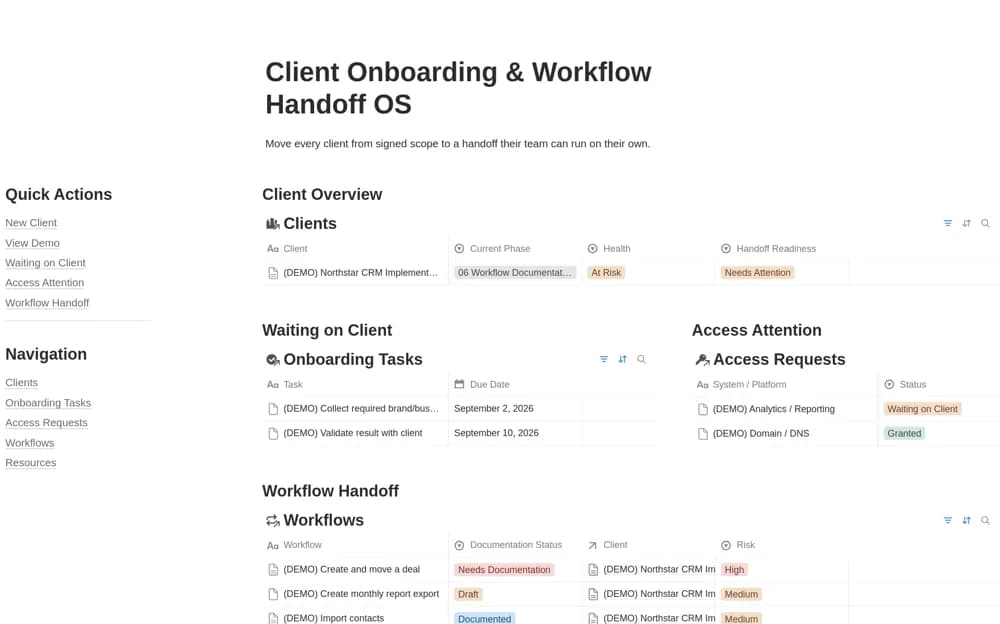
- Onboarding checklist from signed agreement to 30-day check-in
- Contract clause checklist and outreach email scripts
How to use it in practice
Read the pricing guide and pick the services from the menu that match your current skills. Use the rate calculator to find a floor rate, then build one sample quote. Adapt an outreach script and send it to a warm contact. Keep the onboarding checklist ready for the first client who agrees to work with you.
Set it up in your workspace
- Follow the original creator’s checkout or access instructions to obtain the Notion page. Open that page while signed in, then duplicate it into the workspace you want to use.
- Read the pricing guide and pick the services from the menu that match your current skills.
- Try one complete example before adding a large backlog. Check that its views and any calculations show what you expect, then replace the sample content with your own.
Who it suits and what to consider
New freelancers and virtual assistants choosing services, setting rates, and approaching their first clients. The main download is a 22-page PDF with an XLSX workbook and DOCX templates; the Notion version comes as a duplicate link on the purchase page. Dollar figures are worked examples, not market rates.