 Free
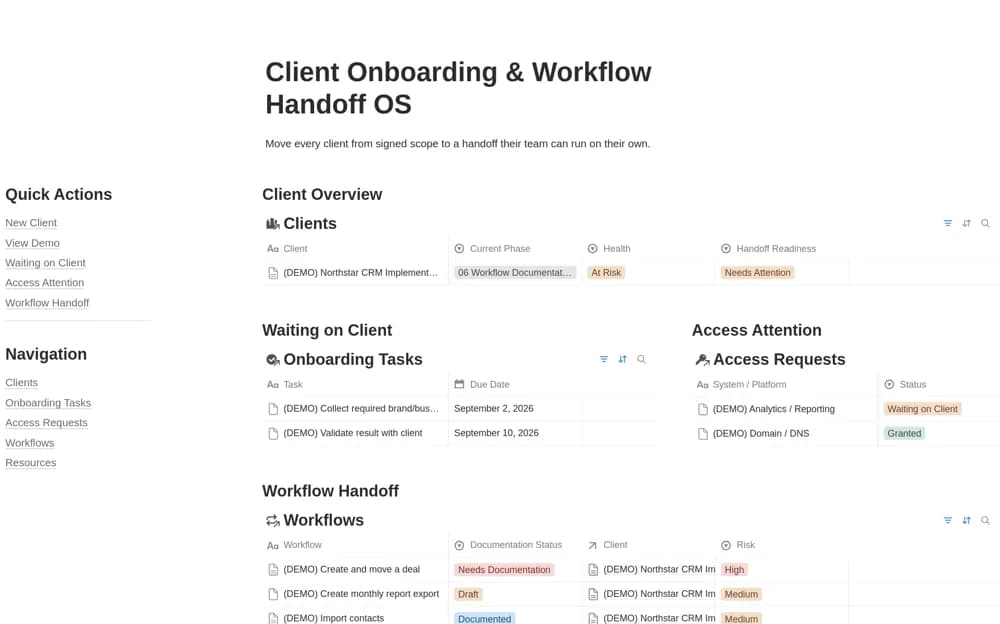
Client Onboarding & Handoff OS
A client implementation workspace tracking onboarding progress, missing access, workflow documentation, and handoff readiness, with a client-facing handoff view and a sample engagement.
Give a new engagement a clearer start. Find Notion templates for client intake, kickoff preparation, required materials, and the handoff from an agreed project to active delivery.
Showing 1–5 of 5 templates
FreeA client implementation workspace tracking onboarding progress, missing access, workflow documentation, and handoff readiness, with a client-facing handoff view and a sample engagement.
 Paid
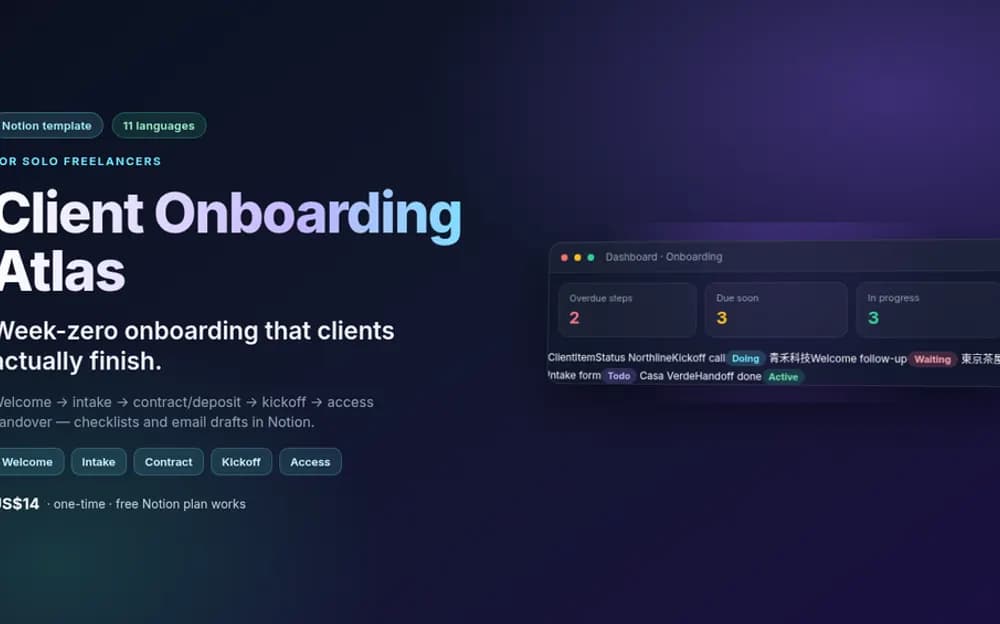
Give every new client the same first week in Notion, moving through welcome, intake, contract and deposit, kickoff, and access handover.
 Paid
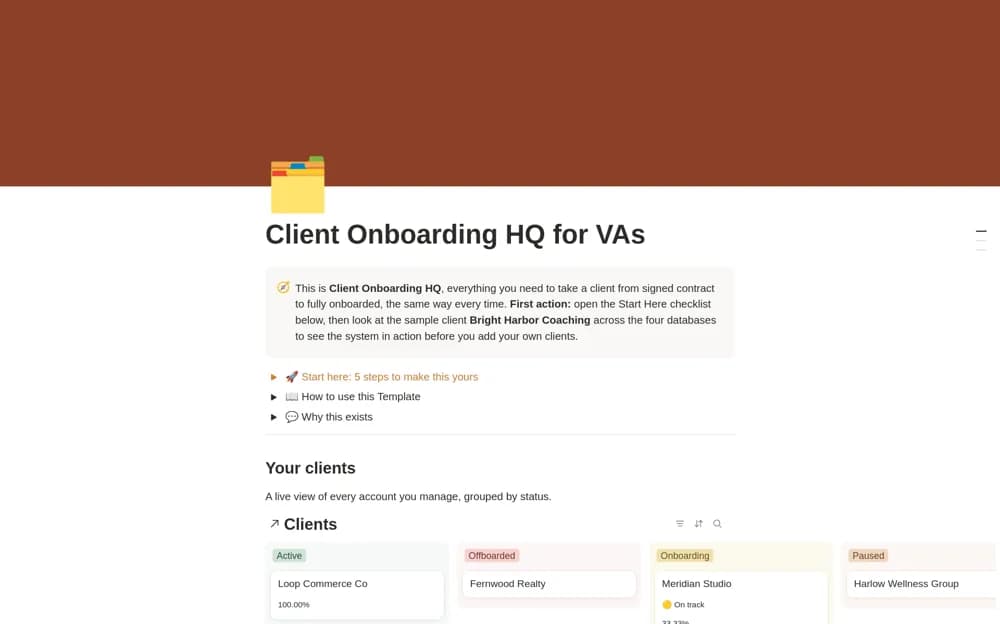
A paid virtual-assistant onboarding workspace with a built-in Notion intake form, client records, a repeatable onboarding workflow, and realistic examples for setup.
 Paid
Decide what to offer and charge as a new freelancer or virtual assistant, with a service menu, rate calculator, onboarding checklist, and scripts.
 Free
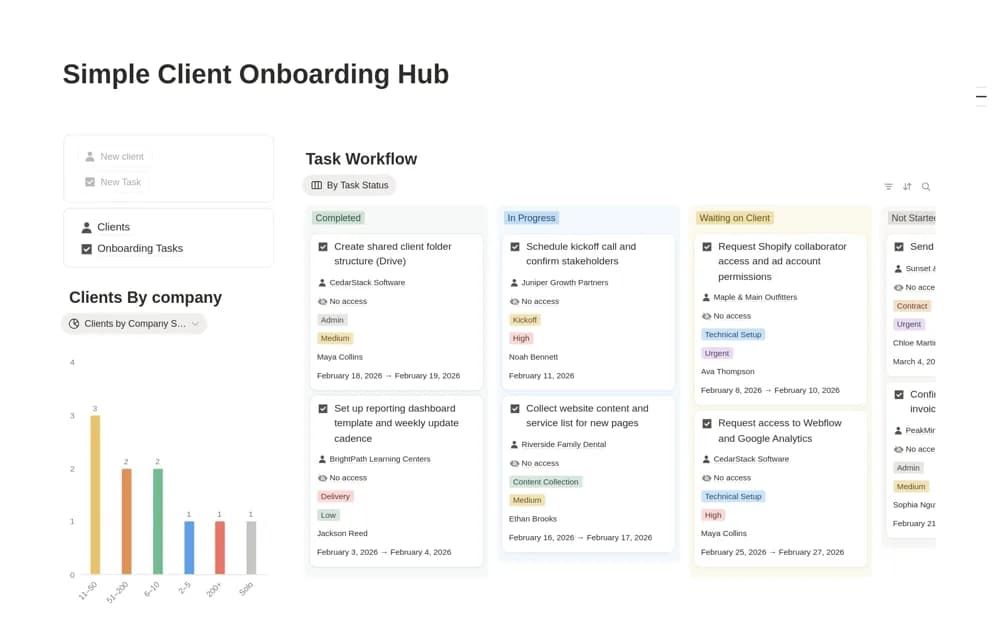
A lightweight onboarding system with two connected databases for clients and tasks, including a start-date calendar and a view of work waiting on the client.
Compare the purpose and included features before choosing a workspace.
Solo freelancers who want a repeatable onboarding routine after a deal is signed.
New freelancers and virtual assistants choosing services, setting rates, and approaching their first clients.
Agencies and implementation teams moving from agreed scope to a documented, usable client handover.
5 working templates from 5 creators: 2 free and 3 paid, with paid options from $12 to $14. Links last checked November 22, 2026.
| Template | Best for | Price | Creator |
|---|---|---|---|
| Client Onboarding Atlas | Solo freelancers who want a repeatable onboarding routine after a deal is signed. | $14 | kc lau |
| Freelance Client Onboarding Toolkit | New freelancers and virtual assistants choosing services, setting rates, and approaching their first clients. | $12 | Ahmed Fouad |
| Client Onboarding & Handoff OS | Agencies and implementation teams moving from agreed scope to a documented, usable client handover. | Free | Trong Hoang — Wayfare |
| Client Onboarding HQ for Virtual Assistants | Virtual assistants who want a consistent starting process for new client engagements. | $14 | Imphara |
| Simple Client Onboarding Hub | Solo freelancers and small agencies who need a clear onboarding routine without a broad operating system. | Free | System4Business Co |
Walk through onboarding as a new client before sharing the workspace. They should understand what to provide, where to put it, and what happens next. Separate internal preparation from the information the client can access. Record missing materials and approvals with owners and dates. Check whether a template includes forms, a shared portal, or just a checklist, and keep contracts and payment requirements tied to your actual business process.
Intake and materials checklists
Kickoff and handoff responsibilities
Clear client sharing boundaries
About the directoryKeep required materials, access, decisions, and kickoff responsibilities explicit. Give missing items an owner and a next action. Walk through shared pages as the client before the first engagement uses them. At handoff, confirm the instructions and access actually work rather than only checking that internal tasks have been marked complete.
Jump straight to any listing in the collection.
Onboarding prepares the client and team to begin agreed work. Handoff prepares the client to use or maintain the completed result. Some templates connect both, while focused tools may cover only intake or kickoff.
It depends on the job you need it to do. Good starting points in this collection include Client Onboarding Atlas (solo freelancers who want a repeatable onboarding routine after a deal is signed), Freelance Client Onboarding Toolkit (new freelancers and virtual assistants choosing services, setting rates, and approaching their first clients), Client Onboarding & Handoff OS (agencies and implementation teams moving from agreed scope to a documented and usable client handover). Compare the included features below, then try your first choice with a week of real information before moving everything across.
Yes. This collection currently includes 2 listings with a confirmed free creator offer, alongside 3 paid or freemium options. Use the Free filter to compare them. A free version can have different features from a creator’s paid upgrade, so check the original listing and current access terms before adding it to your workspace.