About Freelance Command Center
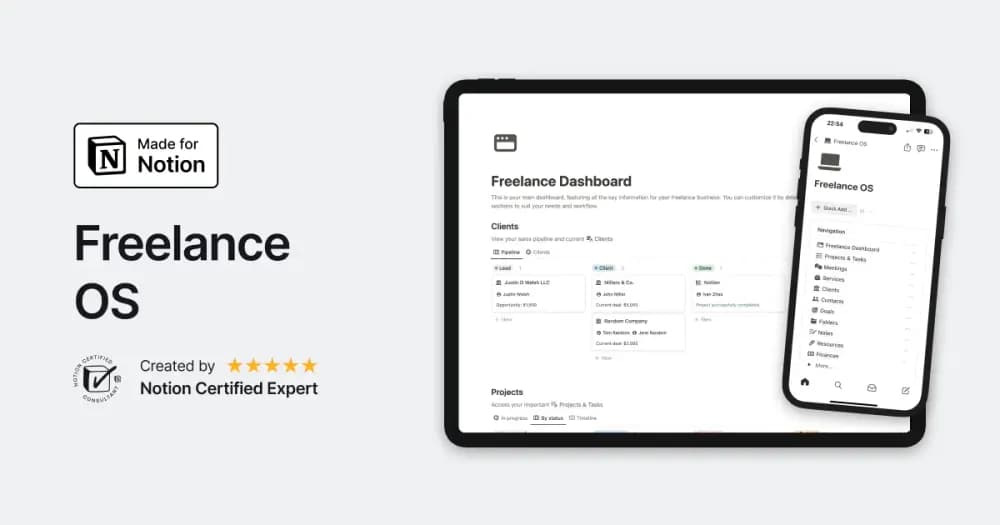
Digital Plan’s Freelance OS brings clients, projects, and invoices into the scope of one Notion workspace. It is a paid option for freelancers who want to compare a broader business setup with separate trackers. Review the creator’s preview for the exact connections between those records. A useful trial follows one engagement from inquiry through agreed scope, delivery, and billing. Check whether you can quickly find the next action and the latest agreement. Confirm any invoicing or payment integrations separately; the template’s name alone does not establish what is automated.
What’s included
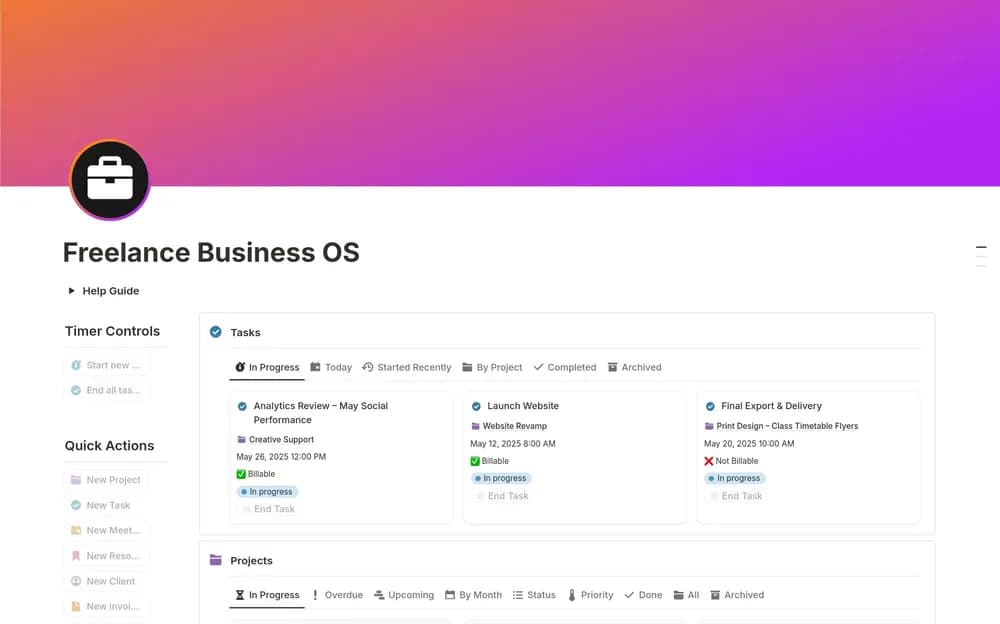
- Project and task dashboards linked to client records
- Task timers and billable-hour conversion
- Invoice creation, income and expense views, meetings, and a built-in help guide
How to use it in practice
Create a sample client project with an agreed rate, then log a short work session and inspect the billable amount. Trace that entry through the project and invoice views before using real billing records. Keep expenses attached to the correct client or project where appropriate. Review invoices against the agreed scope and distinguish money billed from money actually received.
Set it up in your workspace
- Open the original Notion Marketplace listing and add the template to your chosen workspace while signed in. Keep its example records until you understand how the pages connect.
- Use a sample client and a small project. Follow the record through delivery and billing before entering current client information.
- Try one complete example before adding a large backlog. Check that its views and any calculations show what you expect, then replace the sample content with your own.
Who it suits and what to consider
Independent professionals managing several client engagements. Useful for freelancers who want time and billing context together. Timer behavior, invoice fields, and any calculations deserve a sample run before the system becomes your operational record.