 Free
Work & business
Client Portal Notion templates
Give clients a clear place to find deliverables, decisions, and the next step. Compare Notion portals for shared project updates and a smoother handover.
Showing 1–8 of 8 templates
Free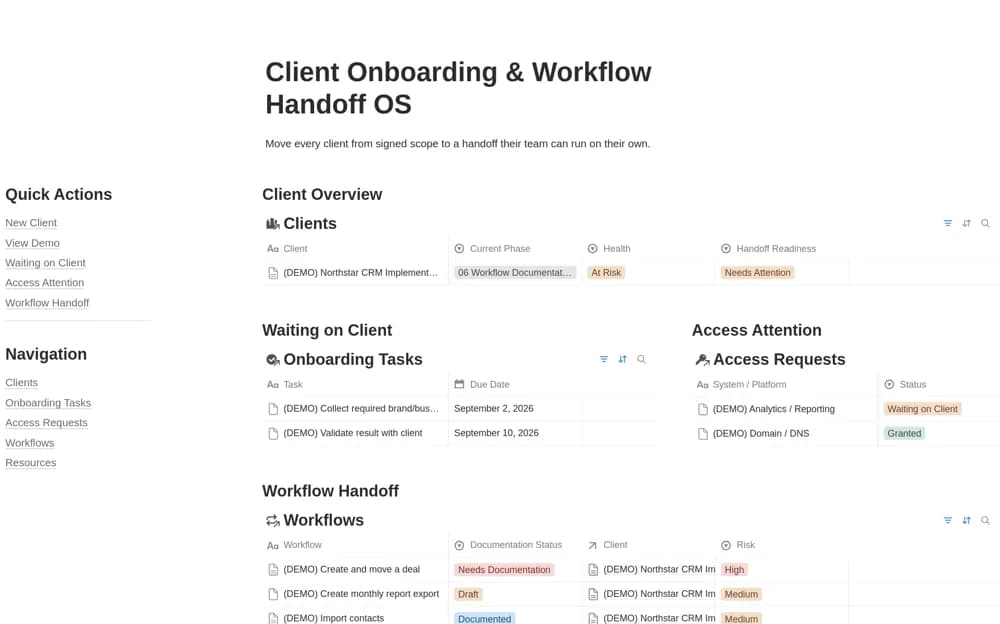 Free
Client Onboarding & Handoff OS
A client implementation workspace tracking onboarding progress, missing access, workflow documentation, and handoff readiness, with a client-facing handoff view and a sample engagement.
 Paid
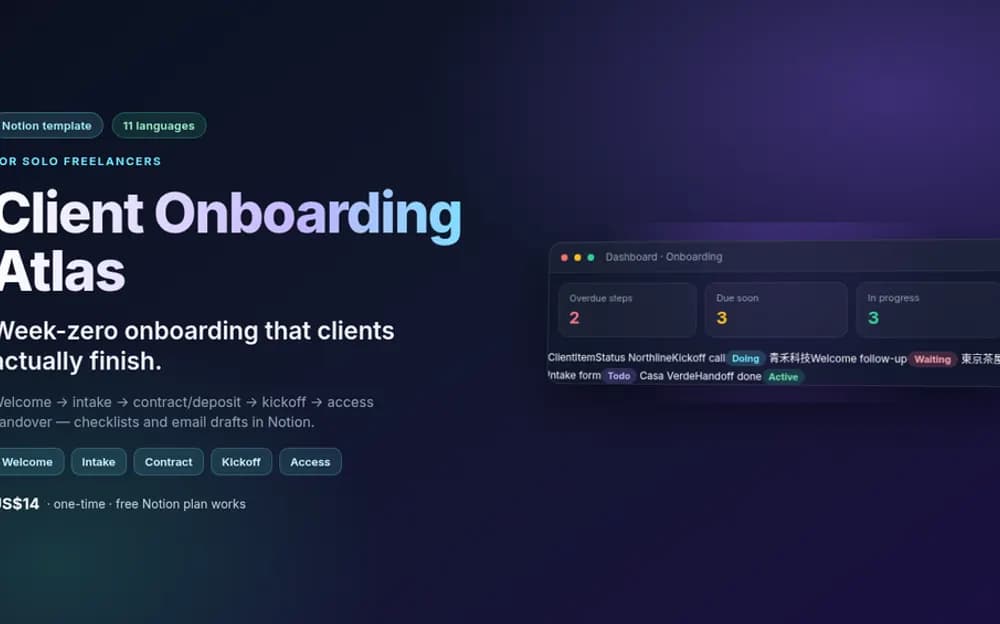
Client Onboarding Atlas
Give every new client the same first week in Notion, moving through welcome, intake, contract and deposit, kickoff, and access handover.
 Paid
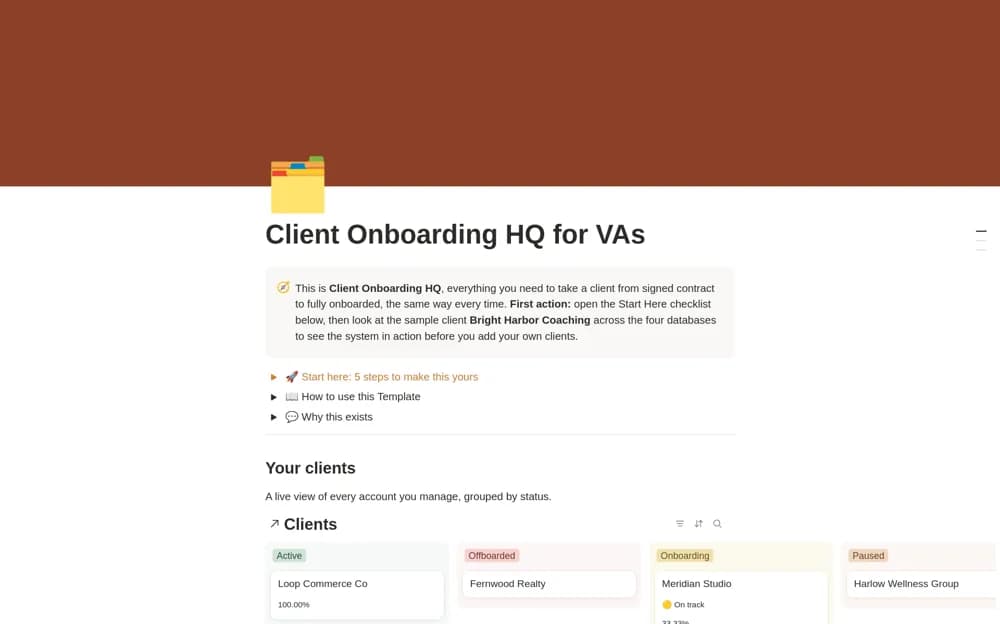
Client Onboarding HQ for Virtual Assistants
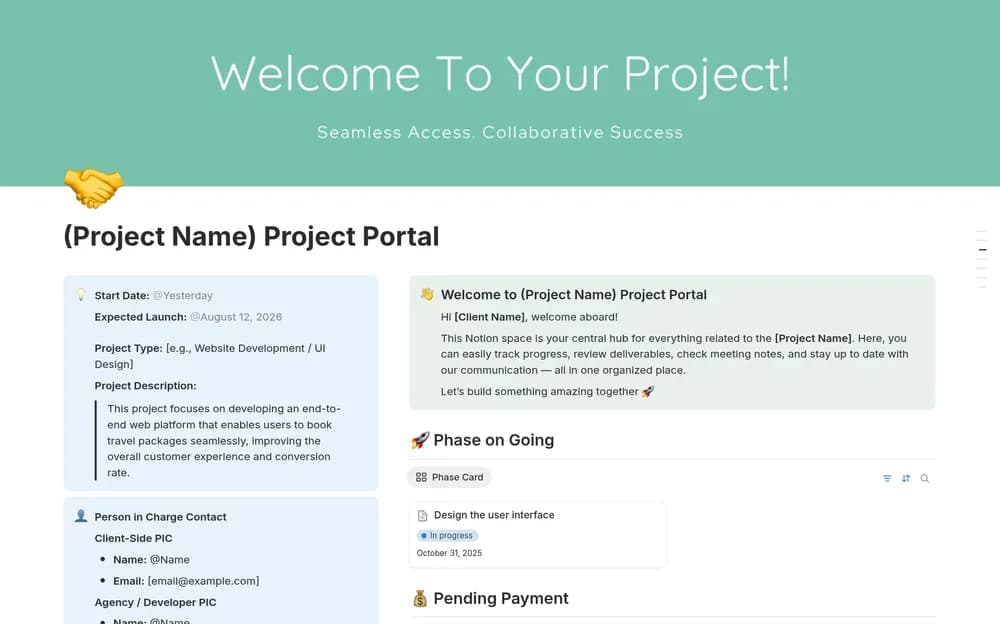
A paid virtual-assistant onboarding workspace with a built-in Notion intake form, client records, a repeatable onboarding workflow, and realistic examples for setup.
 Free
 Paid
Freelance Client Onboarding Toolkit
Decide what to offer and charge as a new freelancer or virtual assistant, with a service menu, rate calculator, onboarding checklist, and scripts.
SponsoredAdvertise here
Appsupaappsupa.comFind mobile app ideas that already make moneySee what 590K+ App Store and Google Play apps earn, which niches have leaders you can beat, and what people search. $15 a month, cancel anytime.Find an app idea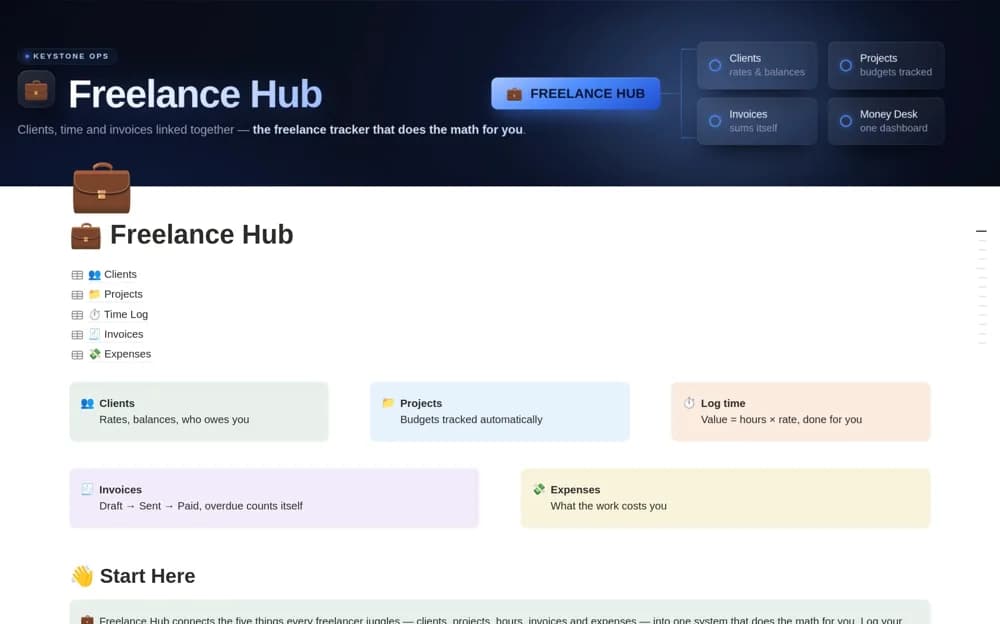 Free
Freelance Hub — Client, Time & Invoice Tracker
A connected freelance system for clients, projects, logged time, invoices, expenses, and outstanding work value.
 Free
Simple Client Onboarding Hub
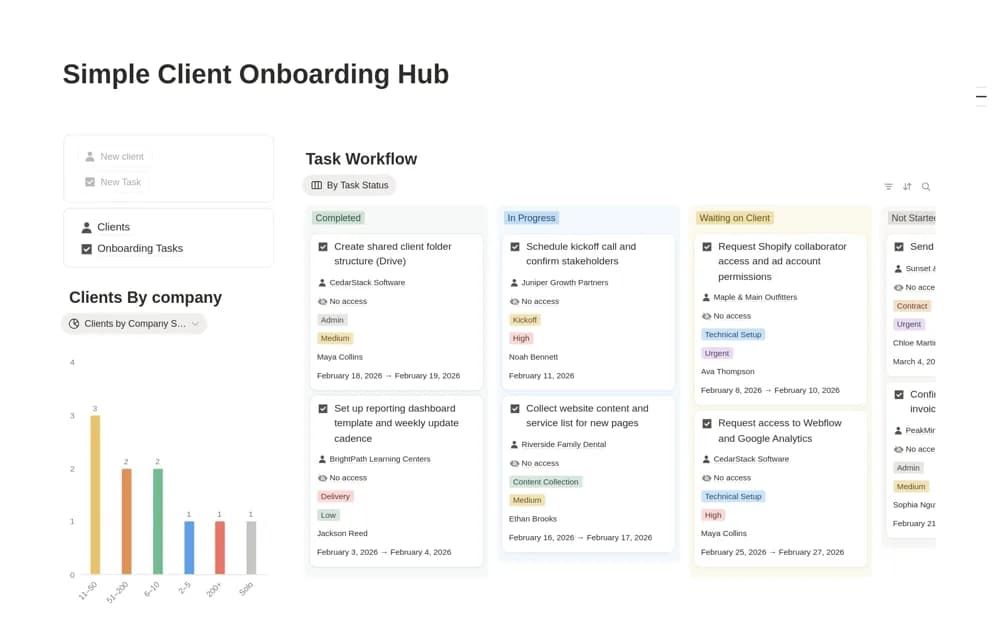
A lightweight onboarding system with two connected databases for clients and tasks, including a start-date calendar and a view of work waiting on the client.
A closer look at the collection
Which template fits your work?
Compare the purpose and included features before choosing a workspace.
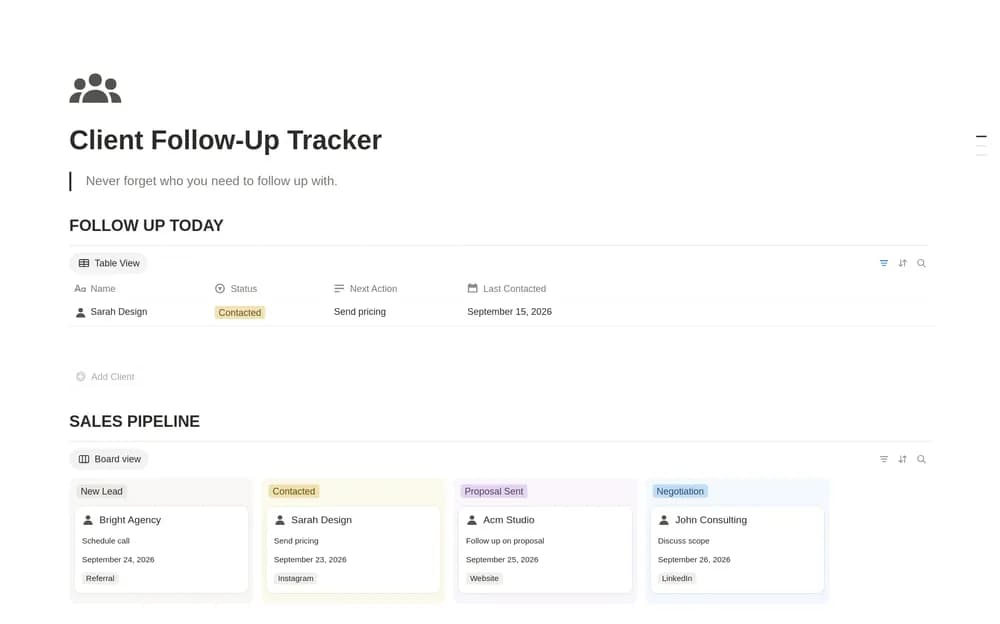
Client Follow-Up Tracker
Independent professionals and small sales teams.
- Organize client follow-ups
- Keep conversation context
- Review active relationships
Client Onboarding & Handoff OS
Agencies and implementation teams moving from agreed scope to a documented, usable client handover.
- Client onboarding and progress records
- Access requests and workflow documentation
- Handoff readiness and client-facing view
Client Onboarding Atlas
Solo freelancers who want a repeatable onboarding routine after a deal is signed.
- Onboarding tracker for new clients
- Five-stage checklist with owner, due date, and overdue flag
- Welcome email, intake questionnaire, and kickoff agenda templates
- Contract, deposit, and access handover checklists
At a glance
Client Portal Notion templates compared
8 working templates from 8 creators: 5 free and 3 paid, with paid options from $12 to $14. Links last checked November 22, 2026.
| Template | Best for | Price | Creator |
|---|---|---|---|
| Client Follow-Up Tracker | Independent professionals and small sales teams. | Free | Locominder |
| Client Onboarding & Handoff OS | Agencies and implementation teams moving from agreed scope to a documented, usable client handover. | Free | Trong Hoang — Wayfare |
| Client Onboarding Atlas | Solo freelancers who want a repeatable onboarding routine after a deal is signed. | $14 | kc lau |
| Client Onboarding HQ for Virtual Assistants | Virtual assistants who want a consistent starting process for new client engagements. | $14 | Imphara |
| Client Portal | Independent professionals sharing project context with a client. | Free | Nootionery |
| Freelance Client Onboarding Toolkit | New freelancers and virtual assistants choosing services, setting rates, and approaching their first clients. | $12 | Ahmed Fouad |
| Freelance Hub — Client, Time & Invoice Tracker | Freelancers who bill time or manage several commercial project arrangements. | Free | Keystone Ops |
| Simple Client Onboarding Hub | Solo freelancers and small agencies who need a clear onboarding routine without a broad operating system. | Free | System4Business Co |
Choose something that fits
How to compare client portal templates
Test the portal from a client’s point of view before sharing it. They should find the latest work, the question awaiting approval, and the delivery date quickly. Use a separate shared area for each engagement and check access to every linked page. Keep internal estimates and other clients’ information outside the portal. Agree on where feedback will be collected.
A few things to look for
A clear client home page
Visible approval requests
Separate internal records
About the directoryPut it into practice
Walk through the shared space as the client
Choose the information the client needs to participate: scope, dates, deliverables, open questions, and agreed actions. Keep internal estimates, private notes, and other clients' records outside that area. Test the actual guest experience before sharing a live engagement. At handover, remove outdated instructions and make the current deliverable easy to find.
Every template in this collection
All 8 Client Portal Notion templates (A–Z)
Jump straight to any listing in the collection.
Before you choose
Common questions
Does a client portal need to contain the whole project workspace?+
No. A useful portal can expose a small, clear view of the engagement while internal work stays elsewhere. The right amount of information is what the client needs to understand progress, provide input, and use the result.
What is the best client portal Notion template?+
It depends on the job you need it to do. Good starting points in this collection include Client Follow-Up Tracker (independent professionals and small sales teams), Client Onboarding & Handoff OS (agencies and implementation teams moving from agreed scope to a documented, usable client handover) and Client Onboarding Atlas (solo freelancers who want a repeatable onboarding routine after a deal is signed). Compare the included features below, then try your first choice with a week of real information before moving everything across.
Are there free templates in the client portal collection?+
Yes. This collection currently includes 5 listings with a confirmed free creator offer, alongside 3 paid or freemium options. Use the Free filter to compare them. A free version can have different features from a creator’s paid upgrade, so check the original listing and current access terms before adding it to your workspace.