About Client Onboarding Atlas
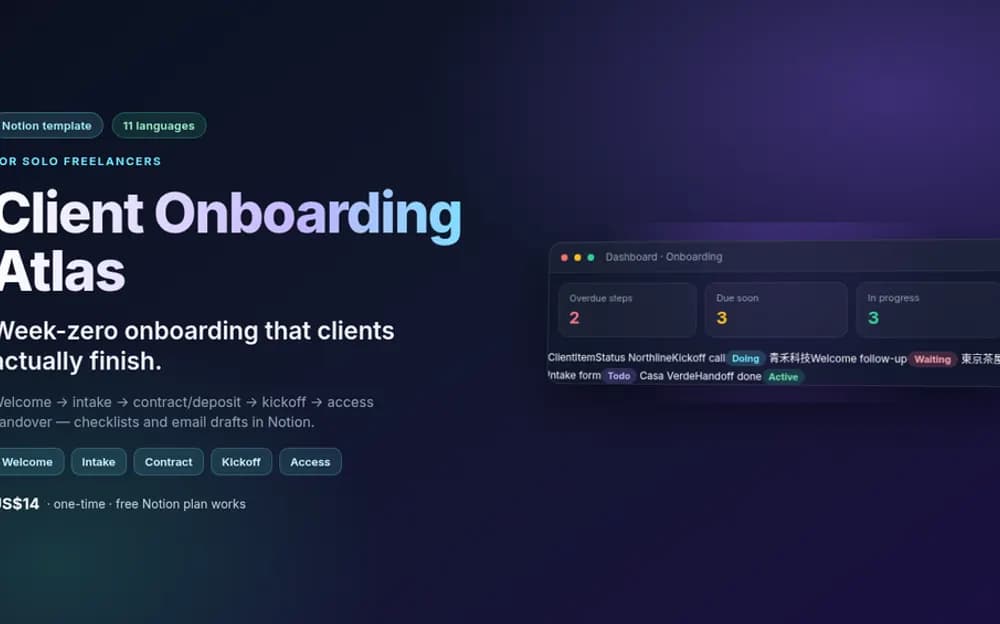
Give every new client the same first week in Notion, moving through welcome, intake, contract and deposit, kickoff, and access handover.
What’s included
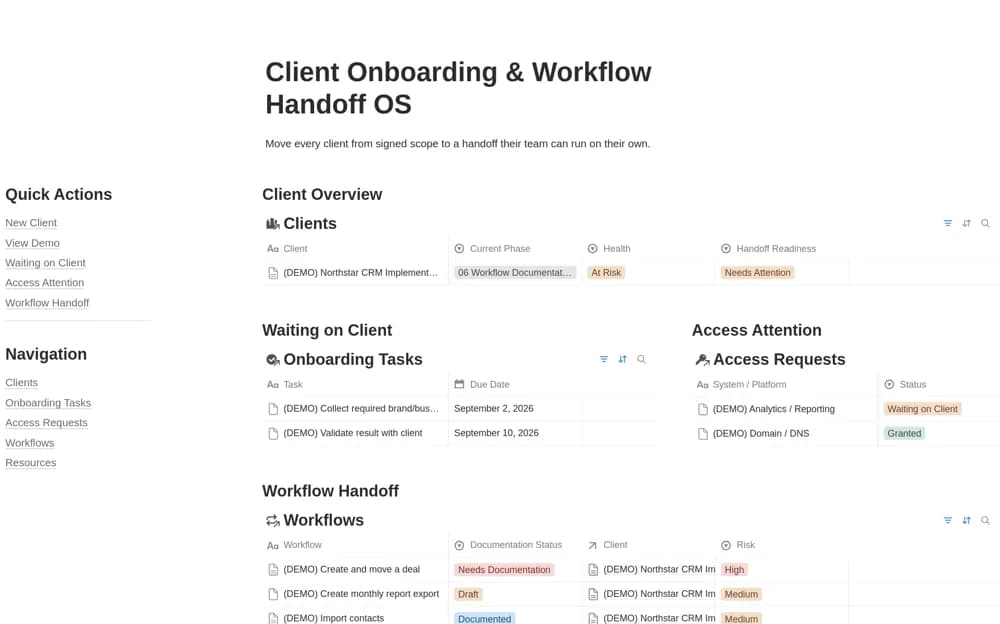
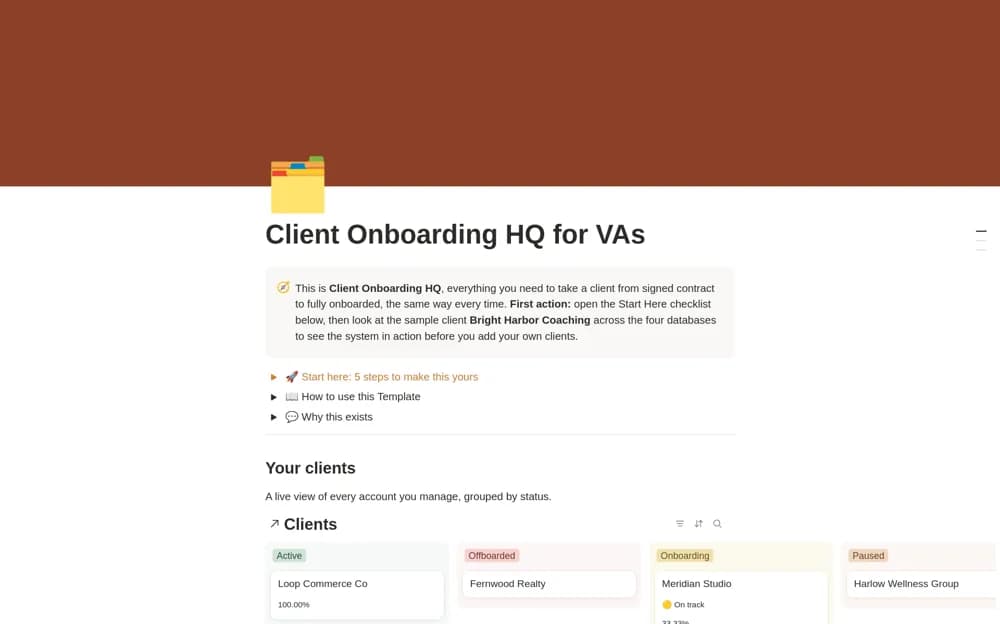
- Onboarding tracker for new clients
- Five-stage checklist with owner, due date, and overdue flag
- Welcome email, intake questionnaire, and kickoff agenda templates
- Contract, deposit, and access handover checklists
- Dashboard with overdue and in-progress views
How to use it in practice
Customize the welcome email and intake questionnaire once, then add a client you recently signed. Work through the checklist stages, giving each step a due date and noting where you are waiting on the client. Review the overdue view daily and refine the kickoff agenda after the first meeting.
Set it up in your workspace
- Follow the original creator’s checkout or access instructions to obtain the Notion page. Open that page while signed in, then duplicate it into the workspace you want to use.
- Customize the welcome email and intake questionnaire once, then add a client you recently signed.
- Try one complete example before adding a large backlog. Check that its views and any calculations show what you expect, then replace the sample content with your own.
Who it suits and what to consider
Solo freelancers who want a repeatable onboarding routine after a deal is signed. It is built as a companion to Client Atlas, matched by client name rather than a database relation. The creator advises having high-stakes contracts reviewed by a lawyer.