About Notion CRM
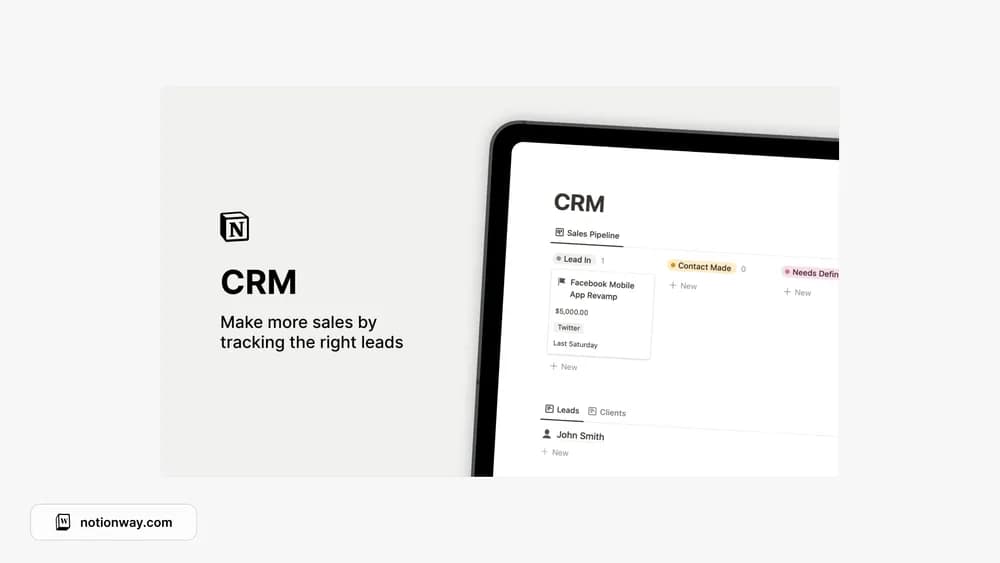
This CRM is described in the source as a place for a sales pipeline, contacts, and companies. It is useful when a follow-up needs more context than a name and email address. Check the destination for the current version and the exact included views.
What’s included
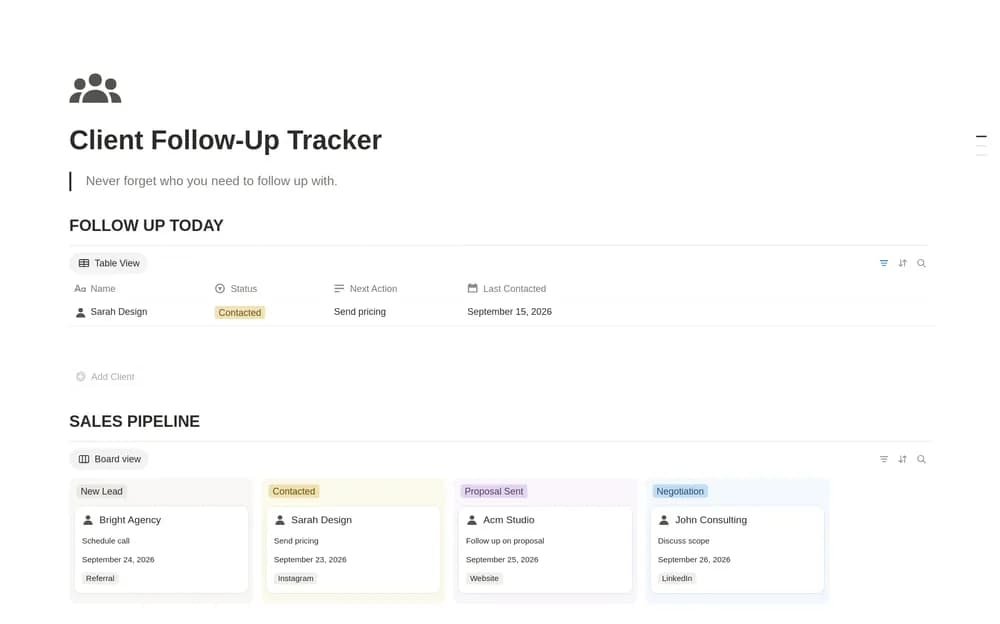
- A sales pipeline for tracking active opportunities
- Records for leads and existing clients
- Company information for organizations you want to work with
How to use it in practice
Start with a few active prospects and record the last meaningful conversation. Give each a next action with a reason, such as sending a requested example rather than a generic follow-up. Review the pipeline weekly and close opportunities that are no longer active. Consistent stages make it easier to see which relationships need attention.
Set it up in your workspace
- Follow the original creator’s checkout or access instructions to obtain the Notion page. Open that page while signed in, then duplicate it into the workspace you want to use.
- Add a few active relationships and a next step for each. Use stages that reflect your own sales process.
- Try one complete example before adding a large backlog. Check that its views and any calculations show what you expect, then replace the sample content with your own.
Who it suits and what to consider
Independent businesses keeping track of relationships. A useful CRM starting point for a small pipeline. A record does not send the follow-up for you, so keep the actual communication step in your routine.