About Project Manager Pro
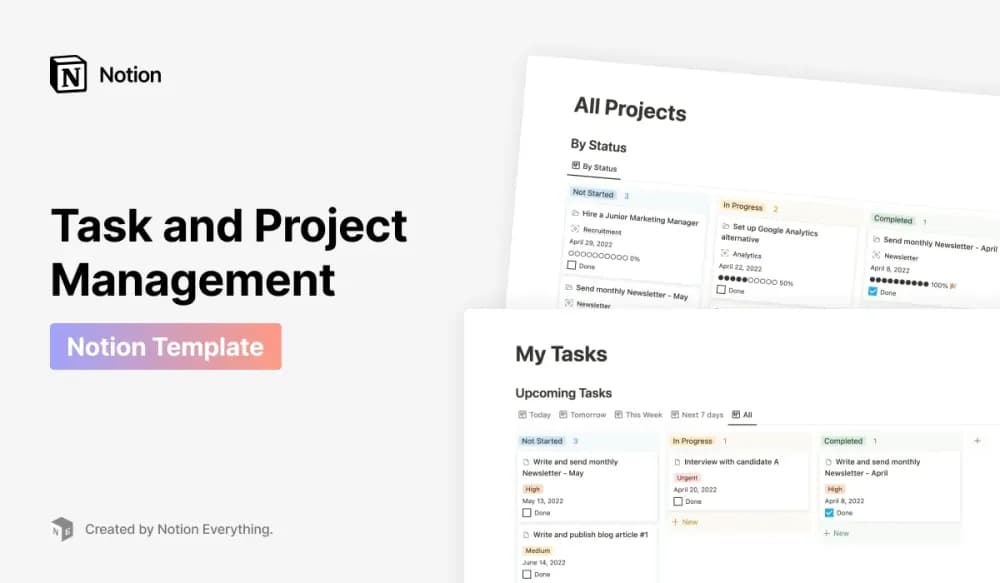
A project system should make the next action and the overall outcome easy to see together. This template comes from Notion Everything. Check the current walkthrough for the views and workflow you need, then test how a real project changes as work is added, completed, or rescheduled.
What’s included
- Four main databases with preconfigured relations
- Area, topic, project, personal, and team dashboards
- More than 30 views, including boards, timelines, calendars, galleries, and focused time-period views
How to use it in practice
Create a project under a relevant area and connect a few tasks. Use a focus view to choose the next action, then open the project dashboard to check its wider context. Agree on ownership and status meanings when using the team views. Keep only the views that answer recurring questions in your main navigation so the range of options remains helpful.
Set it up in your workspace
- Follow the original creator’s checkout or access instructions to obtain the Notion page. Open that page while signed in, then duplicate it into the workspace you want to use.
- Set up one current project with a defined outcome. Review it from the task view as well as the project overview before importing older work.
- Try one complete example before adding a large backlog. Check that its views and any calculations show what you expect, then replace the sample content with your own.
Who it suits and what to consider
People coordinating several active projects. A fit for people who want several connected ways to review the same work. The customization guide is useful before changing database relations or rebuilding dashboards.