About Notion Project Management
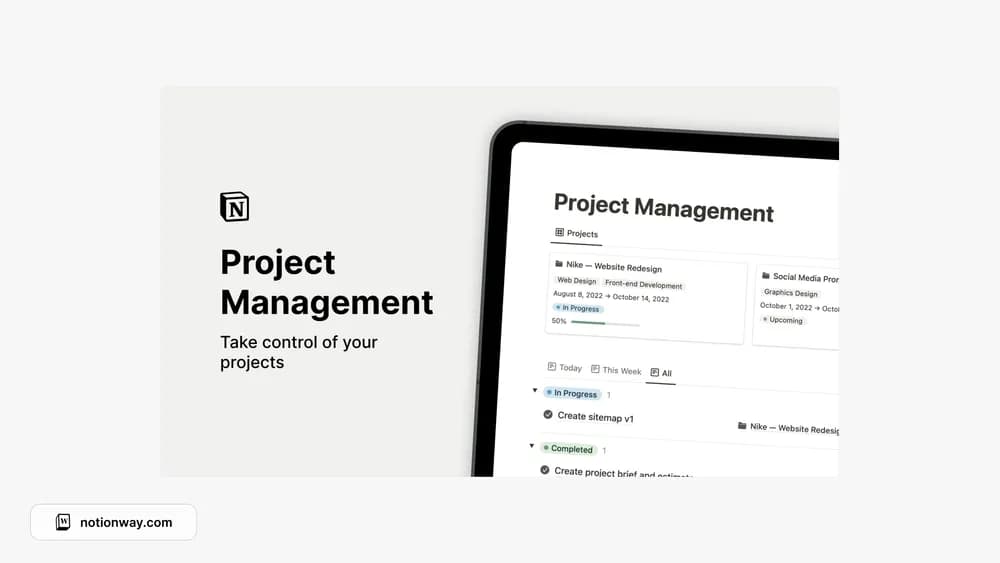
This project-management template brings progress and task records together. It suits someone who needs to see more than a list of disconnected actions. Define what finishing each project means, then keep the next step visible so the dashboard stays actionable.
What’s included
- A place to track project progress
- Task management connected to the project workflow
- Assignment and filtering of project work
How to use it in practice
Write a clear outcome for one active project and break the next milestone into tasks. Give every task a next action that someone can understand without reopening a chat history. During a review, check whether the project status agrees with the unfinished work. Close completed projects deliberately so they do not continue to occupy the active view.
Set it up in your workspace
- Follow the original creator’s checkout or access instructions to obtain the Notion page. Open that page while signed in, then duplicate it into the workspace you want to use.
- Add one active project, its expected outcome, and the next three tasks. Review the project after a week of use.
- Try one complete example before adding a large backlog. Check that its views and any calculations show what you expect, then replace the sample content with your own.
Who it suits and what to consider
People managing several pieces of active work. Useful when you want projects and tasks together without a broad business dashboard. Confirm specialized needs such as dependencies or time billing in the preview rather than assuming they are included.