About Press coverage
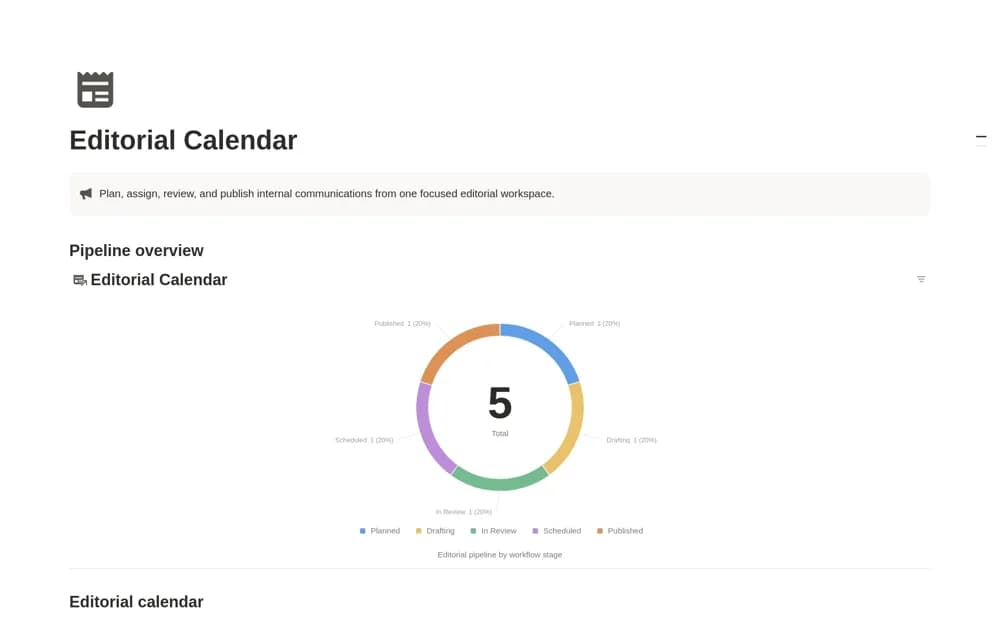
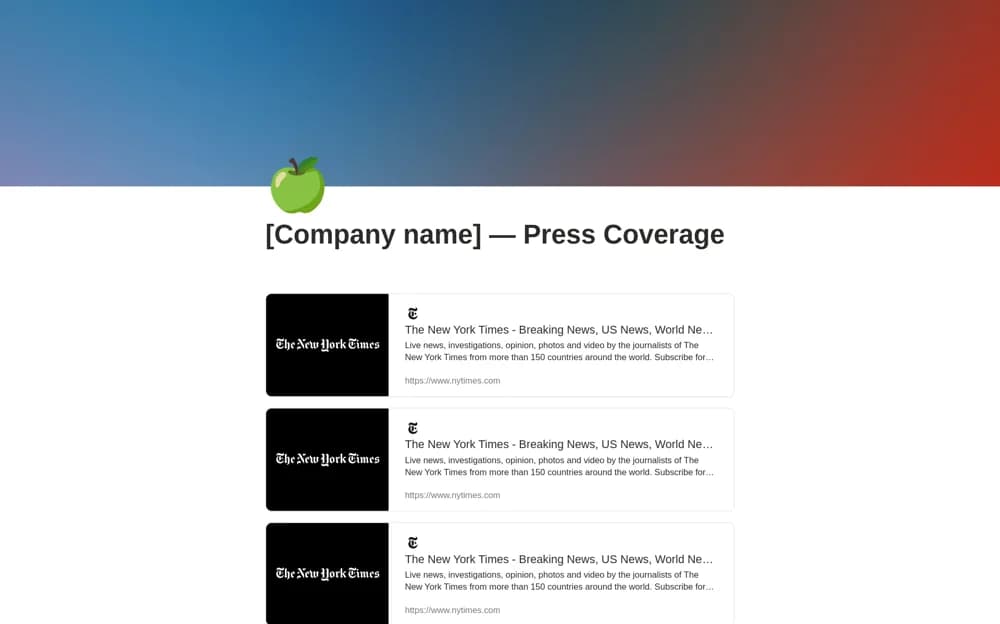
Build a Notion press-coverage page from article bookmarks, with visual previews, a shareable layout, and a dedicated media contact section.
What’s included
- Article bookmarks with visual previews
- Shareable press-page layout
- Dedicated press-contact section
How to use it in practice
Add a published article link and check the generated title, excerpt, and image. Keep the collection focused on relevant coverage, then update the press contact to a monitored address. Preview the public page and confirm visitors can distinguish editorial coverage from your own company announcements.
Set it up in your workspace
- Open the original Notion Marketplace listing and add the template to your chosen workspace while signed in. Keep its example records until you understand how the pages connect.
- Add a published article link and check the generated title, excerpt, and image.
- Try one complete example before adding a large backlog. Check that its views and any calculations show what you expect, then replace the sample content with your own.
Who it suits and what to consider
Communications teams collecting published media mentions for colleagues, journalists, or partners. Bookmark previews depend on the source page. The template does not discover new mentions or bypass a publisher’s paywall.