About Internal Comms
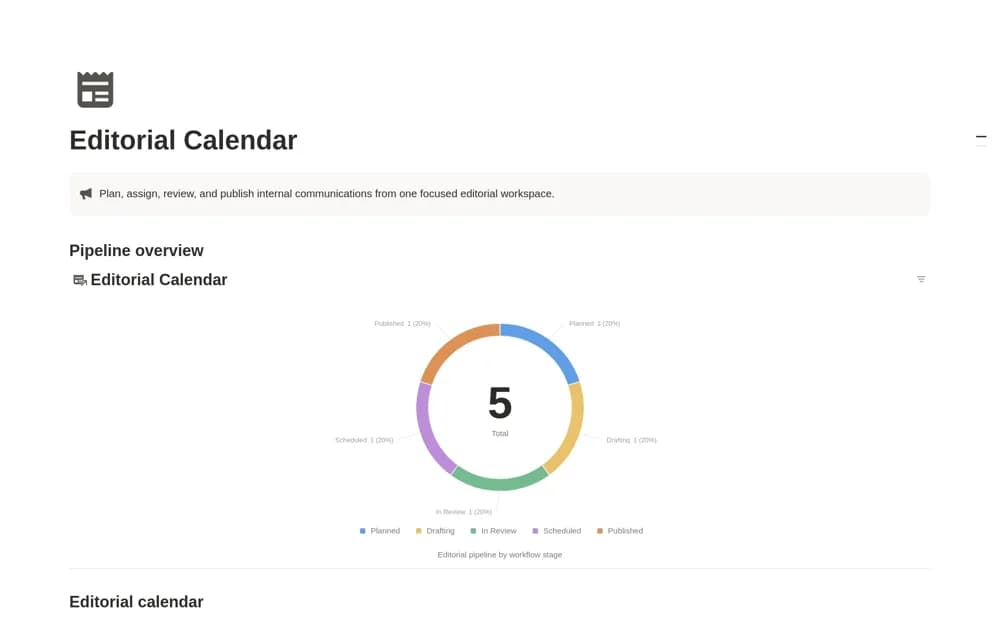
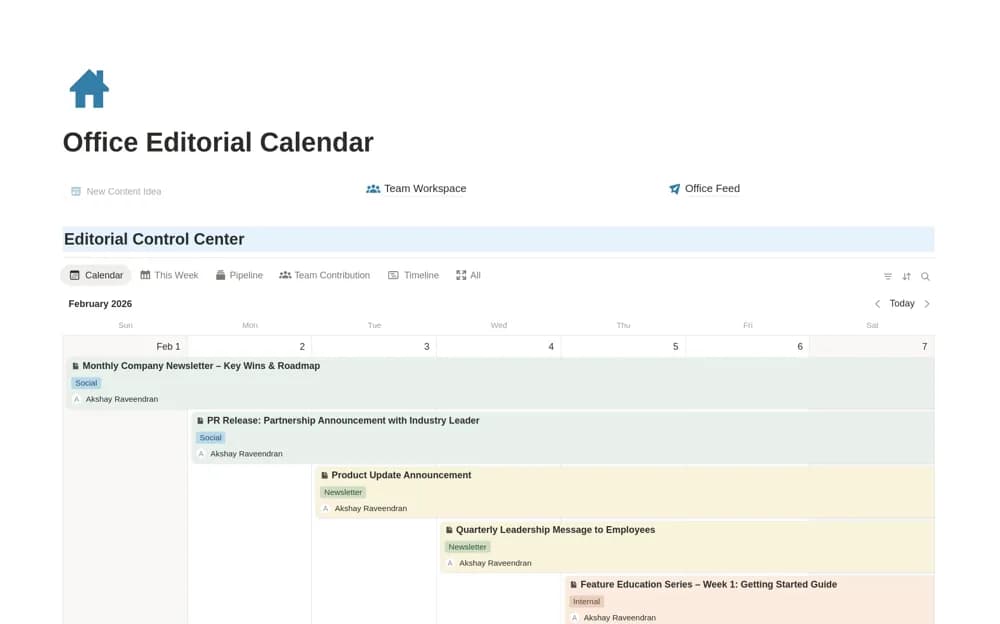
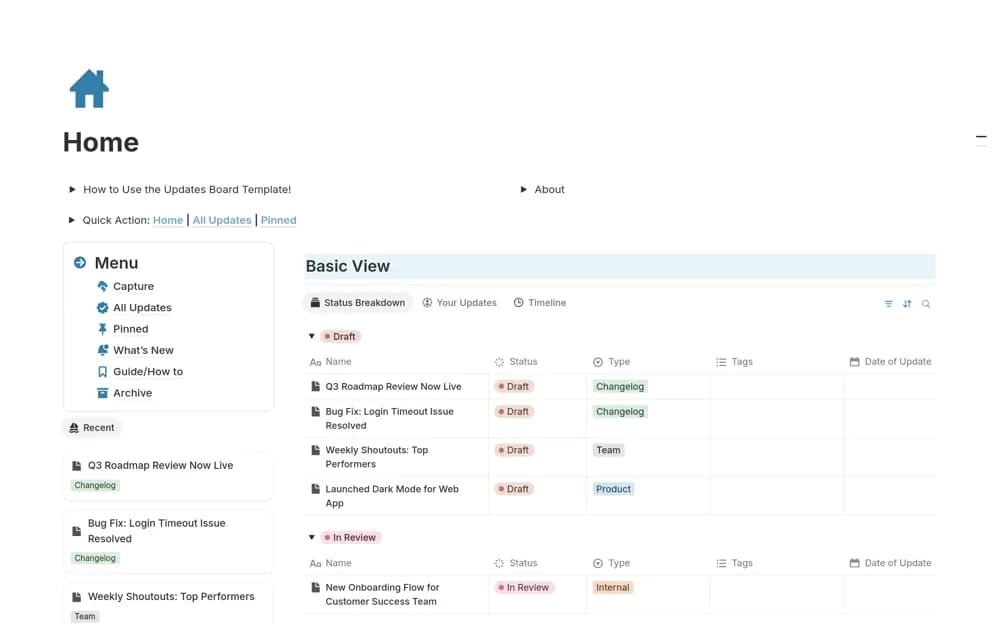
Manage internal announcements in Notion with a publishing workflow, pinned updates, team filters, and a searchable company feed.
What’s included
- Updates database with draft-to-archive stages
- Team and product-change views
- Pinned announcement system
- Timeline and quick-capture template
How to use it in practice
Draft one announcement and identify the people who need the information. Add an owner, move it through review, and check how it appears in the team feed before publishing. Pin only the updates that need lasting attention and archive superseded guidance when the message changes.
Set it up in your workspace
- Open the original Notion Marketplace listing and add the template to your chosen workspace while signed in. Keep its example records until you understand how the pages connect.
- Draft one announcement and identify the people who need the information.
- Try one complete example before adding a large backlog. Check that its views and any calculations show what you expect, then replace the sample content with your own.
Who it suits and what to consider
Communications managers and team leads coordinating internal news and product-change announcements. A published record does not prove employees read it. Agree on a review and distribution routine alongside the Notion board.