About Small Shop Inventory & Orders
Run a small online shop in Notion with linked products, orders, and customers, calculated stock, low-stock alerts, and profit after platform fees.
What’s included
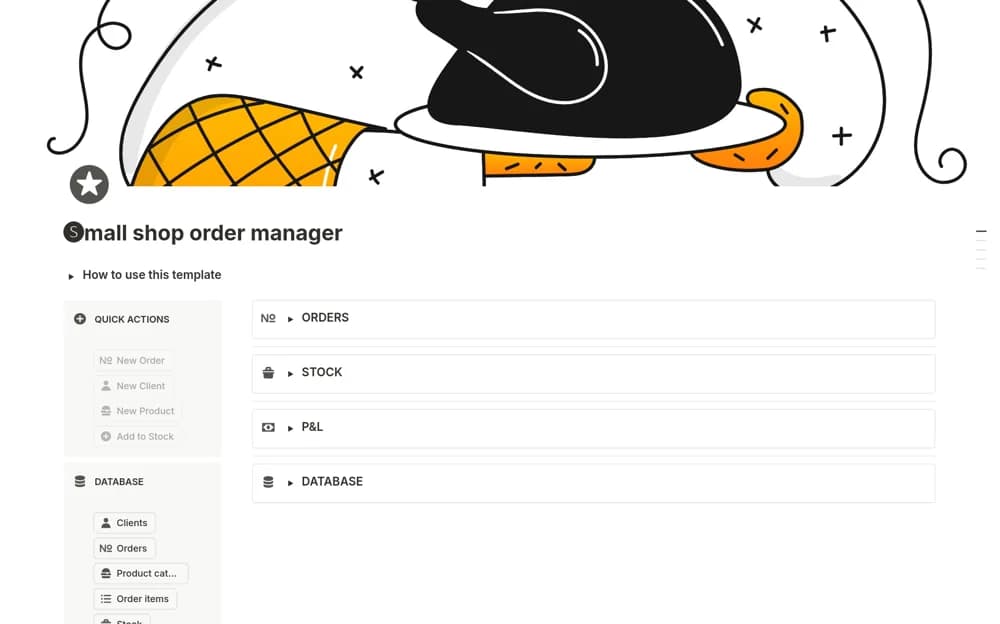
- Linked Products, Orders, and Customers databases
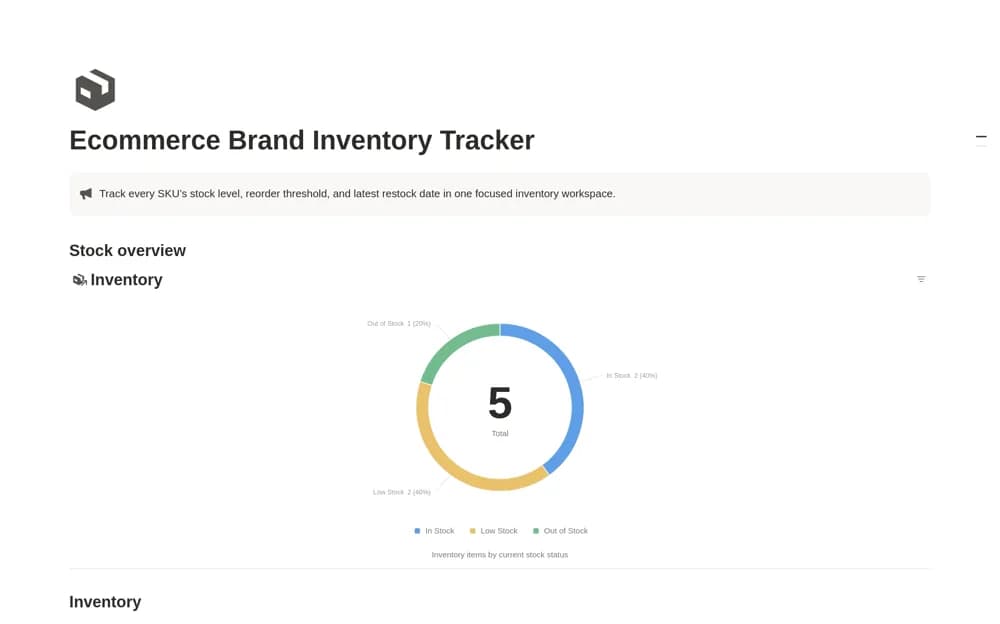
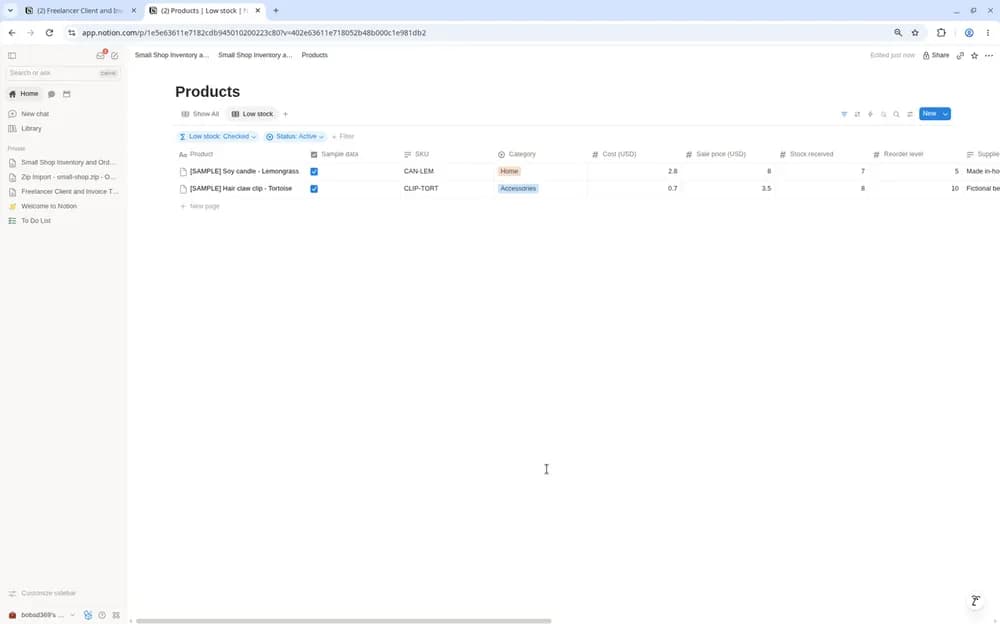
- Stock on hand with low-stock alerts at your reorder level
- Profit per order line after discounts and platform fees
- Cash-on-delivery to collect list
- Order board by delivery status with channel and monthly revenue
How to use it in practice
Add your top-selling products with their current stock and a reorder level. Enter a week of real orders, using one row per product with a shared order code, and fill in the platform fee for each. At the end of the week, compare the stock count with your shelves and check the COD list against payments received.
Set it up in your workspace
- Follow the original creator’s checkout or access instructions to obtain the Notion page. Open that page while signed in, then duplicate it into the workspace you want to use.
- Add your top-selling products with their current stock and a reorder level.
- Try one complete example before adding a large backlog. Check that its views and any calculations show what you expect, then replace the sample content with your own.
Who it suits and what to consider
Sellers on Shopee, TikTok Shop, Facebook, Zalo, or their own site who handle orders without dedicated software. Each product in an order needs its own row, and platform fees are entered manually rather than calculated. Separate English and Vietnamese workspaces are included.