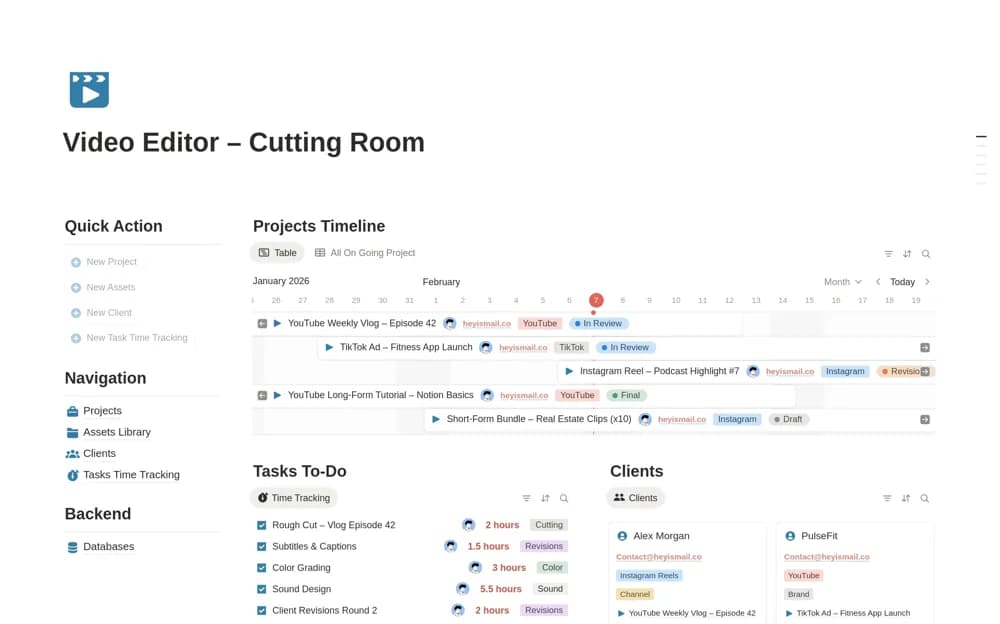
About Video Review & Delivery Tracker
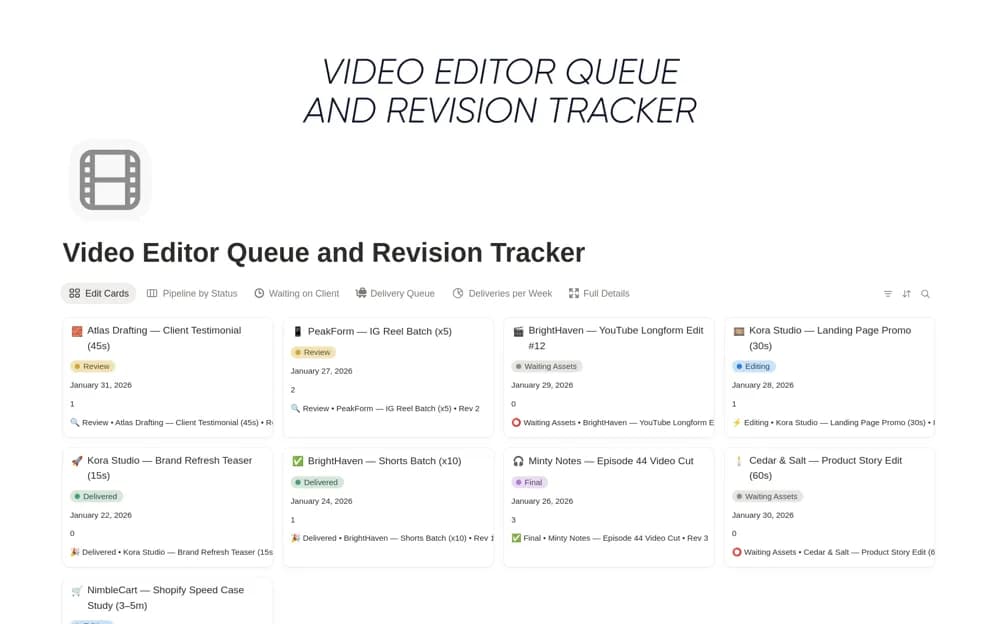
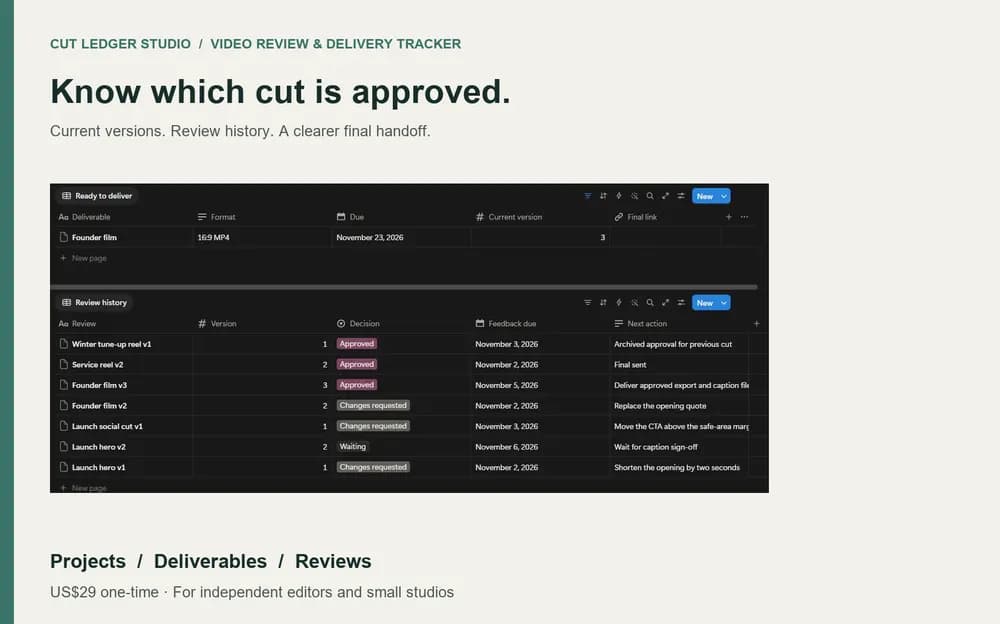
Track video projects, each export and version-specific client approvals in Notion, so an older approval never clears a newer cut for final delivery.
What’s included
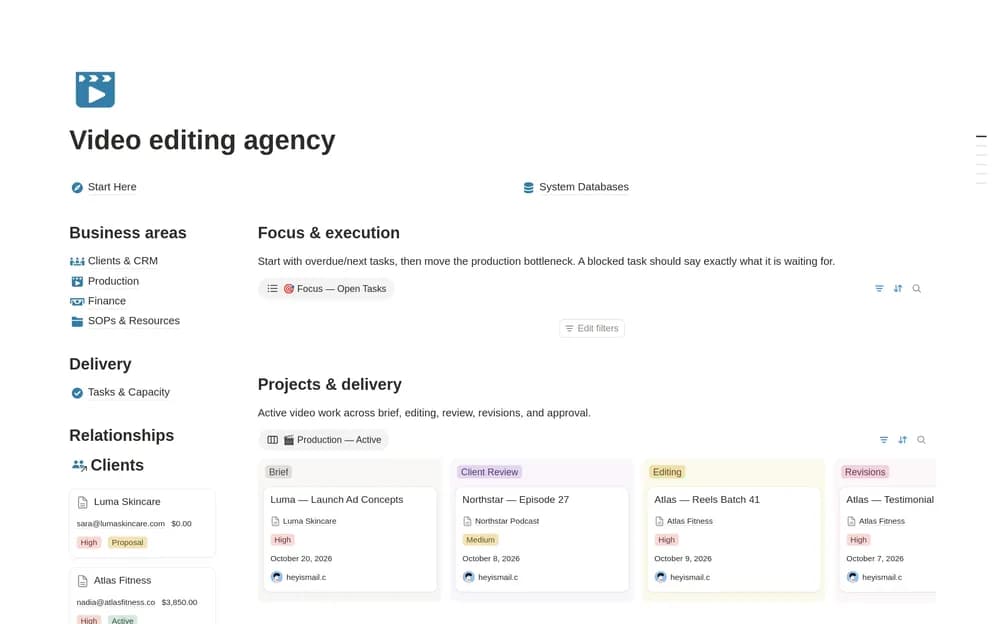
- Linked Projects, Deliverables and Reviews databases
- Ready to deliver, review history and work queue views
- Status cards for a quick check
- Fictional examples and setup instructions
How to use it in practice
Add one active project with its current deliverables and record the latest review decision against the exact cut it refers to. When you export a new version, increase the cut number and confirm the older approval moves to history. Before sending a final file, check the Ready to deliver view and add the verified final file link.
Set it up in your workspace
- Follow the original creator’s checkout or access instructions to obtain the Notion page. Open that page while signed in, then duplicate it into the workspace you want to use.
- Add one active project with its current deliverables and record the latest review decision against the exact cut it refers to.
- Try one complete example before adding a large backlog. Check that its views and any calculations show what you expect, then replace the sample content with your own.
Who it suits and what to consider
Independent video editors and small studios managing several review rounds per project. The template does not host videos or provide time-coded comments; it records decisions and links to your existing review and storage services. The creator designed it mainly for desktop use.