About Youtube Creator OS
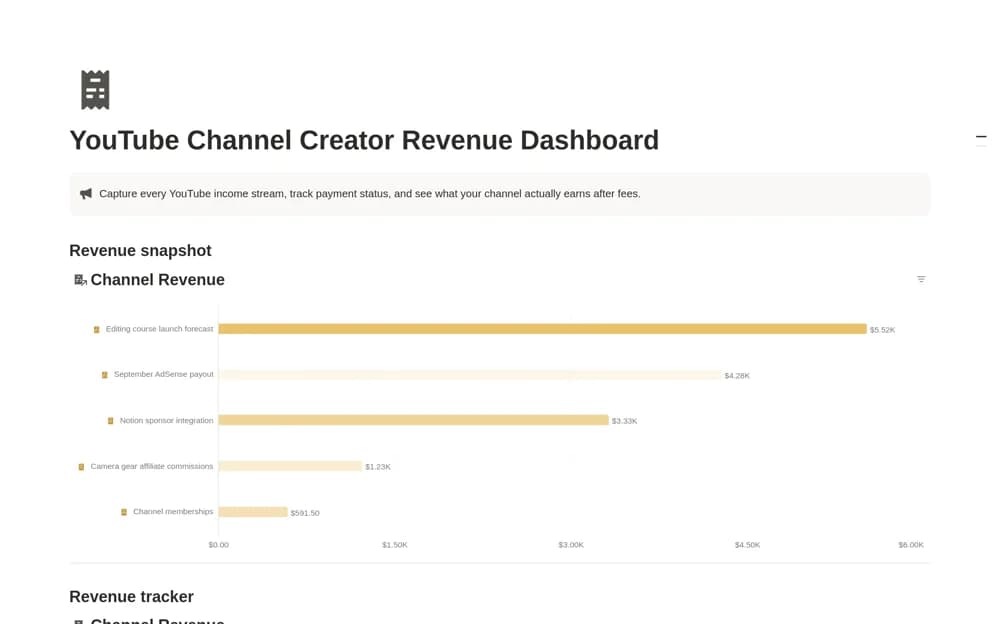
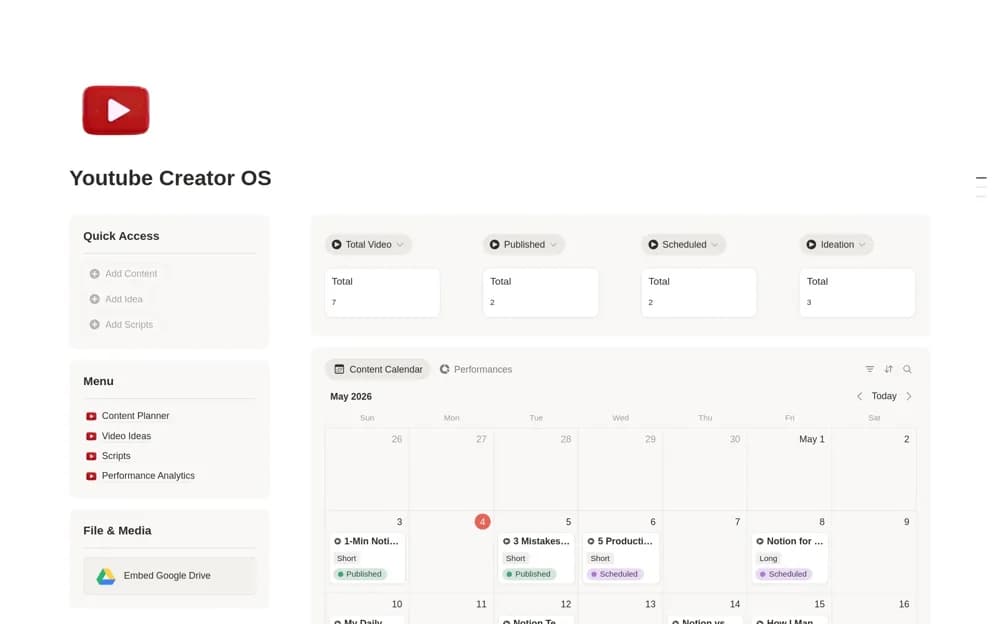
A YouTube planning system linking video ideas, scripts, content scheduling, upload records, and performance metrics.
What’s included
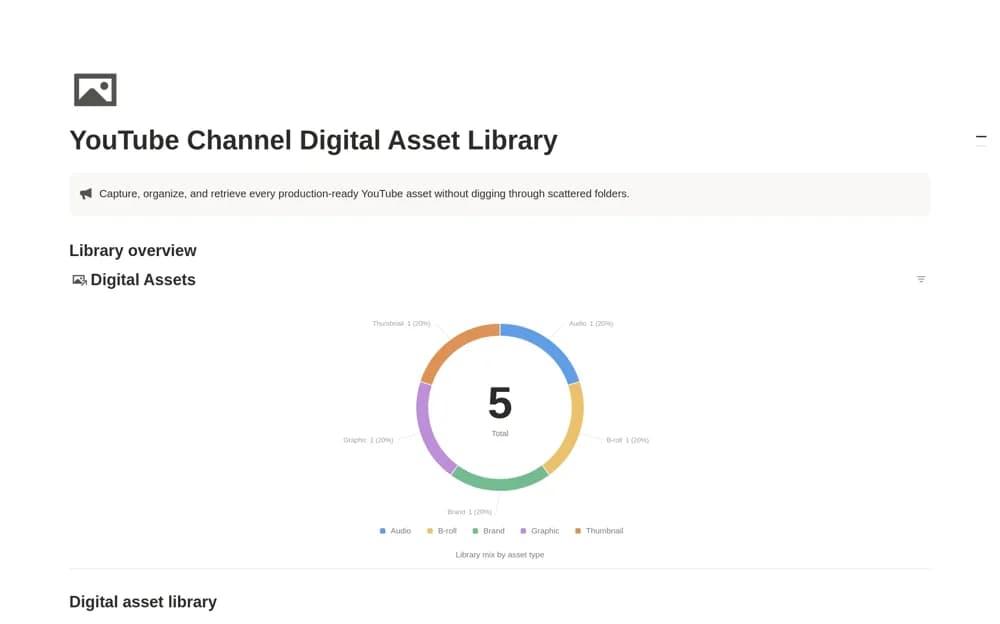
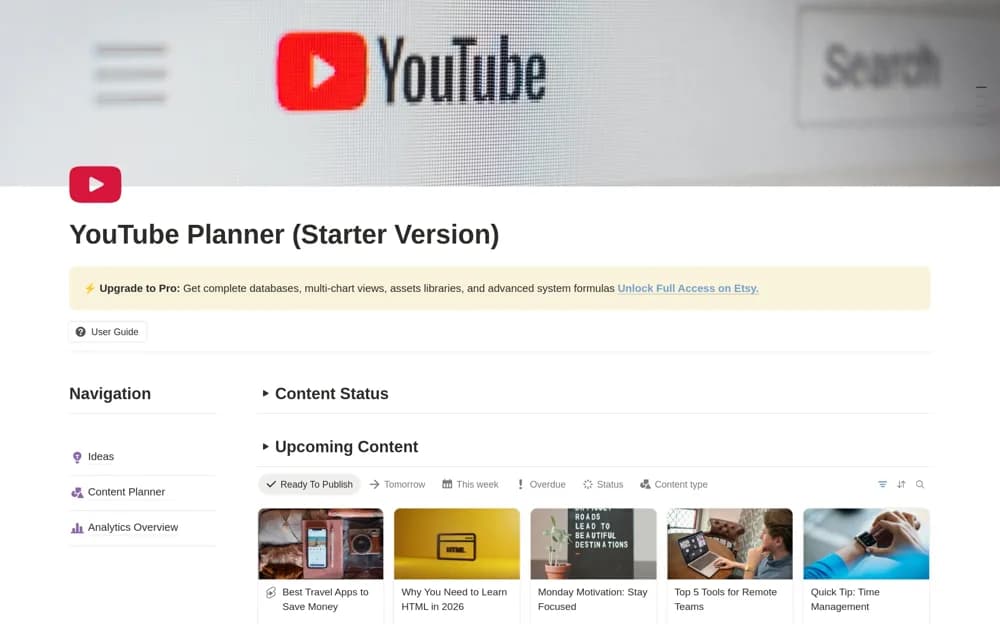
- Ideas bank and content planner
- Script manager
- Upload organization and performance-analytics records
How to use it in practice
Choose one video idea and define the viewer’s question before writing a script. Track production through the actual upload, then add performance figures with a consistent review period. Use results to form a testable next idea instead of treating one successful video as a guaranteed formula.
Set it up in your workspace
- Open the original Notion Marketplace listing and add the template to your chosen workspace while signed in. Keep its example records until you understand how the pages connect.
- Choose one video idea and define the viewer’s question before writing a script.
- Try one complete example before adding a large backlog. Check that its views and any calculations show what you expect, then replace the sample content with your own.
Who it suits and what to consider
YouTube creators organizing a repeatable production process. The source does not confirm direct uploading or automatic YouTube Analytics integration.