About YouTube Content Planner: From Ideas to Planning
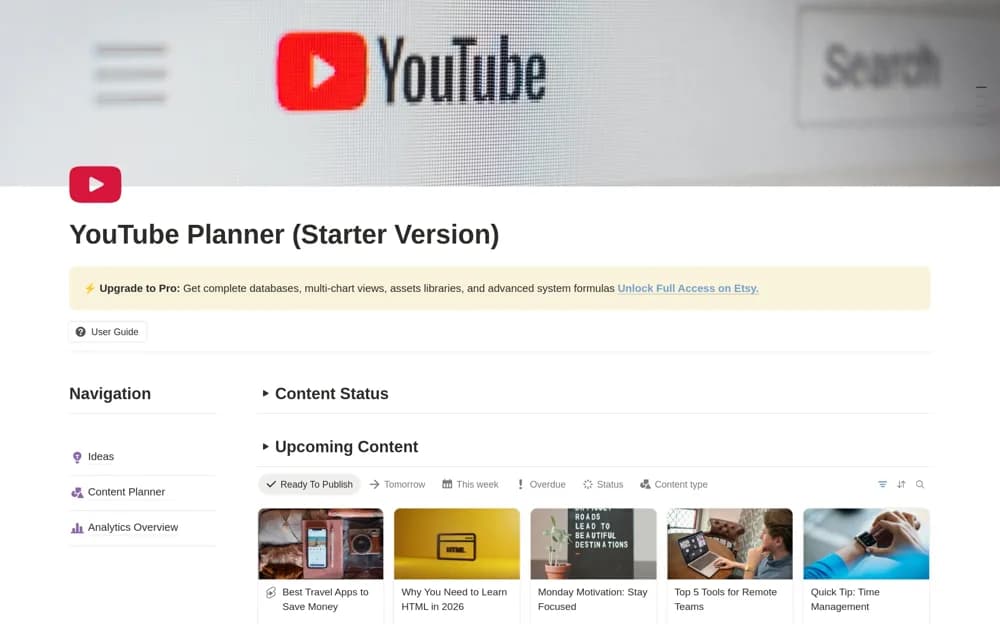
A free YouTube starter planner using one content database for ideas, scheduling, calendar views, and analytics records.
What’s included
- One master content database
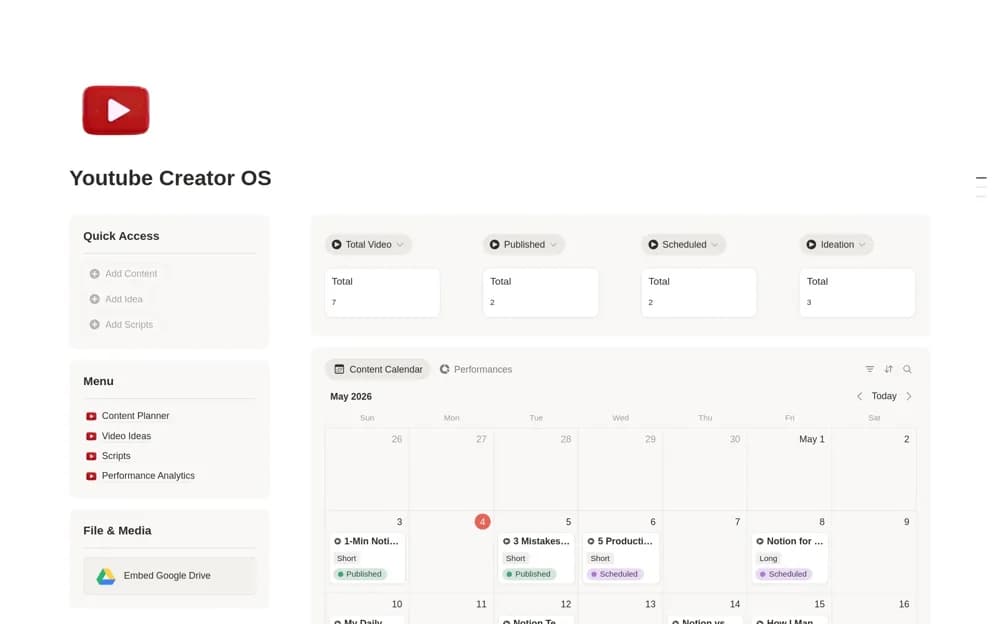
- Ideas, planner, calendar, and analytics views
- Upcoming-content views by status, week, overdue, and readiness
How to use it in practice
Trial a few content formats and check that each view shows the intended records. Set a practical publication schedule and keep production status distinct from being live. Review the actual included starter features before relying on wider paid-version or promotional claims.
Set it up in your workspace
- Open the original Notion Marketplace listing and add the template to your chosen workspace while signed in. Keep its example records until you understand how the pages connect.
- Trial a few content formats and check that each view shows the intended records.
- Try one complete example before adding a large backlog. Check that its views and any calculations show what you expect, then replace the sample content with your own.
Who it suits and what to consider
Creators organizing videos, Shorts, posts, and live-stream plans. This is the Free Starter Version; external account offers and advanced features may have separate conditions.