About Freelance Business Starter
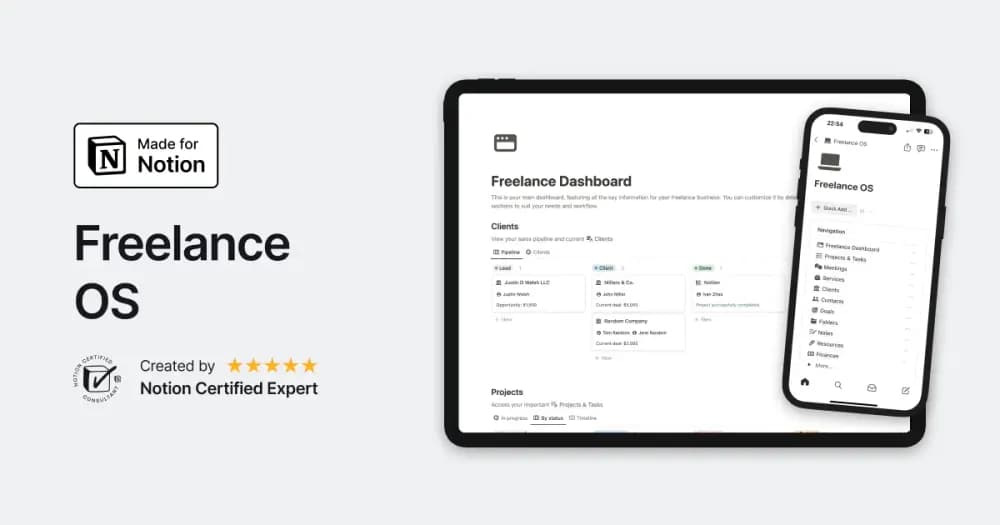
This free selection comes from a larger freelancer pack. It focuses on keeping the project and the work around it together. The useful part is having scope, notes, and assets close to the tasks, especially when several client engagements are active.
What’s included
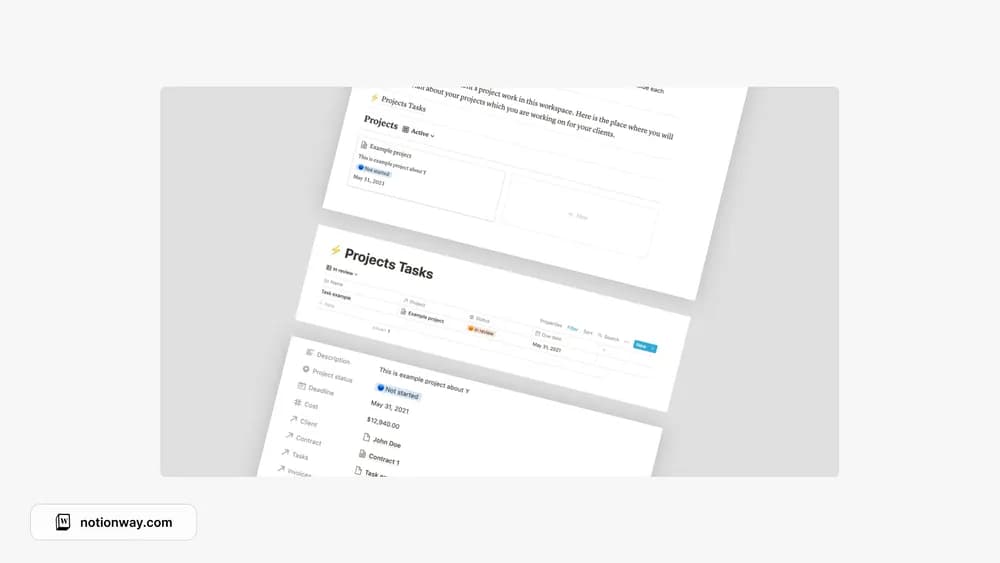
- Project tasks and an all-project task list
- Project documentation and meeting-note examples
- Brief, scope-of-work, assets, and handoff examples
How to use it in practice
Create a single current client project and write its intended deliverable in the brief. Use the scope example to clarify what is included, then turn the agreed work into tasks. Keep meeting decisions beside that documentation and prepare the handoff as work progresses. This preserves context when you return to a project after switching between clients.
Set it up in your workspace
- Follow the original creator’s checkout or access instructions to obtain the Notion page. Open that page while signed in, then duplicate it into the workspace you want to use.
- Set up one current engagement and record the agreed scope. Add only the tasks and documents needed for the next delivery.
- Try one complete example before adding a large backlog. Check that its views and any calculations show what you expect, then replace the sample content with your own.
Who it suits and what to consider
Freelancers managing tasks, briefs, and project context. A starter part of the creator’s larger freelancer pack. It focuses on project work and documentation; compare a full business system if invoicing and detailed financial tracking are essential.