 Free
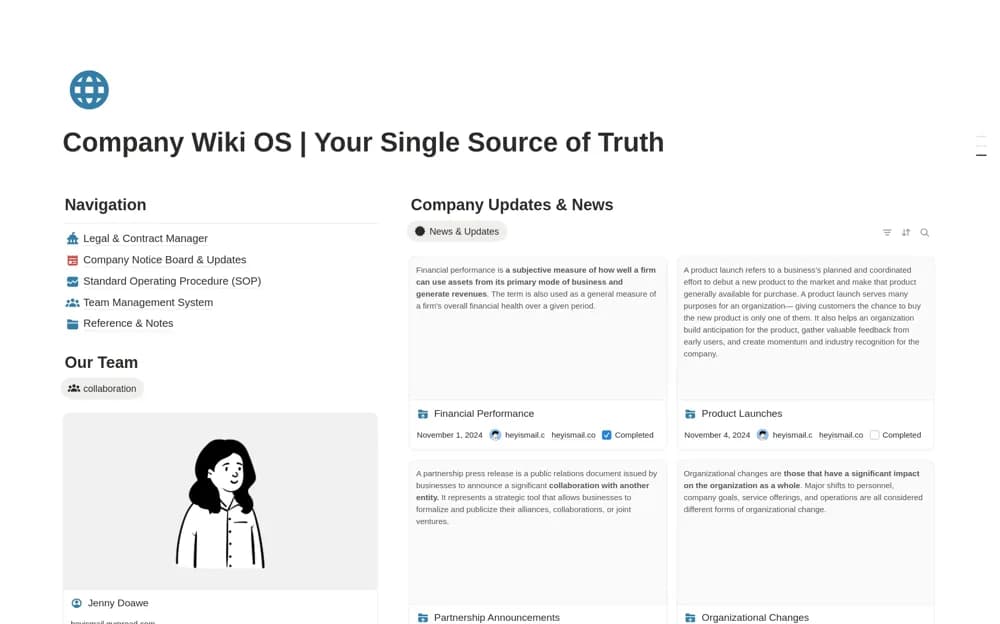
Company Wiki & Knowledge Base OS
A company knowledge base for policies, processes, team responsibilities, tools, and new-hire resources.
Make company announcements easier to follow and revisit. Find Notion update templates for decisions, progress, responsibilities, and keeping current information separate from the archive.
Showing 1–3 of 3 templates
FreeA company knowledge base for policies, processes, team responsibilities, tools, and new-hire resources.
 Free
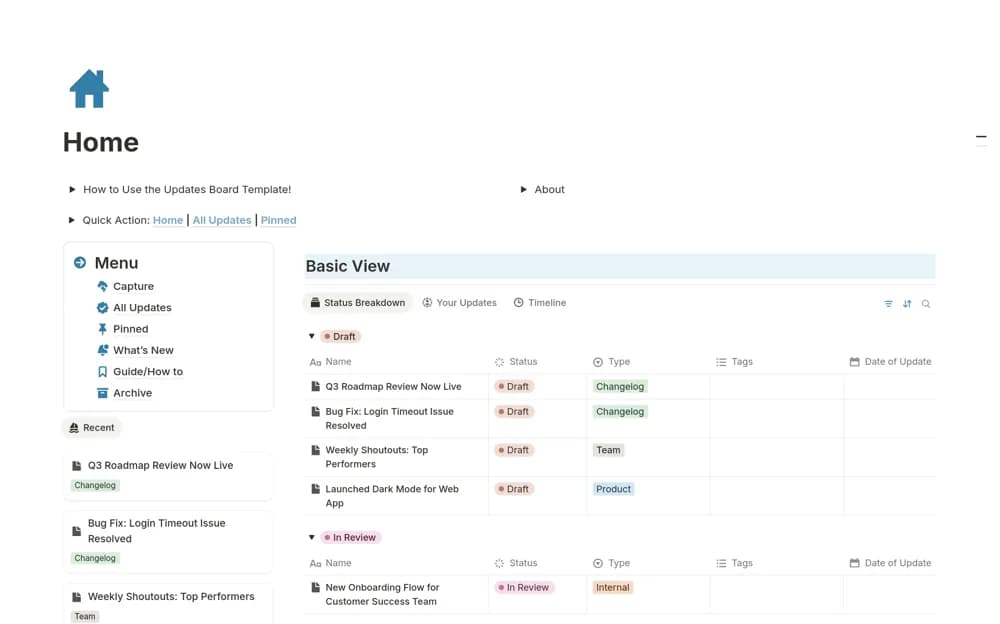
Manage internal announcements in Notion with a publishing workflow, pinned updates, team filters, and a searchable company feed.
 Free
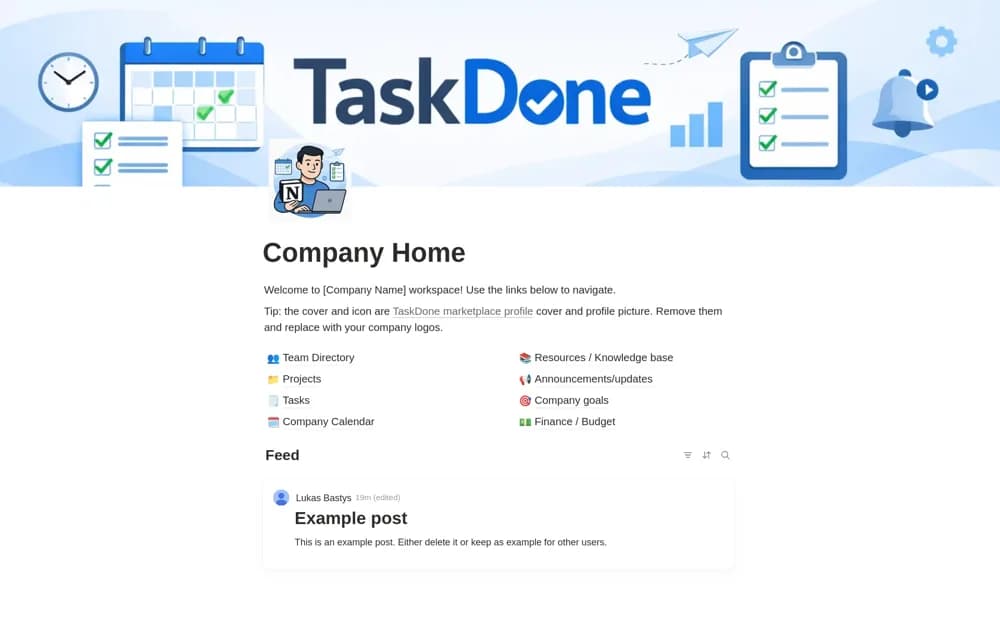
A simple company home connecting projects, daily tasks, a page-based wiki, and short team announcements.
Compare the purpose and included features before choosing a workspace.
Growing businesses consolidating internal guidance into a maintained reference.
Communications managers and team leads coordinating internal news and product-change announcements.
Small teams wanting a clear starting hub without a large operating system.
3 working templates from 3 creators: 3 free. Links last checked October 12, 2026.
| Template | Best for | Price | Creator |
|---|---|---|---|
| Company Wiki & Knowledge Base OS | Growing businesses consolidating internal guidance into a maintained reference. | Free | heyismail |
| Internal Comms | Communications managers and team leads coordinating internal news and product-change announcements. | Free | Akshay Raveendran |
| Your Company Home | Small teams wanting a clear starting hub without a large operating system. | Free | TaskDone |
Explain what changed, who it affects, and what someone needs to do next. Date each update and keep the responsible team visible. Link to supporting work rather than turning the announcement into a long report. Use an archive people can search later, and choose a distribution routine so important updates are not only visible to those who happen to open the page.
Dated announcements
Clear implications and actions
A searchable archive
About the directoryGive each update a date, audience, author, and clear purpose. Collect contributions before approval, then publish the version intended for that audience. Link decisions to any actions that need follow-through. Retain previous updates as dated records, so a reader can distinguish the latest information from a plan that has since changed.
Jump straight to any listing in the collection.
An update communicates the information an audience needs without requiring them to reconstruct a discussion. Meeting notes may contain drafts, unresolved questions, or sensitive context. Select and approve the material appropriate for wider publication.
It depends on the job you need it to do. Good starting points in this collection include Company Wiki & Knowledge Base OS (growing businesses consolidating internal guidance into a maintained reference), Internal Comms (communications managers and team leads coordinating internal news and product-change announcements) and Your Company Home (small teams wanting a clear starting hub without a large operating system). Compare the included features below, then try your first choice with a week of real information before moving everything across.
Yes. This collection currently includes 3 listings with a confirmed free creator offer. Use the Free filter to compare them. A free version can have different features from a creator’s paid upgrade, so check the original listing and current access terms before adding it to your workspace.