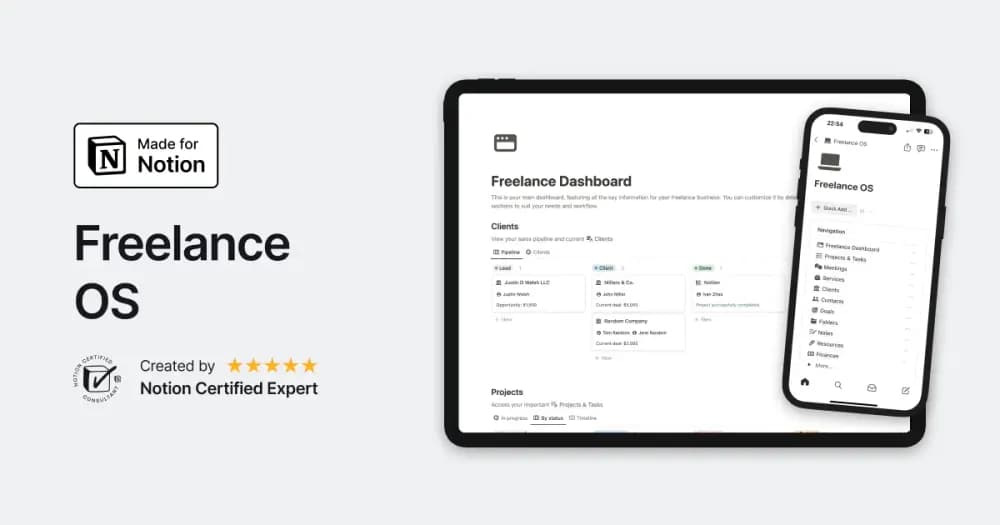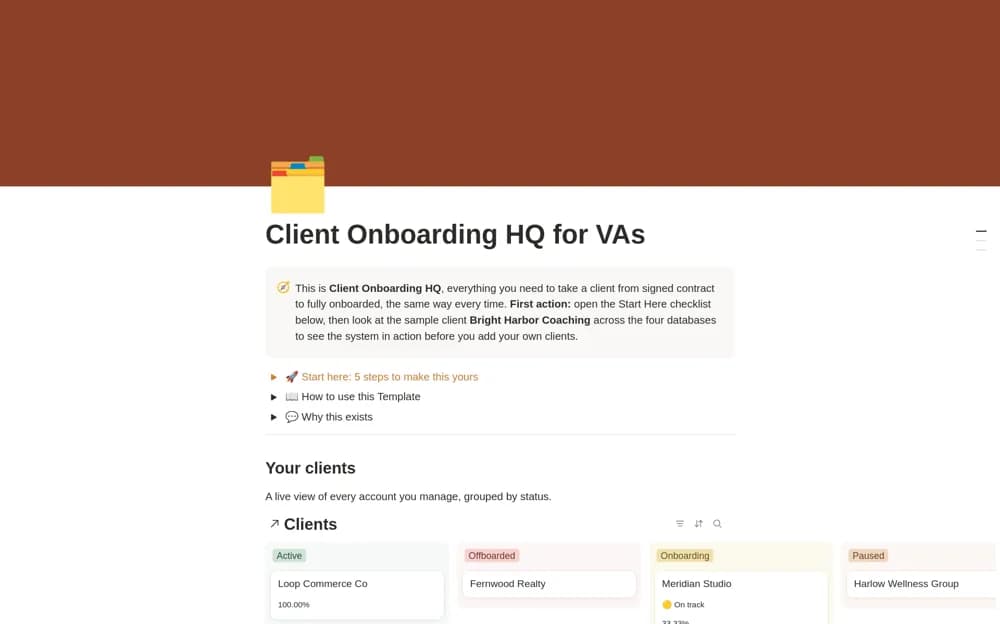
About Notion Freelancer CRM & Invoice Manager
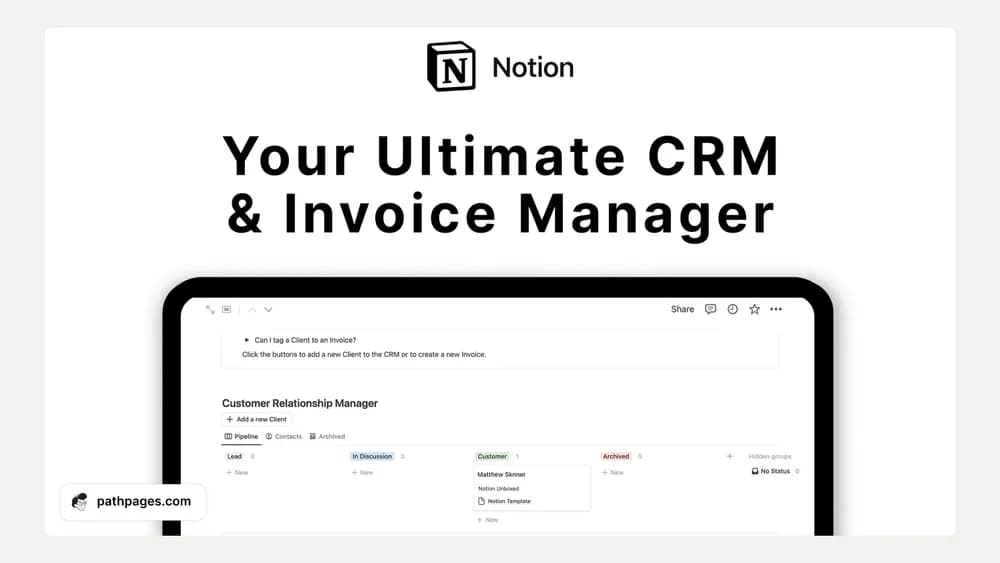
A client record becomes more useful when it points to the work and paperwork around the relationship. This listing combines a CRM and invoice-management theme. Review how the creator connects those pieces and check invoice requirements for your own business before using the output.
What’s included
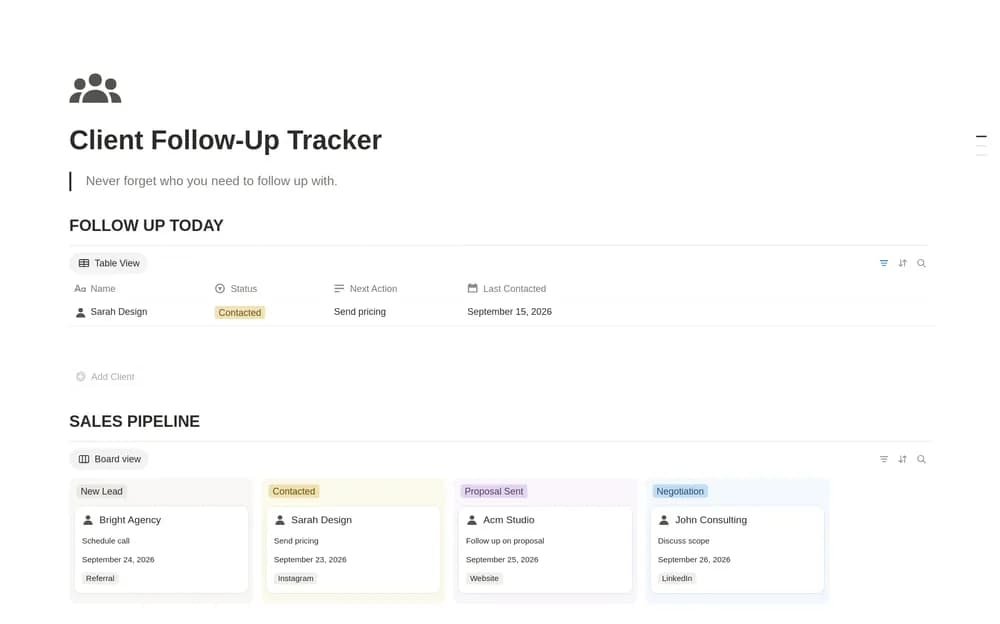
- Customer records with contact details and notes
- Purchase-history context
- A simple invoicing system with customizable invoice templates
How to use it in practice
Create one sample client and invoice before entering your existing records. Check that the invoice is easy to find from the client context and that its amount and payment details are correct. Record the actual payment separately from sending the invoice. Keep client notes factual and relevant so the CRM remains useful when you return to the relationship later.
Set it up in your workspace
- Follow the original creator’s checkout or access instructions to obtain the Notion page. Open that page while signed in, then duplicate it into the workspace you want to use.
- Set up one test client and a sample invoice. Check that contact, project, and billing information stay easy to find.
- Try one complete example before adding a large backlog. Check that its views and any calculations show what you expect, then replace the sample content with your own.
Who it suits and what to consider
Freelancers who want client and billing context close together. Suited to freelancers who want customer context beside invoice records. Confirm any reminder or payment-processing integration separately; the described system is primarily an organizational workspace.