About Video Editing Workflow Tracker
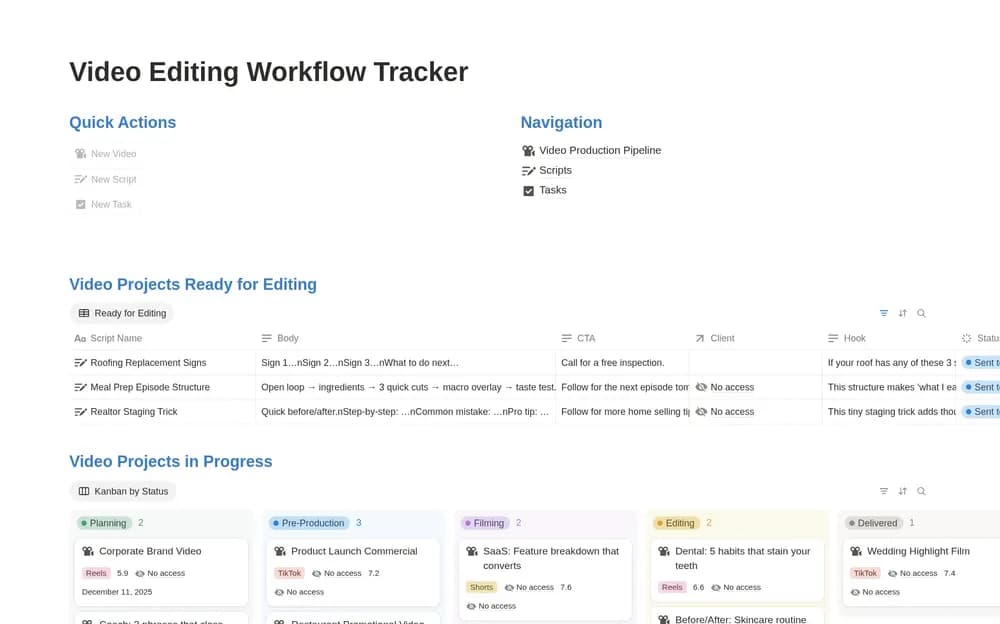
Track video editing tasks, revision requests, and post-production deadlines in Notion with a workflow board, deadline calendar, and dashboard.
What’s included
- Editing tasks database with priorities and deadlines
- Workflow board from To Do to Completed
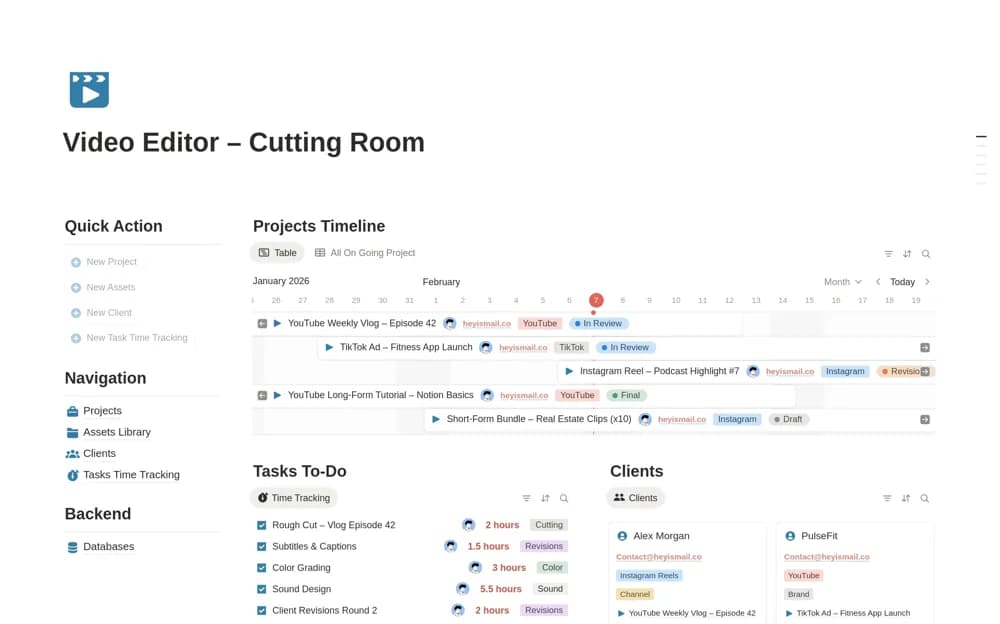
- Editing deadline calendar
- Revision tracking views
- Dashboard for tasks and progress
How to use it in practice
Enter the edits on your plate this week, splitting each project into steps such as rough cut, color correction, and export. Set a priority and deadline for each. When feedback arrives, log it as a revision and move the task into Review, then check the calendar every morning before opening your editing software.
Set it up in your workspace
- Open the original Notion Marketplace listing and add the template to your chosen workspace while signed in. Keep its example records until you understand how the pages connect.
- Enter the edits on your plate this week, splitting each project into steps such as rough cut, color correction, and export.
- Try one complete example before adding a large backlog. Check that its views and any calculations show what you expect, then replace the sample content with your own.
Who it suits and what to consider
Freelance video editors, YouTube editors, and small post-production teams. The free version covers editing tasks only; client management and deliverables belong to the creator’s paid Video Production Agency upgrade.