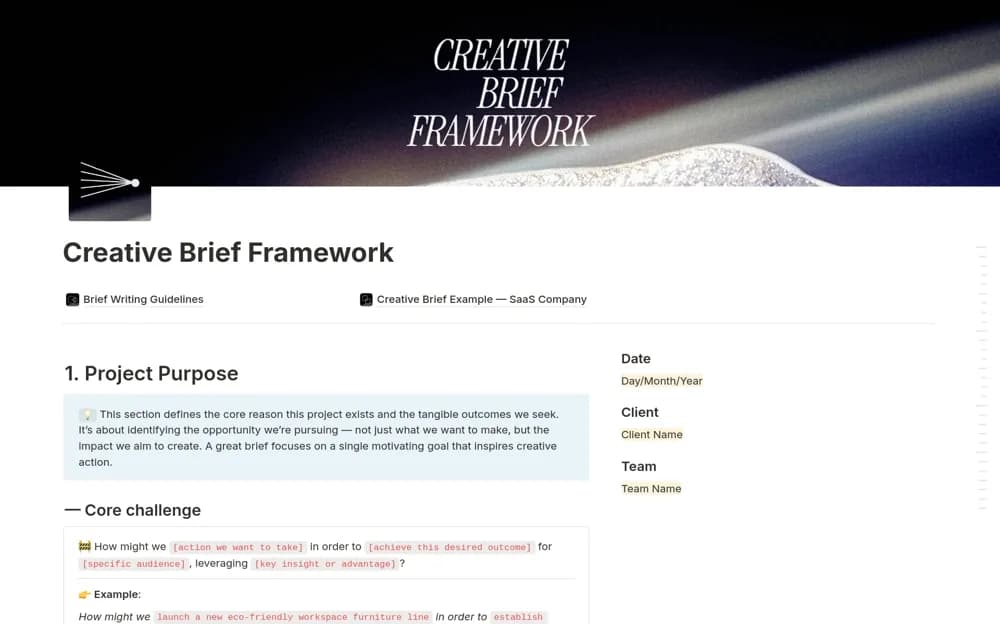
 Free
Creative Brief Framework
A four-step creative briefing framework covering goals, audience, brand voice, and working arrangements.
Set a design project up with clearer expectations. Find Notion briefs for the problem, audience, deliverables, constraints, and approvals before production begins.
Showing 1–3 of 3 templates
FreeA four-step creative briefing framework covering goals, audience, brand voice, and working arrangements.
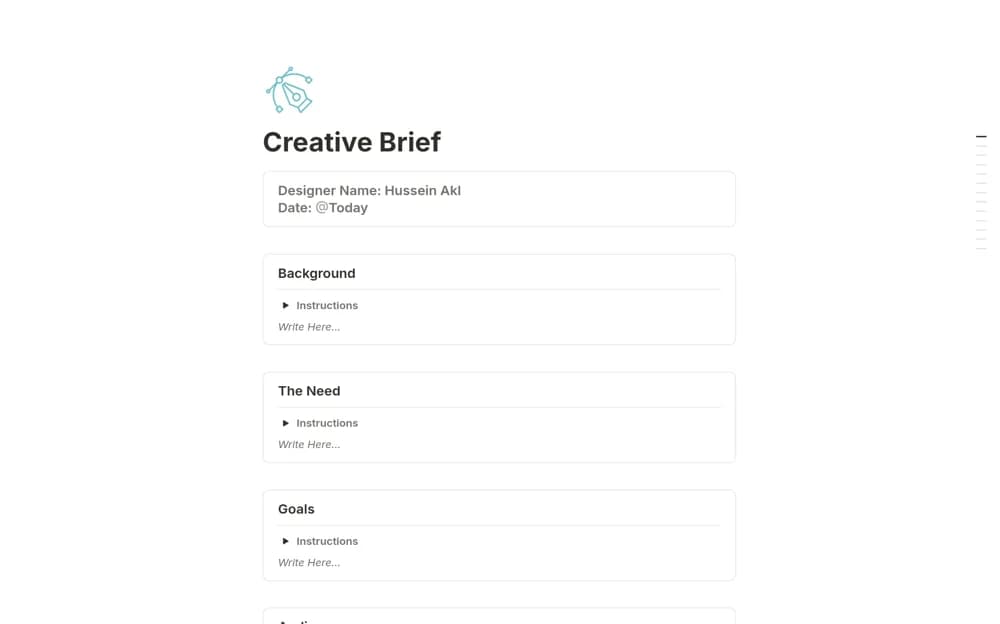 Free
A client-facing creative brief for capturing project contacts, goals, audience, messaging, and deliverables.
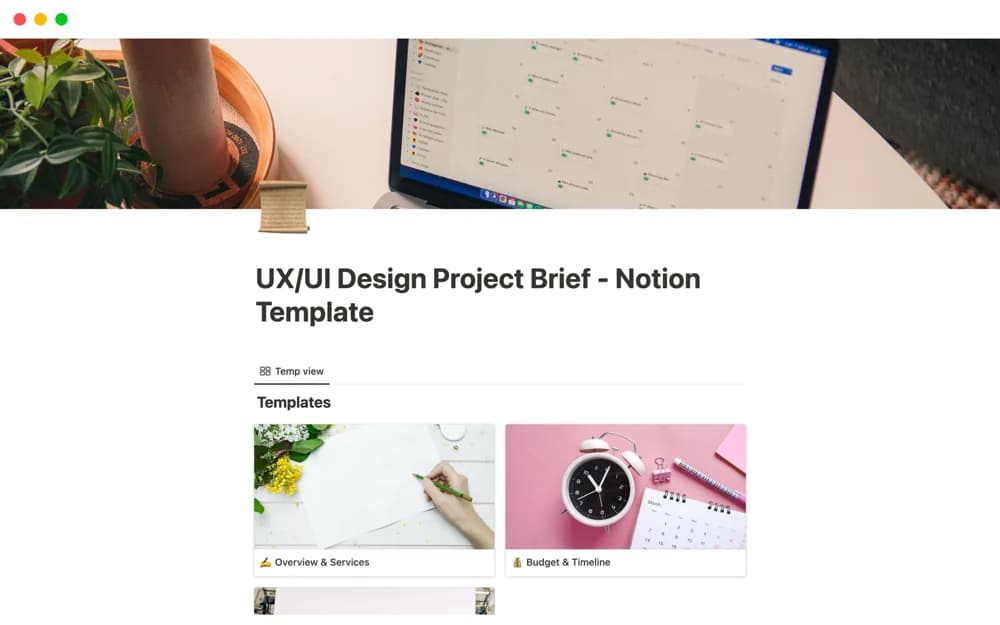 Free
Present a UX/UI design engagement in Notion with your background, service offer, project budget, timeline, and collaboration terms.
Compare the purpose and included features before choosing a workspace.
Creative leads, brand strategists, agencies, and founders starting a project.
Designers and creative freelancers clarifying an assignment before production.
Independent UX/UI designers outlining a proposed engagement for a prospective client.
3 working templates from 3 creators: 3 free. Links last checked October 12, 2026.
| Template | Best for | Price | Creator |
|---|---|---|---|
| Creative Brief Framework | Creative leads, brand strategists, agencies, and founders starting a project. | Free | Fiction Method |
| Designer's Creative Brief for Clients | Designers and creative freelancers clarifying an assignment before production. | Free | Hussein Akl |
| UX/UI Design Project Brief | Independent UX/UI designers outlining a proposed engagement for a prospective client. | Free | Ulvin Omarov |
Write the problem in plain language before collecting visual references. Explain what success would look like and who can approve the result. Include the delivery format, deadline, and constraints that affect the work. Review the brief with the client or team, then record later scope changes beside it so everyone can see what changed and why.
A defined design problem
Deliverables and constraints
Named approvers
About the directoryRecord the user or audience, problem, required deliverables, constraints, and criteria for review. Explain what each reference contributes rather than leaving the designer to infer the direction. Agree the decision maker and feedback route. Keep new requirements visible as changes to the brief instead of allowing them to emerge only during the final review.
Jump straight to any listing in the collection.
A request initiates or queues work. A brief provides the context and requirements needed to do that work well. A short request can link to a fuller brief once the scope and responsible people are agreed.
It depends on the job you need it to do. Good starting points in this collection include Creative Brief Framework (creative leads, brand strategists, agencies, and founders starting a project), Designer's Creative Brief for Clients (designers and creative freelancers clarifying an assignment before production) and UX/UI Design Project Brief (independent UX/UI designers outlining a proposed engagement for a prospective client). Compare the included features below, then try your first choice with a week of real information before moving everything across.
Yes. This collection currently includes 3 listings with a confirmed free creator offer. Use the Free filter to compare them. A free version can have different features from a creator’s paid upgrade, so check the original listing and current access terms before adding it to your workspace.