 Free
FreeAsset Manager
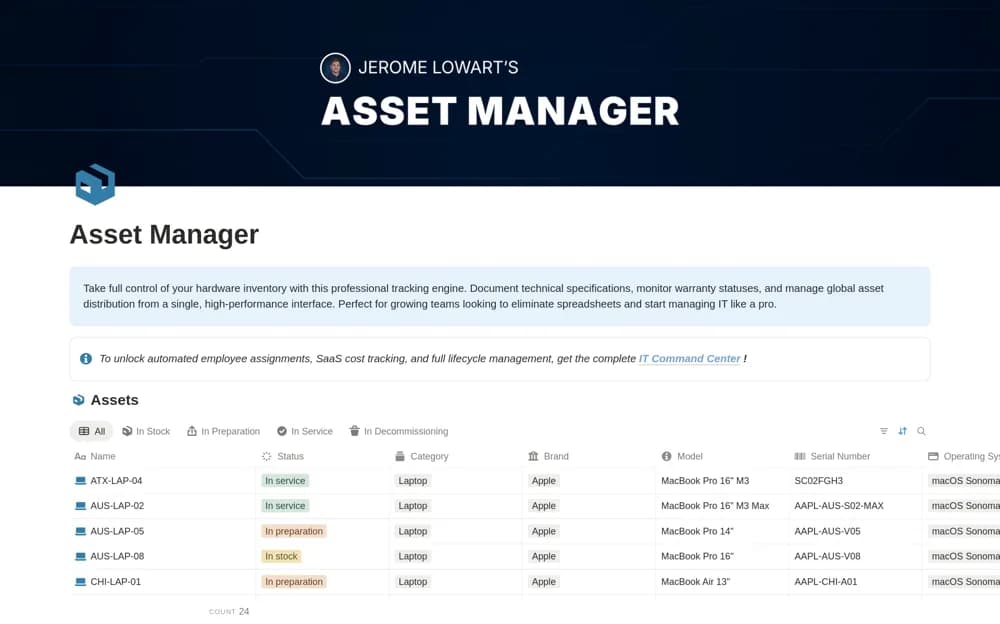
An IT hardware register for serial numbers, specifications, purchases, grouping, and warranty context.
Know what equipment exists and who is using it. Browse Notion IT inventory templates for device records, assignments, purchase information, warranties, and return or replacement tasks.
Showing 1–2 of 2 templates
A little structure goes a long way.FreeAn IT hardware register for serial numbers, specifications, purchases, grouping, and warranty context.
 Free
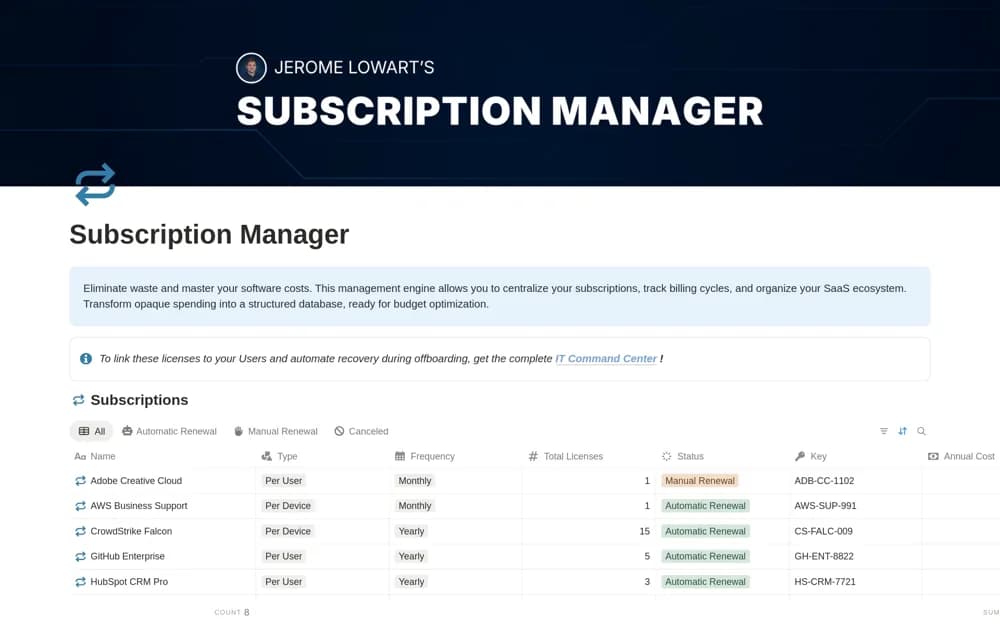
FreeA software subscription register for vendor details, recurring costs, contract information, categories, and renewal dates.
Compare the purpose and included features before choosing a workspace.
IT professionals maintaining a clear inventory of physical equipment.
Businesses reviewing software commitments and upcoming renewal decisions.
Choose an identifier you can match to the physical device. Record the current holder and location, then test the process for a loan, return, and reassignment. Keep purchase or warranty documents linked to the asset. Do not store credentials in inventory records. Decide who updates the register so a detailed database does not become an inaccurate list after the first equipment change.
Stable asset identifiers
Assignments and return status
Warranty and purchase links
About the directoryYes. This collection currently includes 2 listings with a confirmed free creator offer. Use the Free filter to compare them. A free version can have different features from a creator’s paid upgrade, so check the original listing and current access terms before adding it to your workspace.