 Free
Asset Manager
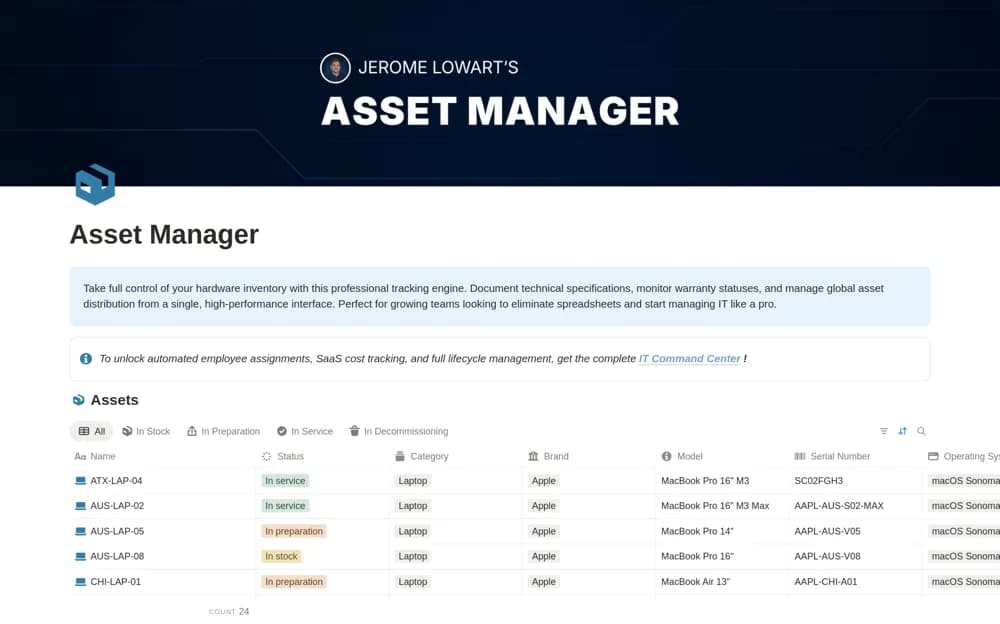
An IT hardware register for serial numbers, specifications, purchases, grouping, and warranty context.
Keep business assets and their responsibilities visible. Explore Notion registers for equipment, locations, custodians, purchase records, maintenance dates, and the history of an item.
Showing 1–4 of 4 templates
FreeAn IT hardware register for serial numbers, specifications, purchases, grouping, and warranty context.
 Free
Track software licenses, seat counts, client assignments, and renewal dates in Notion, with a 30-day renewals view and a renewal-stage board.
 Free
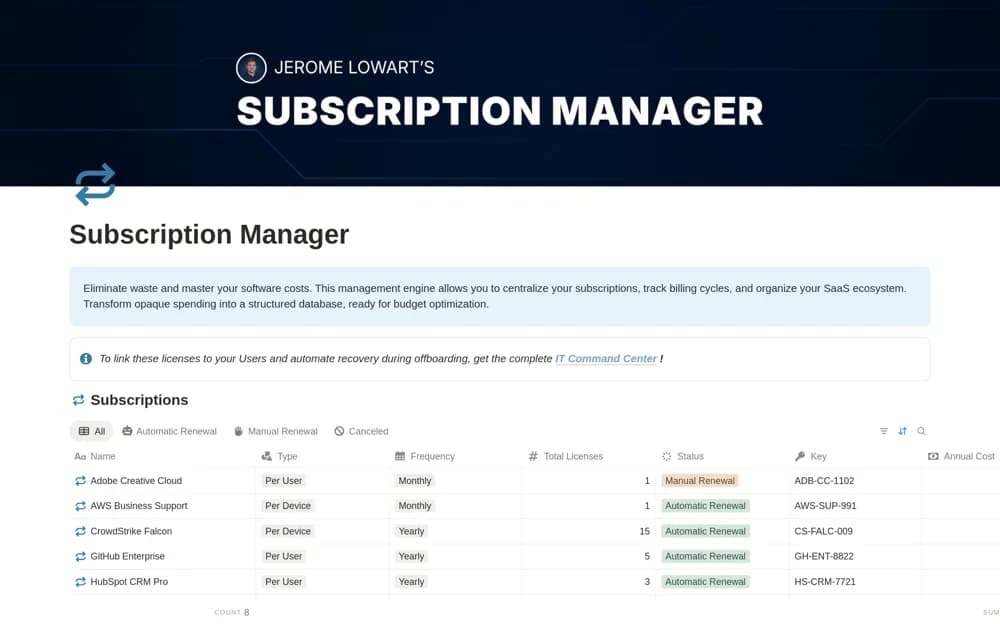
A software subscription register for vendor details, recurring costs, contract information, categories, and renewal dates.
 Free
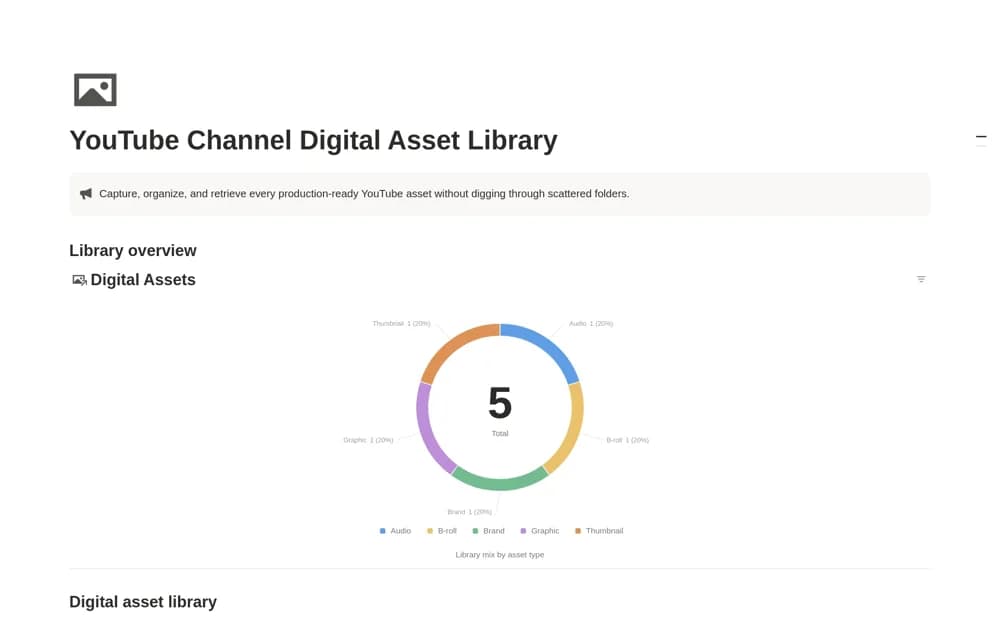
A media-asset catalog for thumbnails, B-roll, audio, graphics, and brand files, with formats, source links, asset links, dates, and license context.
Compare the purpose and included features before choosing a workspace.
IT professionals maintaining a clear inventory of physical equipment.
Businesses reviewing software commitments and upcoming renewal decisions.
Freelancers, agencies, and small IT teams managing software subscriptions for themselves or their clients.
4 working templates from 3 creators: 4 free. Links last checked November 22, 2026.
| Template | Best for | Price | Creator |
|---|---|---|---|
| Asset Manager | IT professionals maintaining a clear inventory of physical equipment. | Free | Jerome Lowart |
| Subscription Manager | Businesses reviewing software commitments and upcoming renewal decisions. | Free | Jerome Lowart |
| LicenseGuard OS: Software License & Renewal Tracker | Freelancers, agencies, and small IT teams managing software subscriptions for themselves or their clients. | Free | Solo Studio OS |
| YouTube Channel Digital Asset Library | YouTube teams and editors maintaining a reusable production library across videos. | Free | RunBook |
Use an identifier that stays with the asset when its location or owner changes. Record assignments, returns, and important maintenance activity consistently. Link purchase and warranty documents rather than scattering copies across pages. Decide which asset classes belong in the register and who maintains each one. Test a complete item lifecycle before moving a large inventory into the workspace.
Stable asset identifiers
Assignment and maintenance history
Clear register ownership
About the directoryGive each asset a stable identifier, location, responsible person, and source purchase record. Record a move, repair, or return against the item rather than replacing its identity. Review exceptions such as missing equipment and overdue maintenance separately from the ordinary register. Agree who updates records when custody changes.
Jump straight to any listing in the collection.
An asset register records items and their context. Stock movements, automatic depreciation, procurement, and accounting treatment are additional workflows. Confirm the specific listing's capabilities and keep authoritative financial calculations in the system responsible for them.
It depends on the job you need it to do. Good starting points in this collection include Asset Manager (iT professionals maintaining a clear inventory of physical equipment), Subscription Manager (businesses reviewing software commitments and upcoming renewal decisions), LicenseGuard OS: Software License & Renewal Tracker (freelancers, agencies and and small IT teams managing software subscriptions for themselves or their clients). Compare the included features below, then try your first choice with a week of real information before moving everything across.
Yes. This collection currently includes 4 listings with a confirmed free creator offer. Use the Free filter to compare them. A free version can have different features from a creator’s paid upgrade, so check the original listing and current access terms before adding it to your workspace.