About Content Campaign Planner
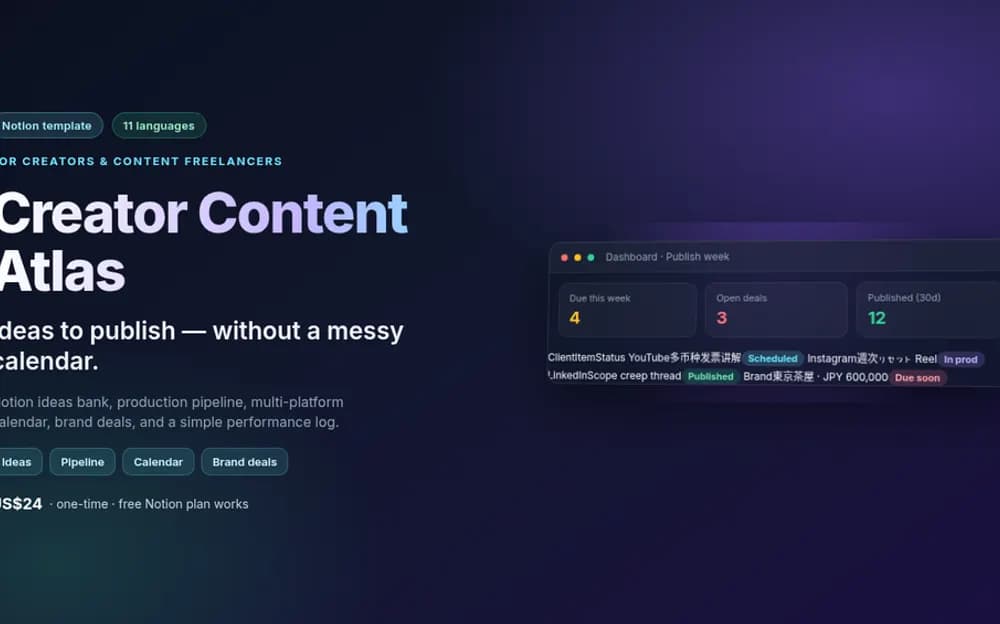
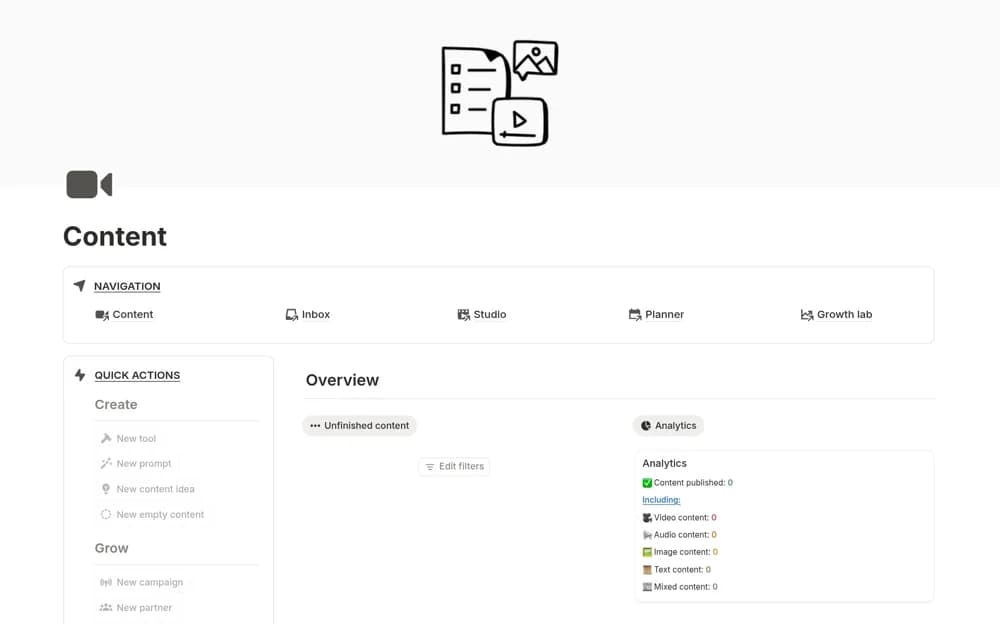
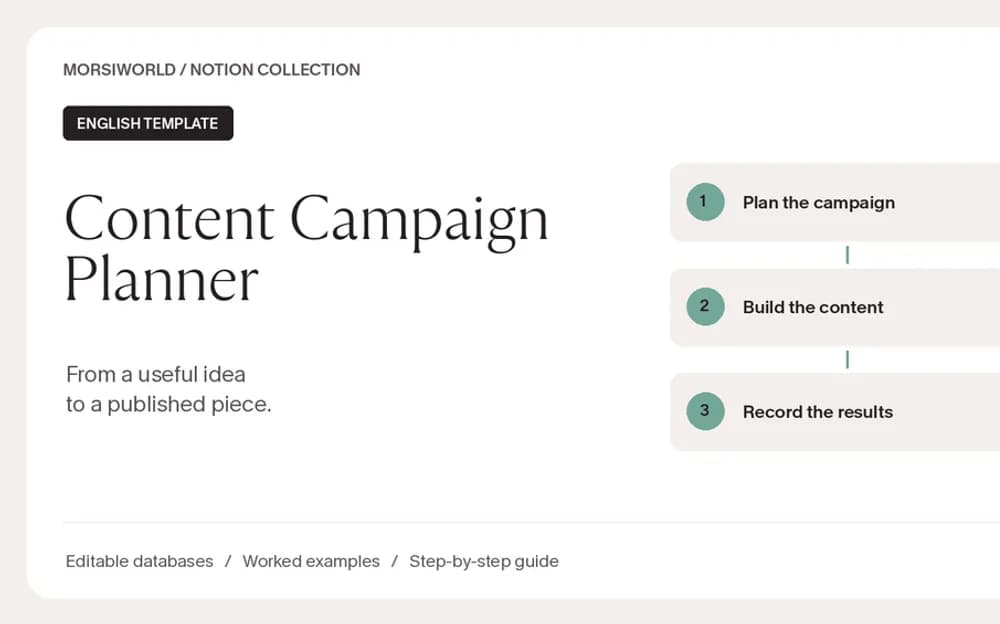
Link campaigns to the posts, videos, articles and newsletters that serve them, then track each piece from idea to live URL and recorded results.
What’s included
- Campaigns with goals, audiences, dates and lessons
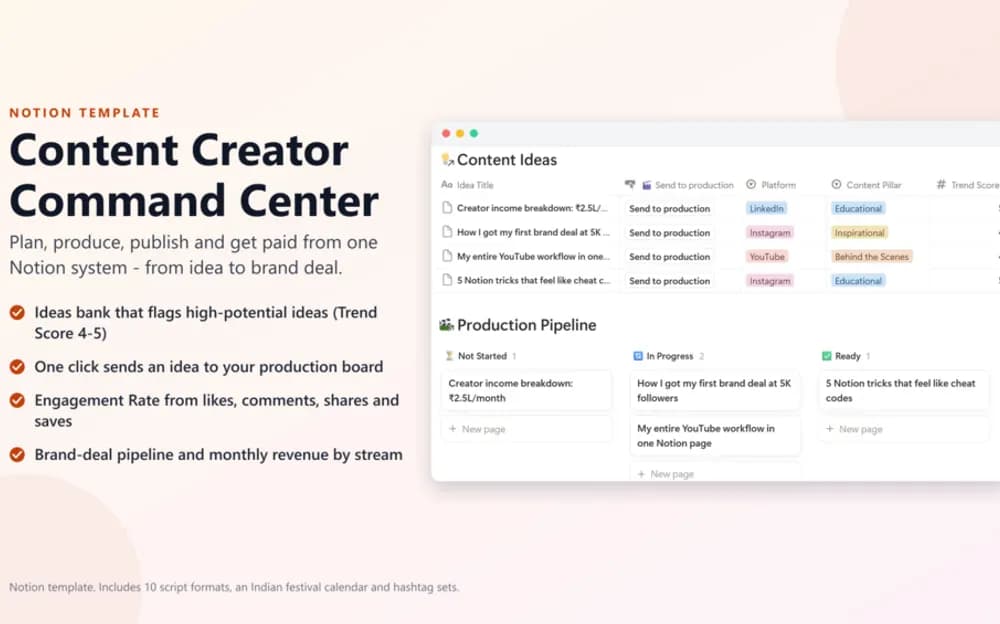
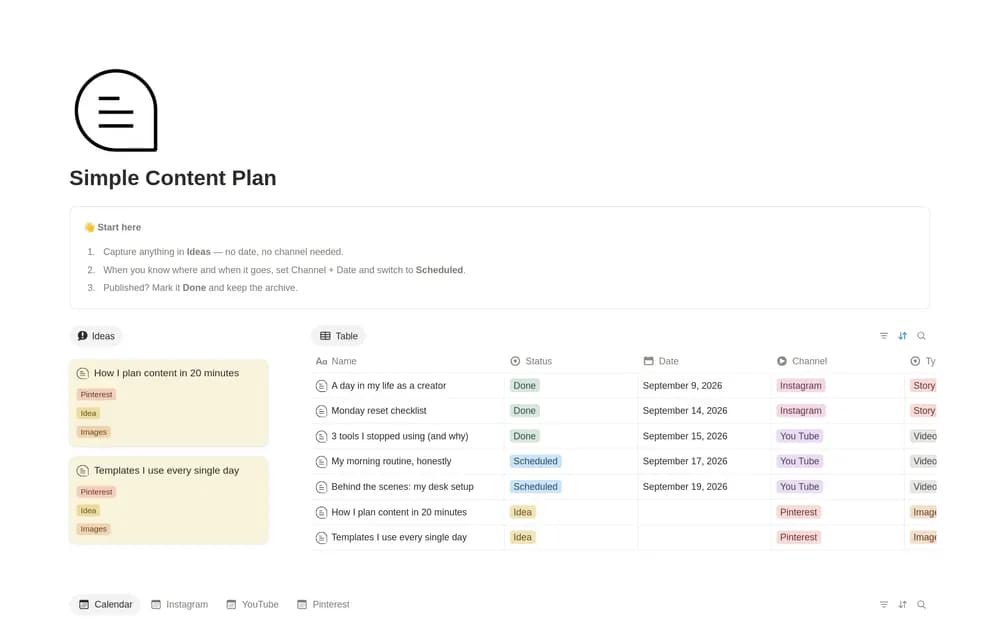
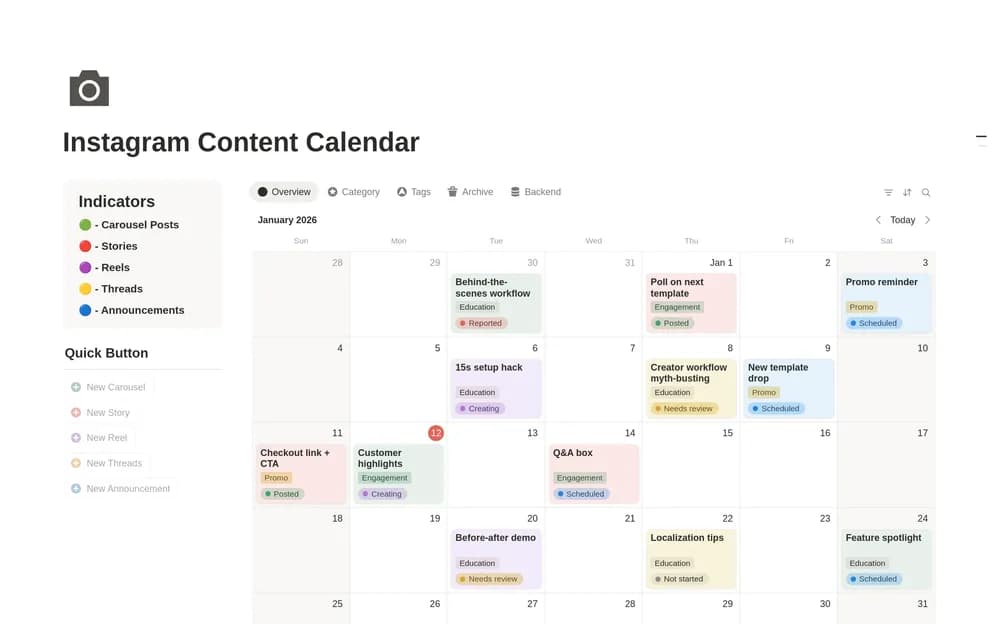
- Content library with format, platform, stage and planned and actual dates
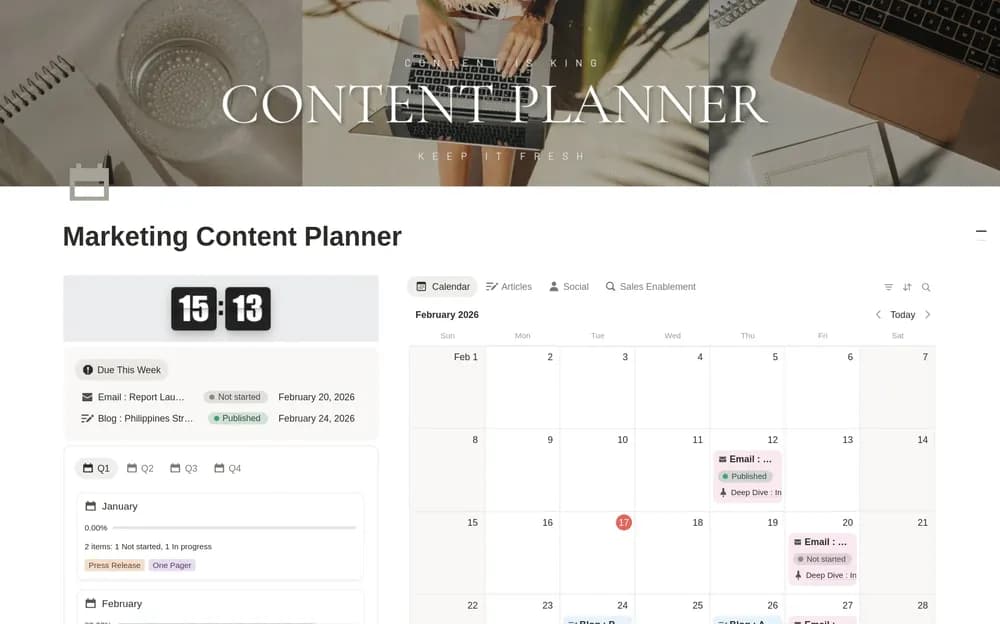
- Pipeline board, publishing calendar and next-7-days views
- Manual performance fields with an engagement-rate formula
- Example briefs with production and review checklists
How to use it in practice
Create one real campaign and add three pieces of content to it, each with a platform and planned date. Move them across the pipeline board as you work and record the live URL when each one is published. After a week, enter the results by hand and compare the same metric over the same window before planning the next campaign.
Set it up in your workspace
- Follow the original creator’s checkout or access instructions to obtain the Notion page. Open that page while signed in, then duplicate it into the workspace you want to use.
- Create one real campaign and add three pieces of content to it, each with a platform and planned date.
- Try one complete example before adding a large backlog. Check that its views and any calculations show what you expect, then replace the sample content with your own.
Who it suits and what to consider
Solo creators and small teams planning content in campaigns rather than one post at a time. It does not publish posts, connect social accounts or fetch analytics, so every metric is entered by you. New records do not automatically receive the example checklist; duplicate an example record to reuse it.