About LicenseGuard OS: Software License & Renewal Tracker
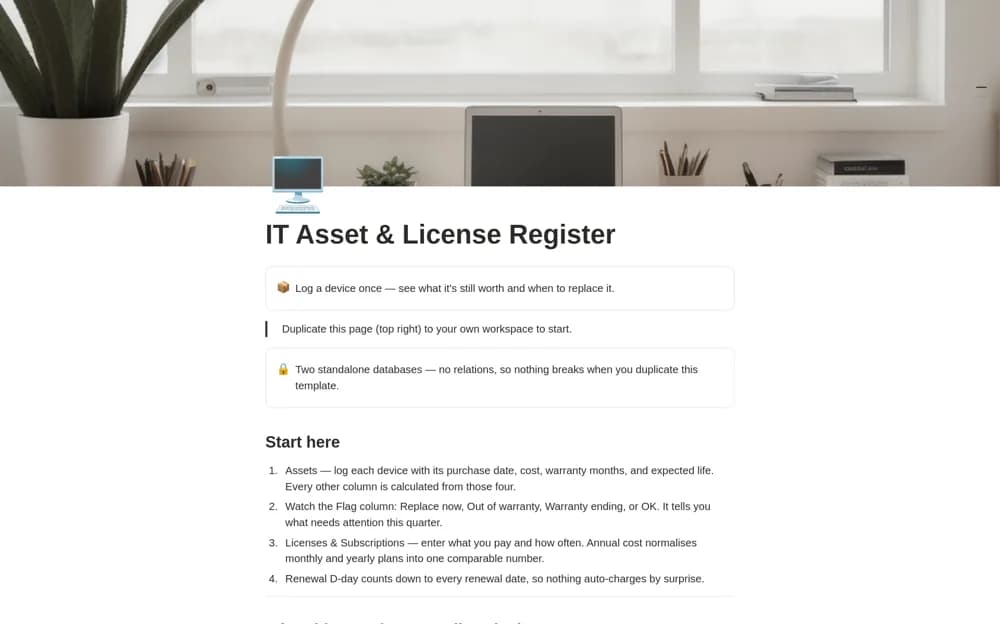
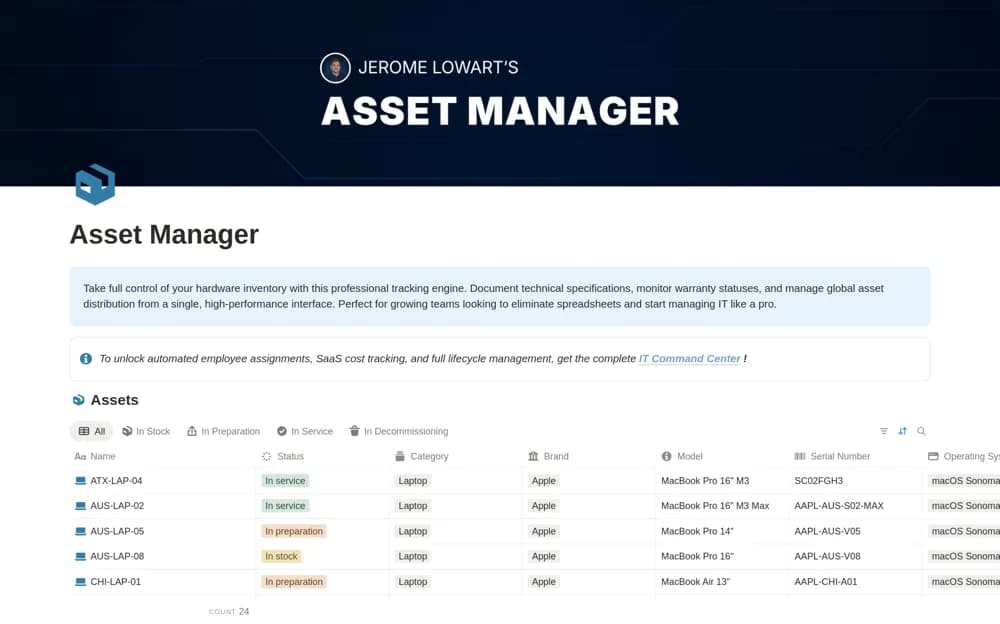
Track software licenses, seat counts, client assignments, and renewal dates in Notion, with a 30-day renewals view and a renewal-stage board.
What’s included
- License records with seats and renewal dates
- Client assignment for each license
- Renewals due in 30 days view
- Renewal-stage board
How to use it in practice
Add the software subscriptions you pay for, with seat counts and renewal dates from each billing page. Assign each license to the client or team that uses it. Check the 30-day view to see what renews soon. Move each upcoming renewal along the board as you review whether it is still needed.
Set it up in your workspace
- Open the creator’s public Notion page while signed in to Notion, then use Duplicate in the top-right corner to copy it into the workspace you want to use.
- Add the software subscriptions you pay for, with seat counts and renewal dates from each billing page.
- Try one complete example before adding a large backlog. Check that its views and any calculations show what you expect, then replace the sample content with your own.
Who it suits and what to consider
Freelancers, agencies, and small IT teams managing software subscriptions for themselves or their clients. Dates and seat counts are entered manually, and nothing connects to vendor billing, so the reminders depend on you checking the views.