 Free
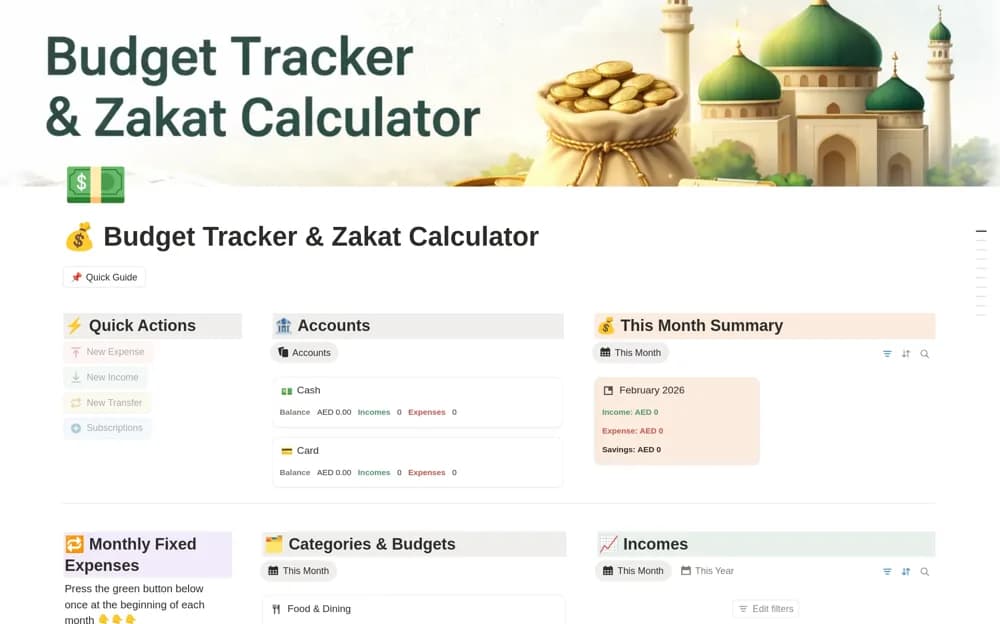
Budget Tracker & Zakat Calculator
A monthly money organizer for income, expenses, category budgets, savings goals, and visual summaries.
Keep spending records clear enough to review. Browse Notion expense trackers for dates, categories, receipts, payment methods, and understanding where costs accumulate.
Showing 1–9 of 9 templates
FreeA monthly money organizer for income, expenses, category budgets, savings goals, and visual summaries.
 Free
 Free
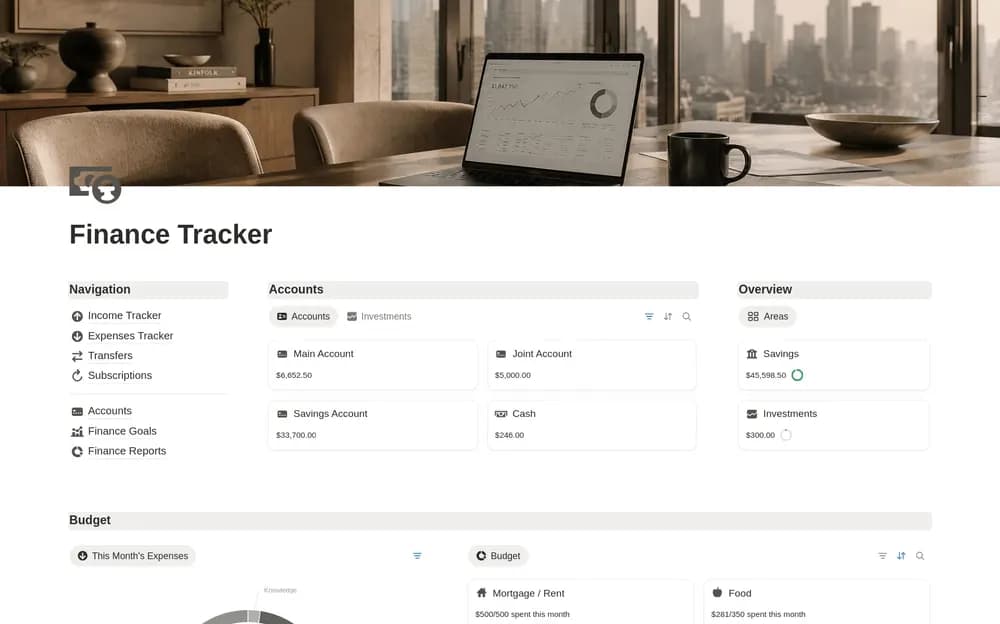
Manage personal money in Notion with linked income, expense, budget, subscription, transfer, account, and savings goal trackers plus monthly reports.
 Paid
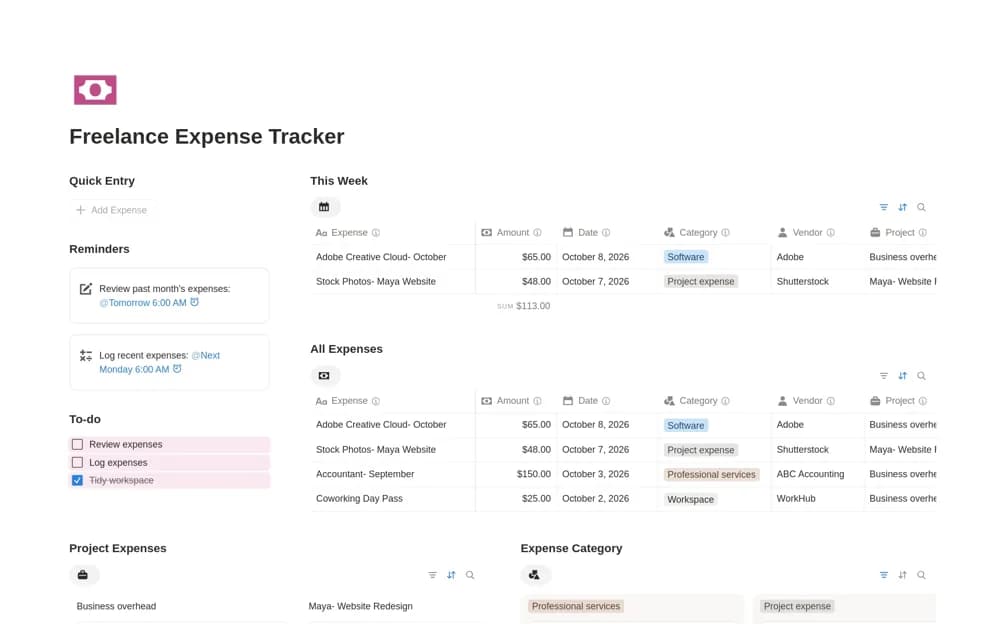
A freelance spending ledger with transaction dates, categories, vendors, project context, and receipt references.
 Paid
Combine freelance client management with receipt tracking in Notion, covering projects, invoices, scope changes, tax set-asides, and mileage.
 Free
Track accounts, transactions, budgets, and monthly cash flow in Notion, with an optional companion app that syncs data from your financial institutions.
 Free
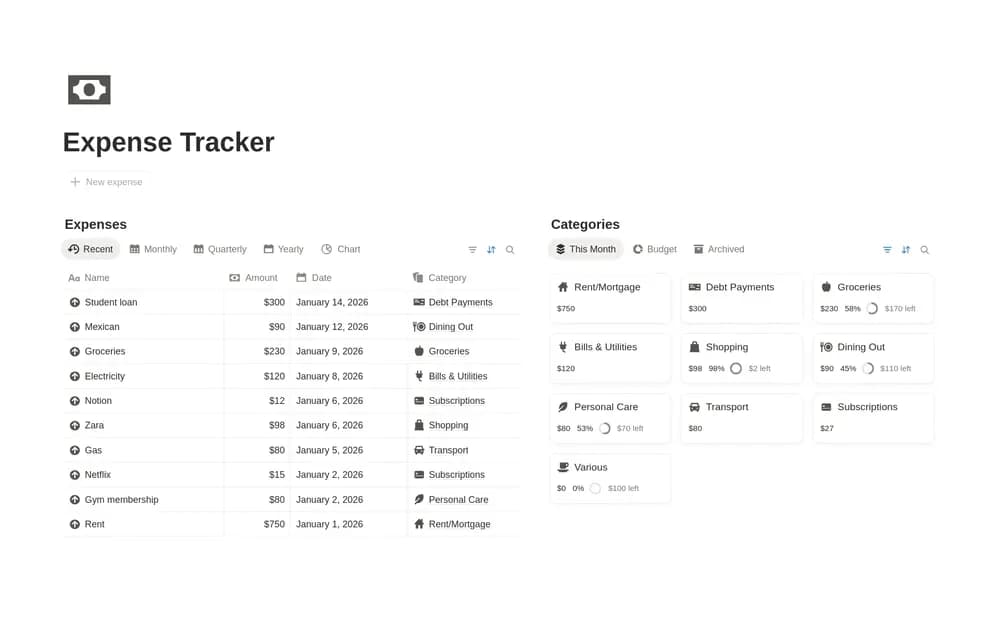
Log spending in Notion against monthly category budgets, viewing expenses by month, quarter, year, category, or needs versus wants.
 Free
Log small-business income and expenses by category in Notion and see monthly totals, without learning a full bookkeeping system.
 Free
Decide where money goes before each week starts, sorting expenses into Must Pay, Important, and Optional and testing them against four decision checks.
Compare the purpose and included features before choosing a workspace.
Individuals who want a straightforward spending log with budgets, without a full finance system.
People looking for a simple record of monthly personal finances.
People comparing practical finance-tracking layouts.
9 working templates from 9 creators: 7 free and 2 paid, with paid options from $9 to $35. Links last checked November 22, 2026.
| Template | Best for | Price | Creator |
|---|---|---|---|
| Simple Budget & Expense Tracker | Individuals who want a straightforward spending log with budgets, without a full finance system. | Free | Vicky Chris |
| Budget Tracker & Zakat Calculator | People looking for a simple record of monthly personal finances. | Free | Budget Tracker & Zakat Calculator |
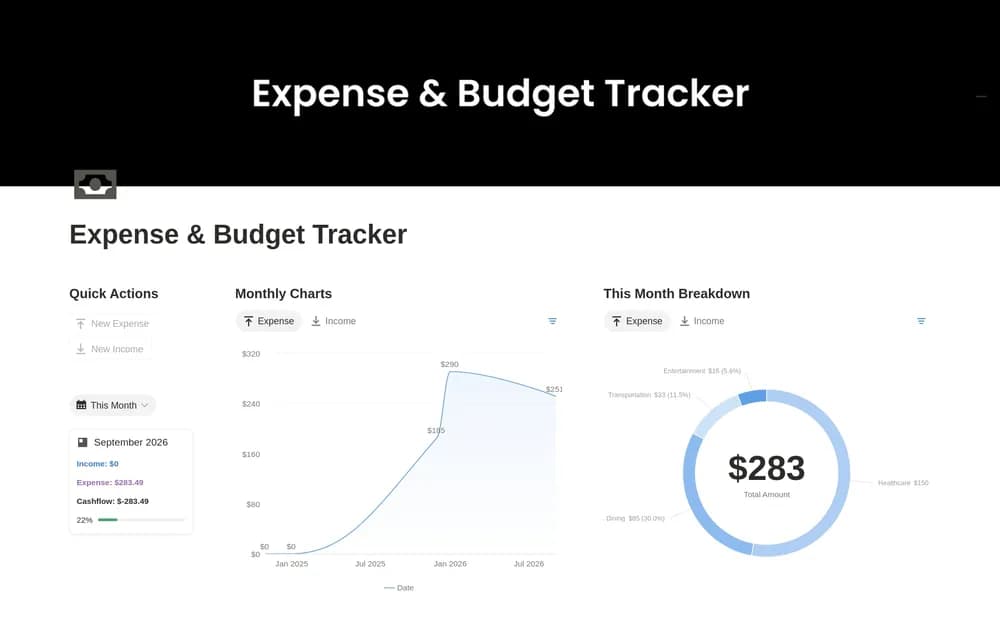
| Expense & Budget Tracker | People comparing practical finance-tracking layouts. | Free | Sentele |
| Finance Tracker: Budget, Income & Expense Planner | Beginners setting up a first finance system and existing trackers who want a cleaner, more visual layout. | Free | Pablo |
| Freelance Expense Tracker | Independent service providers recording business and project expenses. | $9 | Still Linda |
| Freelancer Back Office | Freelancers who want client billing and deductible expense records in the same workspace. | $35 | OpsPack HQ |
| NoFi Personal Finance & Budgeting with Automated Data Entry | People who want a Notion budget but would rather not type every transaction in by hand. | Free | NoFi |
| Small Business Finance Tracker Lite | Small business owners who dislike bookkeeping and want a basic view of money in and out. | Free | Dirtsmith Tools |
Enter a normal week of expenses and check how the totals treat refunds, transfers, and different currencies. Use consistent categories so a monthly comparison means something. Keep receipt links with business costs where needed, and decide how often you will update the log. Confirm integrations explicitly: most standalone templates do not automatically read bank transactions.
Consistent expense categories
Receipt or source links
Understandable period totals
About the directoryRecord the date, amount, currency, category, and source receipt or transaction. Distinguish a purchase from a transfer or refund according to the tracker's calculation method. Choose a realistic update routine and test the summary with a small period of records. Resolve unexplained differences before importing a large history.
Jump straight to any listing in the collection.
A template does not establish a bank feed or classification service by itself. Check whether the creator documents an import or integration and how categories are assigned. Otherwise, expect to enter and review the records yourself.
It depends on the job you need it to do. Good starting points in this collection include Simple Budget & Expense Tracker (individuals who want a straightforward spending log with budgets, without a full finance system), Budget Tracker & Zakat Calculator (people looking for a simple record of monthly personal finances) and Expense & Budget Tracker (people comparing practical finance-tracking layouts). Compare the included features below, then try your first choice with a week of real information before moving everything across.
Yes. This collection currently includes 7 listings with a confirmed free creator offer, alongside 2 paid or freemium options. Use the Free filter to compare them. A free version can have different features from a creator’s paid upgrade, so check the original listing and current access terms before adding it to your workspace.