 Free
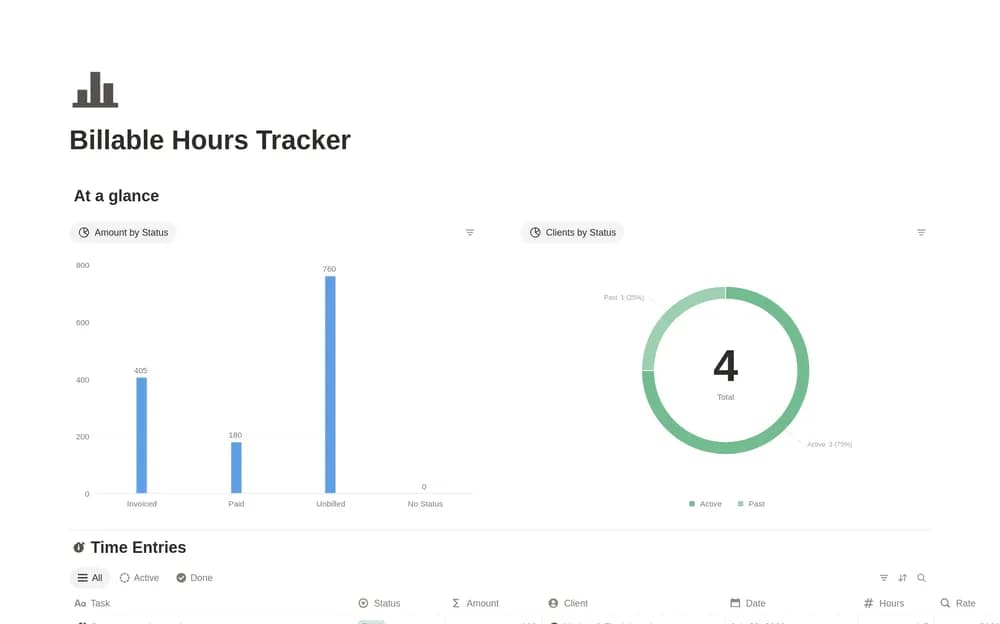
Billable Hours Tracker
Log billable hours by client in Notion, calculate each entry’s value from the client’s hourly rate, and move work from unbilled to invoiced to paid.
Record where working time goes with enough context to learn from it. Browse Notion time logs for projects, activities, billable work, and reviewing estimates against actual effort.
Showing 1–11 of 11 templates
FreeLog billable hours by client in Notion, calculate each entry’s value from the client’s hourly rate, and move work from unbilled to invoiced to paid.
 Paid
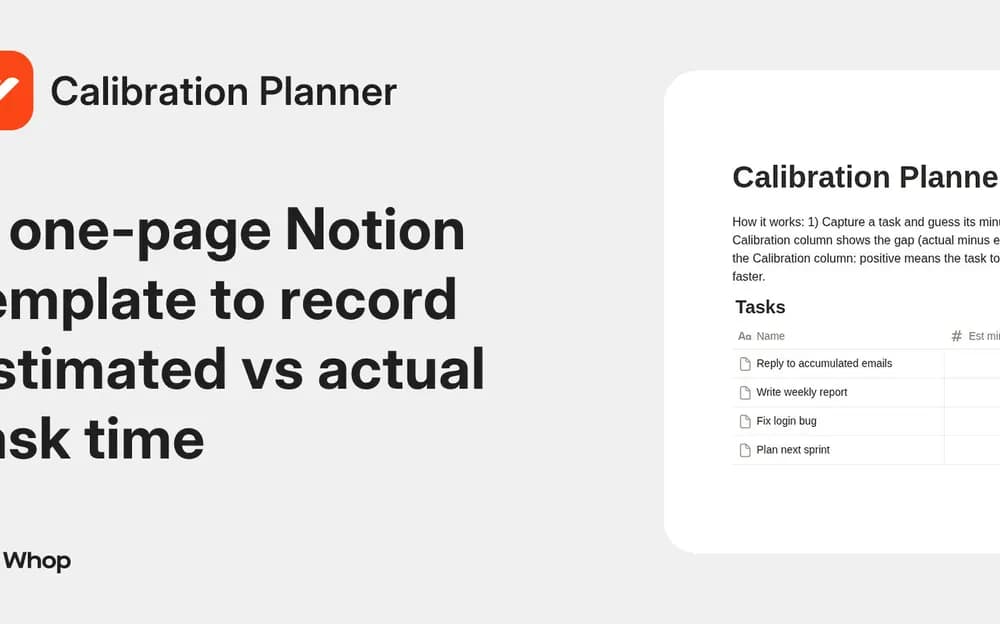
Compare estimated and actual task time on a single Notion page, with the gap calculated automatically so you can see how you tend to estimate.
 Free
Calculate how much free time your day really leaves after sleep, work, and commuting, then plan activities to fill it in a simple Notion dashboard.
 Free
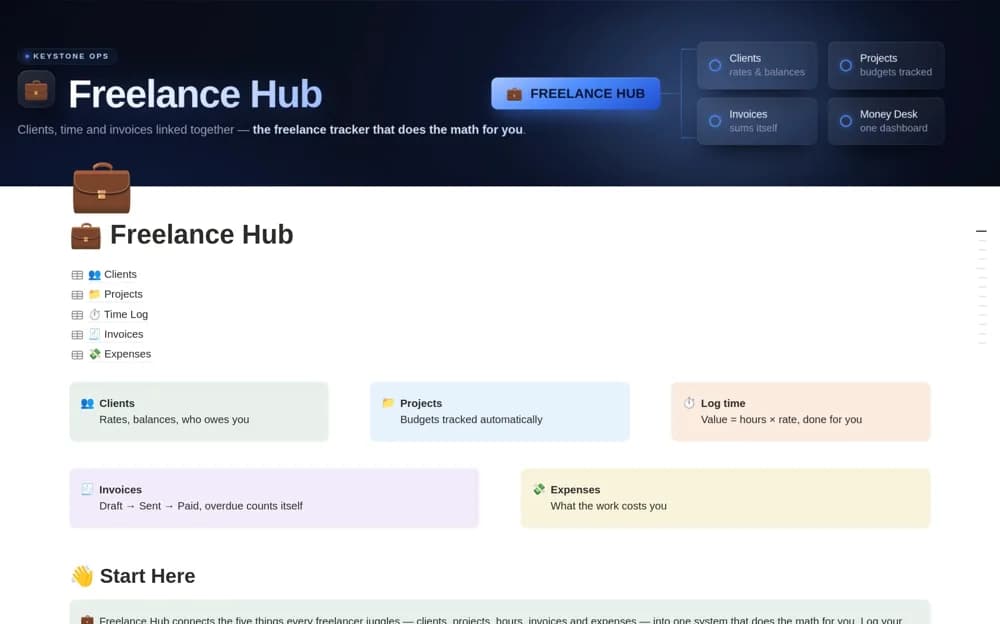
A connected freelance system for clients, projects, logged time, invoices, expenses, and outstanding work value.
 Free
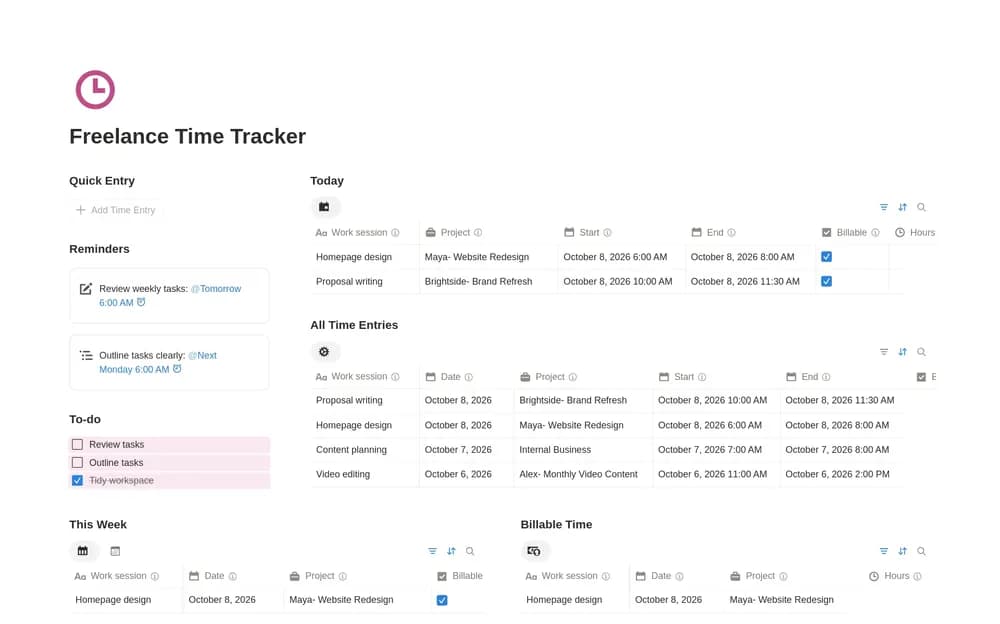
Record freelance work sessions with start and end times in Notion, let hours calculate themselves, and separate billable from non-billable time.
 Free
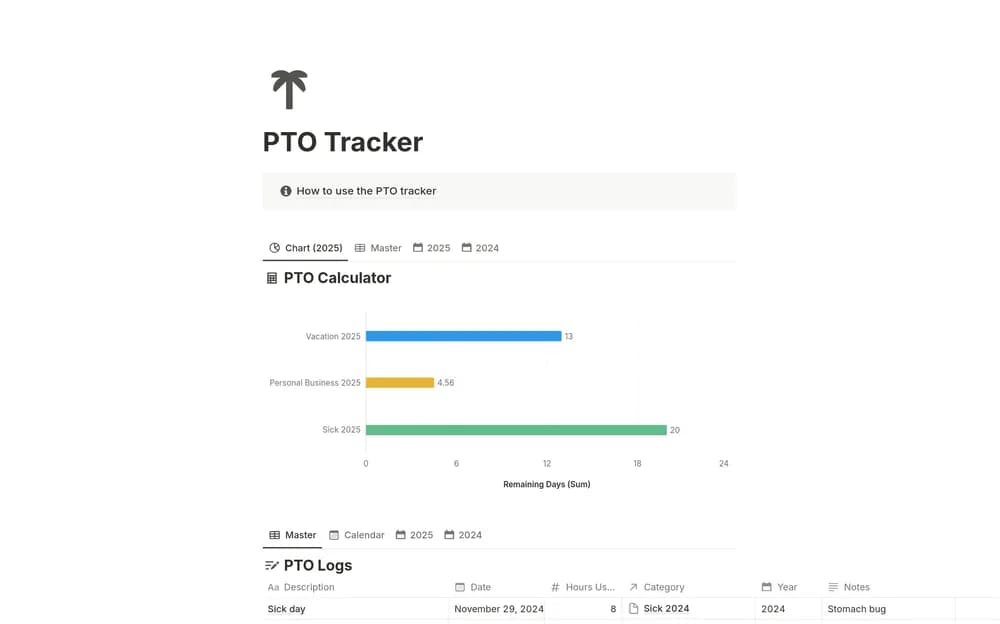
Log time off in Notion by type, such as vacation, sick, personal, or floating holidays, and see remaining PTO hours and days calculated across years.
 Free
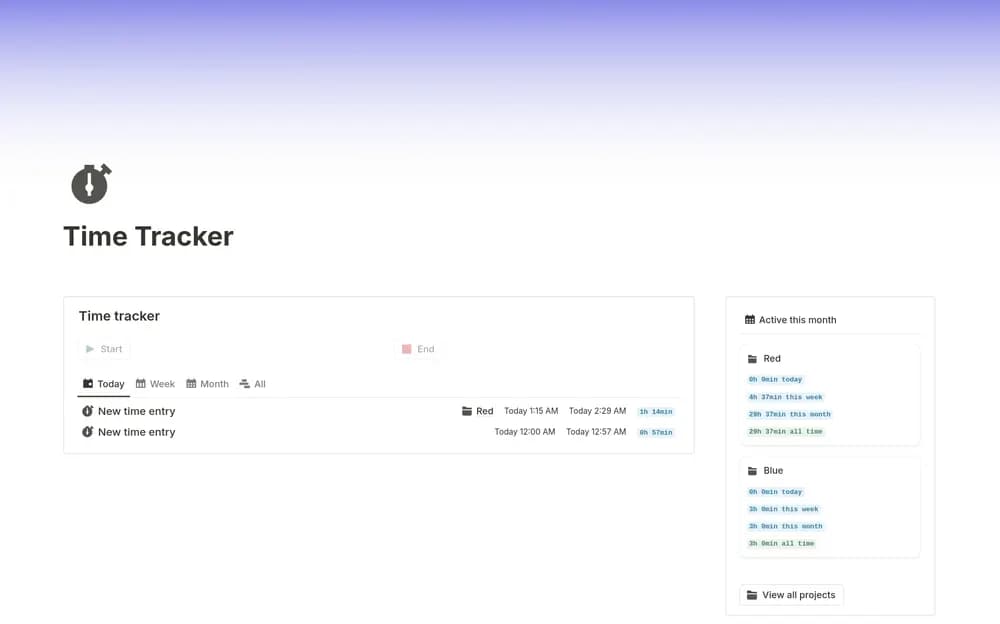
Start and stop project timers with one click in Notion, then review the hours by day, week, month, or all time in a minimal tracker.
 Free
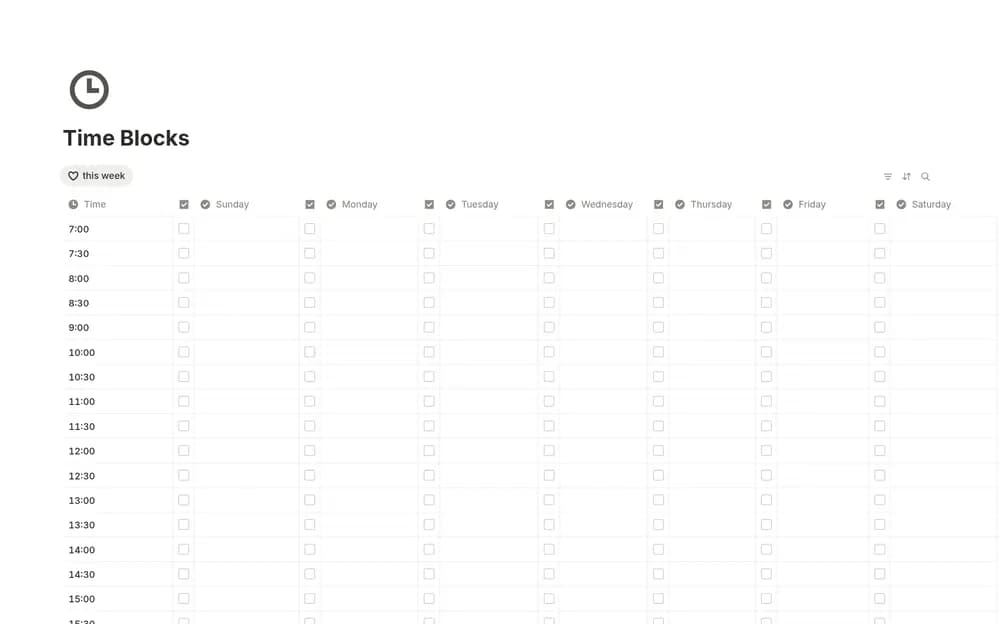
Time-block your entire week in Notion using 30-minute slots from morning to evening, checking off each block as you complete it.
 Free
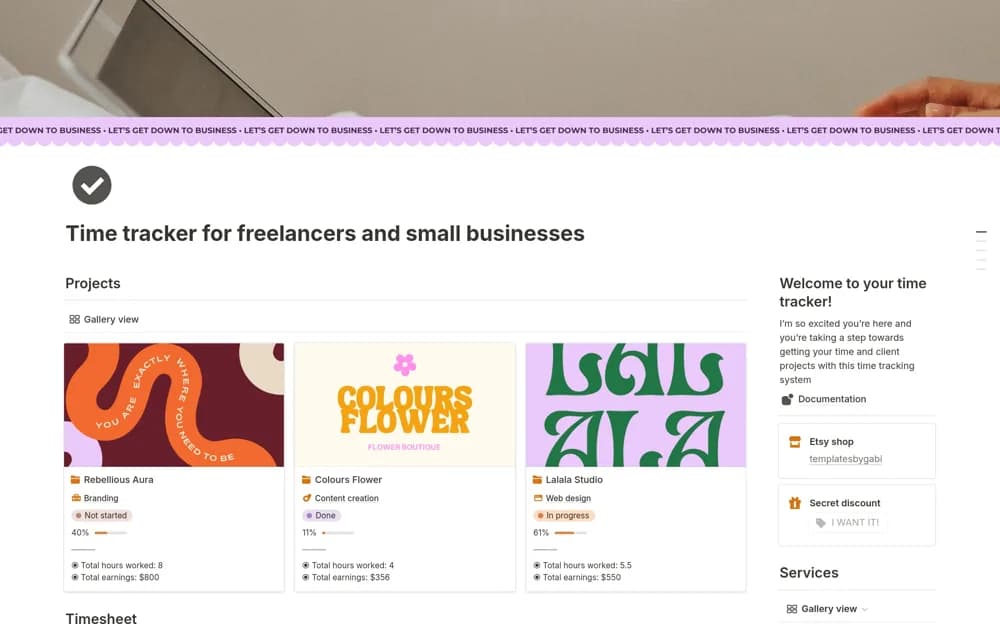
A client time tracker recording start and end times, billable work, project estimates, calculated earnings, and reports.
 Free
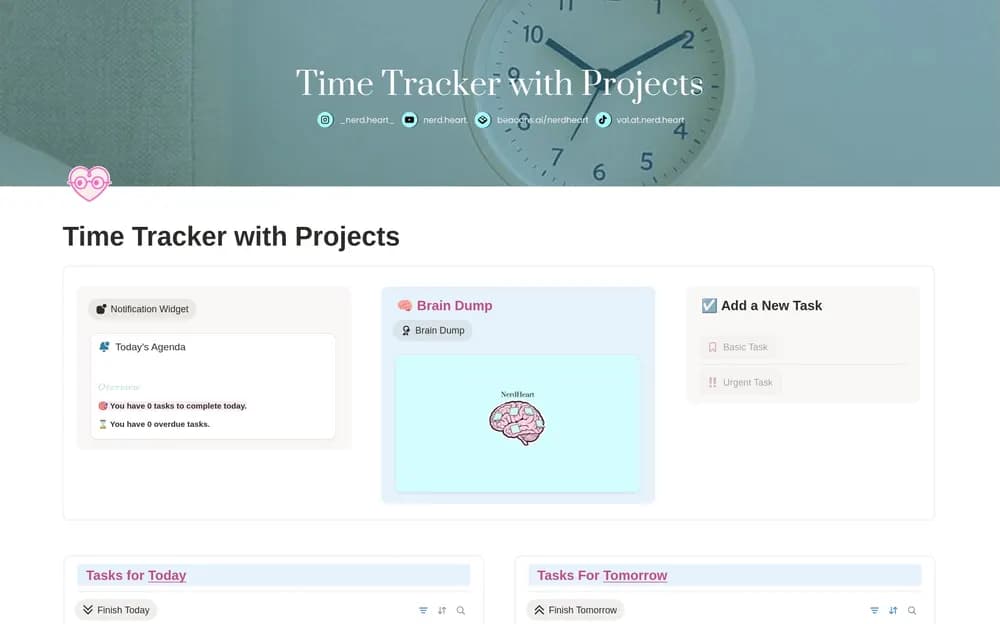
Plan today and tomorrow, manage tasks with quick-add buttons, and log hours per project in a Notion workspace that also includes a brain dump.
 Free
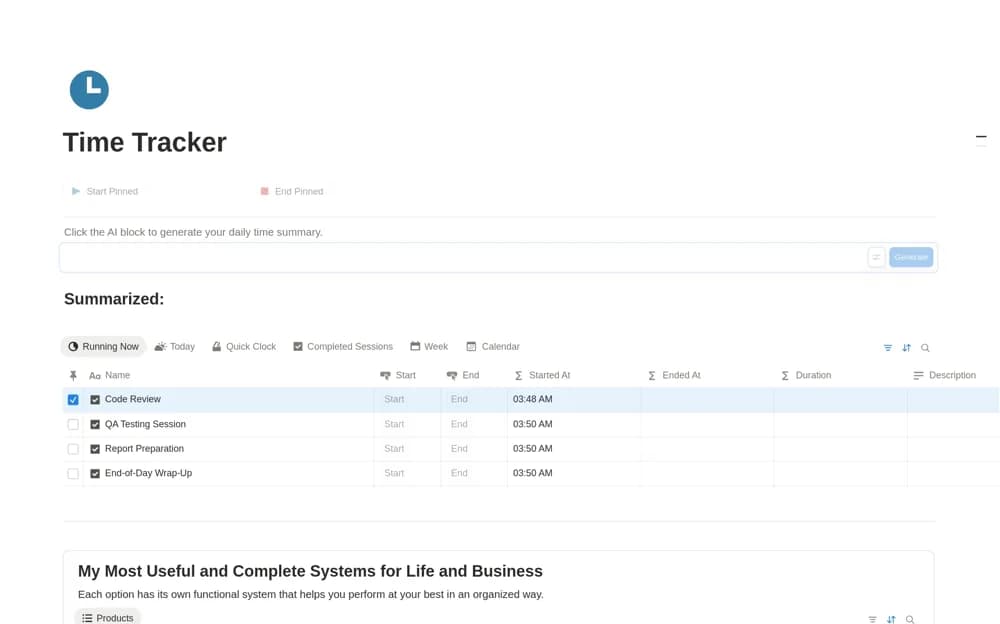
Record task sessions in Notion with start and end buttons, calculated durations, active and completed views, and optional AI work summaries.
Compare the purpose and included features before choosing a workspace.
Independent consultants, fractional specialists, coaches, and small agencies that bill by the hour.
People who often misjudge how long tasks take and want evidence to plan more realistically.
Freelance designers, developers, writers, virtual assistants, and other independent providers who want a lightweight work log.
11 working templates from 11 creators: 10 free and 1 paid, with paid options from $9. Links last checked November 22, 2026.
| Template | Best for | Price | Creator |
|---|---|---|---|
| Billable Hours Tracker | Independent consultants, fractional specialists, coaches, and small agencies that bill by the hour. | Free | RunBook |
| Calibration Planner | People who often misjudge how long tasks take and want evidence to plan more realistically. | $9 | Plantillas de Negocio |
| Freelance Time Tracker | Freelance designers, developers, writers, virtual assistants, and other independent providers who want a lightweight work log. | Free | Still Linda |
| PTO Tracker | Employees who want a personal record of time off alongside an employer’s HR portal. | Free | Lauren |
| Simple Time Tracker | Freelancers tracking billable hours and remote workers curious about where their time goes. | Free | Tinyblocks |
| Time Tracker with Projects | Freelancers, students, creators, and small teams juggling several projects at once. | Free | Nerd Heart |
| Work Hours & Time Tracking (AI-Powered) | People who want task-based work logs without maintaining a separate timer application. | Free | Akshay Raveendran |
| Daily Time Management and Free Time Calculator | Students and professionals who want to use evenings and spare hours for skills, projects, or hobbies. | Free | Dot |
Choose a level of detail you can record consistently. Keep the date, activity, and project with each entry, and decide how interruptions or breaks are treated. Check whether the template has a timer or expects manual duration entries. For billing, verify the agreed rates and rounding rules separately before using recorded time to prepare an invoice.
Consistent duration records
Project and activity context
Clear billing conventions
About the directoryChoose the work and reporting period you need to understand. Record the activity, actual duration, relevant project, and any context that explains an interruption or adjustment. Review totals against the underlying entries before using them for a client or internal report. Keep estimates and billable approval distinct from time merely recorded in the workspace.
Jump straight to any listing in the collection.
Some templates may describe timer features or integrations, while others rely on manual entries. Check the actual listing and setup. A recorded duration also does not establish that a client or organization has approved it as billable time.
It depends on the job you need it to do. Good starting points in this collection include Billable Hours Tracker (independent consultants, fractional specialists, coaches, and small agencies that bill by the hour), Calibration Planner (people who often misjudge how long tasks take and want evidence to plan more realistically), Freelance Time Tracker (freelance designers, developers, writers, virtual assistants and and other independent providers who want a lightweight work log). Compare the included features below, then try your first choice with a week of real information before moving everything across.
Yes. This collection currently includes 10 listings with a confirmed free creator offer, alongside 1 paid or freemium option. Use the Free filter to compare them. A free version can have different features from a creator’s paid upgrade, so check the original listing and current access terms before adding it to your workspace.