 Free
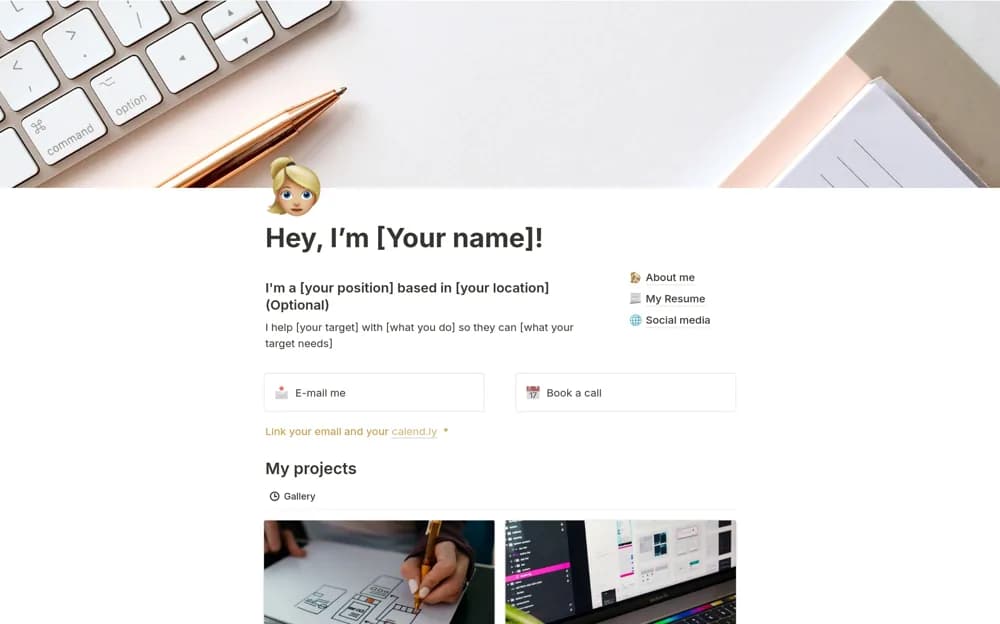
Creative / Design Portfolio + Resume
A design portfolio with categorized projects, a personal introduction, a CV, and contact links.
Create a small public home for your work, interests, and contact details. Explore Notion website templates for an introduction that is easy to maintain.
Showing 1–9 of 9 templates
FreeA design portfolio with categorized projects, a personal introduction, a CV, and contact links.
 Free
 Free
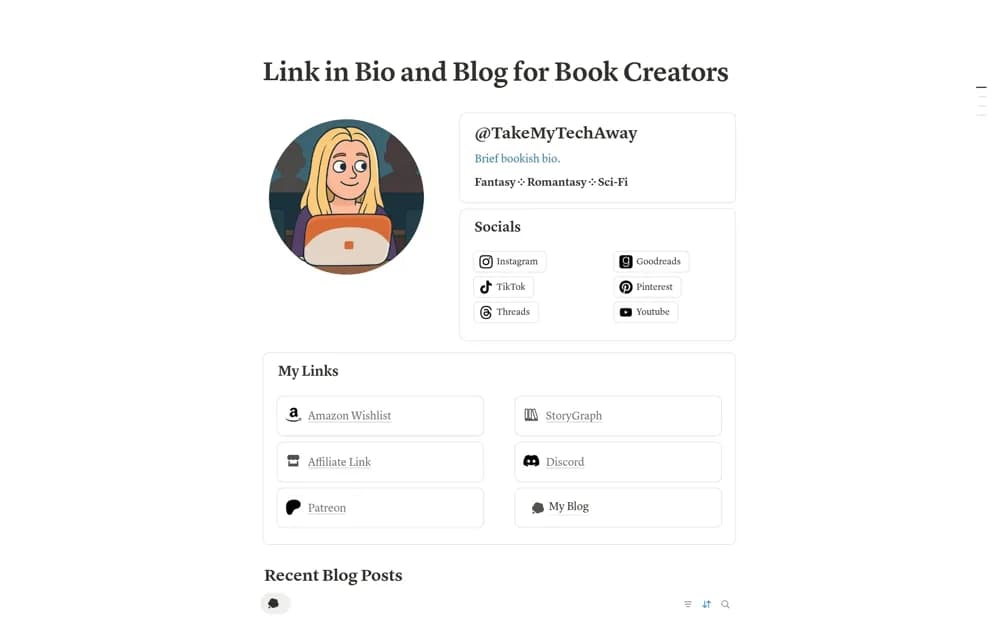
A book-creator site combining an introduction, social and shop links, and a tagged blog for reviews or discussion.
 Free
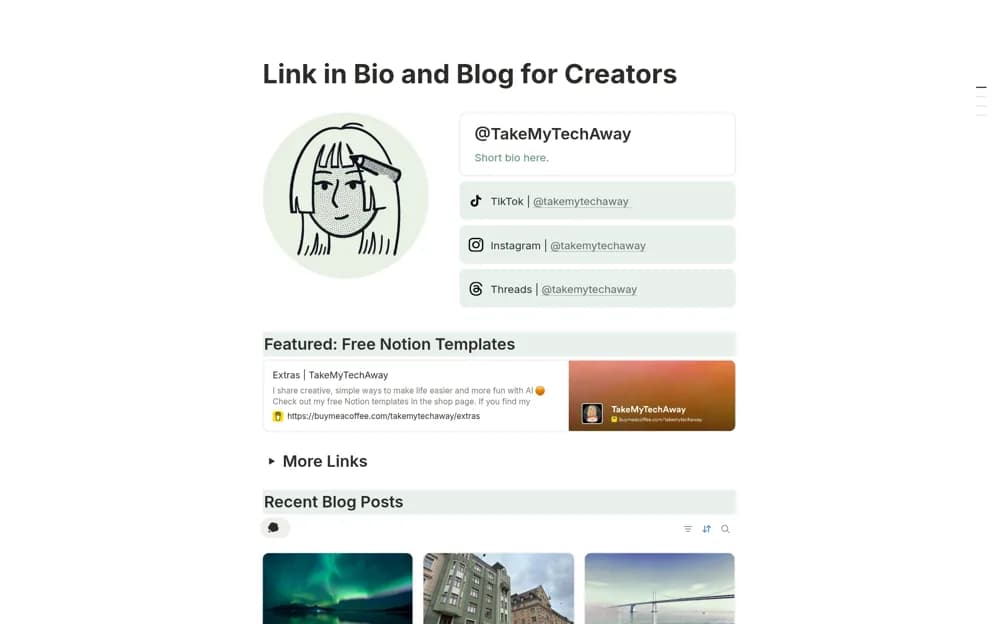
A creator’s personal site layout combining an introduction, featured links, a tagged blog, and customization resources.
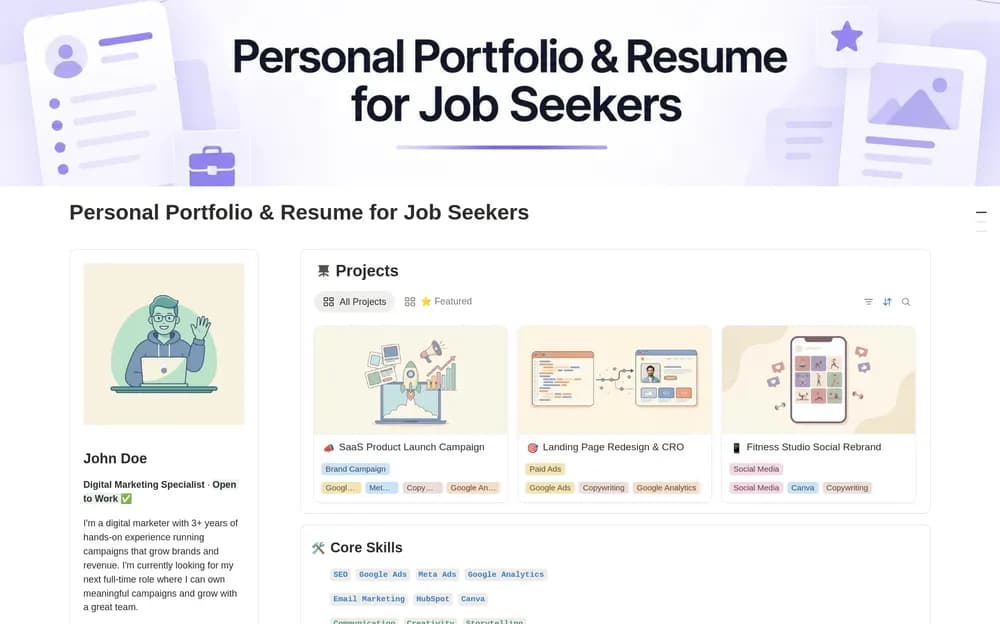 Free
Publish a job seeker’s portfolio site from Notion with a profile sidebar, guided project case studies, work history, and a full resume page.
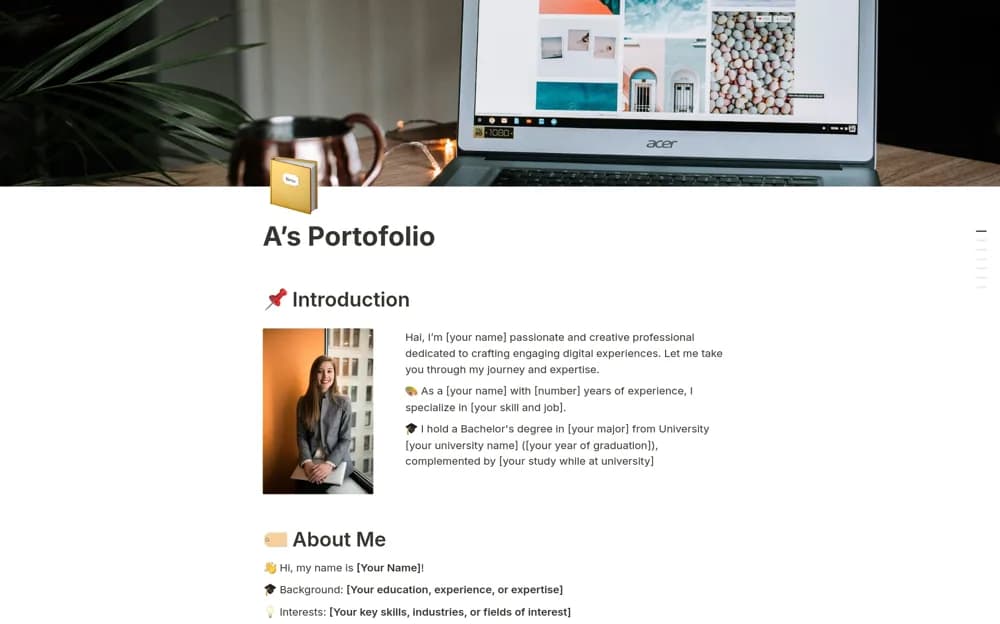 Paid
A professional portfolio structure for an introduction, skills, case studies, research publications, testimonials, and contact details.
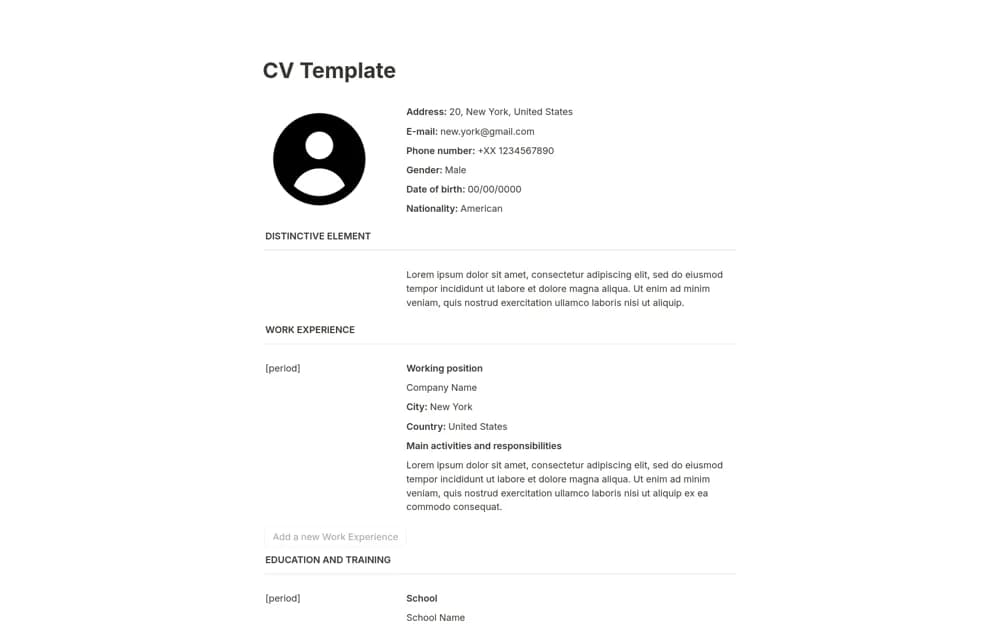 Free
A straightforward resume builder with section buttons for experience, education, projects, qualifications, and personal details.
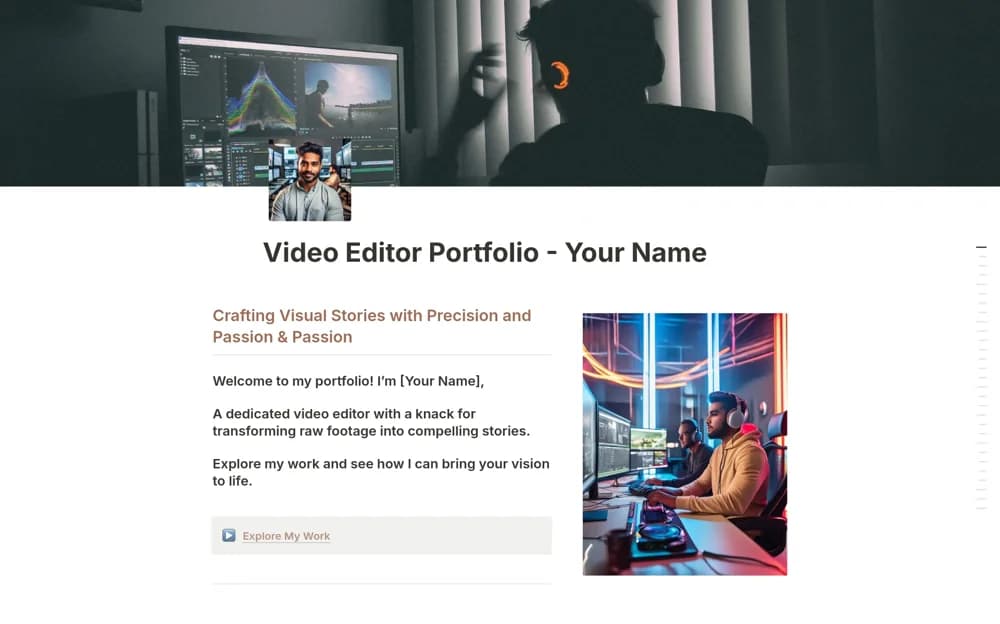 Free
A video-editor portfolio layout for presenting selected projects, editing capabilities, and relevant client or career context.
 Free
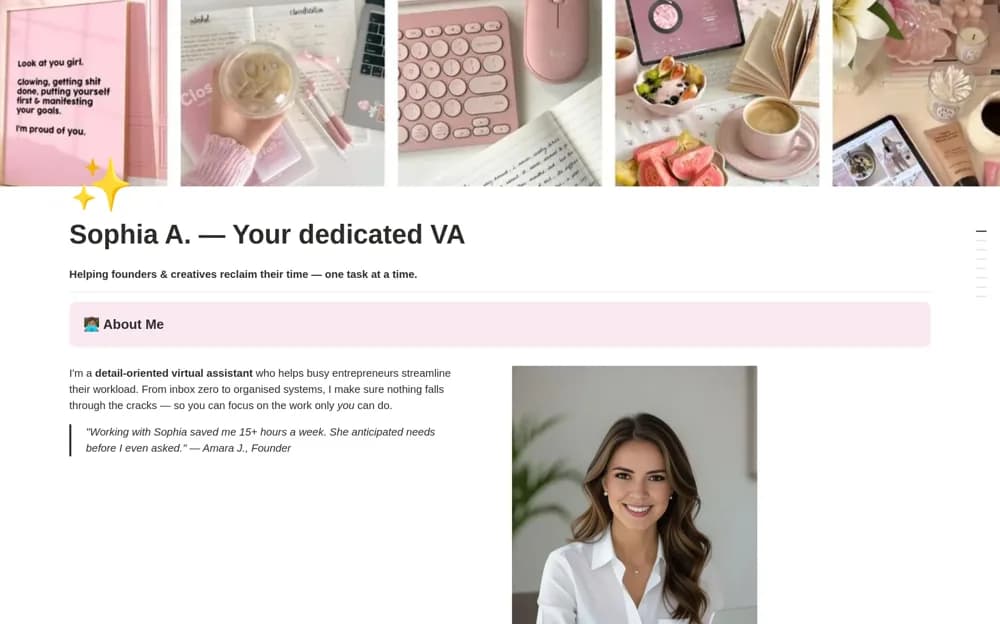
A one-page VA portfolio presenting services, packages, selected work, tools, testimonials, and an inquiry call to action.
Compare the purpose and included features before choosing a workspace.
Graphic and UX designers preparing a public overview of their work.
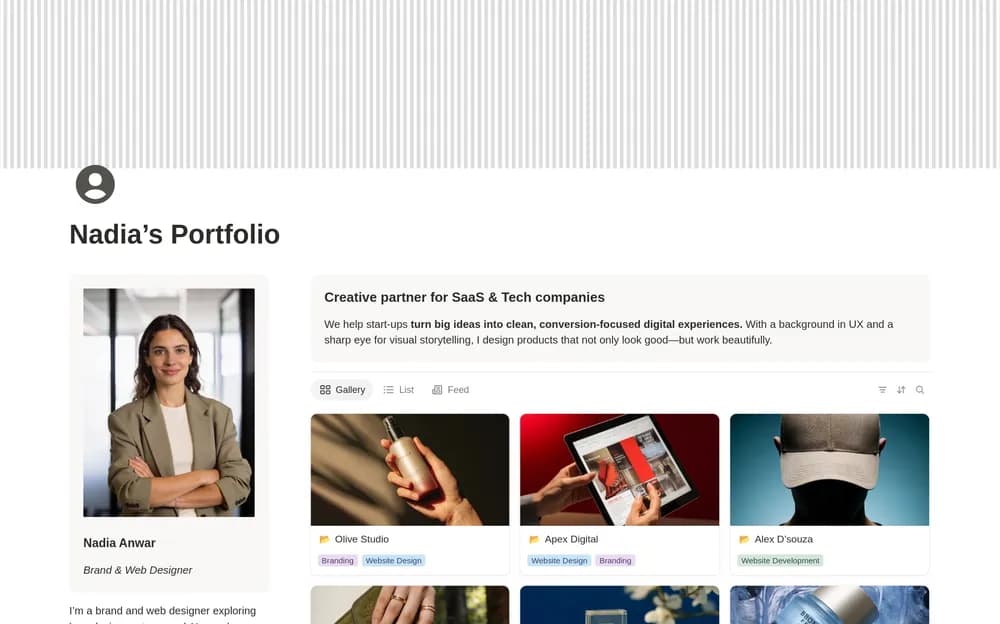
Designers presenting projects to clients or employers.
Book reviewers and reading-content creators publishing a small personal hub.
9 working templates from 8 creators: 8 free and 1 paid, with paid options from $3. Links last checked November 22, 2026.
| Template | Best for | Price | Creator |
|---|---|---|---|
| Creative / Design Portfolio + Resume | Graphic and UX designers preparing a public overview of their work. | Free | cafeconsal.ux |
| Design Portfolio | Designers presenting projects to clients or employers. | Free | Safa |
| Link in Bio and Blog for Book Creators | Book reviewers and reading-content creators publishing a small personal hub. | Free | Take My Tech Away |
| Link in Bio and Blog for Creators | Creators and bloggers seeking a simple public home for their content. | Free | Take My Tech Away |
| Personal Portfolio & Resume for Job Seekers | Job seekers, career switchers, and recent graduates who want one shareable link for applications. | Free | Jithin Rajiv |
| Professional Portofolio | Designers, developers, researchers, and other professionals presenting selected work. | $3 | Aisyah R |
| Resume / CV | Applicants preparing a clear editable CV in Notion. | Free | Dave |
| Video Editing Portfolio | Video editors preparing a focused showcase for potential clients or employers. | Free | Indic Designs |
Decide what a visitor should do after reading the page: contact you, explore a project, or follow your work. Put that route near your introduction. Check the published site while signed out, including every linked page and mobile navigation. Publishing a Notion page and connecting a custom domain can involve separate settings or services; check those requirements before choosing.
A clear introduction
Working public links
An obvious contact route
About the directoryChoose the purpose of the site before adding sections: presenting work, sharing writing, offering a service, or providing a professional introduction. Keep claims and contact details current. Test public links, downloads, and the main action on mobile and while signed out. Remove private working notes from the material intended for publication.
Jump straight to any listing in the collection.
Those depend on the publishing setup and any connected services. Check the creator's instructions and the requirements of your chosen platform. A page layout can be useful even when domain registration, forms, or analytics need separate configuration.
It depends on the job you need it to do. Good starting points in this collection include Creative / Design Portfolio + Resume (graphic and UX designers preparing a public overview of their work), Design Portfolio (designers presenting projects to clients or employers) and Link in Bio and Blog for Book Creators (book reviewers and reading-content creators publishing a small personal hub). Compare the included features below, then try your first choice with a week of real information before moving everything across.
Yes. This collection currently includes 8 listings with a confirmed free creator offer, alongside 1 paid or freemium option. Use the Free filter to compare them. A free version can have different features from a creator’s paid upgrade, so check the original listing and current access terms before adding it to your workspace.