 Paid
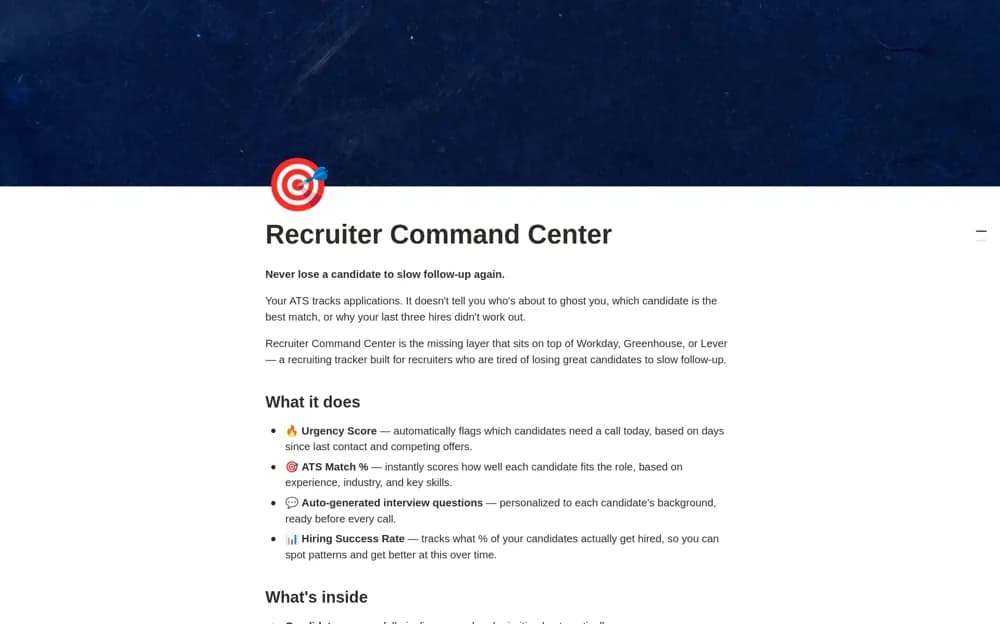
PaidRecruiterOS — Recruiting Tracker
A paid recruiting decision layer with candidate urgency and match scores, interview questions, hiring outcomes, and team performance records, intended to sit alongside an existing ATS.
Create a clearer home for people processes. Browse Notion templates for onboarding, employee information, team policies, and HR planning.
Showing 19–24 of 24 templates
A little structure goes a long way.PaidA paid recruiting decision layer with candidate urgency and match scores, interview questions, hiring outcomes, and team performance records, intended to sit alongside an existing ATS.
 Paid
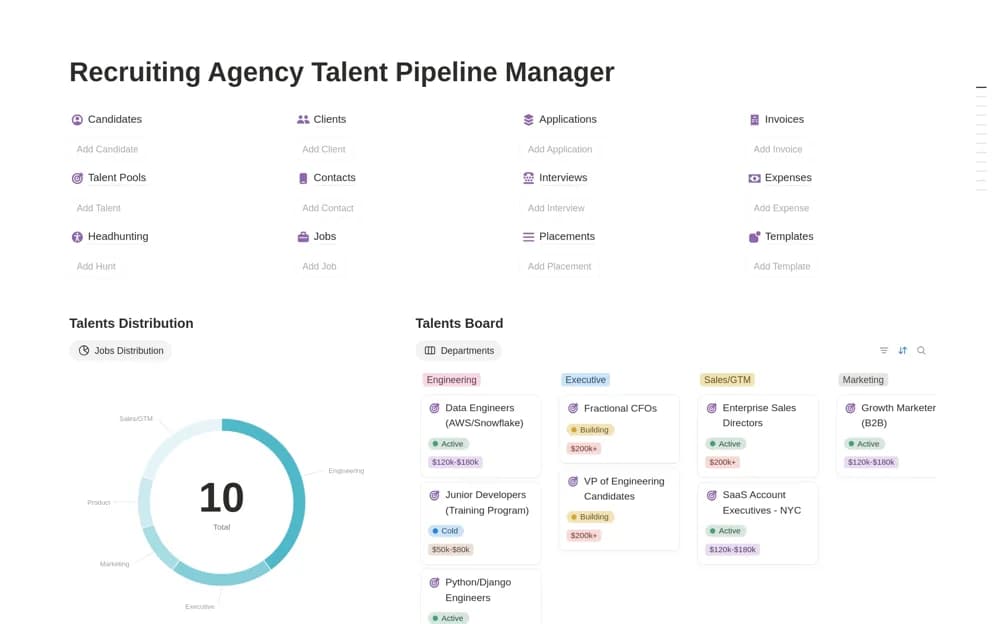
PaidA paid recruiting-agency workspace covering candidates, talent pools, vacancies, applications, interviews, salary expectations, invoices, income, and operating expenses.
 Paid
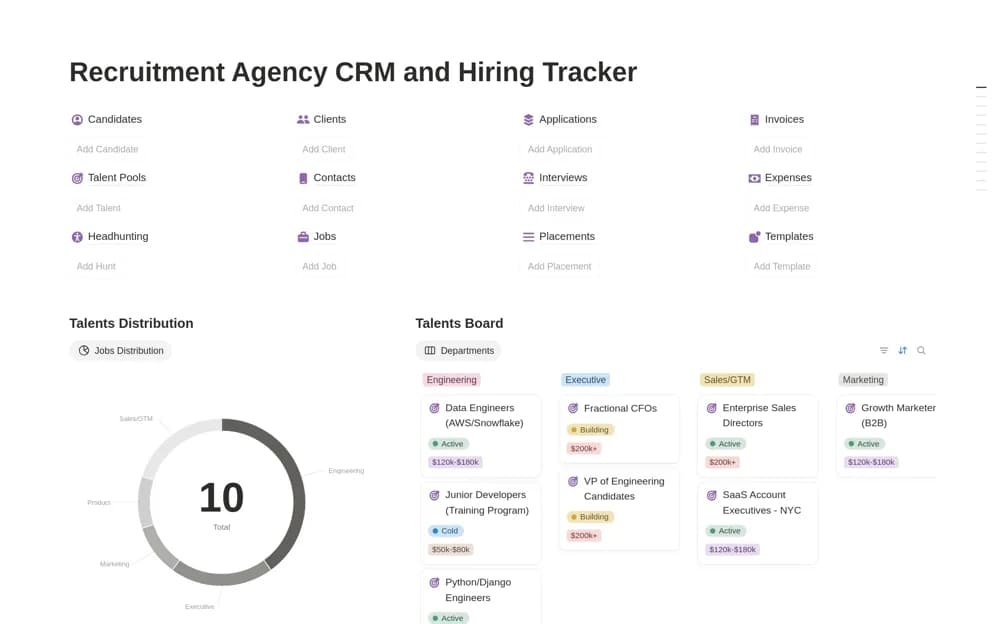
PaidA paid recruitment workspace bringing candidate relationships, talent pools, job openings, application stages, interviews, and agency billing records into one connected dashboard.
 Free
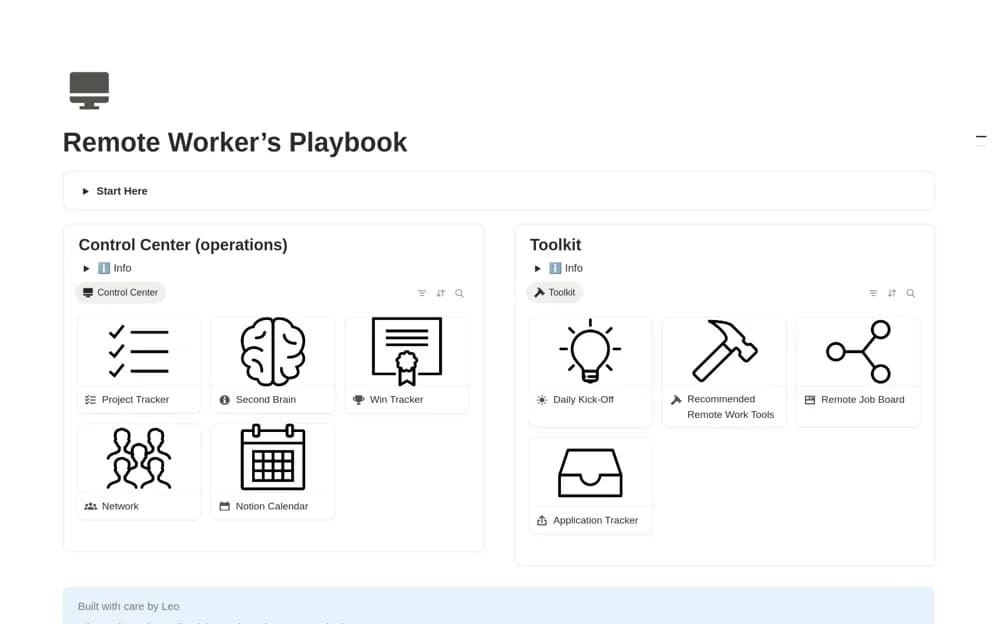
FreeA remote-work organizer for projects, accomplishments, learning references, professional contacts, and job-search context.
 Free
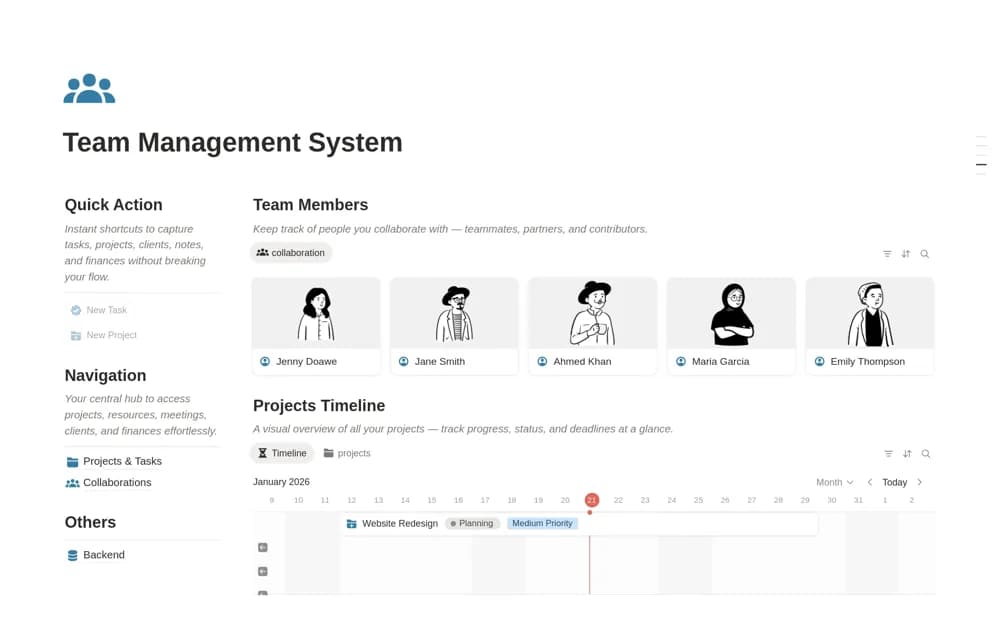
FreeA team workspace for member profiles, projects, assigned tasks, timelines, shared resources, meetings, and decisions.
 Free
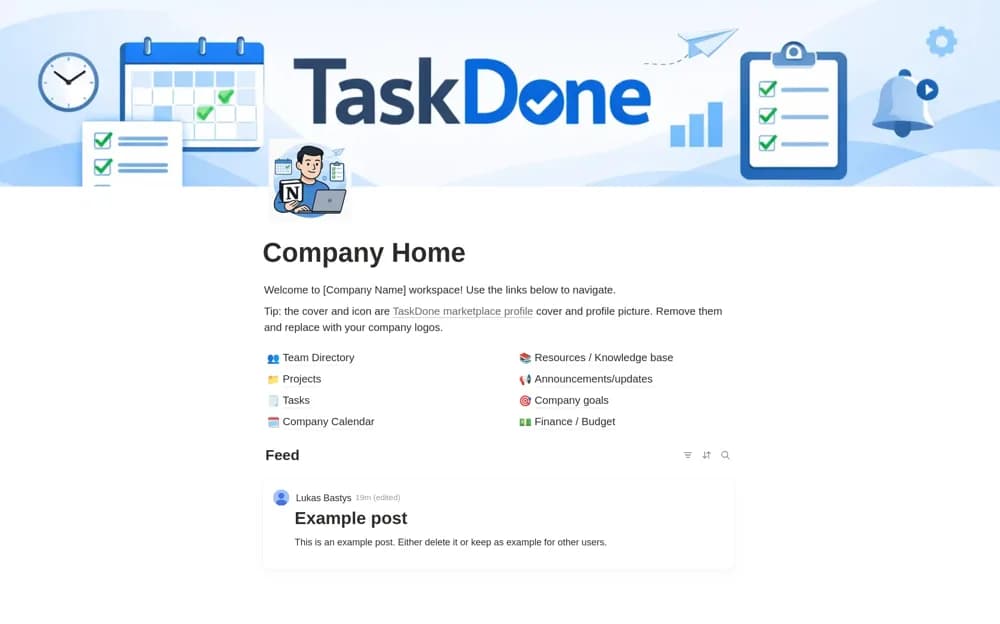
FreeA simple company home connecting projects, daily tasks, a page-based wiki, and short team announcements.
Compare the purpose and included features before choosing a workspace.
Managers building a repeatable onboarding and internal-training experience.
HR coordinators and people-operations teams managing operational tasks.
Small people teams seeking a connected overview of routine HR operations.
Separate general company information from private employee records before choosing a layout. Onboarding checklists need owners and dates; a handbook needs a clear structure and regular upkeep. Check the sharing permissions in your workspace before adding personal information. Test the experience from a new employee’s point of view.
A clear onboarding path
Policy ownership
Appropriate access controls
About the directoryAn HR workspace has several audiences. A new hire needs a clear first-week plan. A manager needs to know which preparation tasks they own. The people team needs a dependable record of progress and exceptions. Choose the template around the process and reader first, then decide which information belongs in shared guidance and which requires a separate restricted location.
For onboarding, create one checklist for each hire and work backwards from the start date. Assign equipment, access, introductions, and role preparation to named owners. Link the employee to the current handbook and useful resources rather than copying policy text into every onboarding record. Add a check-in after the first week so problems can be resolved while they are still relevant.
For policies and employee information, ownership matters as much as layout. Keep the approved source, responsible reviewer, and revision date with each policy. A company directory should contain the information colleagues need to work together; it should not automatically expose payroll details, health information, disciplinary notes, or other confidential records. Test access using the intended employee permissions before adding real data.
A training hub, onboarding checklist, and employee record system can sit in the same overall workspace, but they have different jobs. Start with the smallest useful process and review it after a complete cycle. A template supplies structure; your organization’s approved policies, recordkeeping requirements, and HR systems remain the source of truth.
Start with the process creating the most repeated questions or missed handoffs. Choose onboarding for inconsistent new-hire preparation, a handbook for scattered approved guidance, or an operations board for recurring people-team work. Add a broader HR hub only when you have clear owners for the extra records.
Yes. This collection currently includes 16 listings with a confirmed free creator offer, alongside 8 paid or freemium options. Use the Free filter to compare them. A free version can have different features from a creator’s paid upgrade, so check the original listing and current access terms before adding it to your workspace.