 Free
FreeVideo Editing Portfolio
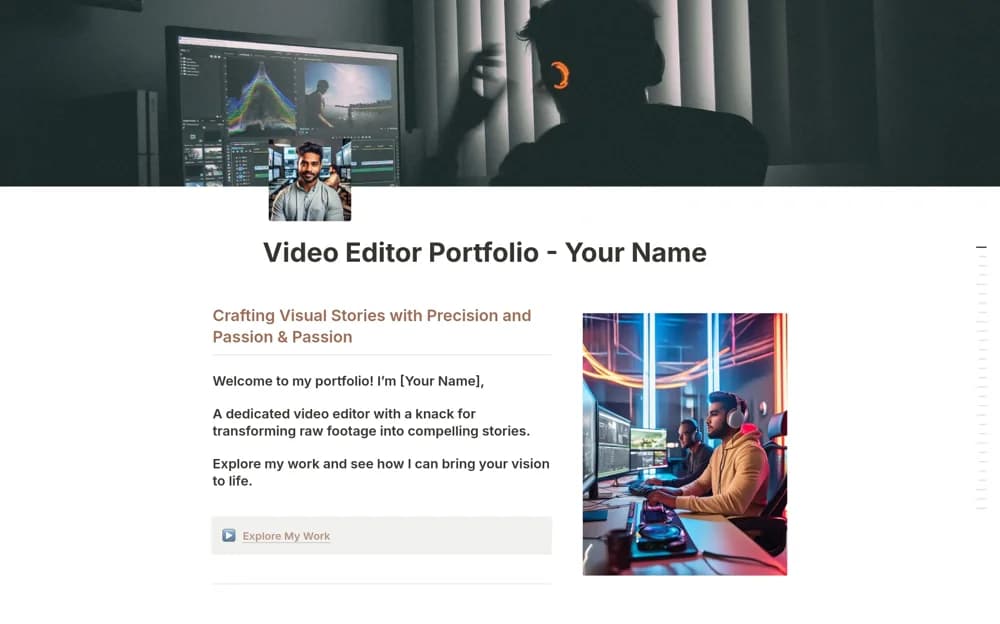
A video-editor portfolio layout for presenting selected projects, editing capabilities, and relevant client or career context.
Turn loose ideas into a publishing plan. Explore Notion templates for editorial calendars, content pipelines, and the business of creating.
Showing 37–43 of 43 templates
A little structure goes a long way.FreeA video-editor portfolio layout for presenting selected projects, editing capabilities, and relevant client or career context.
 Free
Free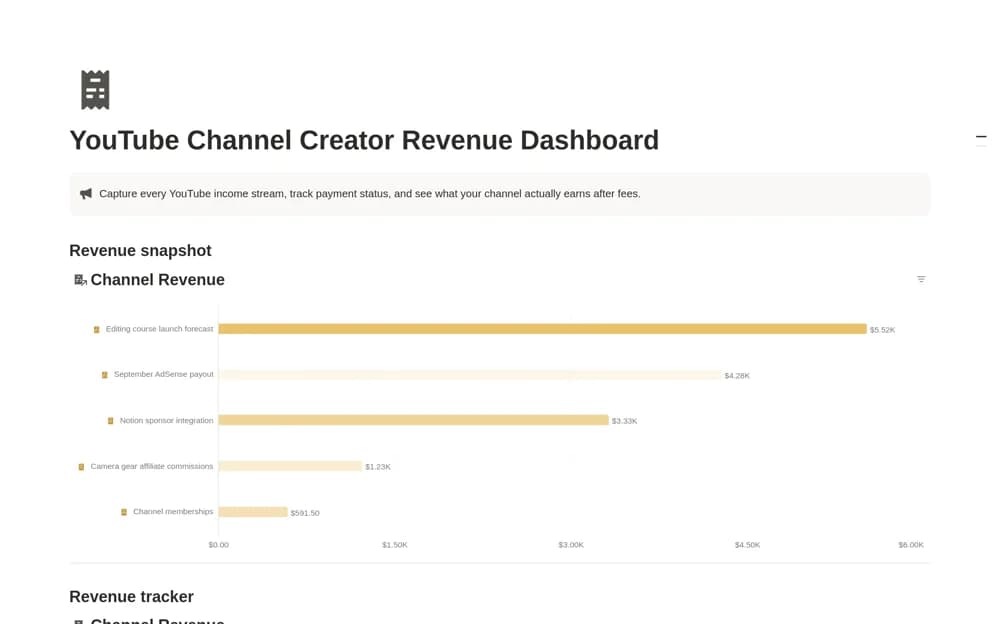 Free
FreeA creator income dashboard recording gross revenue, fees, dates, owners, and payment status, with a net-revenue calculation and an entry-level comparison view.
 Free
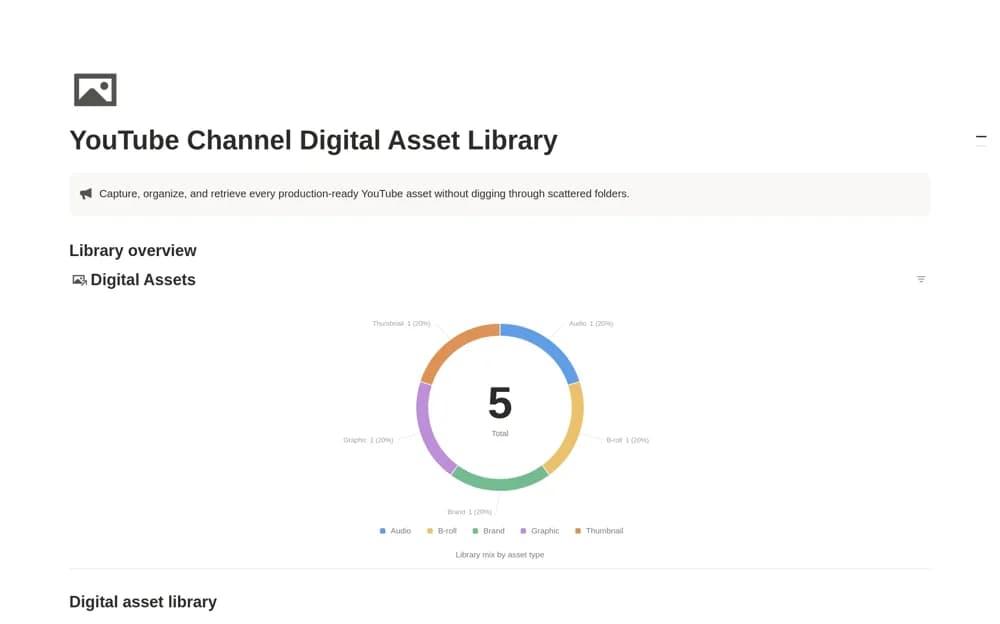
FreeA media-asset catalog for thumbnails, B-roll, audio, graphics, and brand files, with formats, source links, asset links, dates, and license context.
 Free
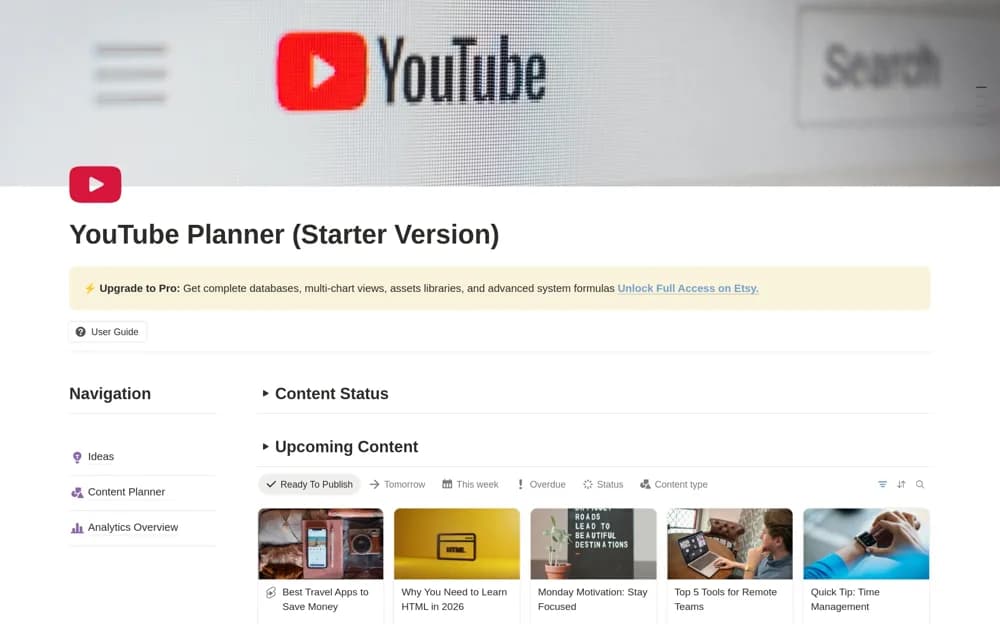
FreeA free YouTube starter planner using one content database for ideas, scheduling, calendar views, and analytics records.
 Free
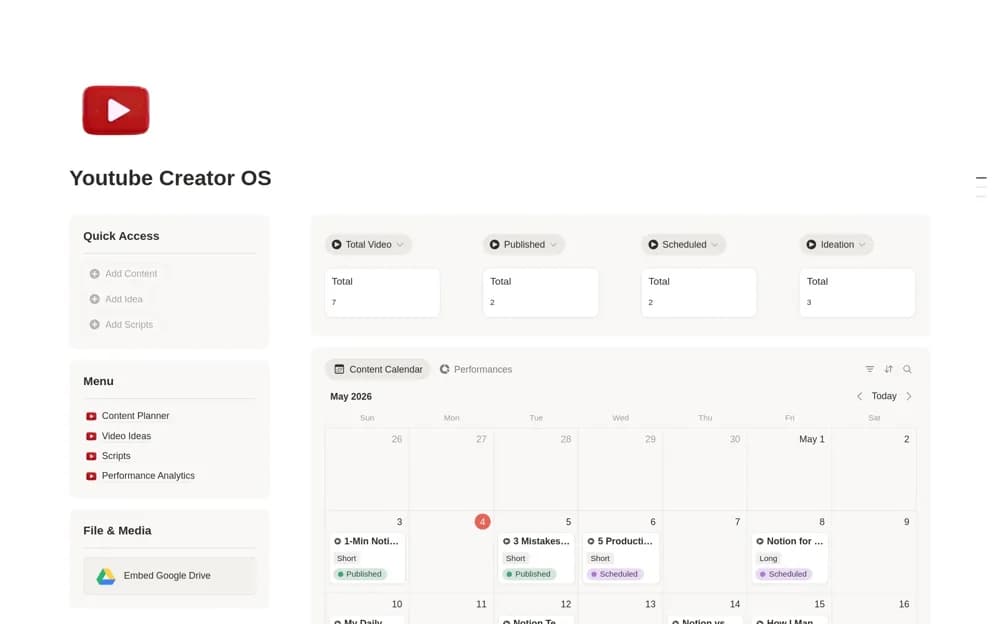
FreeA YouTube planning system linking video ideas, scripts, content scheduling, upload records, and performance metrics.
 Free
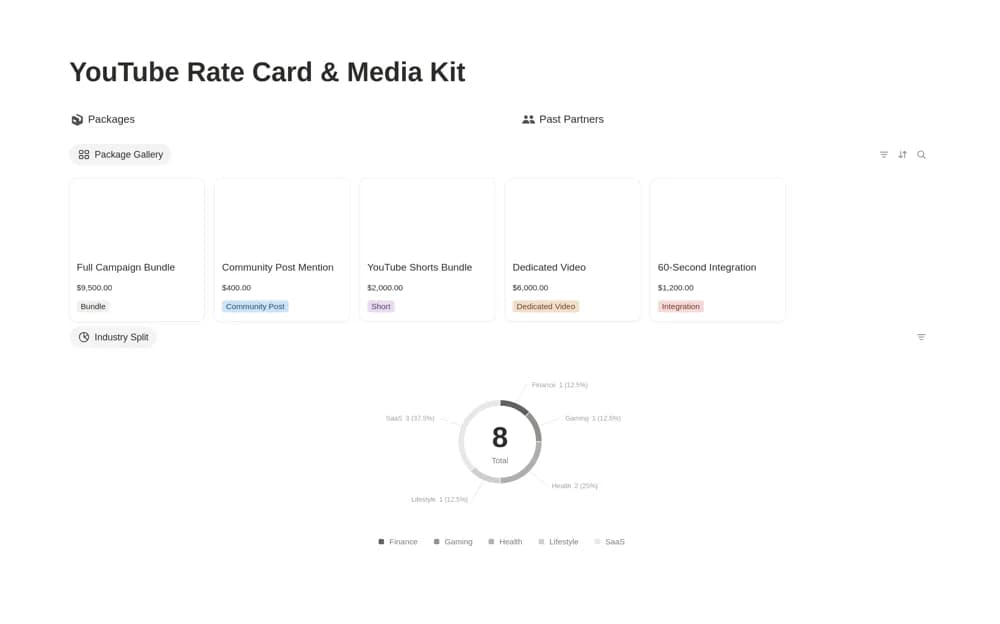
FreeA YouTube sponsorship rate card combining priced packages, deliverables, turnaround, usage rights, and past partners, with gallery, comparison, and industry-summary views.
Compare the purpose and included features before choosing a workspace.
Creators coordinating material for more than one channel.
Creators who want an approachable editorial workspace.
Creators who want a repeatable publishing routine.
The best content setup connects an idea to a brief, a draft, and a publishing date. Check whether the template suits one channel or several. A calendar alone can hide stalled work, so look for a way to see each piece’s status. Test the workflow with your next three pieces before adding your entire backlog.
An idea inbox
A visible production pipeline
A realistic publishing calendar
About the directoryChoose an audience and purpose for each piece before assigning a publication date. Keep research, drafts, assets, and approval notes linked to the same record. Review unfinished work by status as well as date so a missed deadline does not make the piece disappear inside a calendar.
A calendar helps with timing, but a production pipeline also shows whether a piece is researched, drafted, reviewed, or ready. Choose the template around the stages you need to coordinate, particularly if more than one person contributes.
Yes. This collection currently includes 37 listings with a confirmed free creator offer, alongside 3 paid or freemium options. Use the Free filter to compare them. A free version can have different features from a creator’s paid upgrade, so check the original listing and current access terms before adding it to your workspace.