 Free
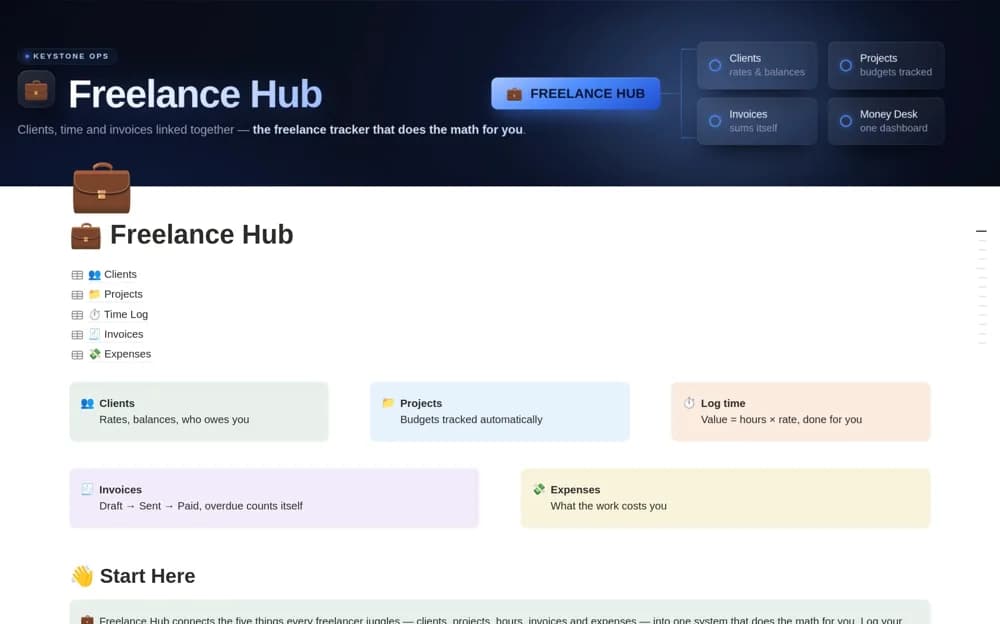
Freelance Hub — Client, Time & Invoice Tracker
A connected freelance system for clients, projects, logged time, invoices, expenses, and outstanding work value.
Turn loose ideas into a publishing plan. Explore Notion templates for editorial calendars, content pipelines, and the business of creating.
Showing 19–36 of 65 templates
FreeA connected freelance system for clients, projects, logged time, invoices, expenses, and outstanding work value.
 Free
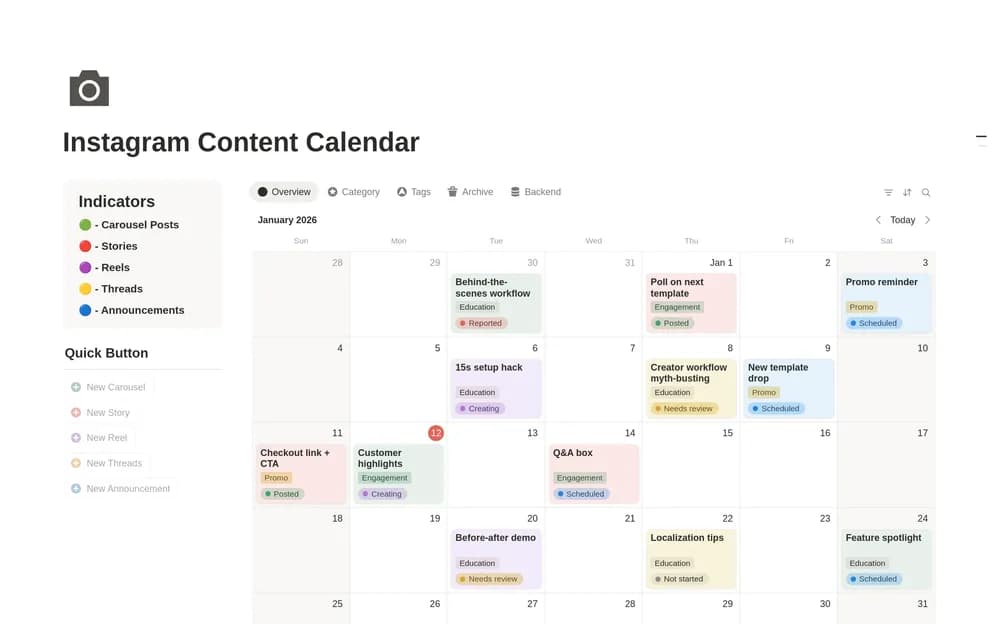
Give Instagram ideas, production, and publication dates a shared home.
 Free
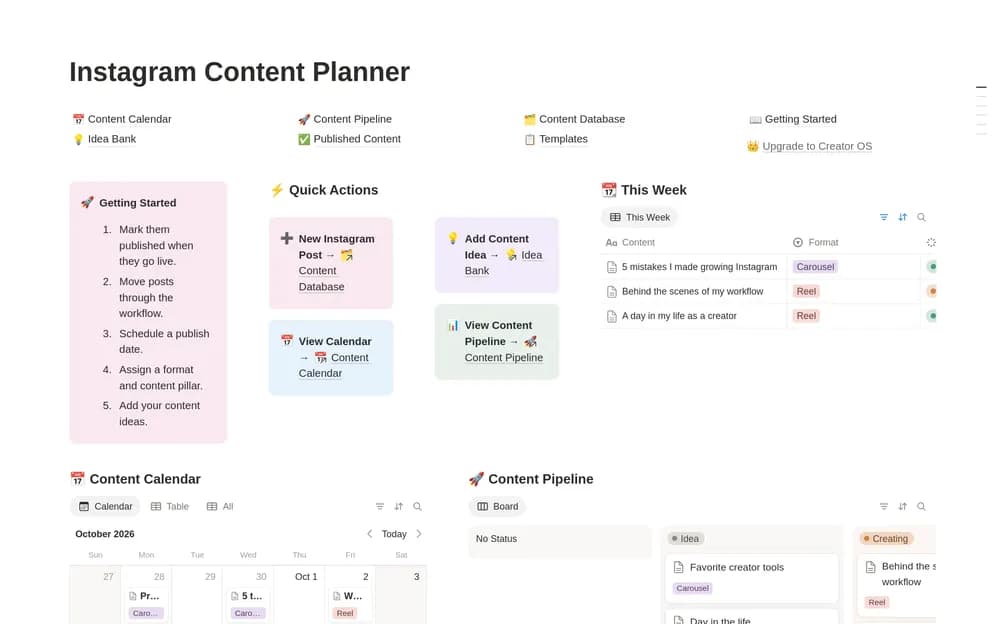
Plan Instagram Reels, carousels, Stories, and posts in Notion, moving each from idea to published with hooks, captions, hashtags, and dates.
 Free
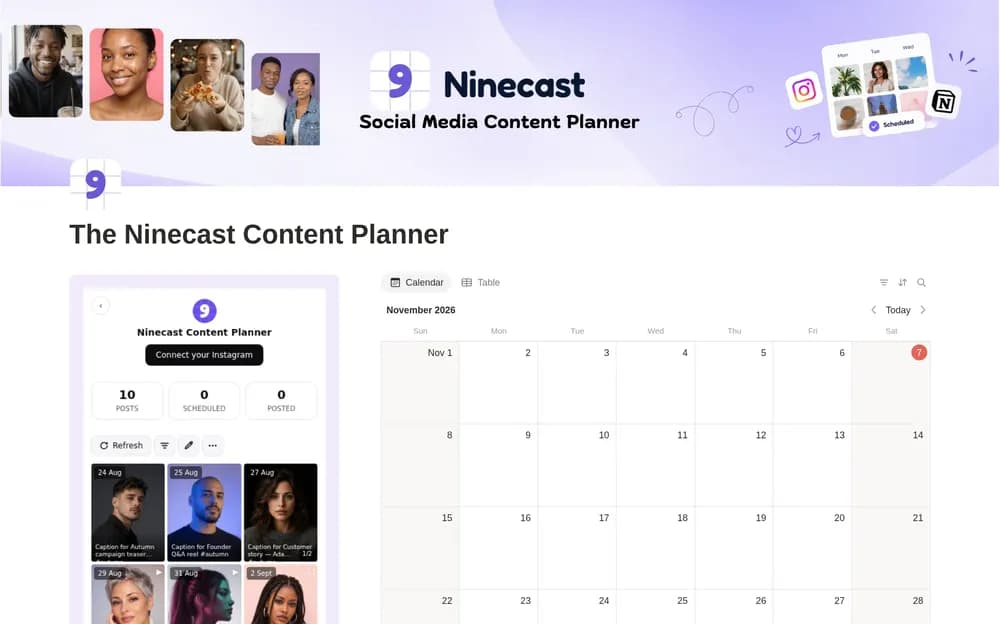
Plan Instagram posts in a Notion content calendar and preview the feed grid through an embedded Ninecast widget before anything goes live.
 Free
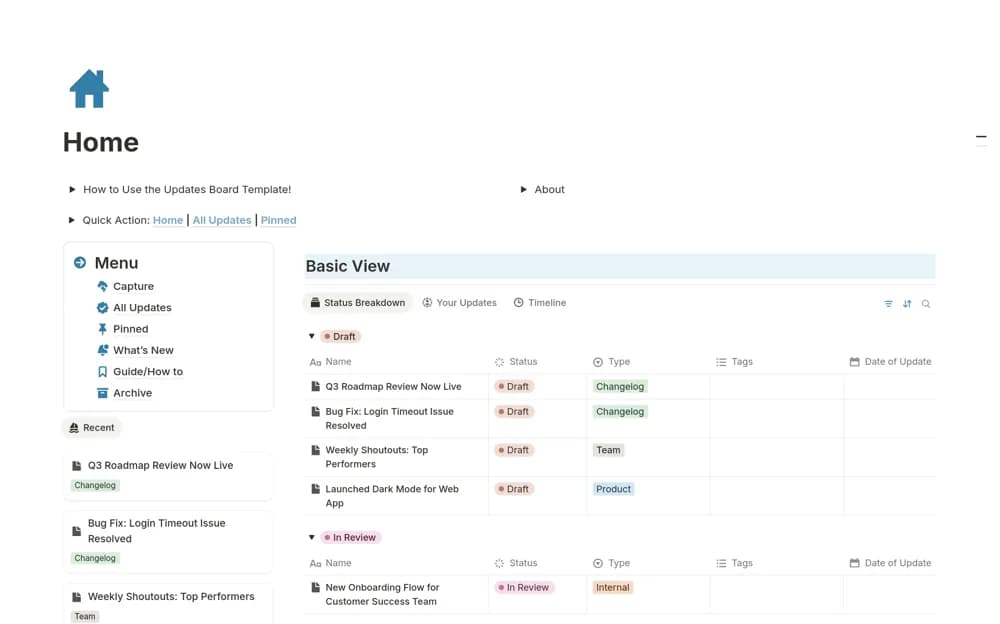
Manage internal announcements in Notion with a publishing workflow, pinned updates, team filters, and a searchable company feed.
 Free
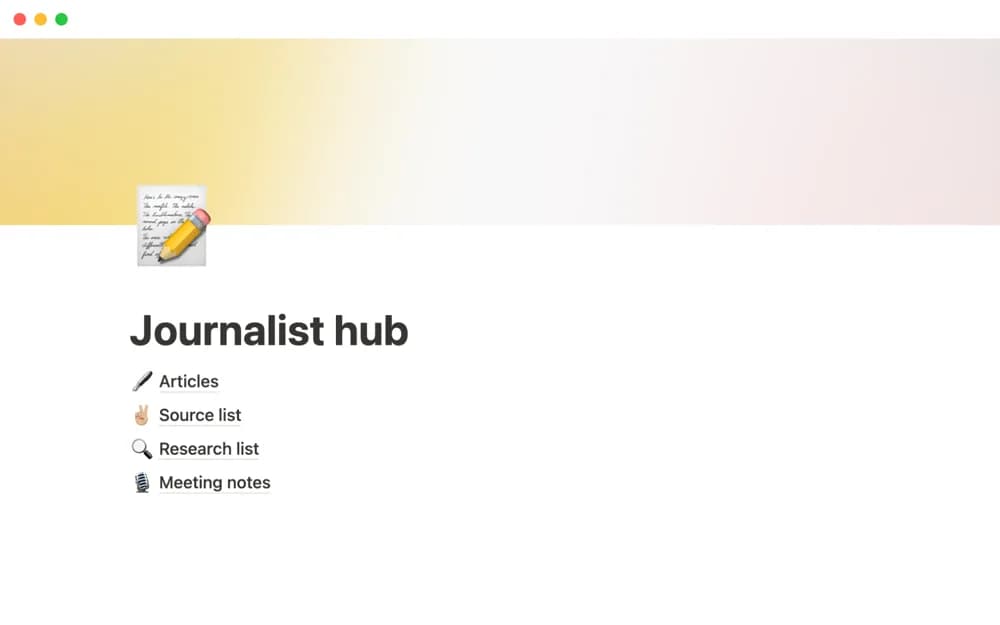
A reporting workspace connecting interviews, sources, research notes, article drafts, and source-contact history.
 Free
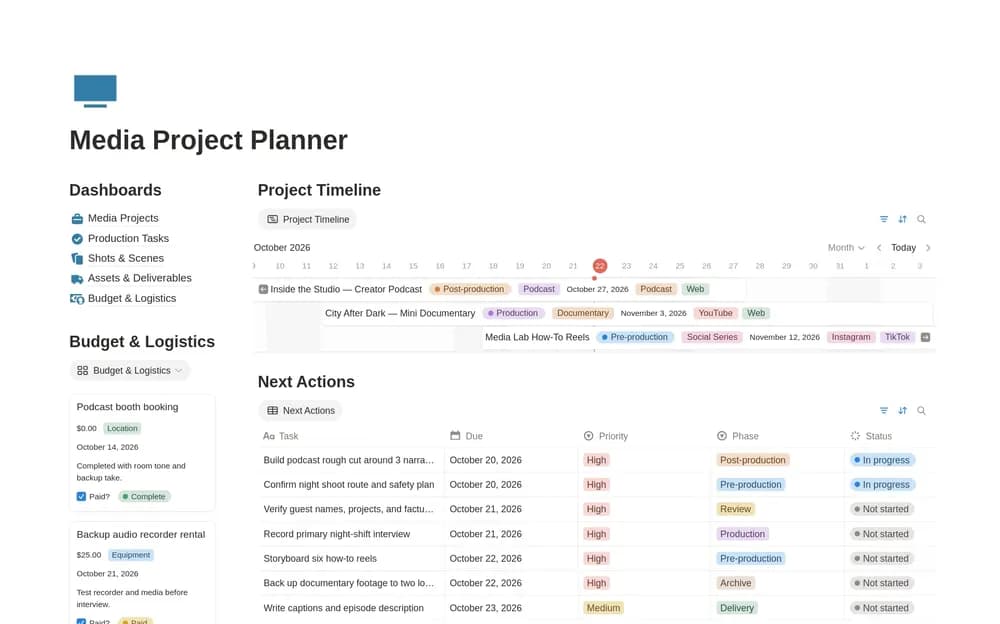
Coordinate video, podcast, and social productions in Notion, linking projects to tasks, shot lists, assets, budgets, logistics, and shoot dates.
 Free
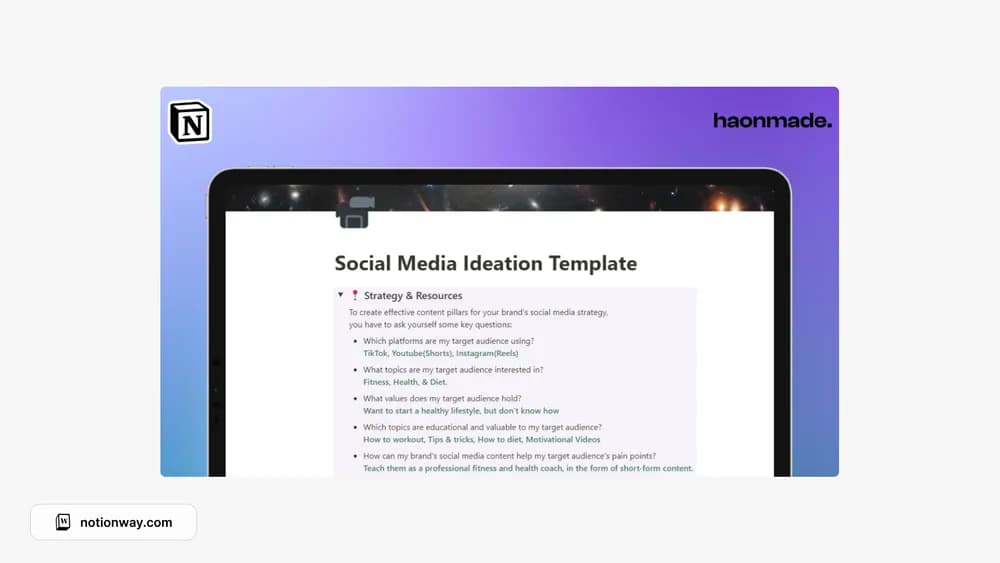
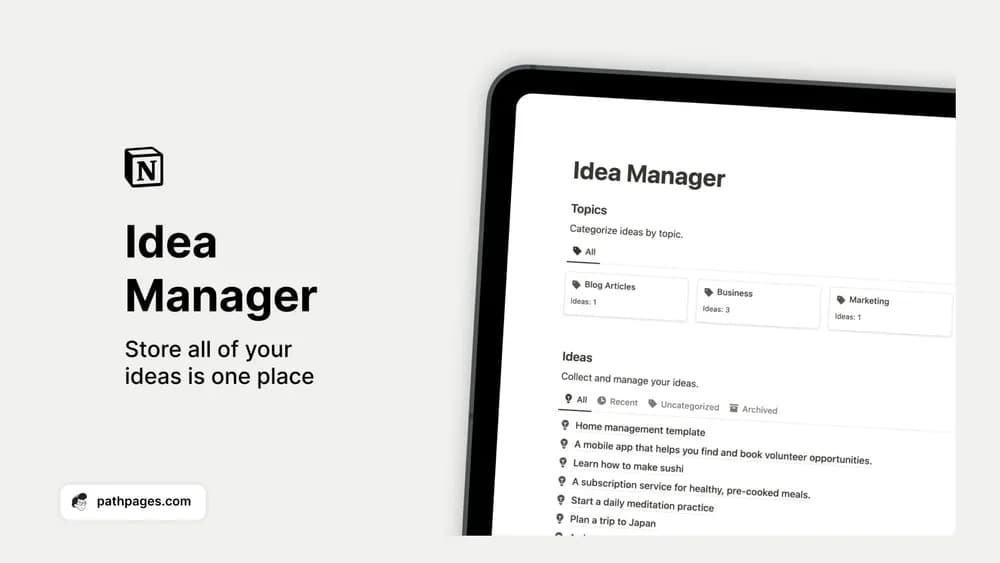
A place to develop social media ideas before they become posts.
 Free
 Free
Catch an idea while it is fresh and give it enough context to use later.
 Source listing
 Free
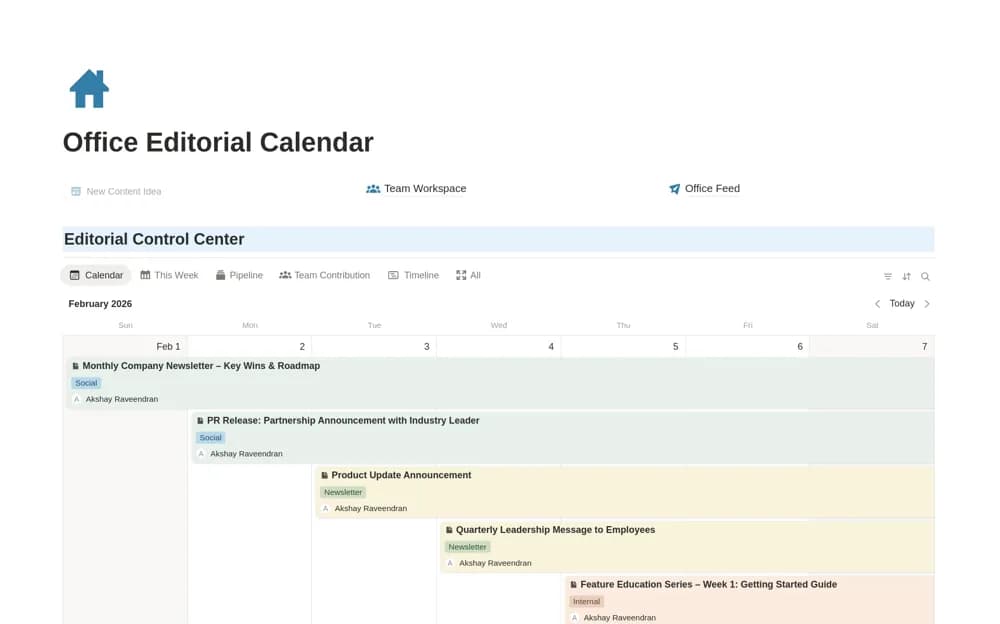
A shared editorial timeline for teams coordinating content across social media, newsletters, PR, internal email, and announcements, with ownership and a publishing flow.
 Free
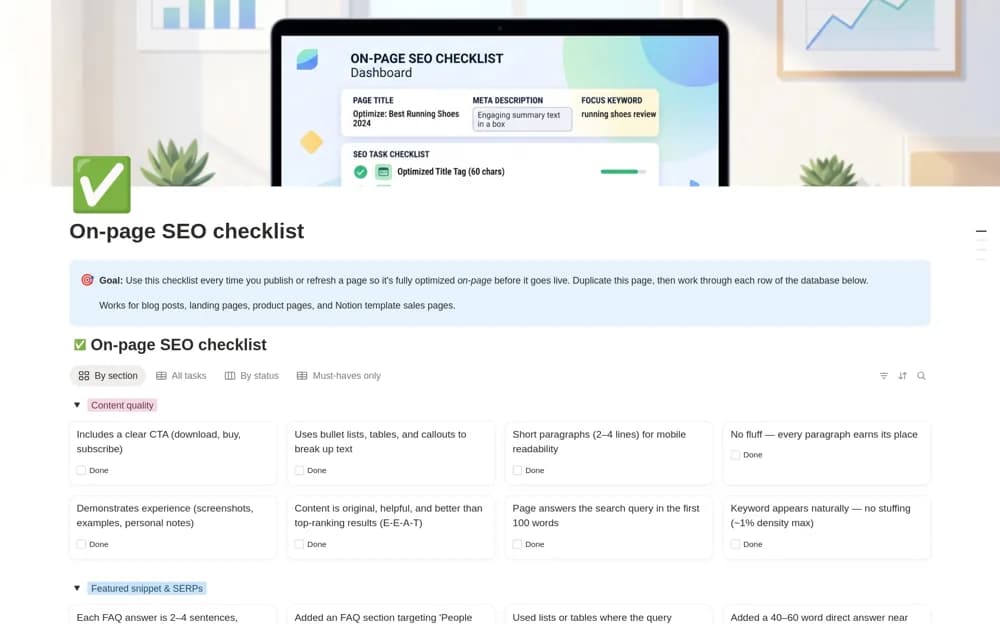
Review page content in Notion with an on-page SEO checklist covering metadata, headings, images, links, structured data, and publishing status.
 Free
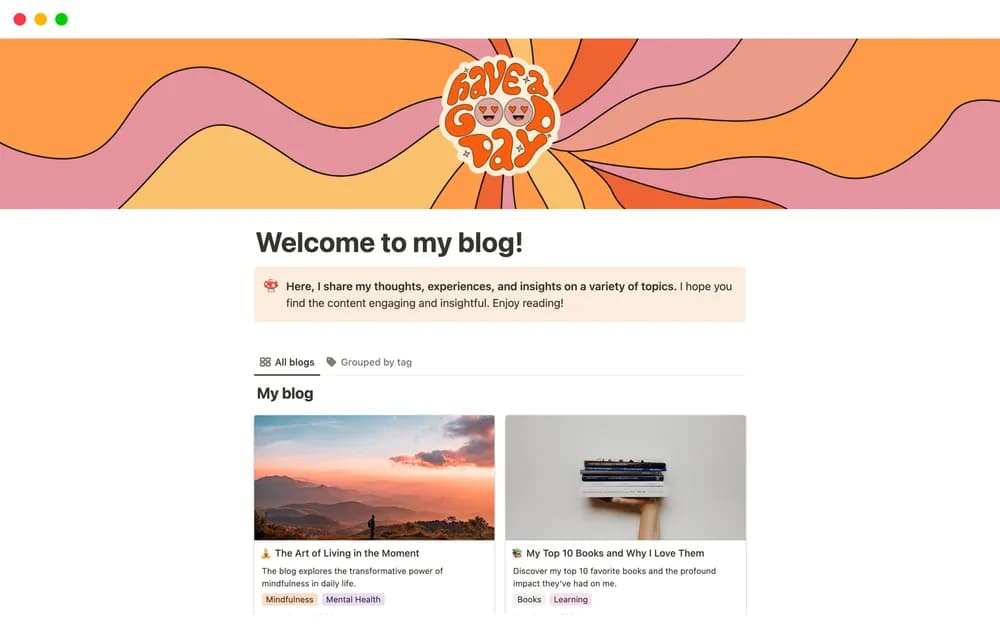
Notion’s personal-blog template for publishing a small collection of posts.
 Free
Run a personal brand from one Notion workspace, linking brand pillars to content, offers, growth opportunities, and recorded metrics.
 Free
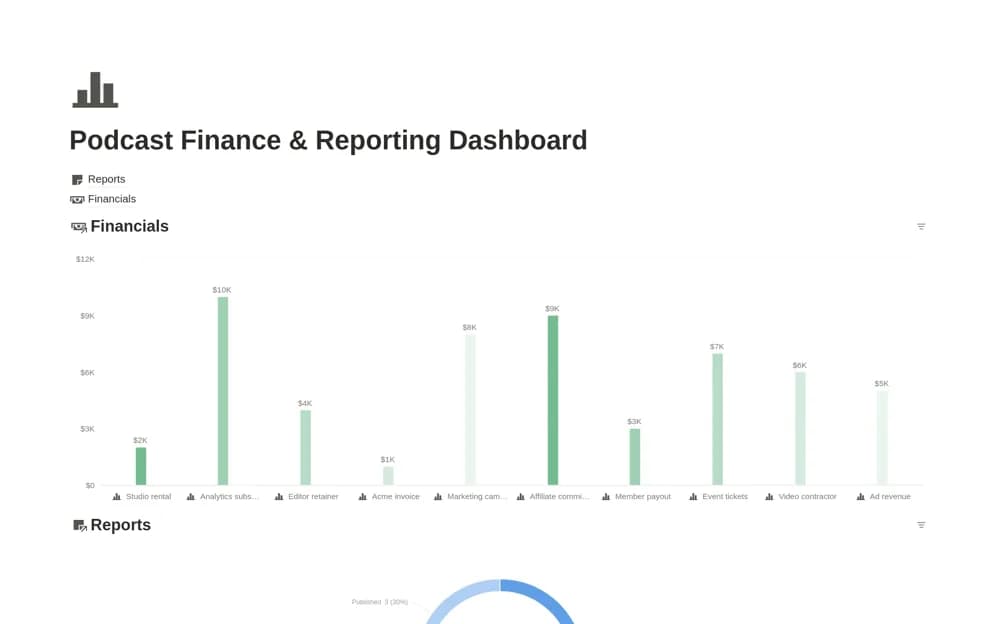
A podcast administration dashboard with separate financial transactions and report records, including payment or approval stages, cash timing, reporting periods, findings, and next actions.
 Free
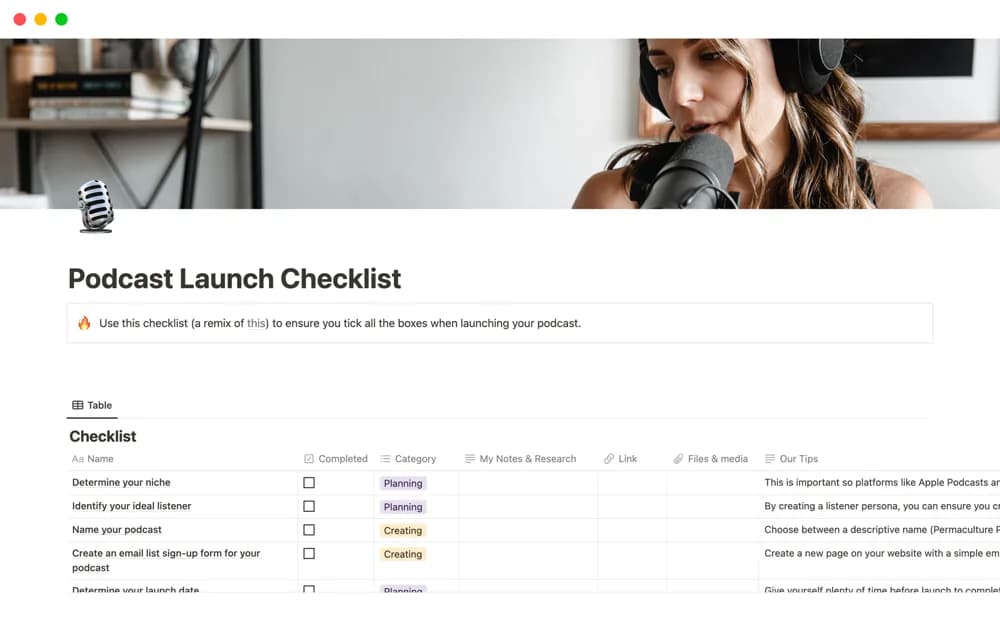
A podcast launch checklist covering the show concept, name, launch date, schedule, and the recording, editing, and uploading work before a first release.
 Free
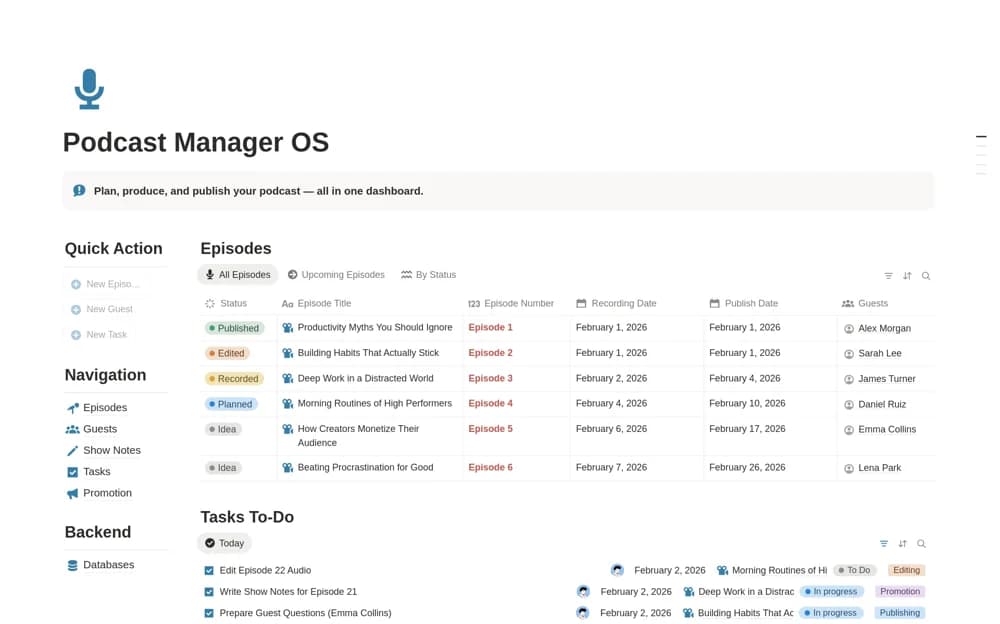
A podcast workflow linking episodes, guests, show notes, editing tasks, release dates, and promotion status.
Compare the purpose and included features before choosing a workspace.
Content creators managing ideas, production, sponsorships, and income across several platforms.
Creators coordinating material for more than one channel.
Creators who want an approachable editorial workspace.
62 working templates from 42 creators: 53 free and 9 paid, with paid options from $9 to $39. Links last checked November 24, 2026.
| Template | Best for | Price | Creator |
|---|---|---|---|
| Content Creator Command Center | Content creators managing ideas, production, sponsorships, and income across several platforms. | $12 | Shivam Rai |
| Content Engine | Creators coordinating material for more than one channel. | Free | Solene Rauturier |
| Content Planner Notion Template | Creators who want an approachable editorial workspace. | $10.00 | The Organized Notebook |
| Content Repurposing Bank | Creators, newsletter writers, YouTubers, and founders publishing on several channels at once. | Free | NimbleGot |
| Media Project Planner for Content & Production | Video producers, filmmakers, creative agencies, and creators managing productions from planning to delivery. | Free | heyismail.co |
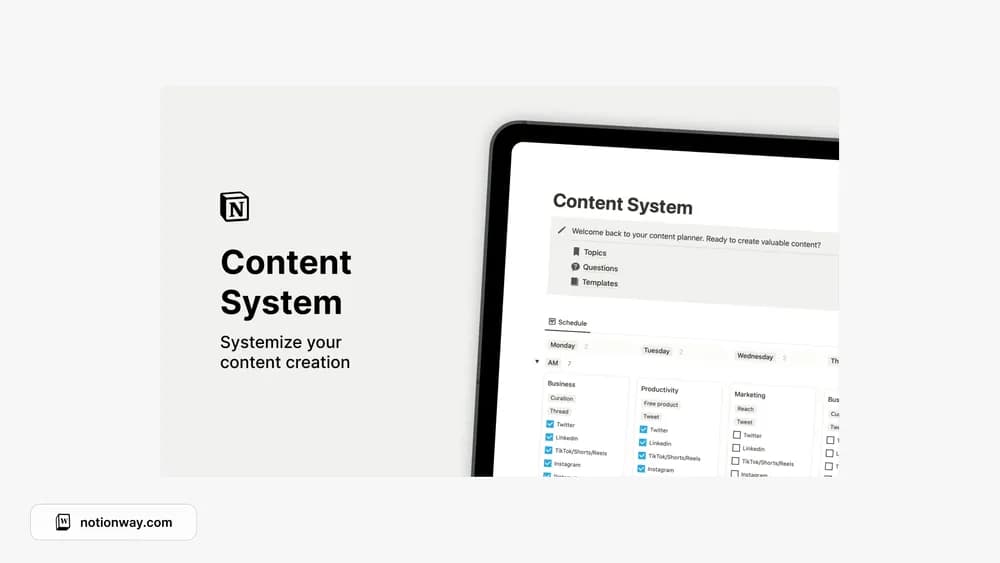
| Notion Content System | Creators who want a repeatable publishing routine. | Free | Pathpages |
| Personal Brand OS: Branding, Content & Growth | Creators, freelancers, coaches, and consultants who want their positioning, output, and offers organized together. | Free | heyismail.co |
| Video Editing Workflow Tracker | Freelance video editors, YouTube editors, and small post-production teams. | Free | System4Business Co |
The best content setup connects an idea to a brief, a draft, and a publishing date. Check whether the template suits one channel or several. A calendar alone can hide stalled work, so look for a way to see each piece’s status. Test the workflow with your next three pieces before adding your entire backlog.
An idea inbox
A visible production pipeline
A realistic publishing calendar
About the directoryChoose an audience and purpose for each piece before assigning a publication date. Keep research, drafts, assets, and approval notes linked to the same record. Review unfinished work by status as well as date so a missed deadline does not make the piece disappear inside a calendar.
Jump straight to any listing in the collection.
A calendar helps with timing, but a production pipeline also shows whether a piece is researched, drafted, reviewed, or ready. Choose the template around the stages you need to coordinate, particularly if more than one person contributes.
It depends on the job you need it to do. Good starting points in this collection include Content Creator Command Center (content creators managing ideas, production, sponsorships, and income across several platforms), Content Engine (creators coordinating material for more than one channel) and Content Planner Notion Template (creators who want an approachable editorial workspace). Compare the included features below, then try your first choice with a week of real information before moving everything across.
Yes. This collection currently includes 53 listings with a confirmed free creator offer, alongside 9 paid or freemium options. Use the Free filter to compare them. A free version can have different features from a creator’s paid upgrade, so check the original listing and current access terms before adding it to your workspace.