 Free
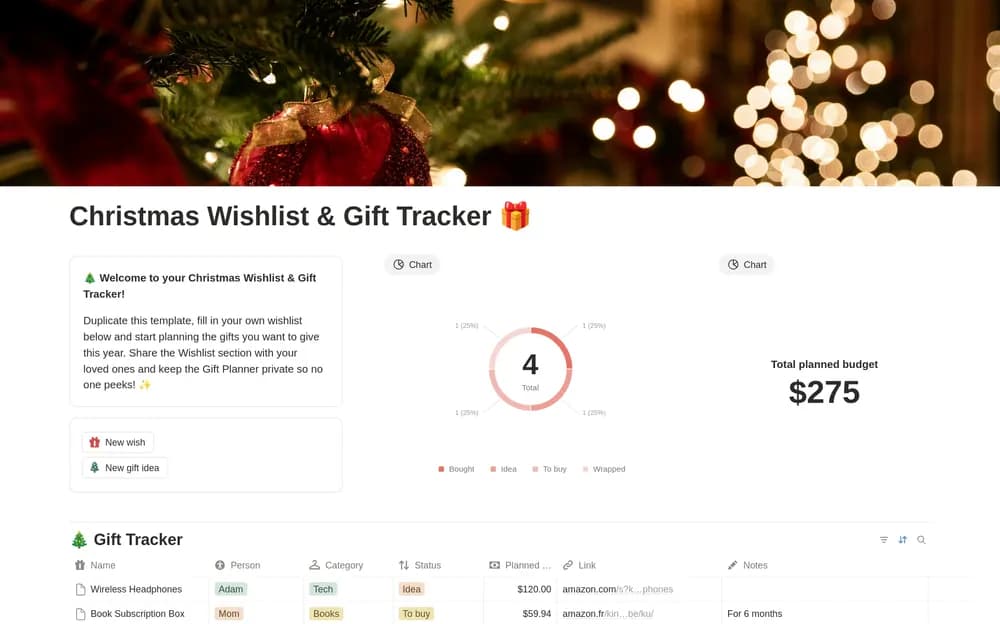
Christmas Wishlist & Gift Tracker
Pair a shareable Christmas wishlist with a private gift planner in Notion, tracking recipients, budgets, purchase status, and a running total.
Compare Notion templates for personal budgets and business finances, from spending and subscriptions to cash flow, invoices, and accounting records.
Showing 19–36 of 98 templates
FreePair a shareable Christmas wishlist with a private gift planner in Notion, tracking recipients, budgets, purchase status, and a running total.
 Free
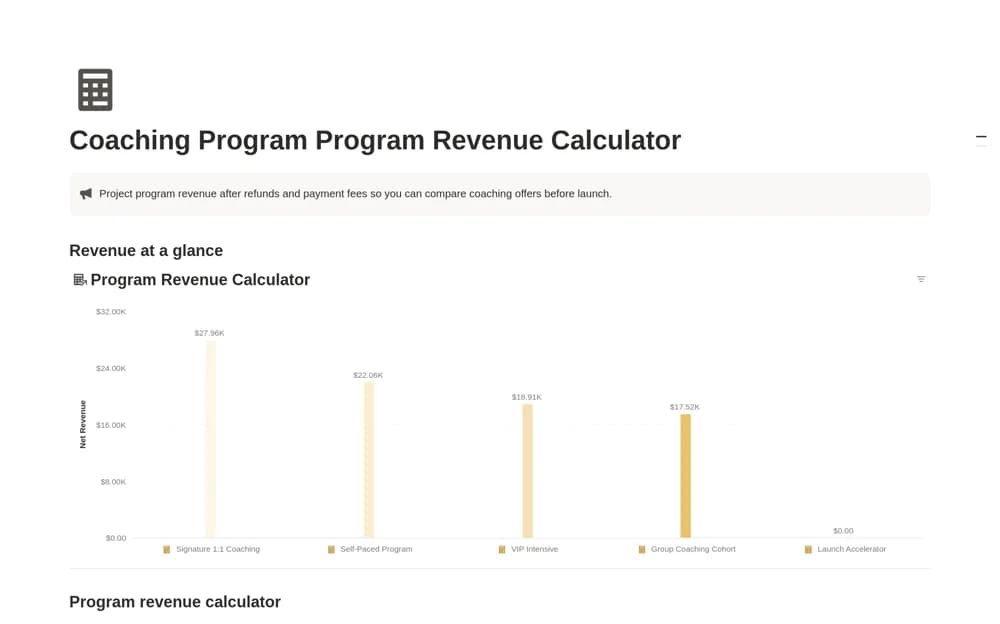
A coaching-offer scenario calculator comparing price and expected enrollment with refund and processing-fee assumptions to show gross and net revenue estimates.
 Free
 Free
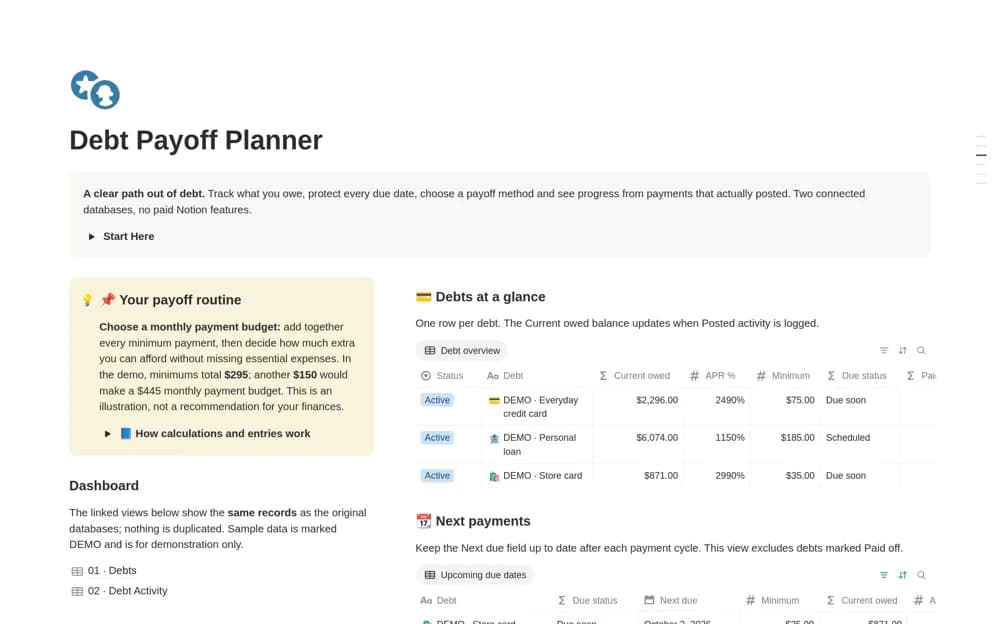
Keep debts, payment dates, balances, and recorded repayment activity together in Notion, with views for upcoming obligations.
 Free
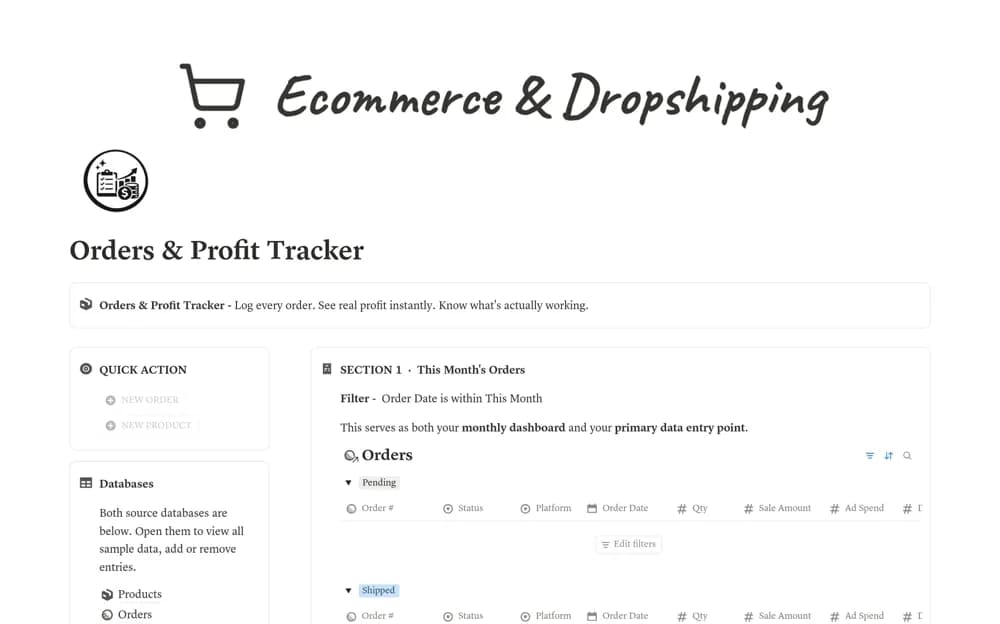
An order-profit tracker linking orders and products, with manually entered fees, shipping, and advertising costs feeding net profit, margin percentages, and product-level summaries.
 Free
 Paid
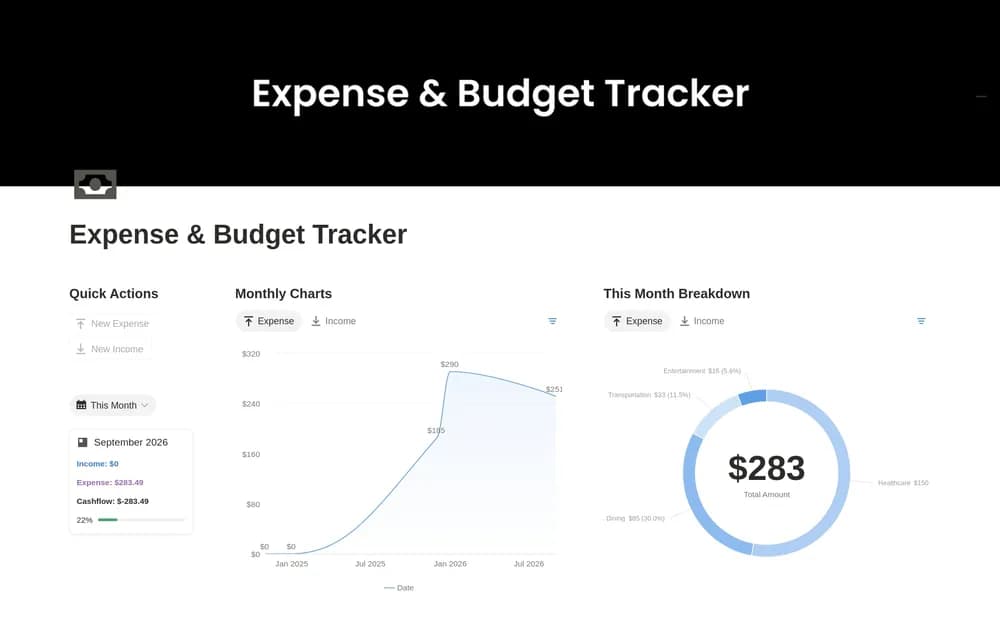
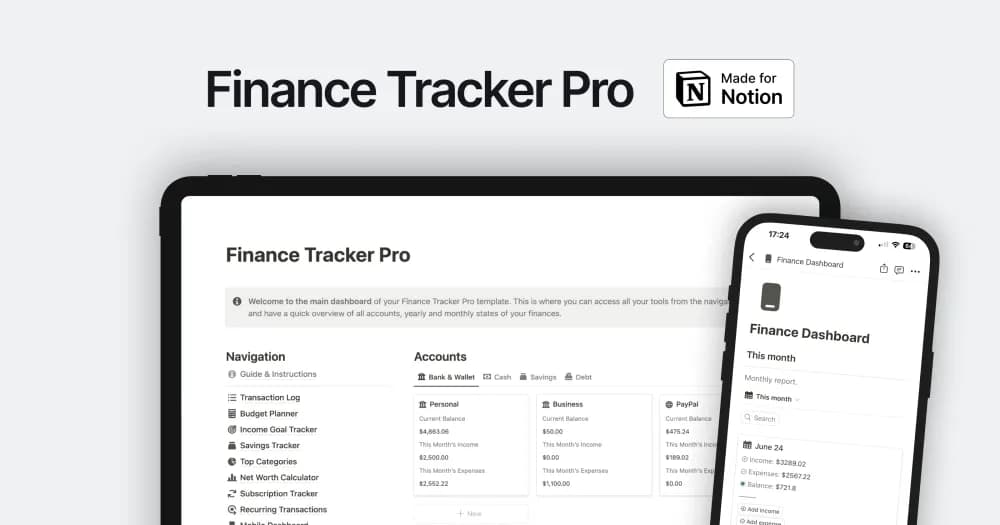
A finance workspace for bringing personal or business money records into view.
 Free
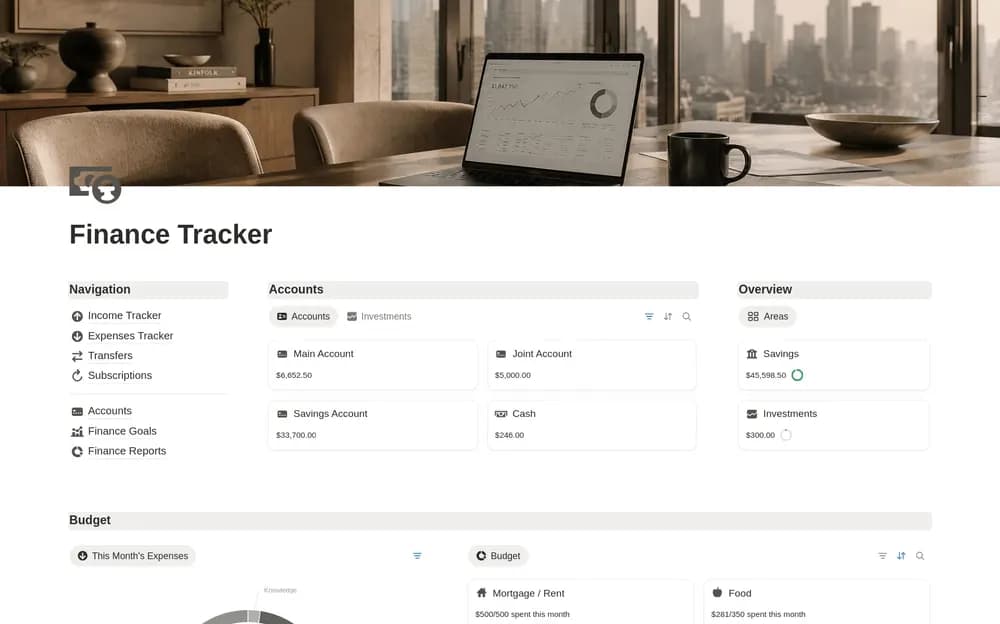
Manage personal money in Notion with linked income, expense, budget, subscription, transfer, account, and savings goal trackers plus monthly reports.
 Paid
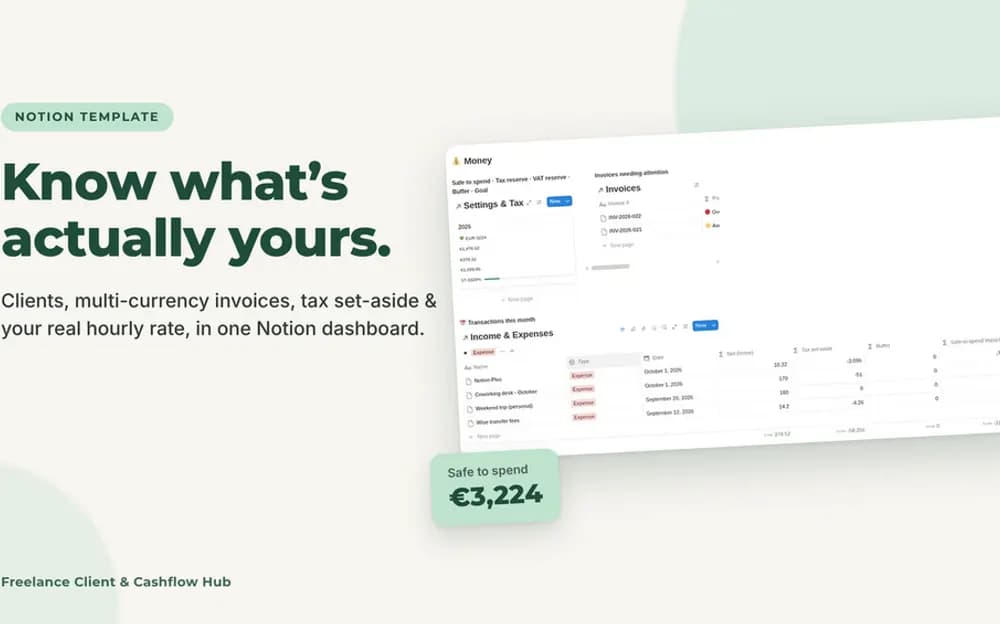
See how much freelance income is safe to spend in Notion, with tax and VAT reserves, multi-currency invoices, and real hourly rates per client.
 Paid
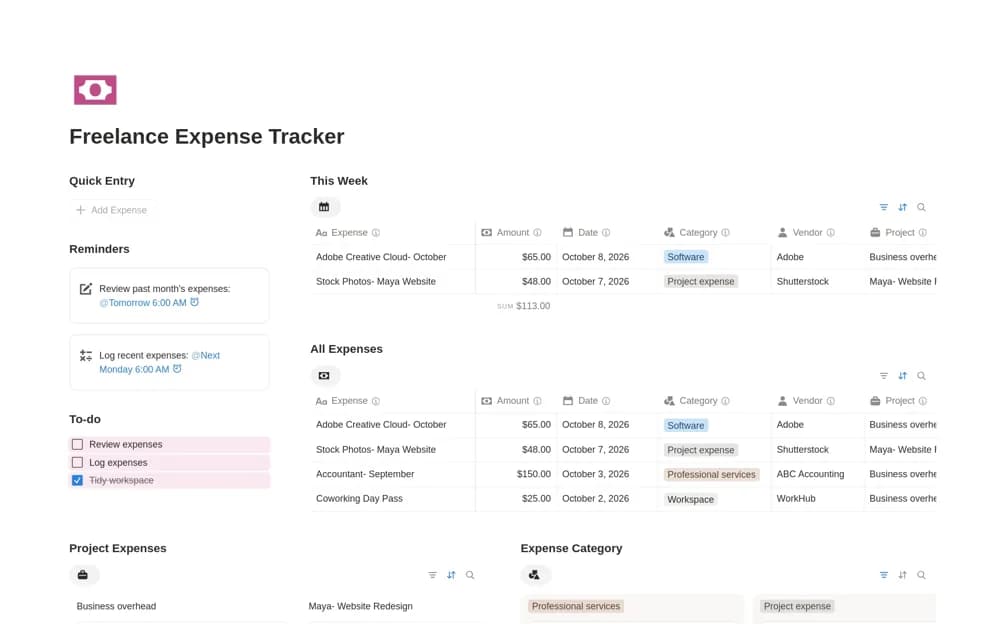
A freelance spending ledger with transaction dates, categories, vendors, project context, and receipt references.
 Free
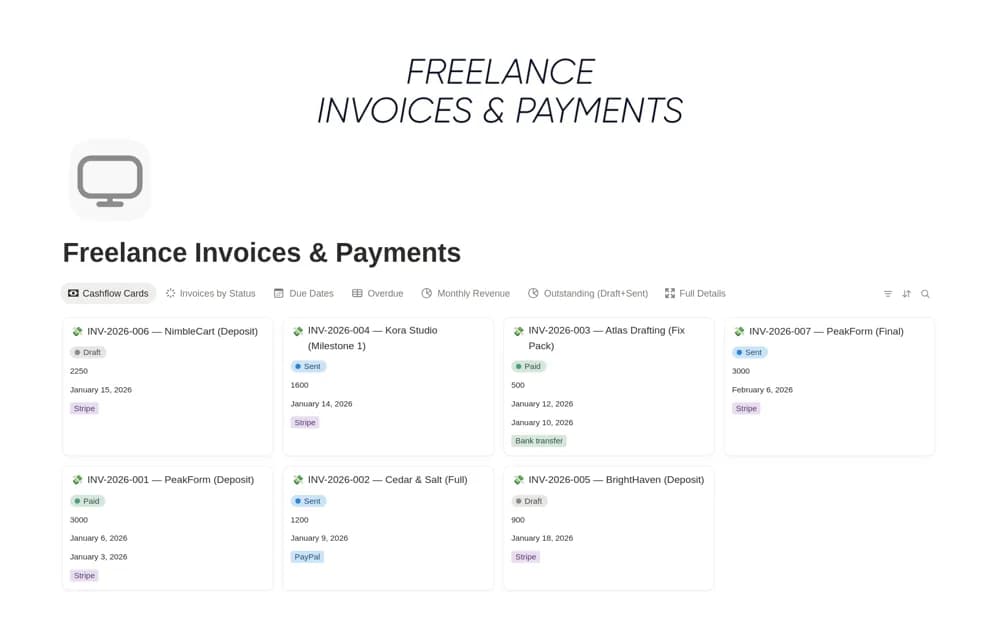
A freelance invoice register tracking the client, amount, due date, payment status, and follow-up notes, with links to projects and views for overdue or approaching payments.
 Paid
Combine freelance client management with receipt tracking in Notion, covering projects, invoices, scope changes, tax set-asides, and mileage.
 Paid
Track freelance clients, projects, invoices, scope changes, and tax set-asides in six linked Notion databases with follow-up and overdue views.
 Paid
Log freelance payments in Notion, move a chosen share into tax savings, and compare planned and paid amounts before each quarterly US tax deadline.
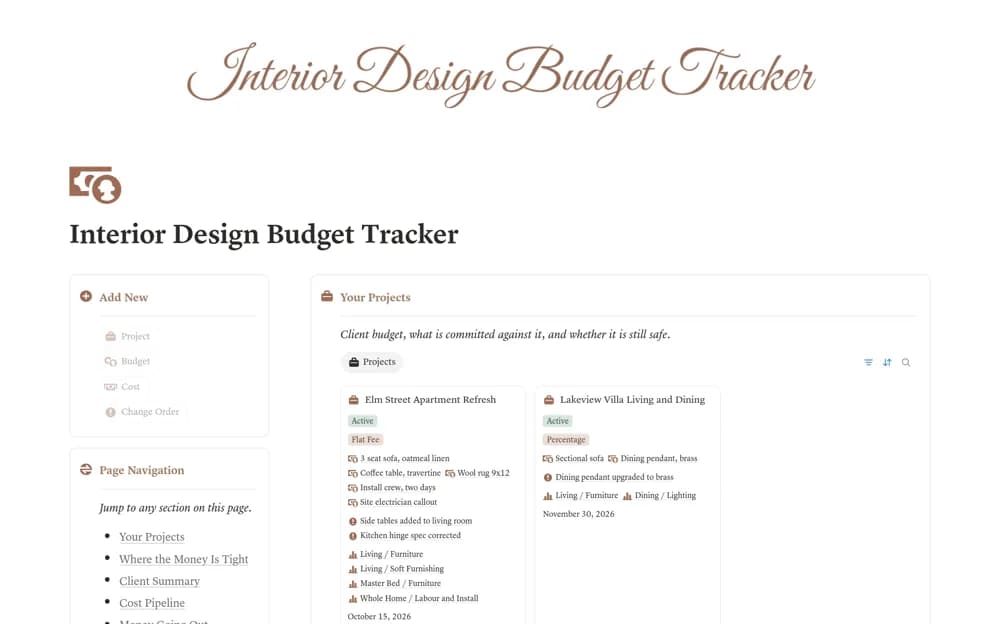 Free
An interior-project budget system separating allowances from quotes, orders, invoices, and payments, with client-price budget consumption, change orders, and visible budget-risk signals.
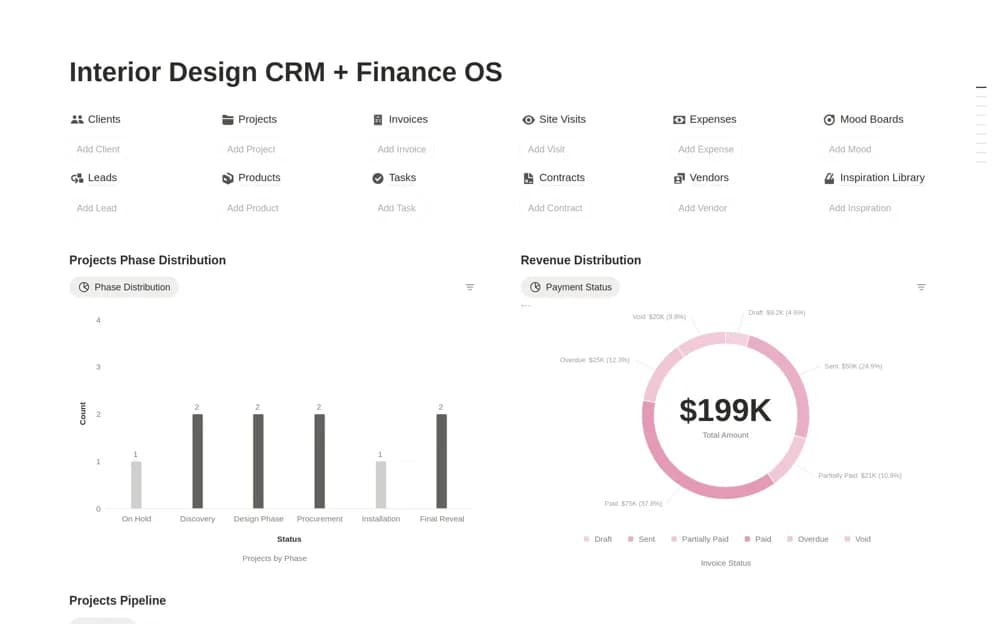 Paid
A paid interior-design business workspace connecting leads, clients, project phases, tasks, invoices, payments, and expenses, with charts for workflow and financial review.
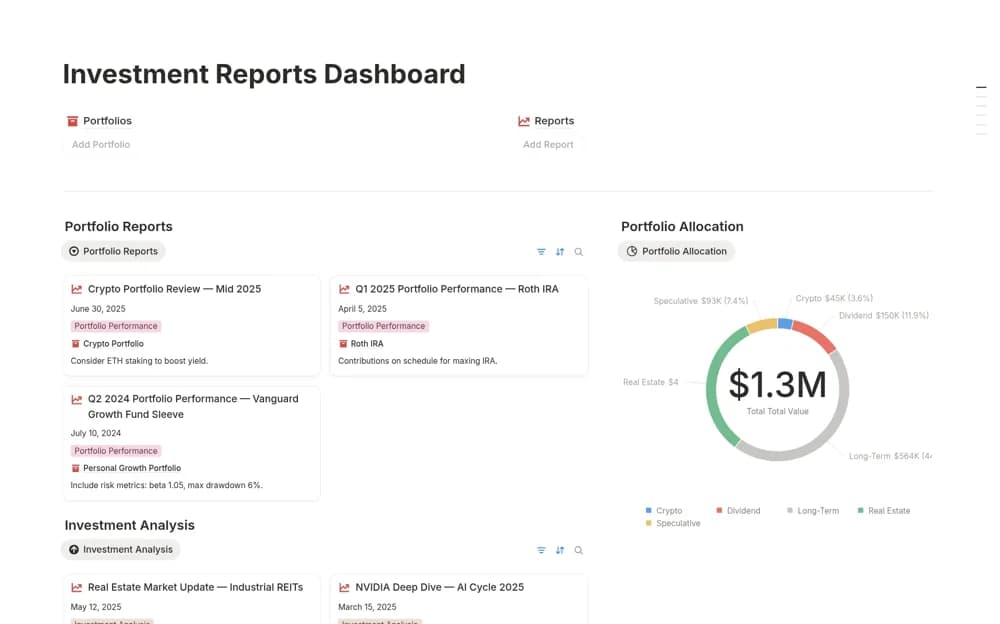 Free
An investment reporting dashboard connecting portfolio records, periodic analyses, performance views, and ROI charts.
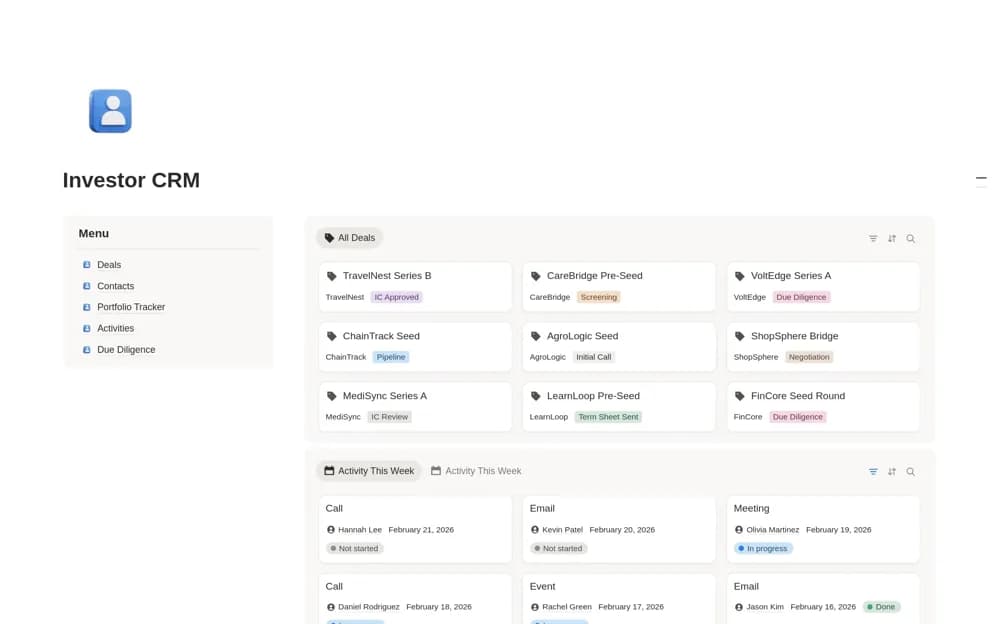 Free
An investor CRM for startup deal flow, founder contacts, due diligence, investment memos, portfolio records, and follow-ups.
Compare the purpose and included features before choosing a workspace.
Individuals and households planning a fresh budget, debt payoff, and savings plan for the new year.
Accounting teams documenting repeatable work and reviewing responsibilities during a close.
Accountants, bookkeepers, and small firms organizing client relationships.
98 working templates from 70 creators: 79 free and 19 paid, with paid options from $4 to $168.99. Links last checked November 24, 2026.
| Template | Best for | Price | Creator |
|---|---|---|---|
| 2027 Money Reset: Budget, Debt Payoff & Savings Planner | Individuals and households planning a fresh budget, debt payoff, and savings plan for the new year. | $12 | Kelp Ledger |
| Accountant SOPs | Accounting teams documenting repeatable work and reviewing responsibilities during a close. | US$29 | Template Road |
| Accounting Firm Client Manager | Accountants, bookkeepers, and small firms organizing client relationships. | Free | ZikoTemplates |
| Advanced Company Finance | Small businesses and founders who want planning calculations beside their recorded financial activity. | $4 | Made by Jacob |
| Agency Finance Tracker | Small agencies reviewing cash flow and the payments associated with clients and suppliers. | Free | Simo | Systems for Agencies & Businesses |
| Angel investment tracker | Investors maintaining their own early-stage company and portfolio research records. | Free | Cristina Cordova |
| Bank Reconciliation Tracker | Accountants and bookkeeping teams tracking monthly reconciliation across several accounts. | Free | Younes |
| Bookkeeper Command Center | Freelance bookkeepers, accountants, and small firms managing recurring work for several clients. | Free | GetLewett |
Decide whose money you need to organize before choosing a template. For a household, start with spending categories, bills, savings, and a realistic update routine. For a business, look at invoices, expenses, cash movements, and the records your finance team needs to reconcile. A net-worth snapshot is different from a budget, and a sales total is different from profit. Check the calculation method and whether data is entered manually. Try one completed period against your bank or accounting records before relying on a dashboard. The Personal finance and Business finance collections offer narrower starting points when you already know which kind of work you need to do.
The right personal or business workflow
Traceable figures and calculation methods
A manageable update and review routine
About the directoryEnter a typical income payment, a purchase, a transfer, and a refund before loading older records. Check how categories, currencies, and reporting periods affect the totals. Keep a source note where an amount needs explanation and choose a regular update routine that fits how you manage your records.
Jump straight to any listing in the collection.
A standalone template does not establish a bank connection. Some creators document separate integrations or imports; check those requirements explicitly. Otherwise, expect to enter or import transactions yourself and verify the results against source records.
It depends on the job you need it to do. Good starting points in this collection include 2027 Money Reset: Budget, Debt Payoff & Savings Planner (individuals and households planning a fresh budget, debt payoff, and savings plan for the new year), Accountant SOPs (accounting teams documenting repeatable work and reviewing responsibilities during a close), Accounting Firm Client Manager (accountants, bookkeepers and and small firms organizing client relationships). Compare the included features below, then try your first choice with a week of real information before moving everything across.
Yes. This collection currently includes 79 listings with a confirmed free creator offer, alongside 19 paid or freemium options. Use the Free filter to compare them. A free version can have different features from a creator’s paid upgrade, so check the original listing and current access terms before adding it to your workspace.