 Free
Time Blocks: Weekly Time Management
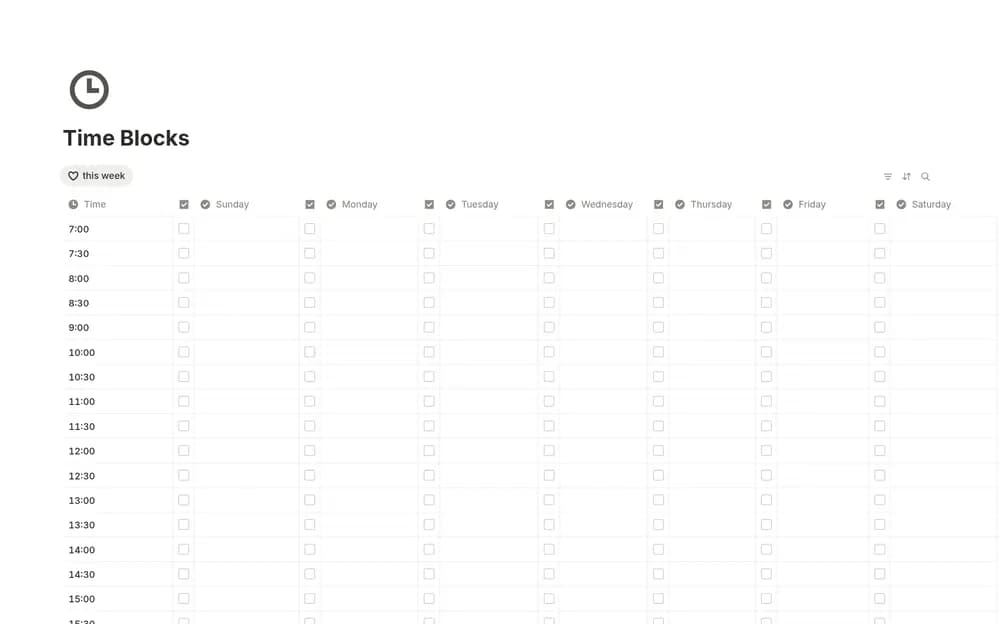
Time-block your entire week in Notion using 30-minute slots from morning to evening, checking off each block as you complete it.
Plan days, weeks, and the bigger picture in one workspace. Compare free Notion planner templates for daily schedules, weekly priorities, life planning, and routines you can keep up with.
Showing 37–44 of 44 templates
FreeTime-block your entire week in Notion using 30-minute slots from morning to evening, checking off each block as you complete it.
 Paid
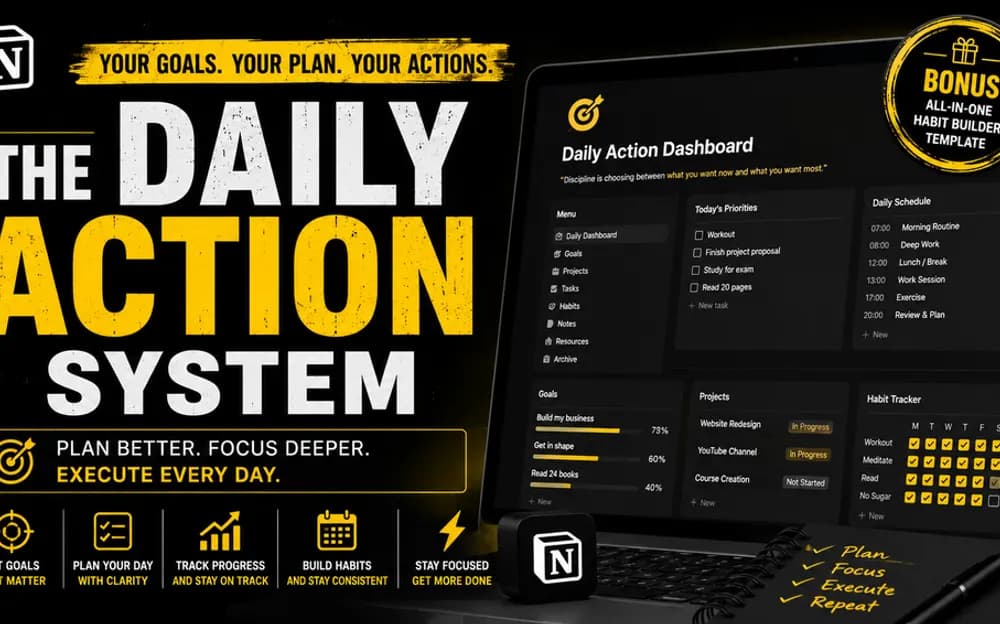
Plan each day from a Notion action dashboard with priorities, a daily schedule, goal progress, projects, and a bonus habit builder template.
 Free
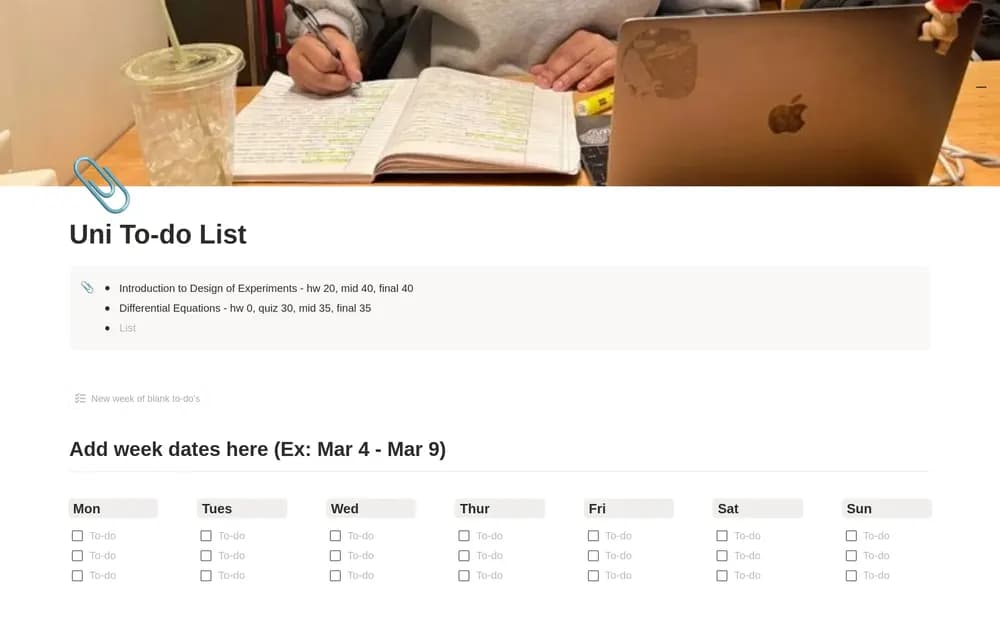
Plan a university week in Notion with a Monday-to-Sunday checklist, course notes at the top, and a button that adds a fresh blank week.
 Free
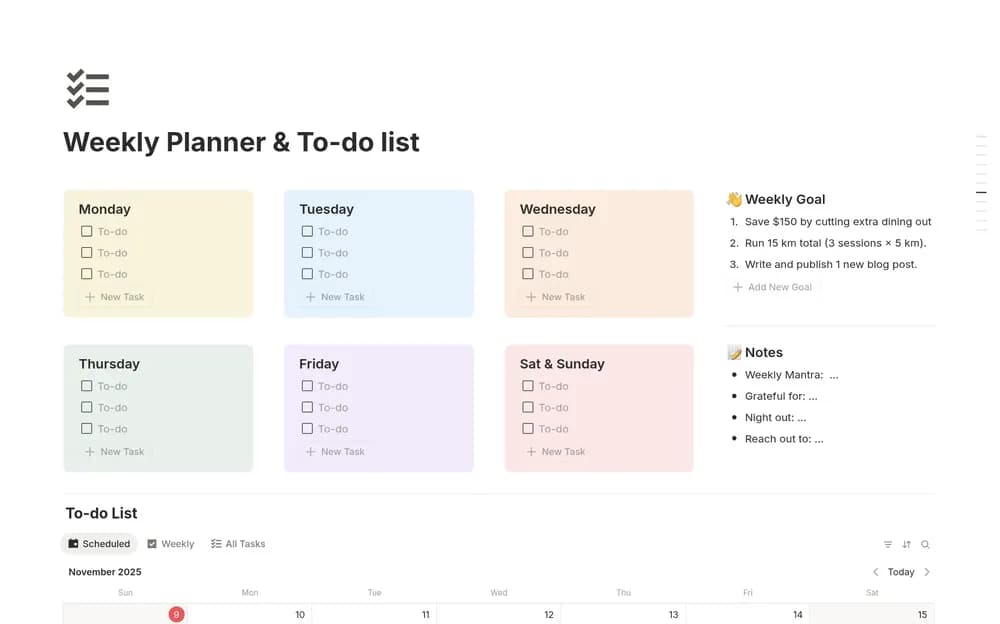
Balance a busy week in Notion with color-coded daily boards, a central task database, top-three goals, habits, meal plans, and reflection prompts.
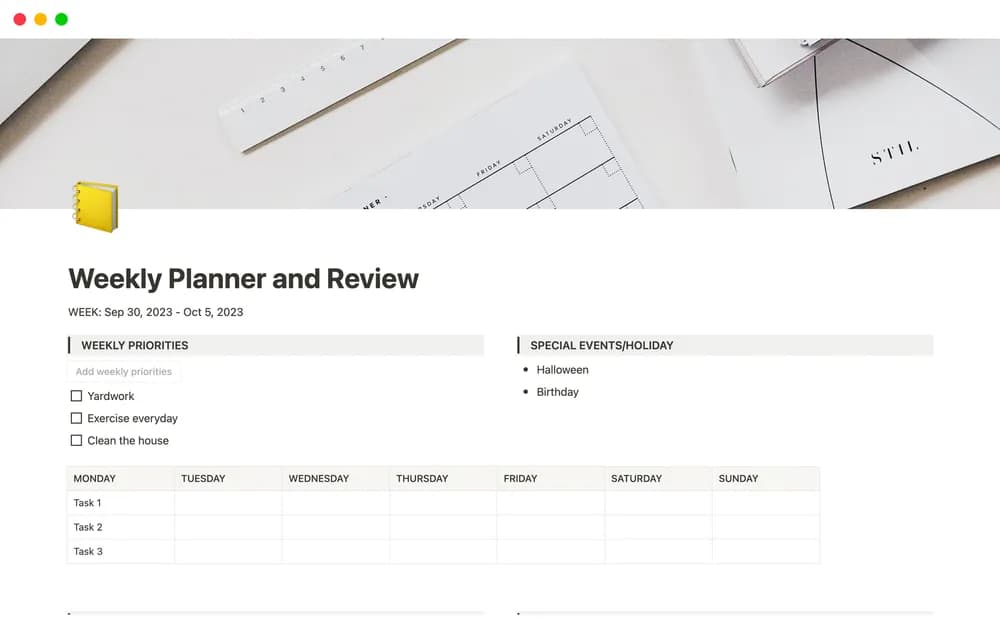 Free
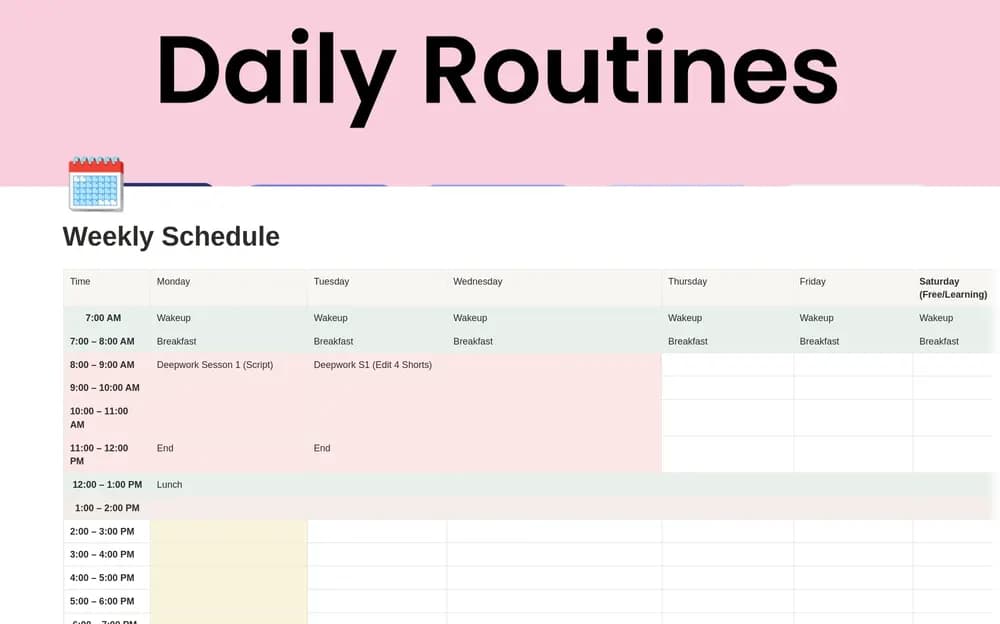 Free
Block out each day of the week hour by hour in Notion, assigning study, work, meetings, workouts, and breaks to specific time slots.
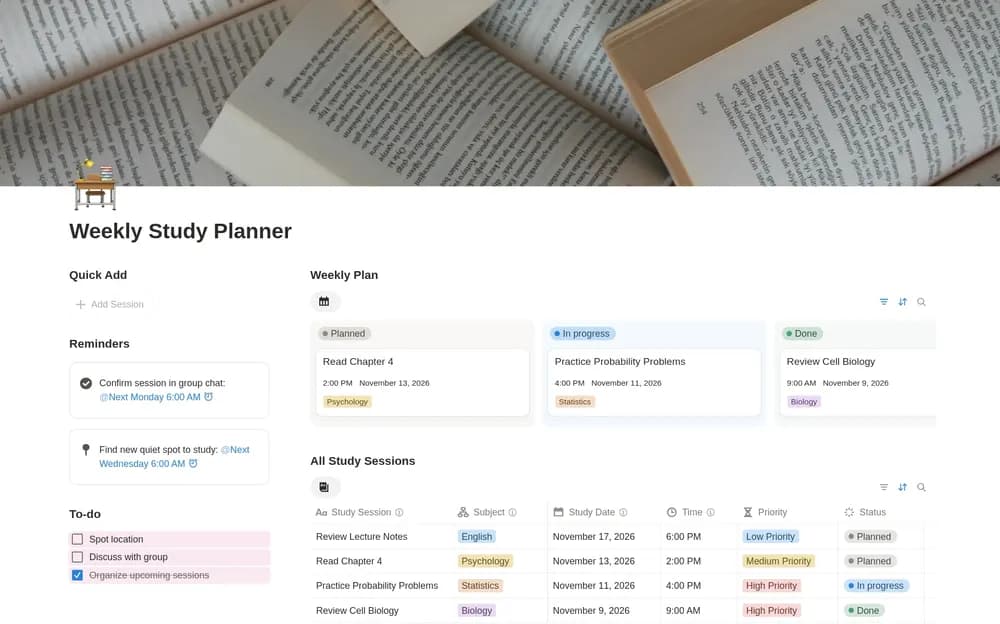 Free
Schedule study sessions across the week in Notion, tying each to a subject, a specific topic or goal, a priority, and a planned or done status.
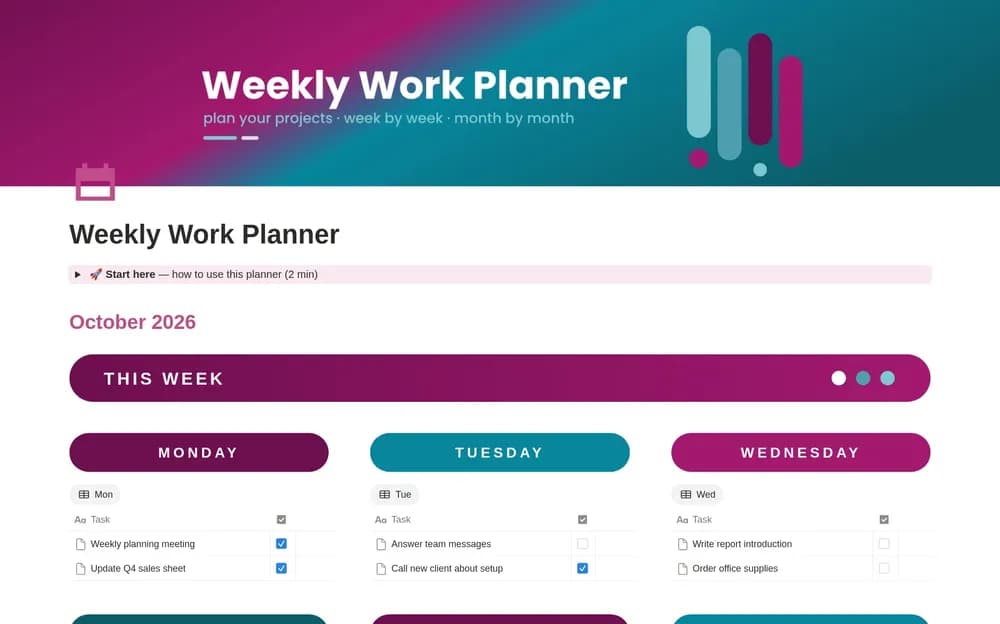 Free
Write tasks under each weekday in Notion and see them land on a monthly calendar, with weekly lists that reset every Monday and project grouping.
Compare the purpose and included features before choosing a workspace.
People who want a forgiving annual planner they can drop and resume without facing pages of empty boxes.
People who want light daily structure without learning nested databases or a large planning system.
Students and professionals who want to use evenings and spare hours for skills, projects, or hobbies.
44 working templates from 42 creators: 41 free and 3 paid, with paid options from $1 to $17.48. Links last checked November 22, 2026.
| Template | Best for | Price | Creator |
|---|---|---|---|
| 2027 Life Planner: Goals, Habits & Weekly Planner | People who want a forgiving annual planner they can drop and resume without facing pages of empty boxes. | Free | NotoMantra |
| Basic Daily Planner | People who want light daily structure without learning nested databases or a large planning system. | Free | Attune Anchor |
| Daily Time Management and Free Time Calculator | Students and professionals who want to use evenings and spare hours for skills, projects, or hobbies. | Free | Dot |
| Daily, Weekly, Monthly and Yearly Planner | Students and professionals who want one planning system that runs from today’s tasks to annual goals. | Free | Sorfernelle |
| Simple Aesthetic Daily Planner and Journal | Students and casual planners who want everything for the day on a single simple page. | Free | nikki lo |
| Simple Monthly Planner | Students, creators, and freelancers who want a quiet monthly planning view rather than a full life system. | Free | heyismail.co |
| Simple Planner: Daily, Weekly & Monthly Schedule | Students, professionals, and former paper-planner users who want their schedule in one spot. | Free | Long Nguyen |
| Soft Pink Daily and Weekly Planner | People who like a pastel planning page that mixes tasks with small reflection habits. | Free | Sophia Templates |
Decide what the planner has to hold before you compare layouts: appointments, tasks, priorities, routines, or longer goals. A daily page suits people who plan each morning; a weekly spread suits people who decide on Sunday and adjust as they go. Try one real week, including a day when plans change, and keep the version that is quickest to update on the device you carry. A planner that asks for fewer decisions is usually the one that survives a busy month.
A clear today or this-week view
Easy rescheduling when plans change
A short review prompt you will actually answer
About the directoryPick one planning rhythm first, daily or weekly, and give it a fixed moment such as the end of the workday or Sunday evening. Enter fixed commitments before flexible tasks, and leave unplanned time so one delay does not break the whole day. Link tasks to the planner instead of retyping them, and keep longer-term goals on a separate page you visit during the weekly review.
If you use a separate calendar app, decide which tool owns appointments. Notion Calendar can show Notion databases beside your calendar, but a planner template does not automatically import events from other services unless the creator documents that setup.
Use a weekly planner if your commitments are set a few days ahead and you like to see the shape of the week. Use a daily planner if your work changes every morning. Many people combine both: a weekly page for priorities and a short daily view for today’s tasks.
It depends on the job you need it to do. Good starting points in this collection include 2027 Life Planner: Goals, Habits & Weekly Planner (people who want a forgiving annual planner they can drop and resume without facing pages of empty boxes), Basic Daily Planner (people who want light daily structure without learning nested databases or a large planning system), Daily Time Management and Free Time Calculator (students and professionals who want to use evenings and spare hours for skills, projects and or hobbies). Compare the included features below, then try your first choice with a week of real information before moving everything across.
Yes. This collection currently includes 41 listings with a confirmed free creator offer, alongside 3 paid or freemium options. Use the Free filter to compare them. A free version can have different features from a creator’s paid upgrade, so check the original listing and current access terms before adding it to your workspace.