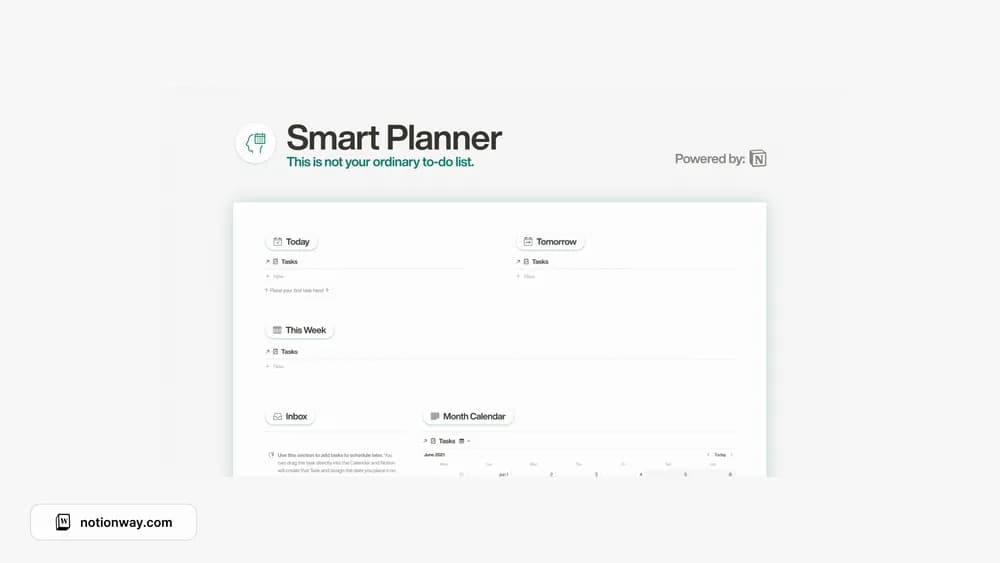
 Paid
PaidLife & everyday
Productivity Notion templates
Bring tasks, plans, and priorities into one place. Find a Notion system that makes it easier to decide what deserves your attention today.
Showing 55–65 of 65 templates
A little structure goes a long way.Paid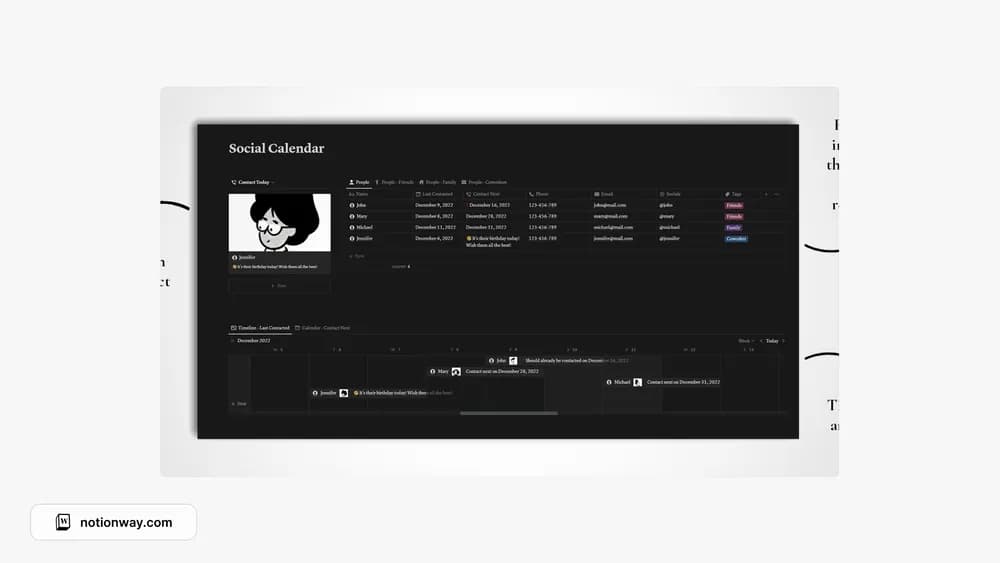 Free
FreeSocial Calendar (Notion template)
Miha’s social calendar for remembering people, birthdays, and time together.
 Source listing
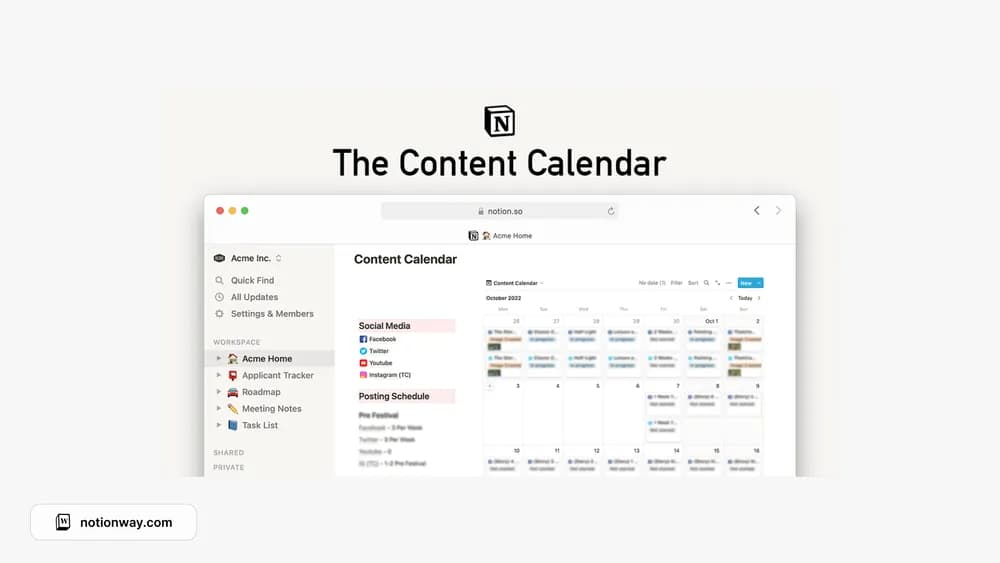
Social Media Content Calendar
A social content-calendar preview from the original roundup.
 Source listing
 Free
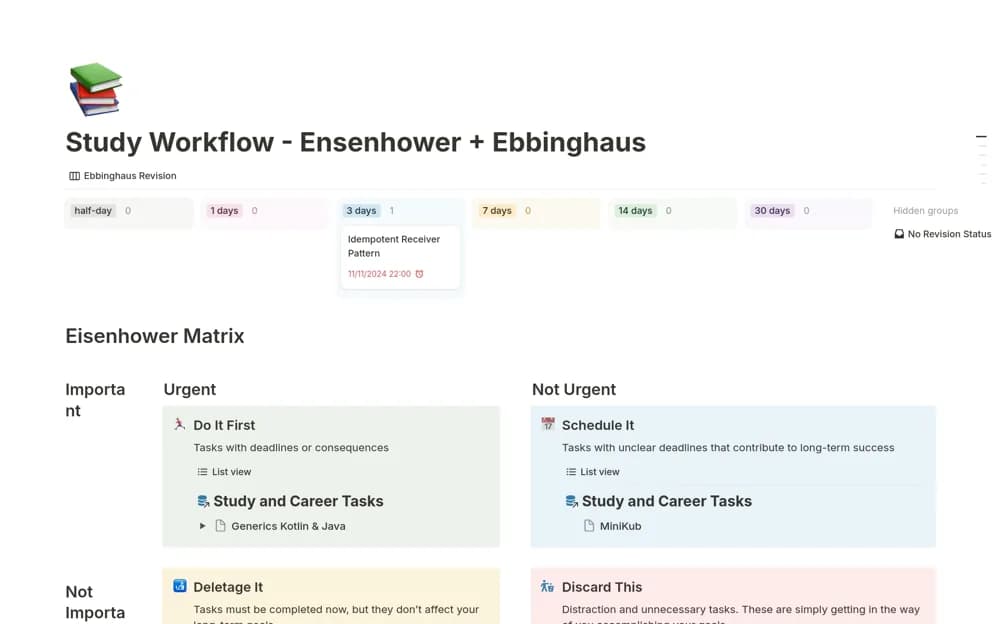
FreeStudy and Career Planner - Eisenhower + Ebbinghaus
A study and career task planner combining urgency-based priorities with scheduled revision intervals.
 Free
Free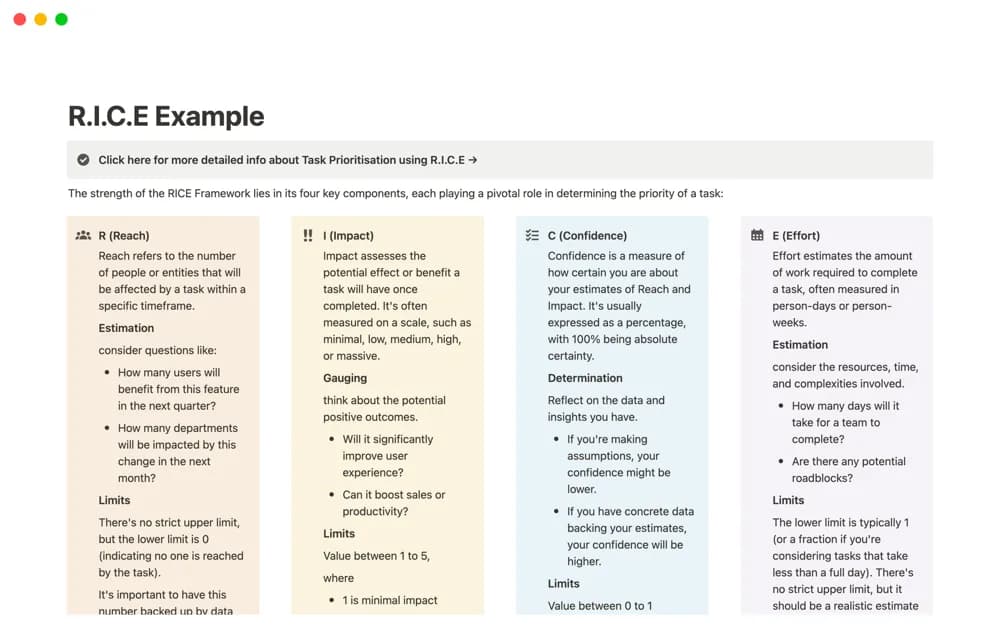 Free
FreeTask Prioritisation using RICE Framework
A guided RICE prioritization workspace with explanations, formula examples, and a practice table for comparing work.
 Free
Free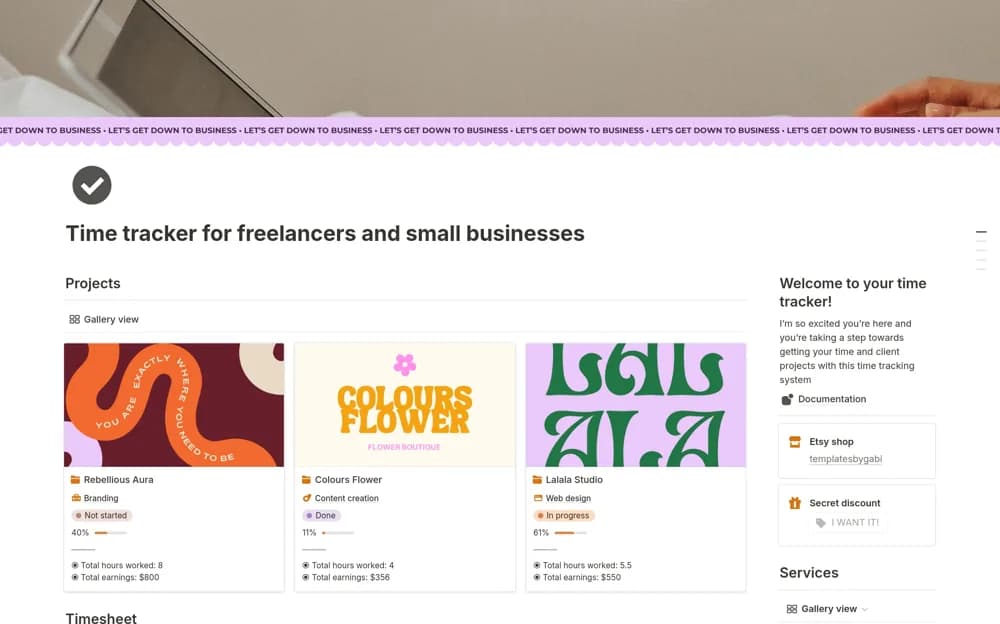 Free
FreeTime tracker for freelancers and small businesses
A client time tracker recording start and end times, billable work, project estimates, calculated earnings, and reports.
 Free
Free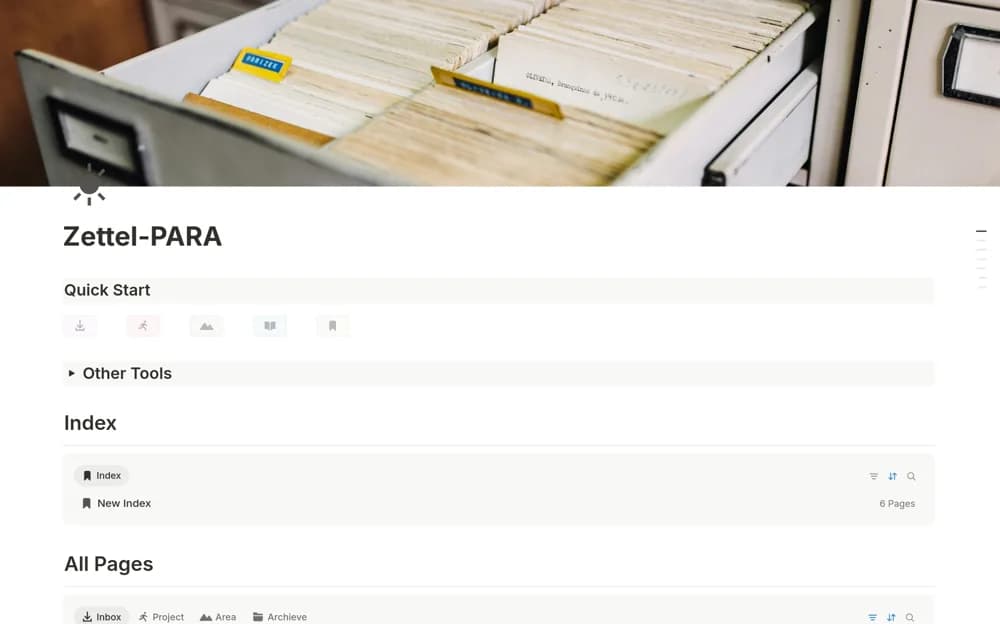 Free
FreeZettel-PARA: PARA with Zettelkasten
A personal knowledge system combining PARA project organization with literature notes and connected permanent ideas.
A closer look at the collection
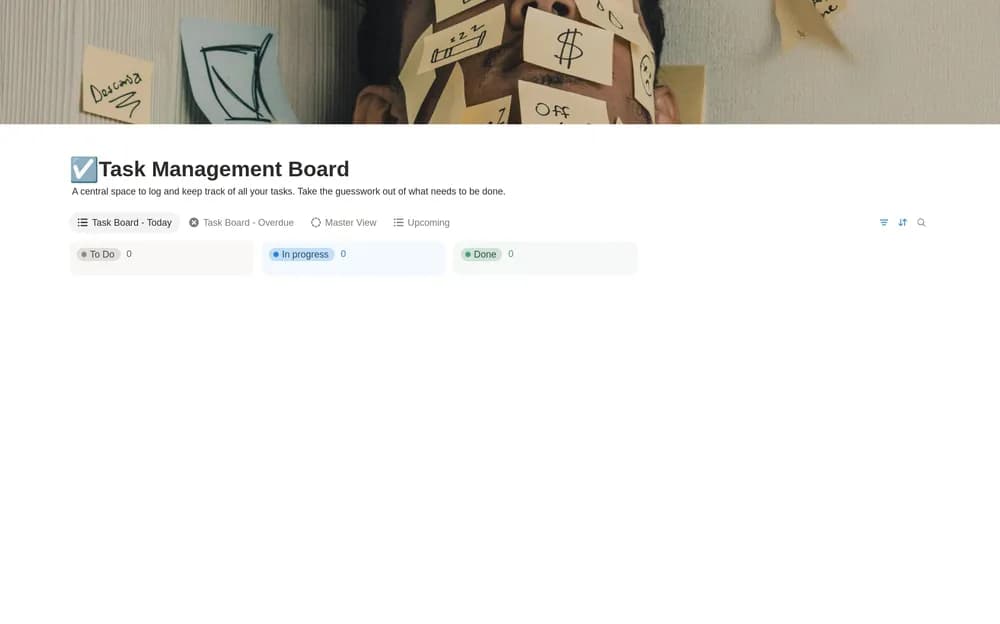
Which template fits your work?
Compare the purpose and included features before choosing a workspace.
Notion Habit Tracker
People starting a small daily routine.
- Record daily habits
- Organize routines
- Review progress
PARA Dashboard
People who want a clear organizing principle for notes and projects.
- Explore PARA organization
- Connect reference material
- Keep active commitments visible
Aesthetic Cornell Notes
Students who like a structured note-taking page.
- Take structured class notes
- Add recall questions
- Summarize key ideas
Choose something that fits
How to compare productivity templates
Start with the part of your day that feels most scattered. A task list can solve a different problem from a complete life dashboard. Look at how quickly you can add an item, choose the next action, and review unfinished work. Try the template with a normal week of tasks before moving your whole workspace into it.
A few things to look for
Quick capture
A clear daily view
A review you can keep up with
About the directoryPut it into practice
Use the system to make the next decision easier
Capture unfinished commitments in one inbox, then review them when you have time to choose what comes next. Separate a task you can do from a project that needs several steps. Keep a short view of current commitments instead of showing the entire archive whenever you open Notion.
Before you chooseQuestions about
Questions about
this collection
Should I choose a task list or a full productivity dashboard?+
Choose a task list if capture and follow-through are the problem. A broader dashboard helps when you also need project context, notes, and a review routine. Test the smaller workflow before adding sections you will need to maintain.
Are there free templates in the productivity collection?+
Yes. This collection currently includes 52 listings with a confirmed free creator offer, alongside 7 paid or freemium options. Use the Free filter to compare them. A free version can have different features from a creator’s paid upgrade, so check the original listing and current access terms before adding it to your workspace.