 Free
FreeLife & everyday
Productivity Notion templates
Bring tasks, plans, and priorities into one place. Find a Notion system that makes it easier to decide what deserves your attention today.
Showing 19–36 of 65 templates
A little structure goes a long way.Free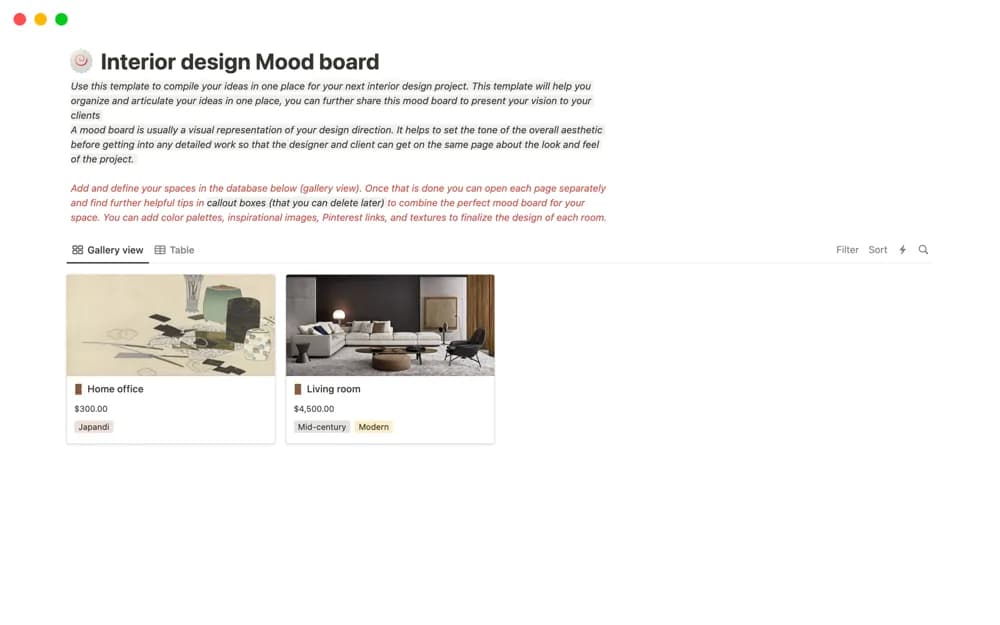 Free
FreeInterior design Mood board
A room-based interior mood-board layout for images, references, links, colors, furniture, and textures, intended for collaboration or presenting a design direction.
 Free
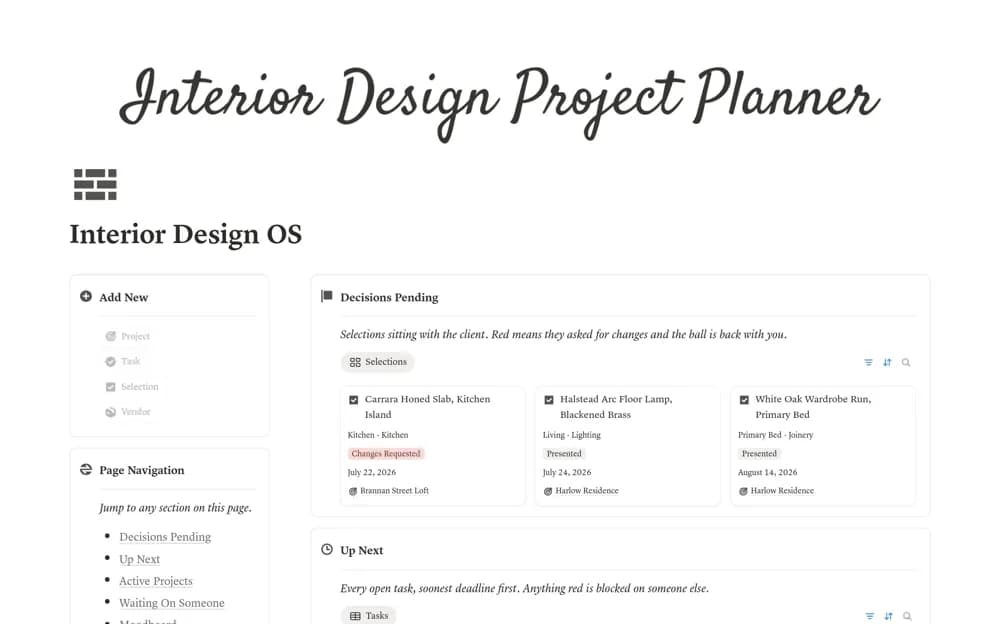
FreeInterior Designer Project Manager
An interior design workspace for project briefs, room selections, moodboards, client decisions, tasks, and vendors.
 Free
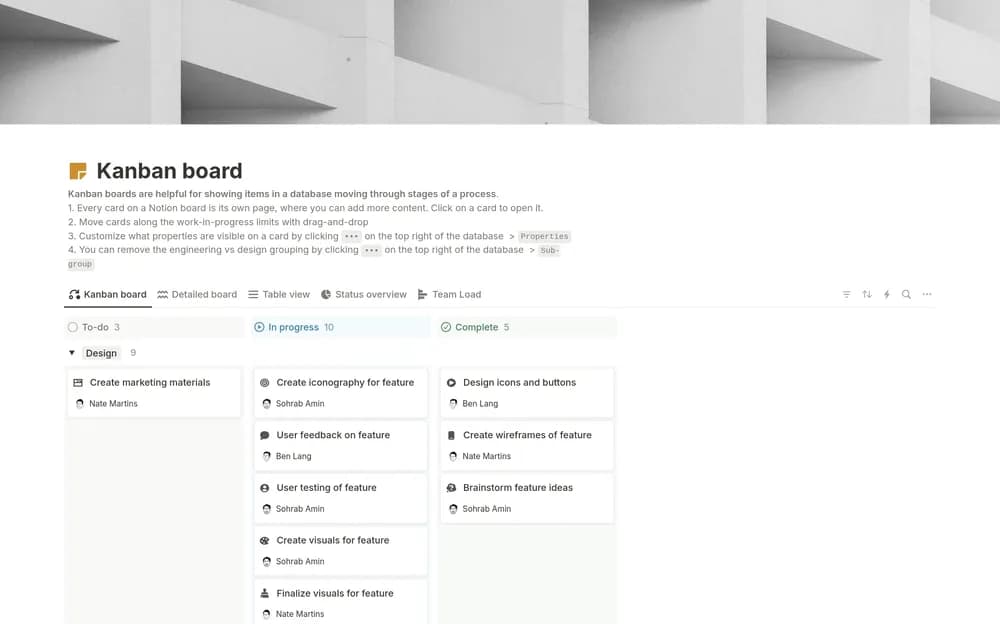
FreeKanban board (w/ Notion AI)
A Notion-made Kanban board for seeing work move through stages.
 Free
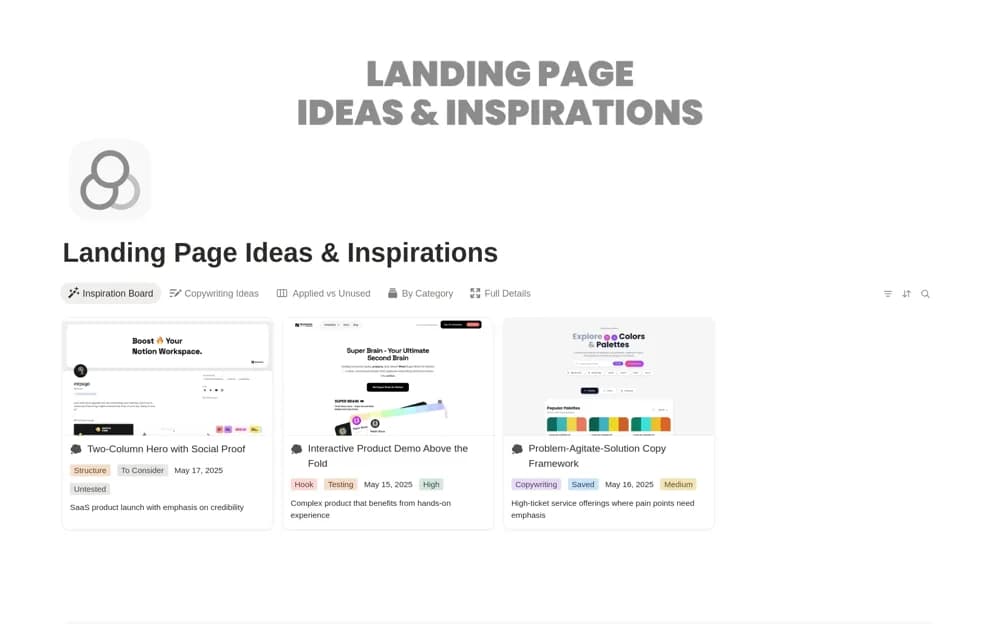
FreeLanding Page Ideas & Inspirations
A landing-page swipe file for saving design examples, headlines, and calls to action with useful tags.
 Paid
Paid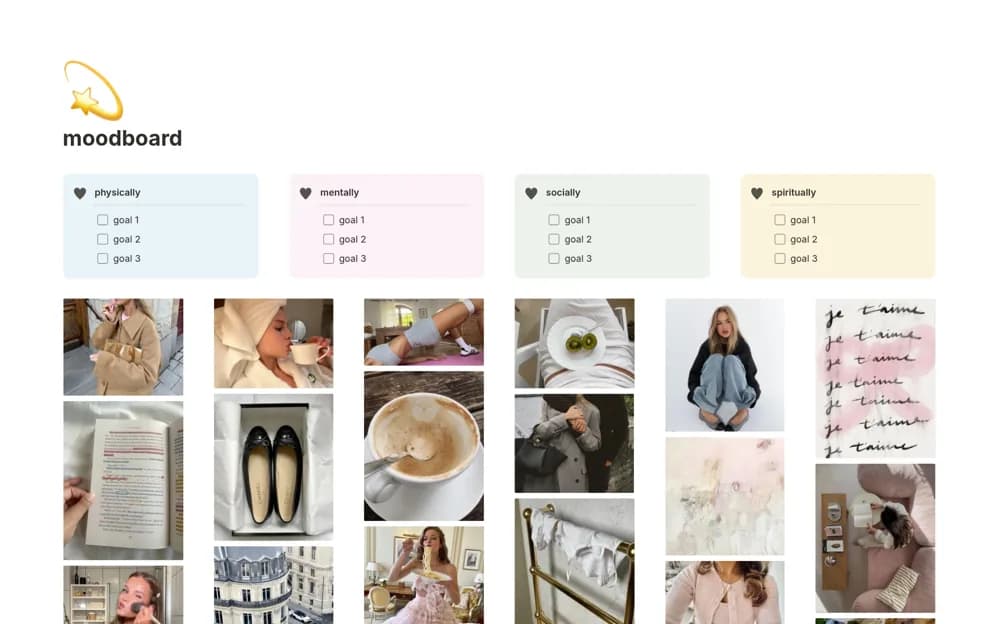 Free
Freemoodboard
An aesthetic personal moodboard for inspiration images, quotes, life areas, and a few goals in each area.
 Free
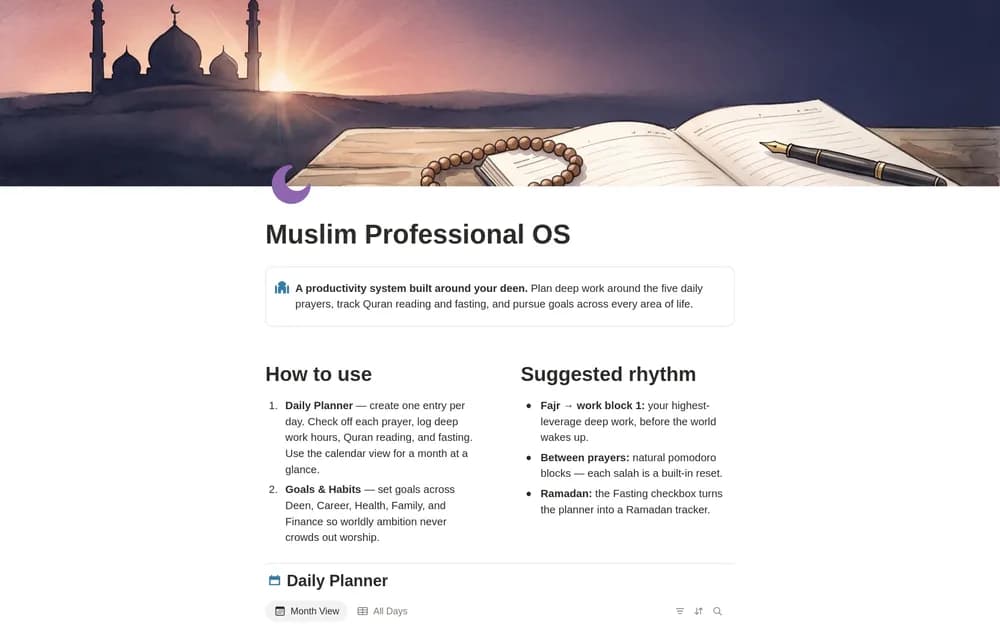
FreeMuslim Professional OS — Prayer-First Planner
A prayer-first planning workspace for professional life.
 Free
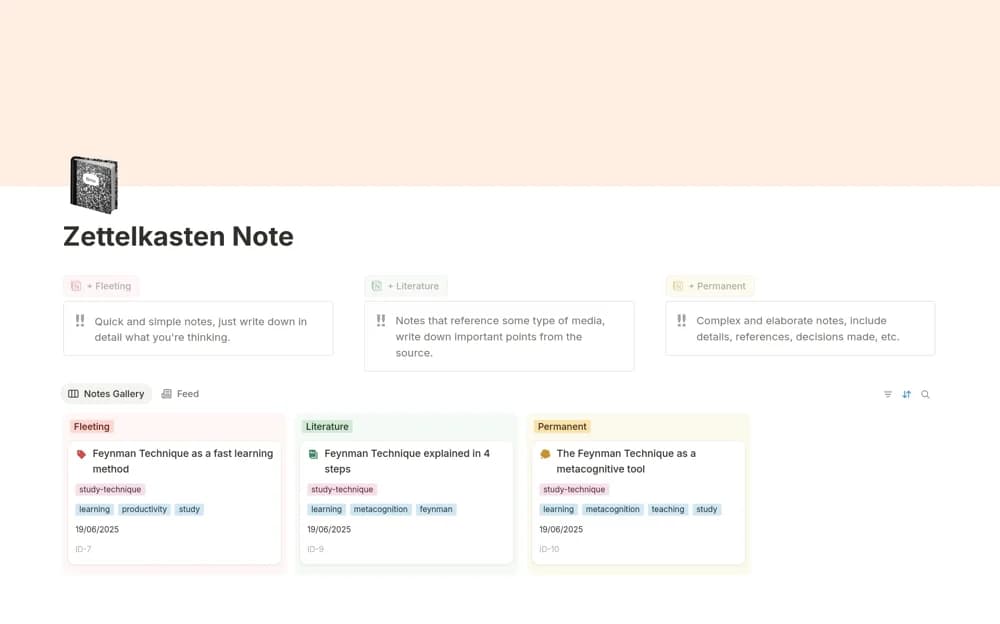
FreeNotas Zettelkasten
A connected-note database distinguishing fleeting captures, literature notes, and permanent ideas in your own words.
 Free
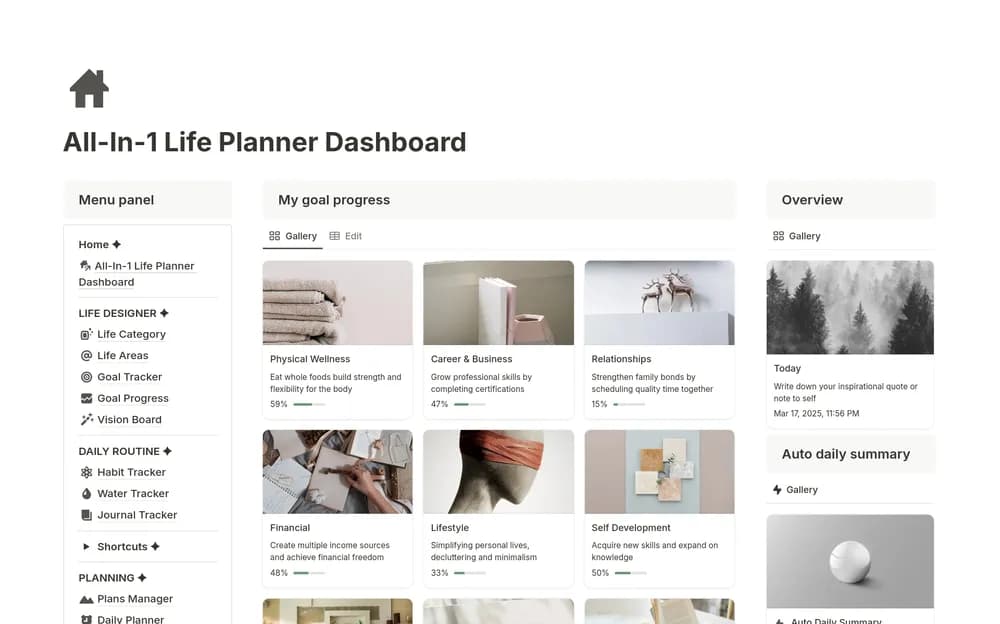
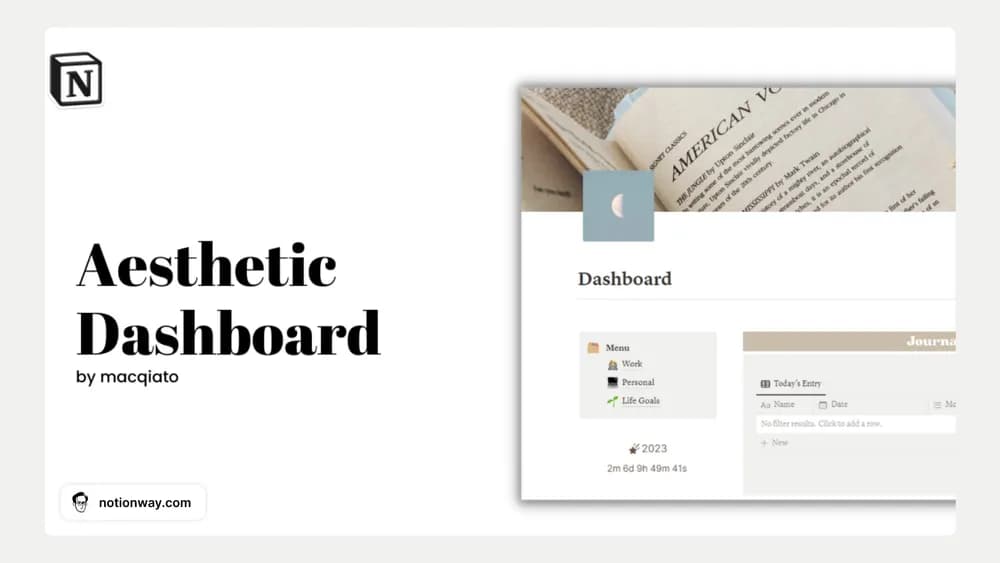
FreeNotion Aesthetic Dashboard
A beige-toned dashboard for bringing work and personal plans together.
 Free
Free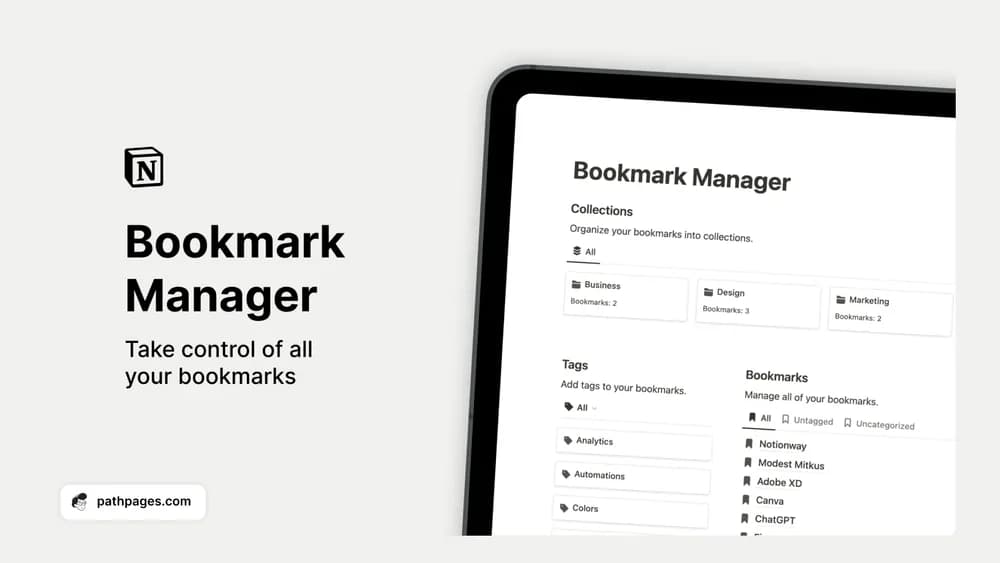 Free
FreeNotion Bookmark Manager
Give saved links a home beyond a crowded browser bookmark bar.
 Free
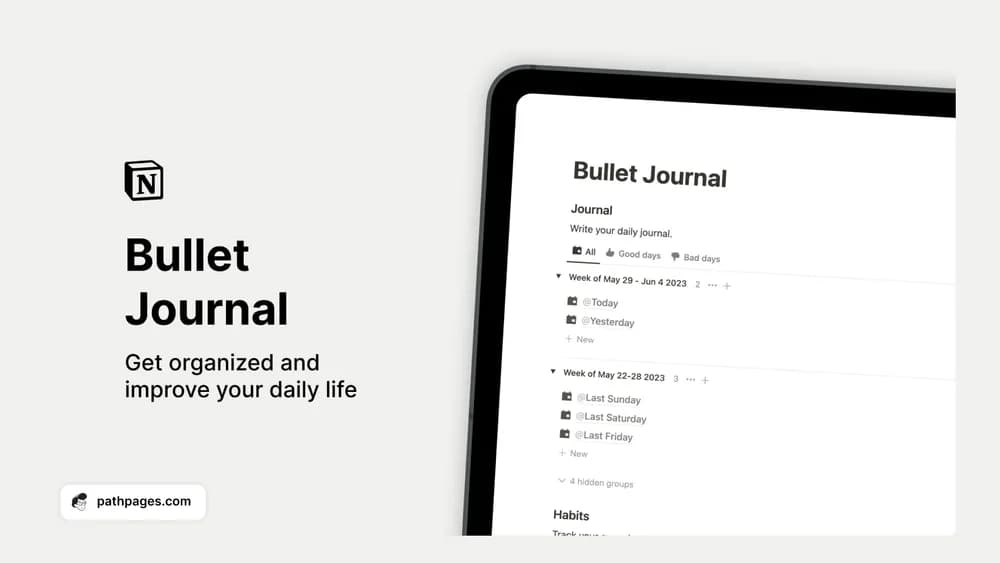
FreeNotion Bullet Journal
A digital bullet journal for daily notes, routines, and small priorities.
 Free
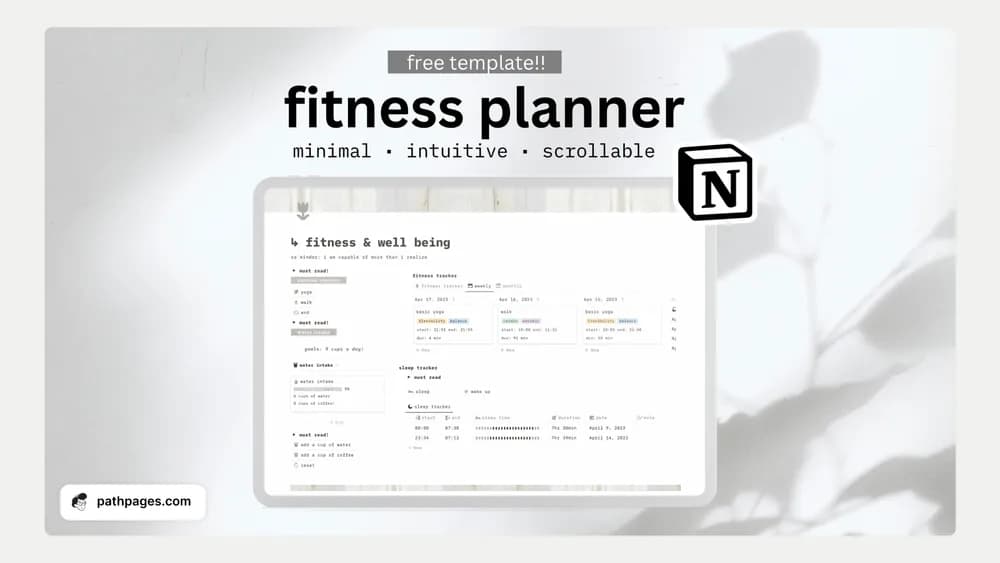
FreeNotion Fitness & Wellness Planner
A fitness and wellness planning template from Notion with Ro.
 Free
Free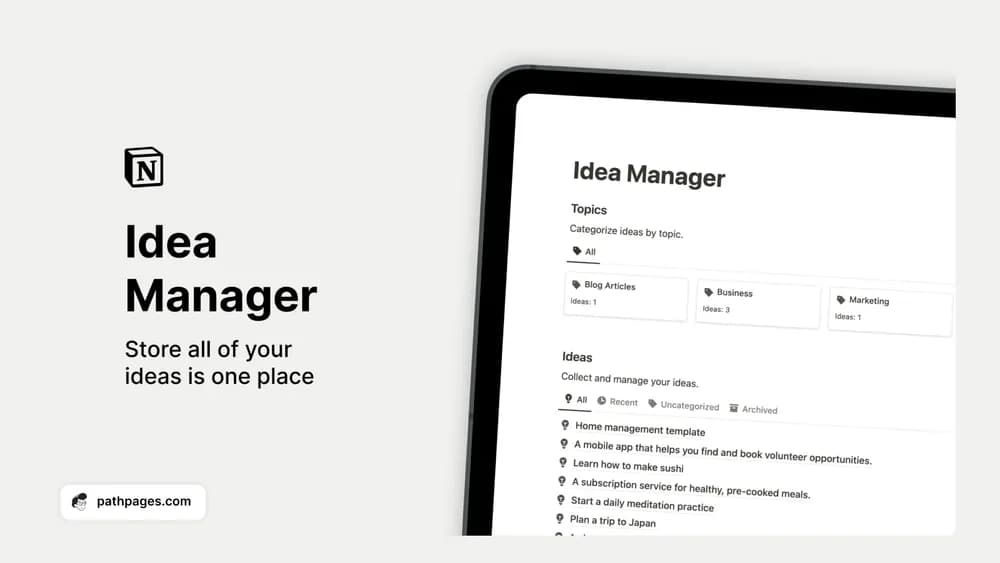 Free
FreeNotion Idea Manager
Catch an idea while it is fresh and give it enough context to use later.
 Free
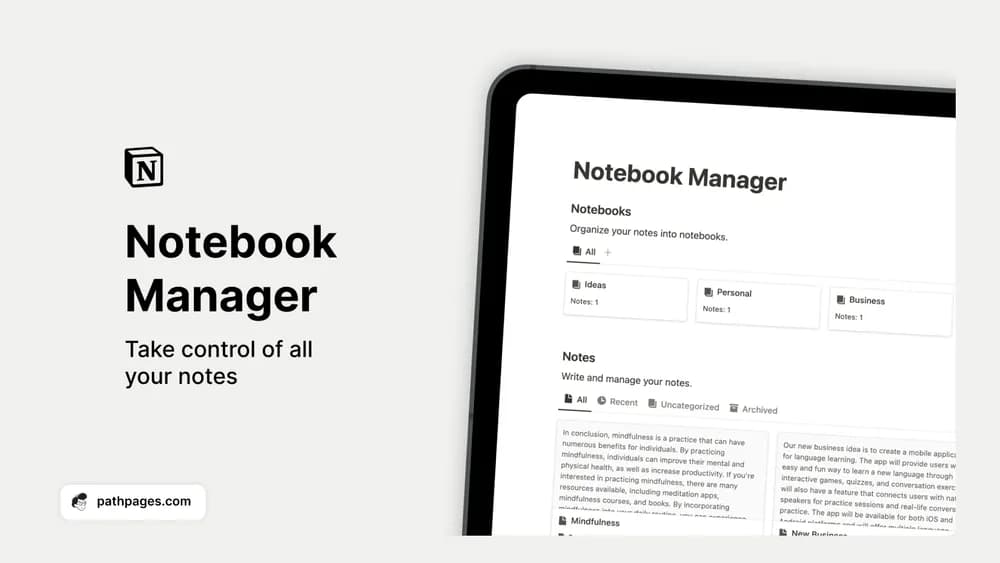
FreeNotion Notebook Manager
Sort loose notes into notebooks you can actually find again.
 Free
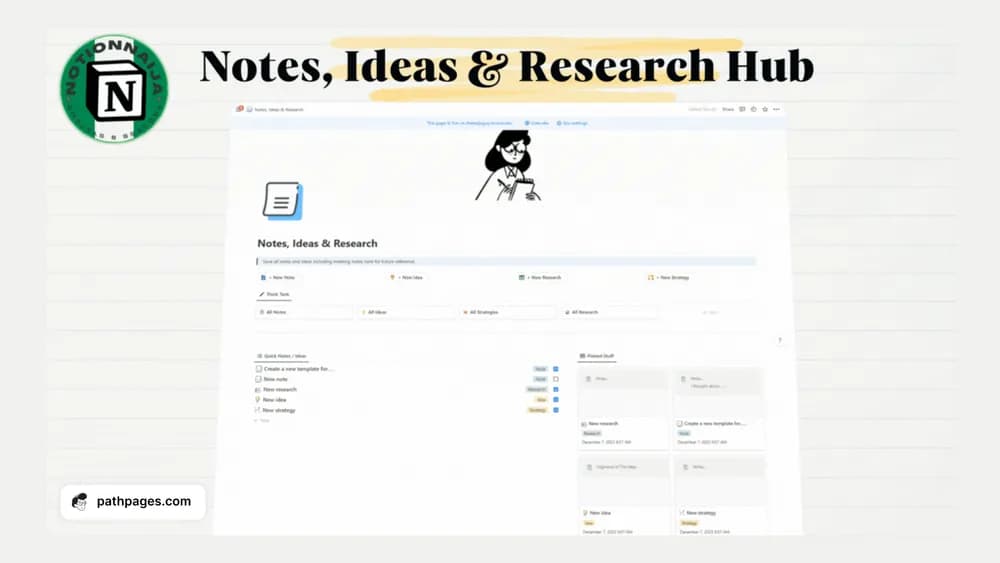
FreeNotion Notes, Ideas & Research Hub
Keep notes, ideas, and research material in a connected hub.
A closer look at the collection
Which template fits your work?
Compare the purpose and included features before choosing a workspace.
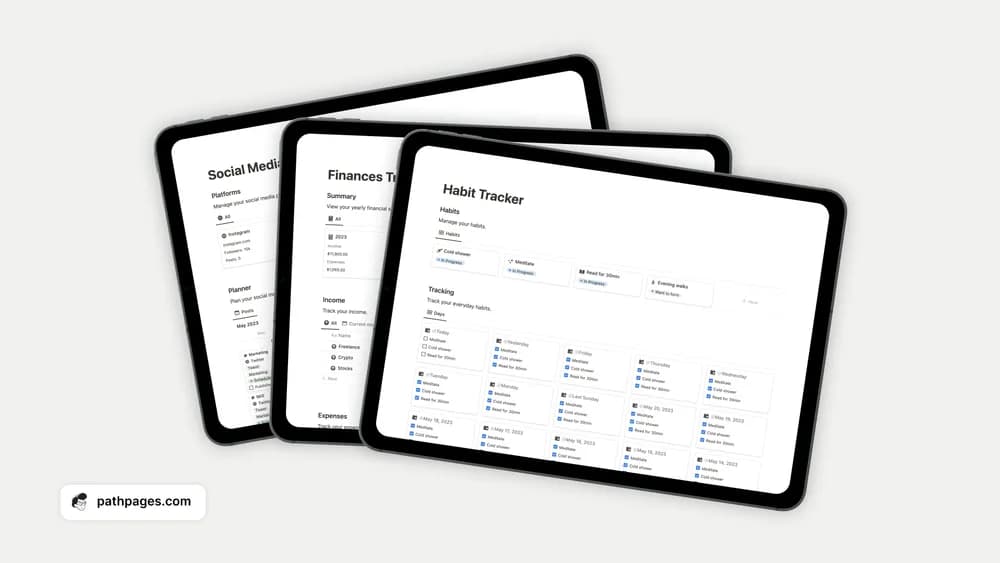
Notion Habit Tracker
People starting a small daily routine.
- Record daily habits
- Organize routines
- Review progress
PARA Dashboard
People who want a clear organizing principle for notes and projects.
- Explore PARA organization
- Connect reference material
- Keep active commitments visible
Aesthetic Cornell Notes
Students who like a structured note-taking page.
- Take structured class notes
- Add recall questions
- Summarize key ideas
Choose something that fits
How to compare productivity templates
Start with the part of your day that feels most scattered. A task list can solve a different problem from a complete life dashboard. Look at how quickly you can add an item, choose the next action, and review unfinished work. Try the template with a normal week of tasks before moving your whole workspace into it.
A few things to look for
Quick capture
A clear daily view
A review you can keep up with
About the directoryPut it into practice
Use the system to make the next decision easier
Capture unfinished commitments in one inbox, then review them when you have time to choose what comes next. Separate a task you can do from a project that needs several steps. Keep a short view of current commitments instead of showing the entire archive whenever you open Notion.
Before you chooseQuestions about
Questions about
this collection
Should I choose a task list or a full productivity dashboard?+
Choose a task list if capture and follow-through are the problem. A broader dashboard helps when you also need project context, notes, and a review routine. Test the smaller workflow before adding sections you will need to maintain.
Are there free templates in the productivity collection?+
Yes. This collection currently includes 52 listings with a confirmed free creator offer, alongside 7 paid or freemium options. Use the Free filter to compare them. A free version can have different features from a creator’s paid upgrade, so check the original listing and current access terms before adding it to your workspace.