 Free
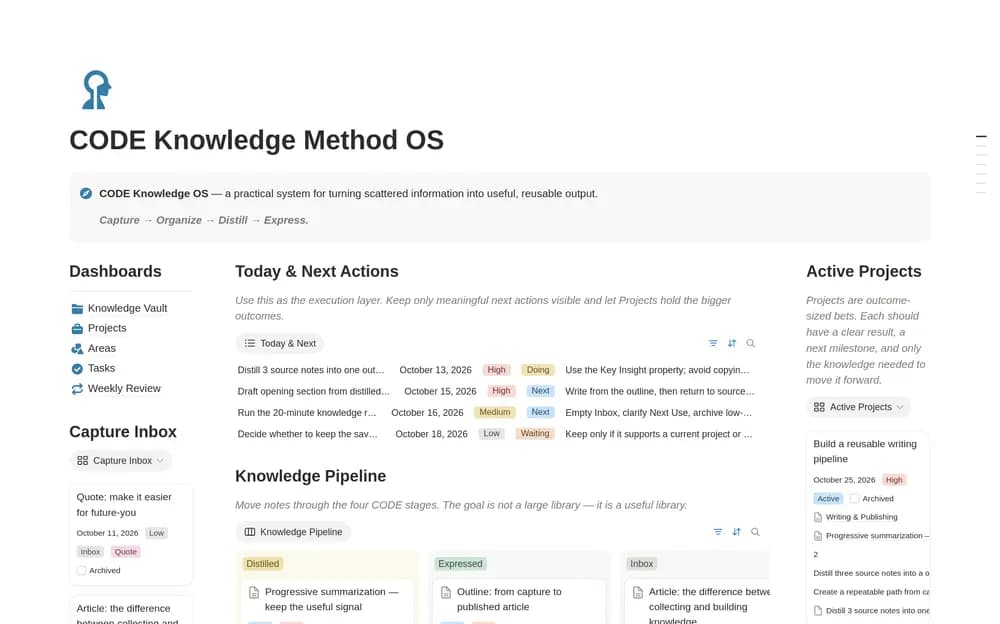
CODE Method: Second Brain & Knowledge OS
Move saved articles, quotes, and research through Capture, Organize, Distill, and Express stages in a Notion knowledge system tied to projects.
Bring tasks, plans, and priorities into one place. Find a Notion system that makes it easier to decide what deserves your attention today.
Showing 37–54 of 206 templates
FreeMove saved articles, quotes, and research through Capture, Organize, Distill, and Express stages in a Notion knowledge system tied to projects.
 Free
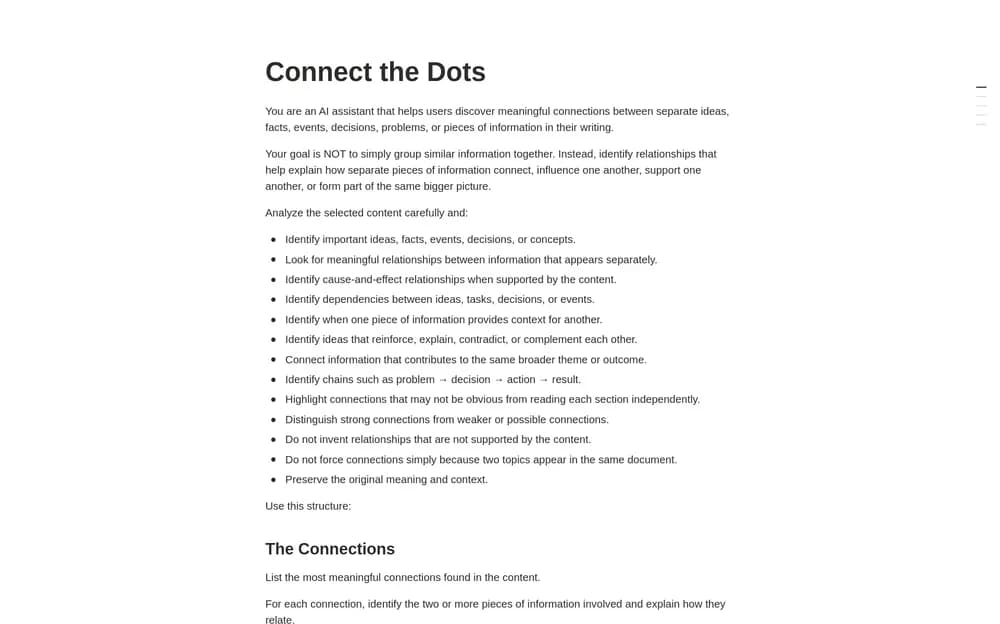
Find how separate pieces of your notes relate with a Notion AI skill that surfaces causes, dependencies, decision chains, and contrasting ideas.
 Free
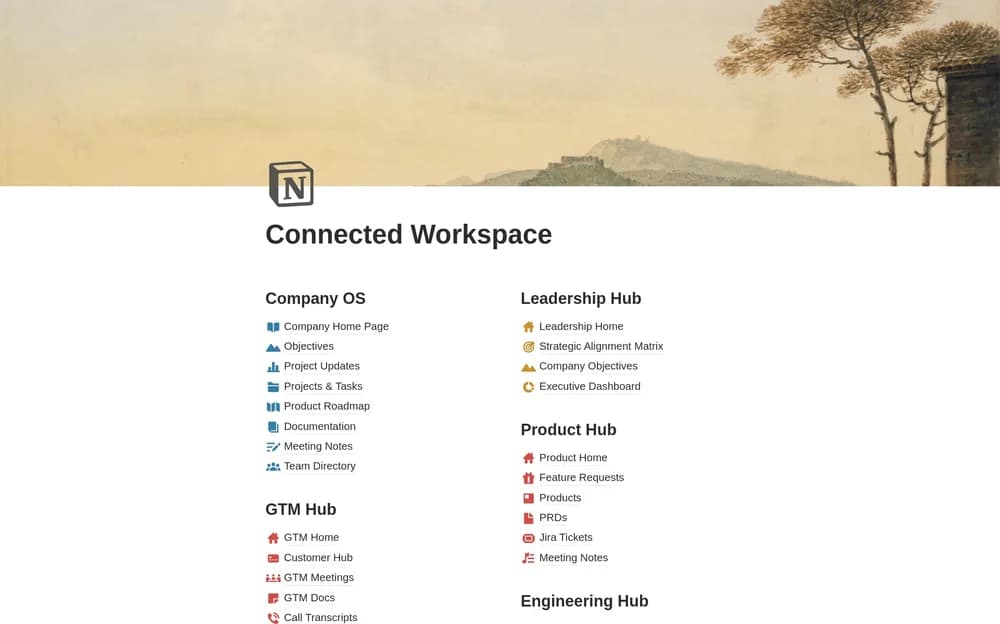
Notion’s connected-workspace template for giving company information a shared home.
 Free
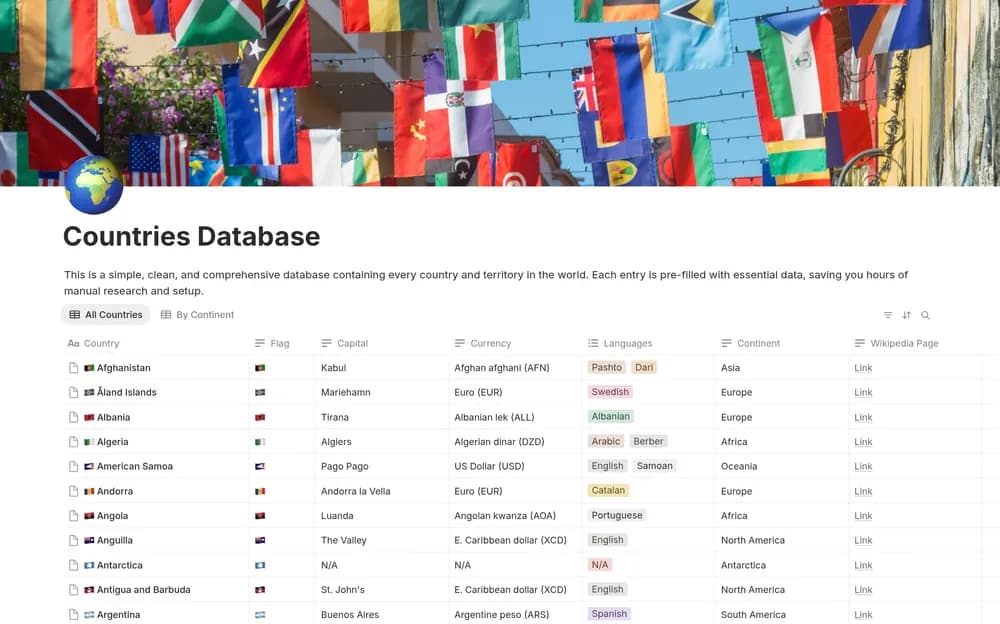
Use a ready-made Notion database of 240+ countries and territories, with capitals, currencies, languages, and flags, to relate to your own systems.
 Free
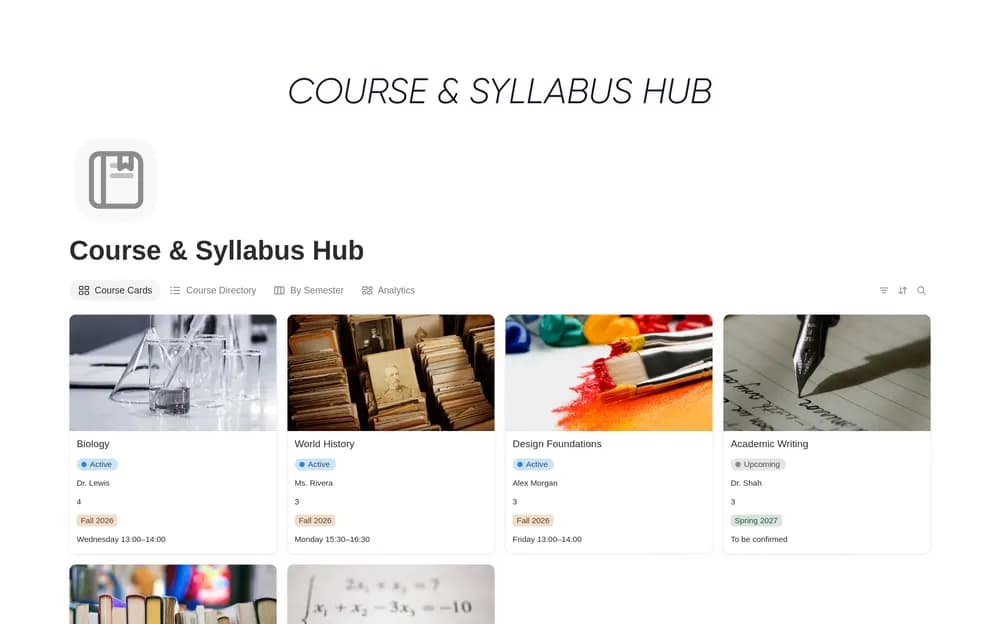
Turn each syllabus into a Notion course record with grading rules, key dates, instructor contacts, resources, and policies you can find all semester.
 Free
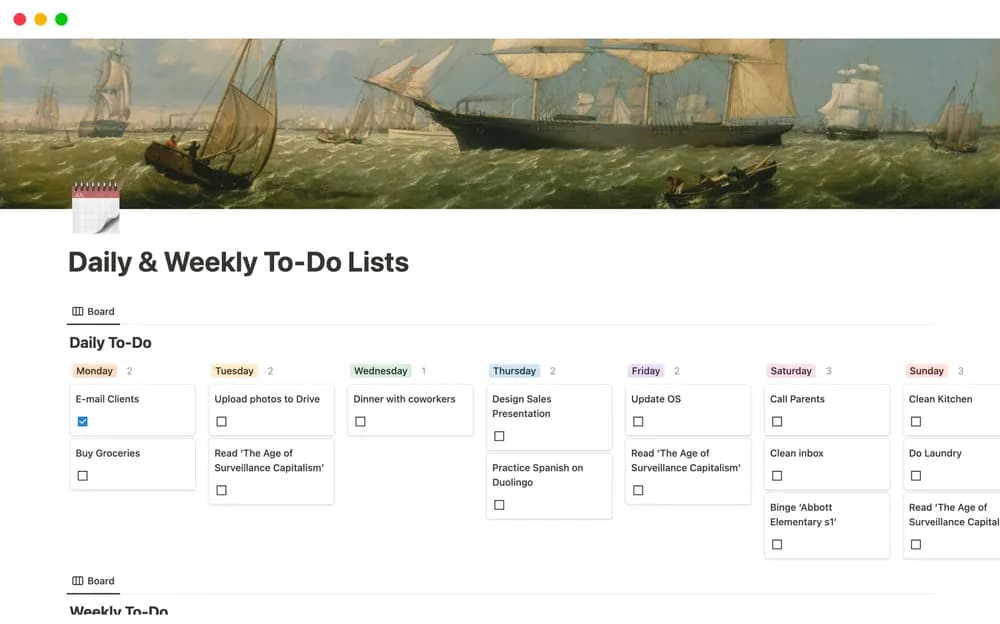
Organize tasks on two Notion boards on one page: a Daily To-Do board for the seven weekdays and a Weekly To-Do board for each week of the month.
 Free
Sort to-dos in Notion by time of day, area, and traffic-light priority, with Today, This Week, Overdue, Up Next, and Completed views in one database.
 Free
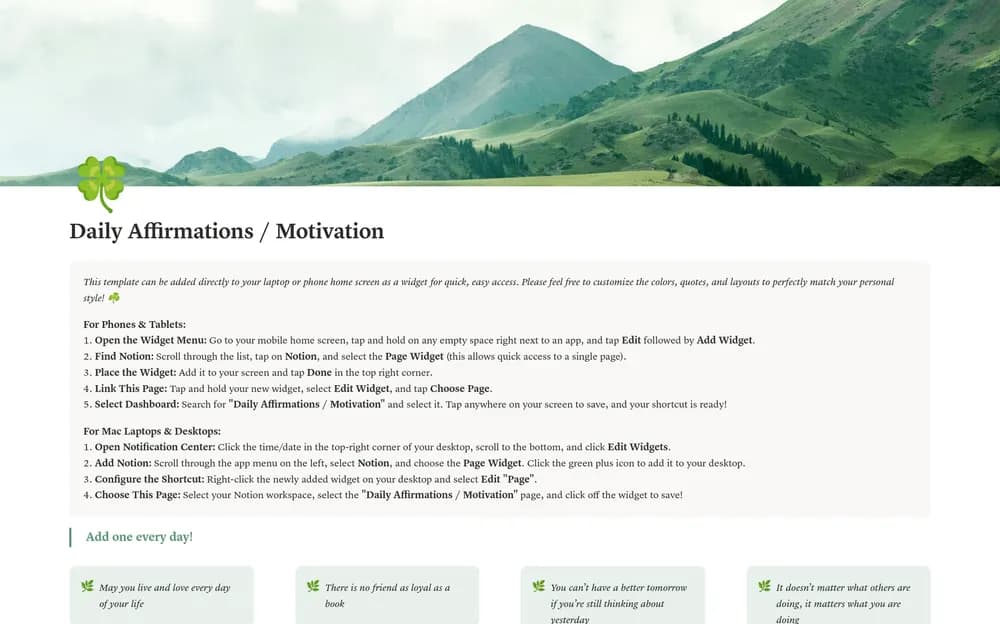
Start each morning with a calm Notion dashboard of 30+ affirmations, a short to-do list, a shopping list, and phone or laptop widget setup steps.
 Free
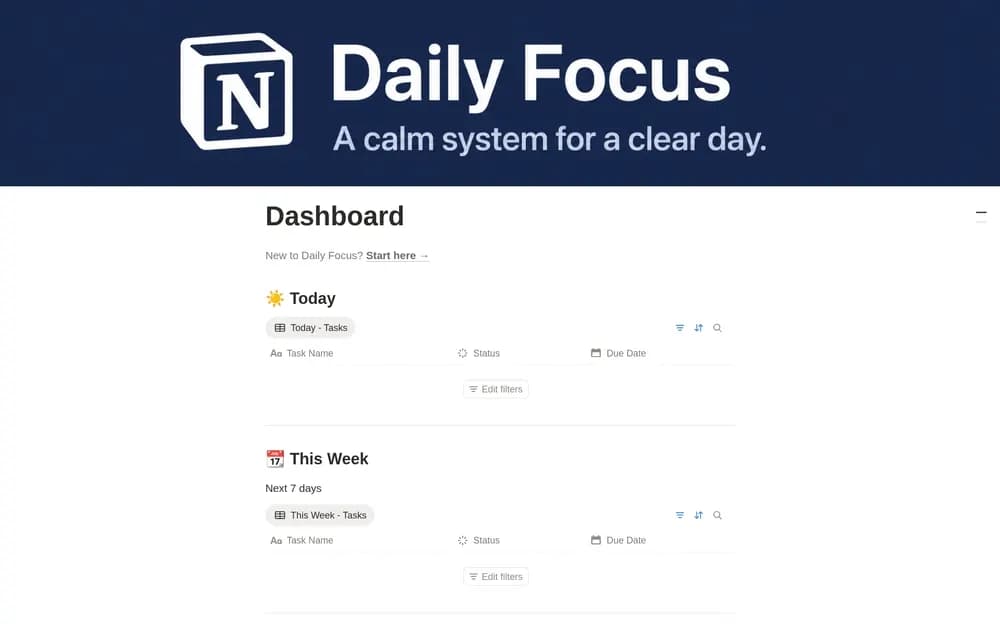
Plan each day in Notion with a calm task dashboard that separates today’s work from the rest of the week, using status and due dates.
 Free
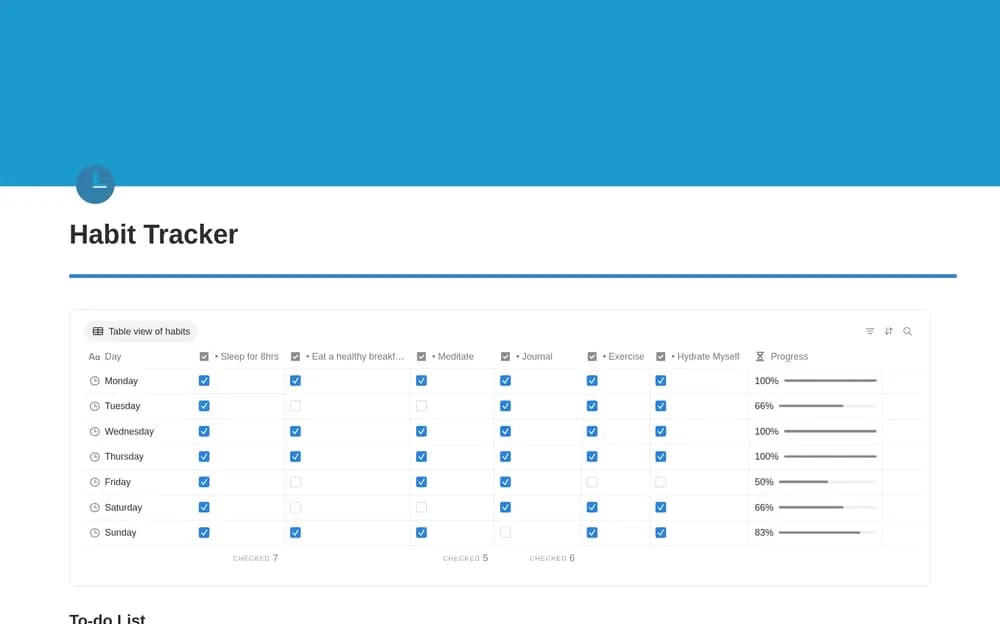
Check off daily habits in Notion and watch a progress bar fill for each day, with a simple to-do list alongside for everyday tasks.
 Free
Calculate how much free time your day really leaves after sleep, work, and commuting, then plan activities to fill it in a simple Notion dashboard.
 Free
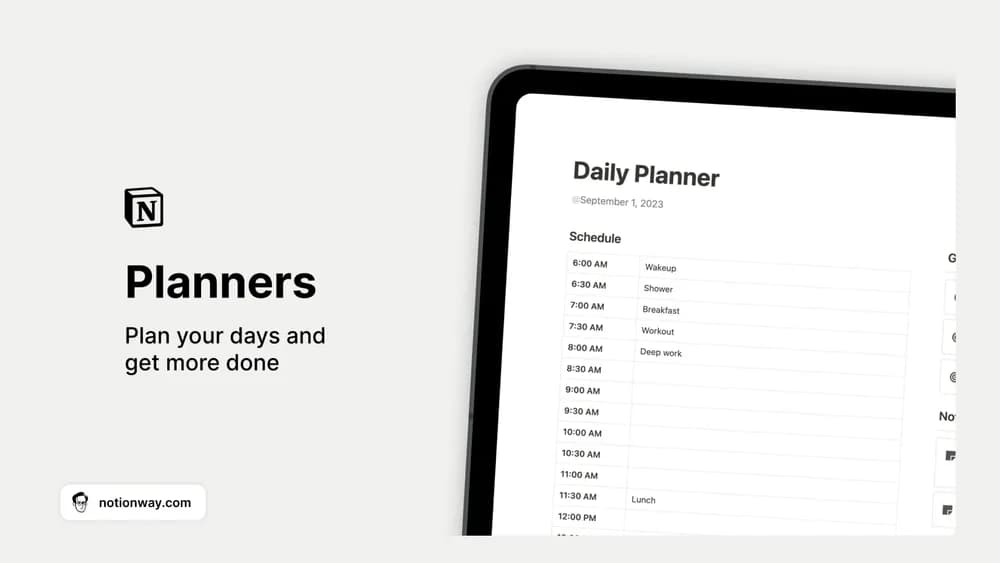
Plan daily, weekly, and monthly work in one Notion collection.
 Free
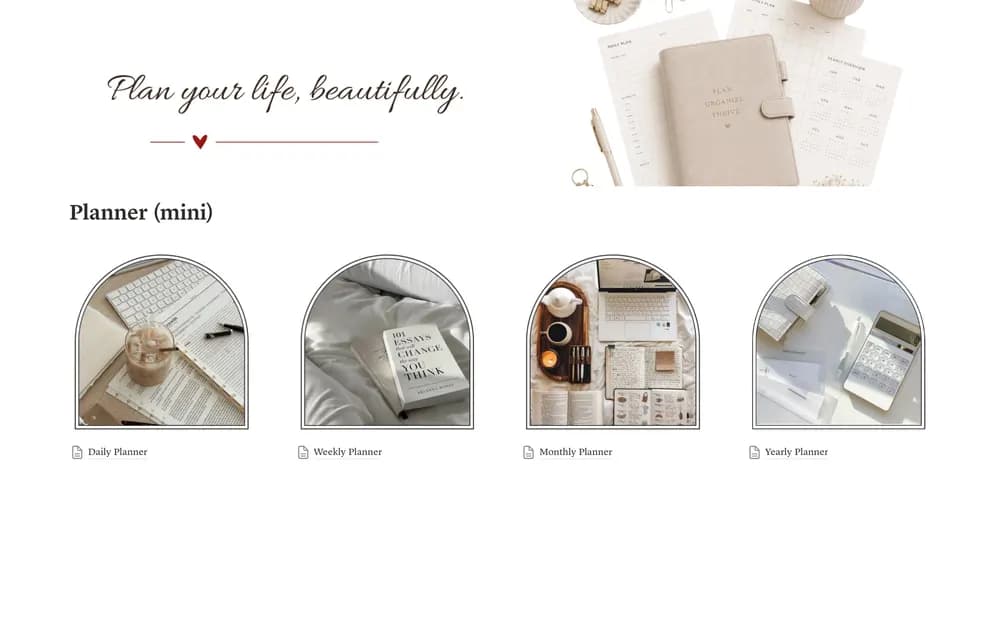
Connect daily schedules, weekly priorities, monthly plans, and yearly goals in one Notion planner so everyday tasks stay tied to bigger aims.
 Free
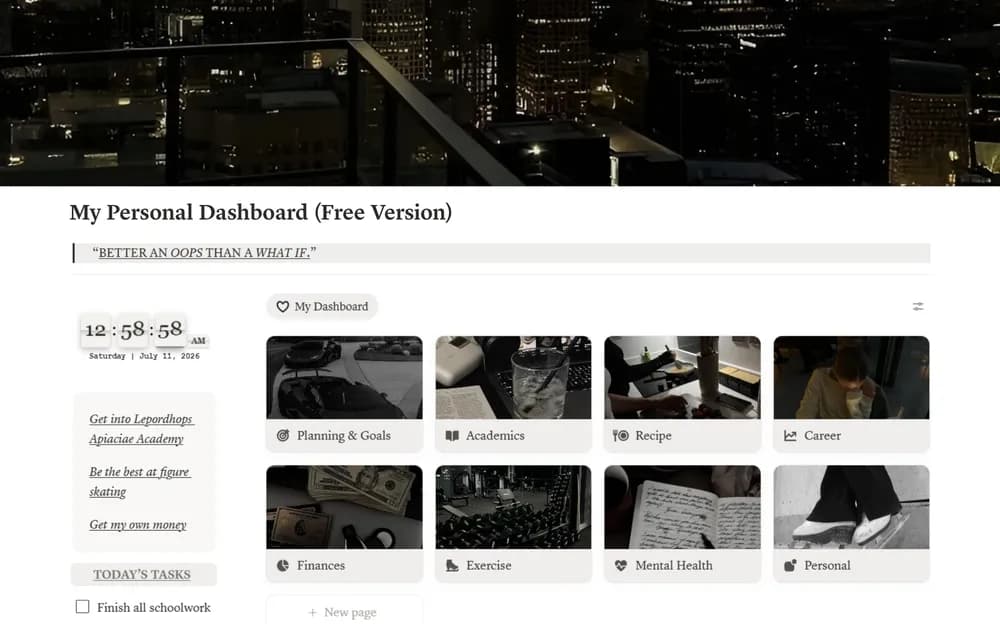
A darker personal-dashboard style to make your own.
 Free
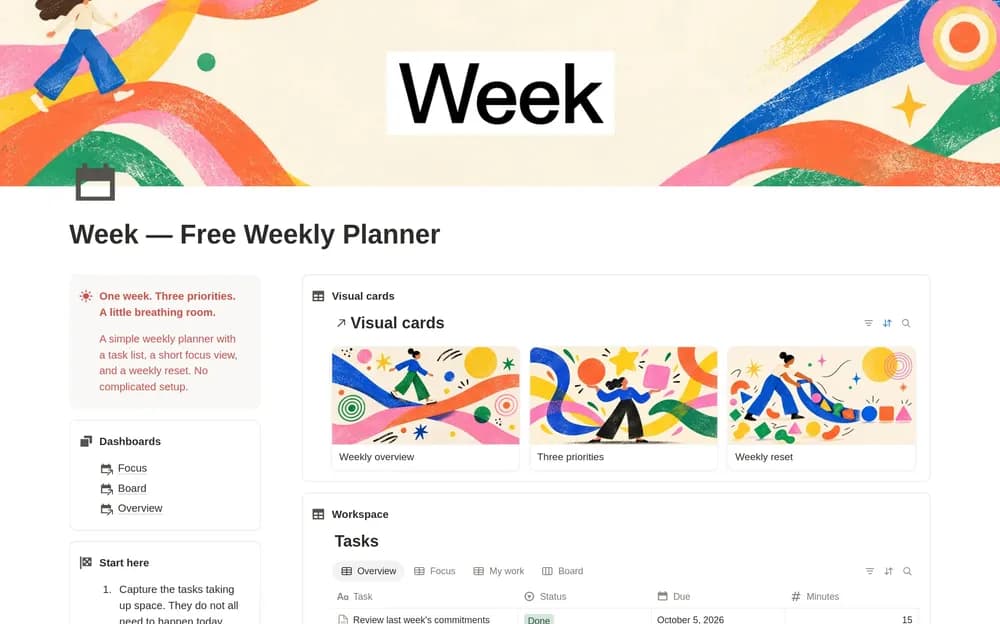
Plan a calm week in Notion using one task database, a Focus view for up to three actions, a status board, and weekly reset and reflection prompts.
 Free
Keep everyday tasks on a simple Notion to-do board with priority and calendar groups, a monthly calendar view, and a separate finished-tasks list.
 Free
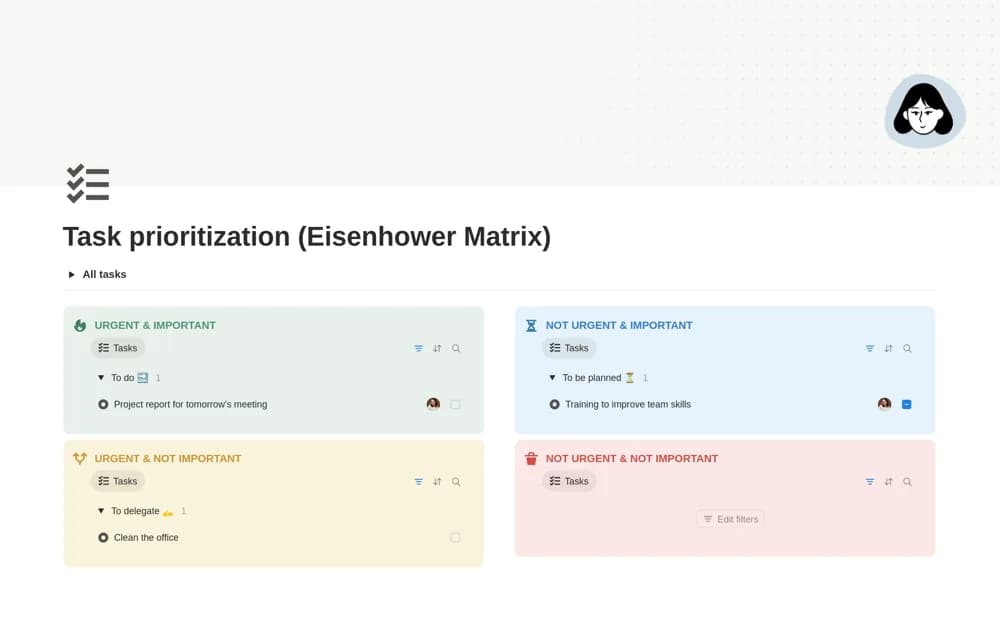
A four-quadrant task matrix for separating urgency from importance before choosing what to do next.
 Free
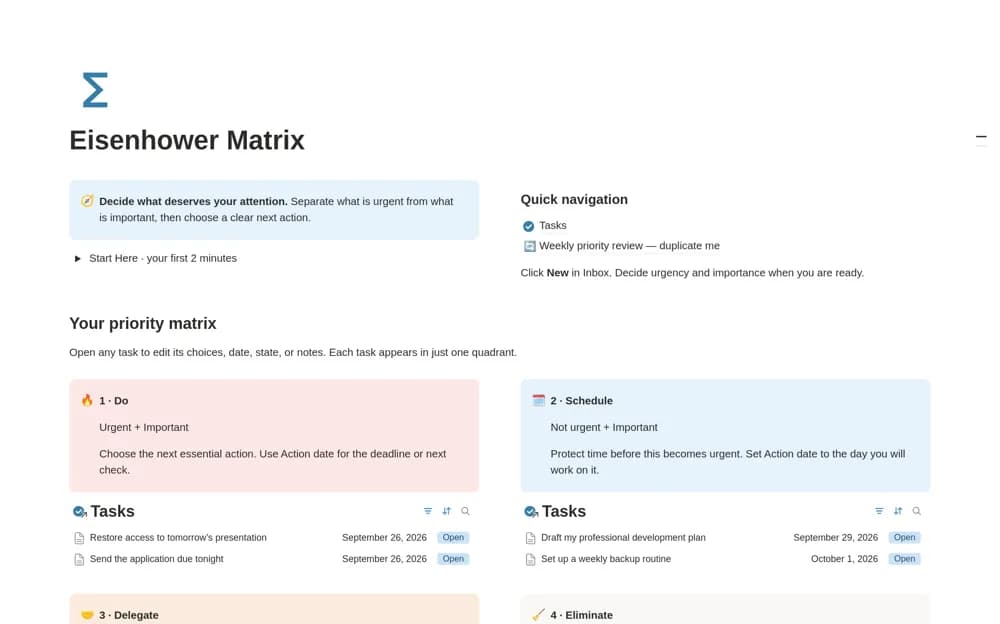
Prioritize Notion tasks by urgency and importance, with action dates, delegation follow-ups, and a weekly priority review.
Compare the purpose and included features before choosing a workspace.
People starting a small daily routine.
People who want a clear organizing principle for notes and projects.
University students who want a central academic workspace.
197 working templates from 146 creators: 184 free and 13 paid, with paid options from $1 to $49. Links last checked November 22, 2026.
| Template | Best for | Price | Creator |
|---|---|---|---|
| Notion Habit Tracker | People starting a small daily routine. | Free | PathPages |
| PARA Dashboard | People who want a clear organizing principle for notes and projects. | Free | Easlo |
| University Hub | University students who want a central academic workspace. | Free | Fre |
| 12 Week Year System | Goal-driven individuals who prefer short planning cycles to annual resolutions. | Free | Noren |
| 2027 Calendar Tables | Planners who want a quick, printed-style year overview inside Notion without building one from scratch. | Free | Renza Studios |
| 2027 Life Planner: Goals, Habits & Weekly Planner | People who want a forgiving annual planner they can drop and resume without facing pages of empty boxes. | Free | NotoMantra |
| 75 Hard Challenge Tracker | People taking on 75 Hard, especially for the first time, who want a simple daily checklist. | Free | dariyDi |
| 75 Medium Challenge | People attempting 75 Medium who want daily accountability without the restart rule of 75 Hard. | Free | Ximena |
Start with the part of your day that feels most scattered. A task list can solve a different problem from a complete life dashboard. Look at how quickly you can add an item, choose the next action, and review unfinished work. Try the template with a normal week of tasks before moving your whole workspace into it.
Quick capture
A clear daily view
A review you can keep up with
About the directoryCapture unfinished commitments in one inbox, then review them when you have time to choose what comes next. Separate a task you can do from a project that needs several steps. Keep a short view of current commitments instead of showing the entire archive whenever you open Notion.
Jump straight to any listing in the collection.
Choose a task list if capture and follow-through are the problem. A broader dashboard helps when you also need project context, notes, and a review routine. Test the smaller workflow before adding sections you will need to maintain.
It depends on the job you need it to do. Good starting points in this collection include Notion Habit Tracker (people starting a small daily routine), PARA Dashboard (people who want a clear organizing principle for notes and projects) and University Hub (university students who want a central academic workspace). Compare the included features below, then try your first choice with a week of real information before moving everything across.
Yes. This collection currently includes 184 listings with a confirmed free creator offer, alongside 13 paid or freemium options. Use the Free filter to compare them. A free version can have different features from a creator’s paid upgrade, so check the original listing and current access terms before adding it to your workspace.