 Free
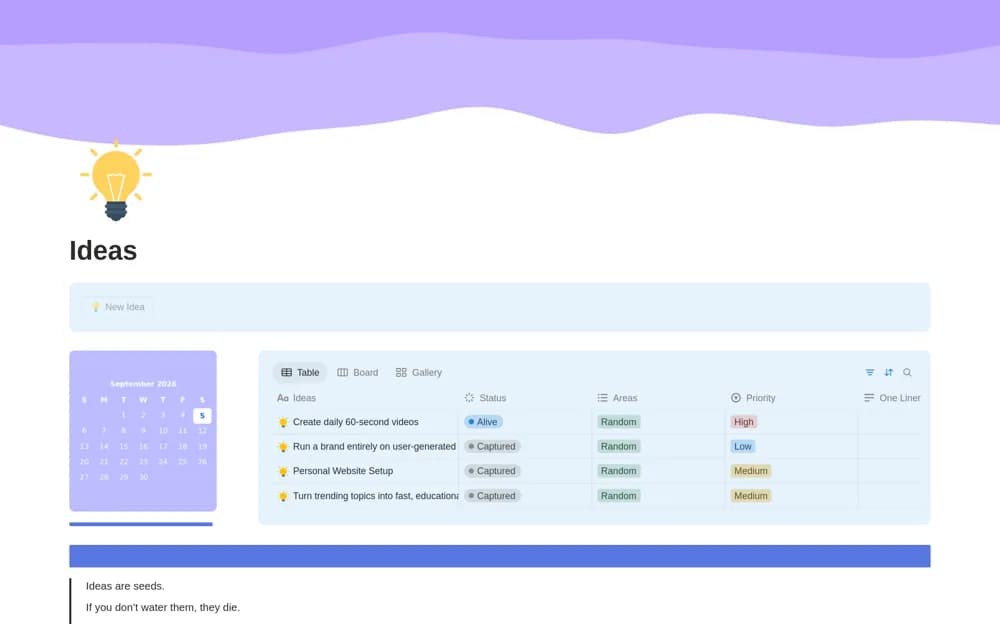
Ideas Vault – Minimalist Idea Tracker
Capture ideas in Notion with one-line summaries, area tags, priorities, and table, board, or gallery views for reviewing what to pursue.
Make daily planning a little easier. Find Notion templates for tasks, priorities, focus sessions, and the routines that help you finish what you start.
Showing 19–36 of 56 templates
FreeCapture ideas in Notion with one-line summaries, area tags, priorities, and table, board, or gallery views for reviewing what to pursue.
 Free
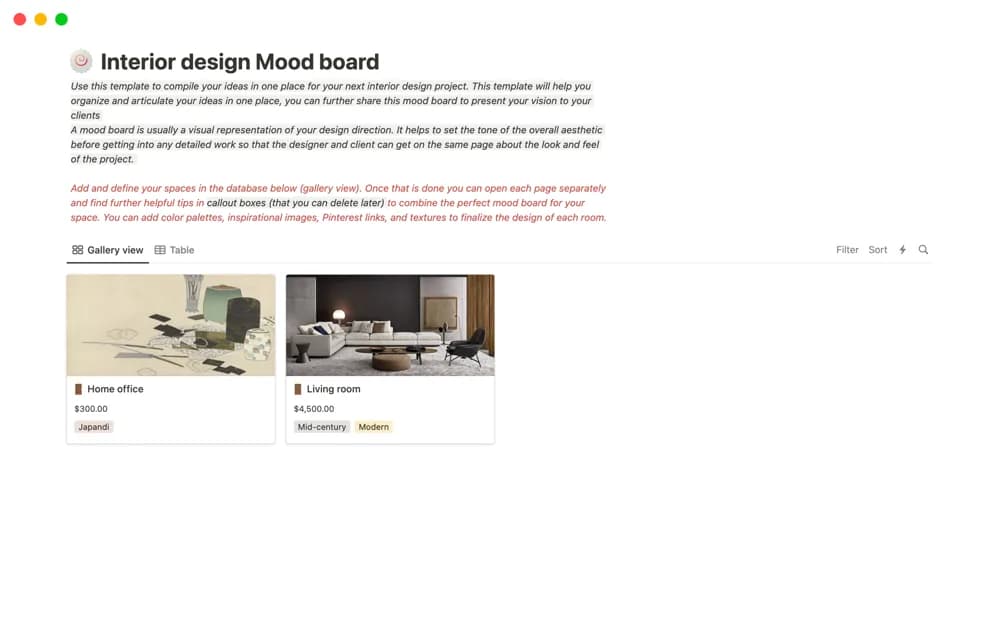
A room-based interior mood-board layout for images, references, links, colors, furniture, and textures, intended for collaboration or presenting a design direction.
 Free
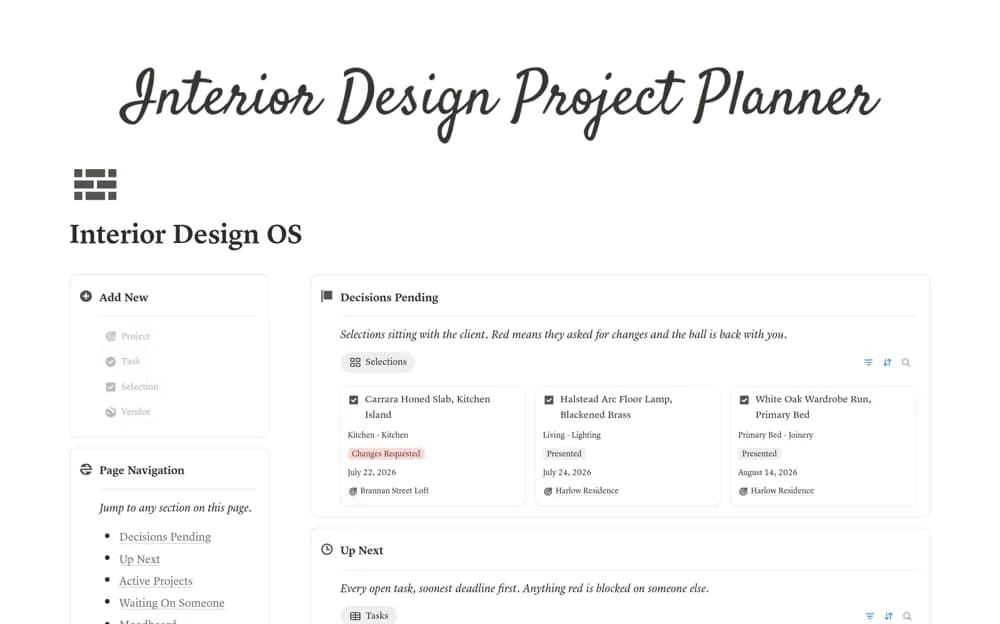
An interior design workspace for project briefs, room selections, moodboards, client decisions, tasks, and vendors.
 Free
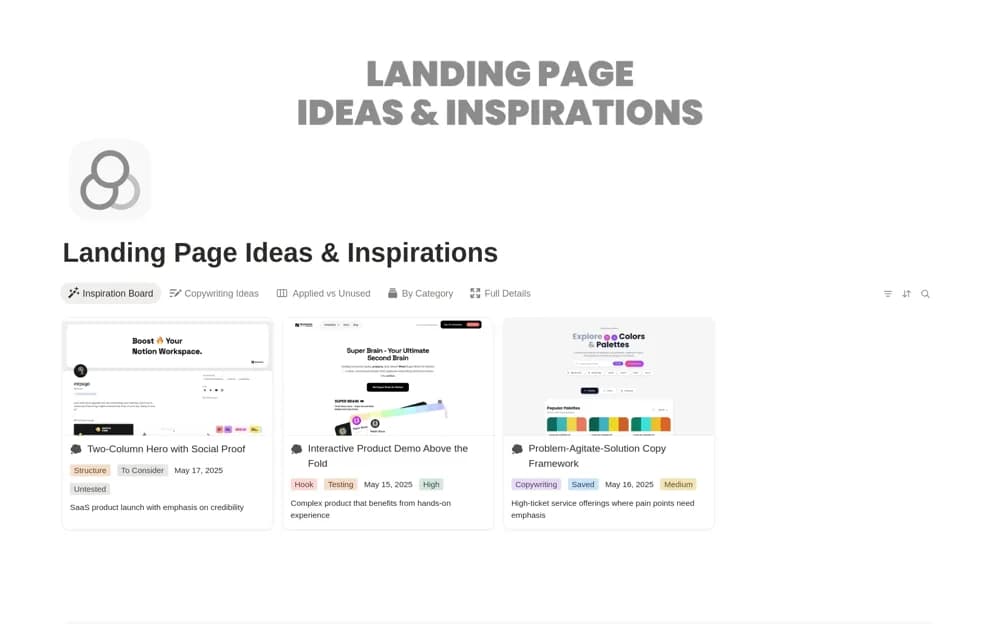
A landing-page swipe file for saving design examples, headlines, and calls to action with useful tags.
 Free
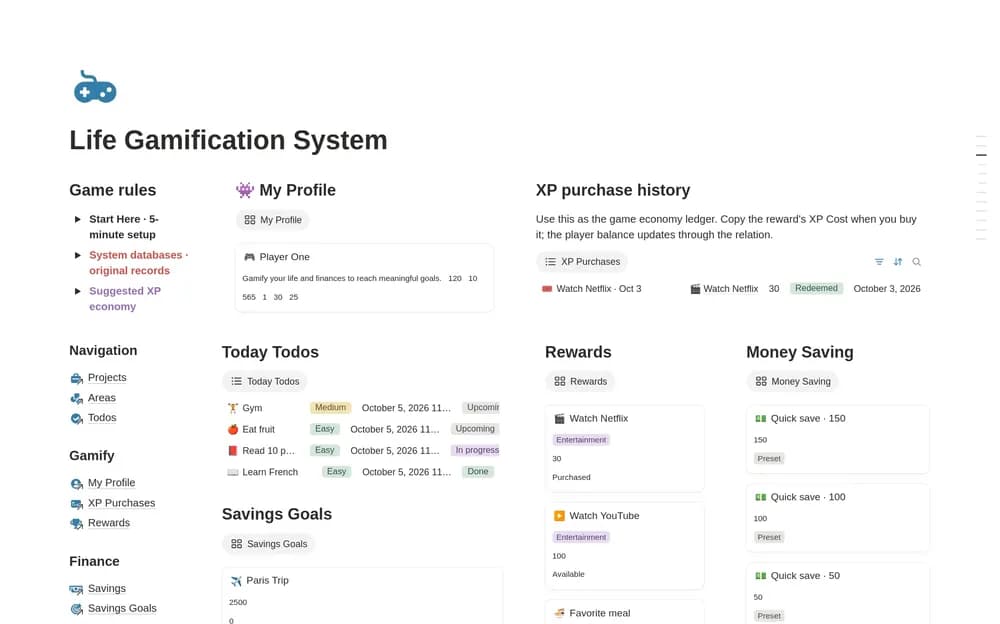
Earn XP for tasks, habits, and projects in a gamified Notion system, then spend it on custom rewards while tracking savings goals and life areas.
 Free
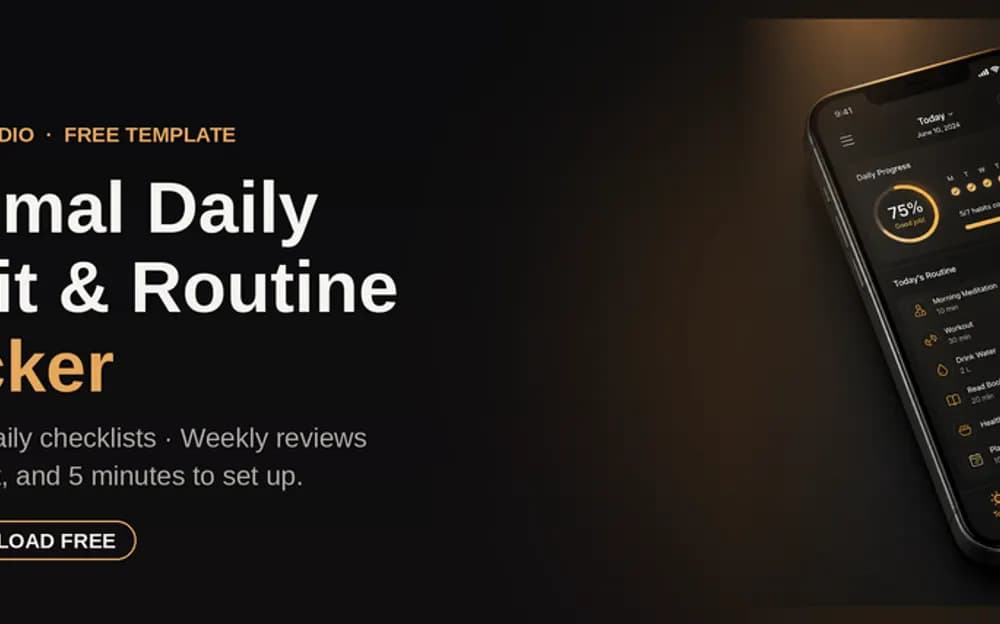
Track up to five daily habits in Notion with a seven-checkbox weekly grid, an automatic week score, and a short Sunday review.
 Free
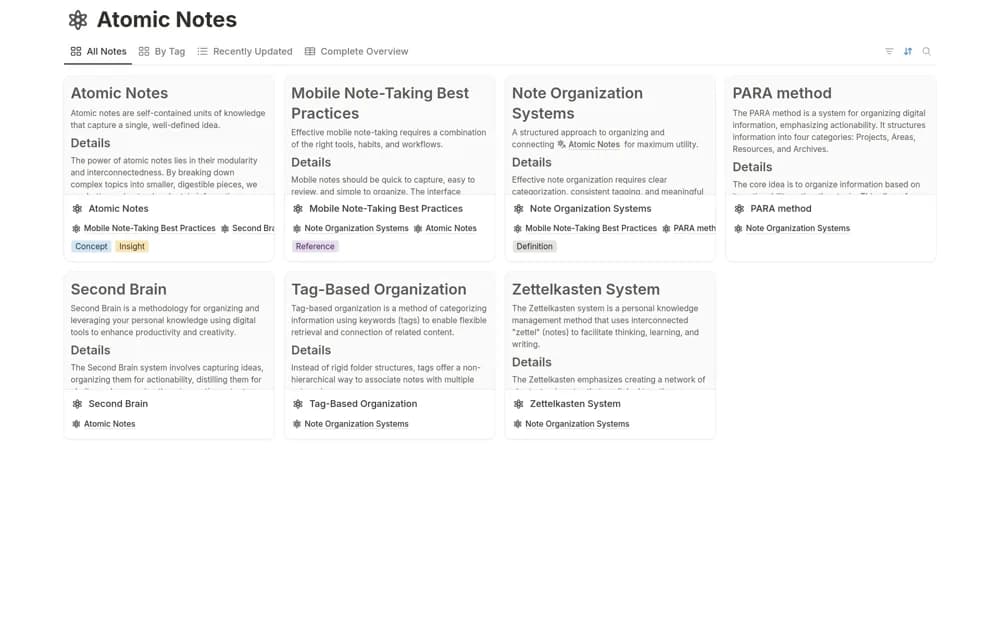
Build atomic notes in Notion with individual identifiers, examples, questions, references, tags, and views for reviewing recent changes.
 Free
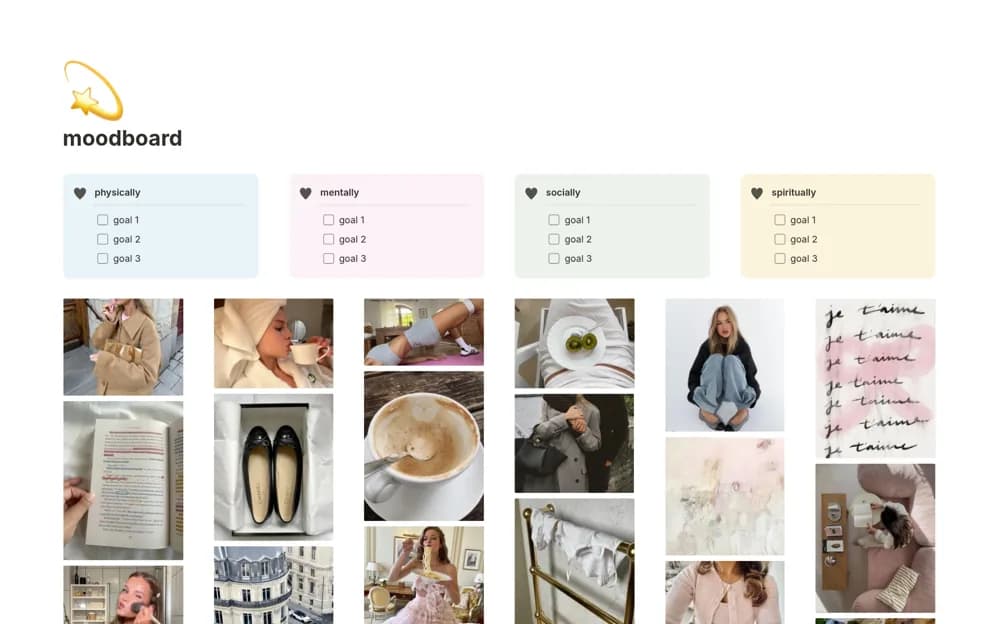
An aesthetic personal moodboard for inspiration images, quotes, life areas, and a few goals in each area.
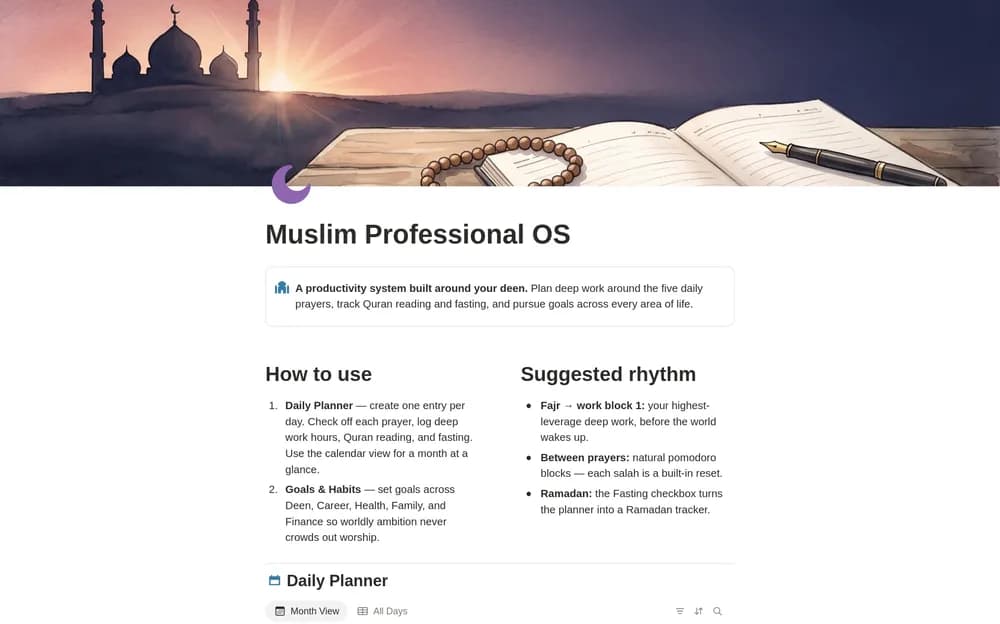 Free
A prayer-first planning workspace for professional life.
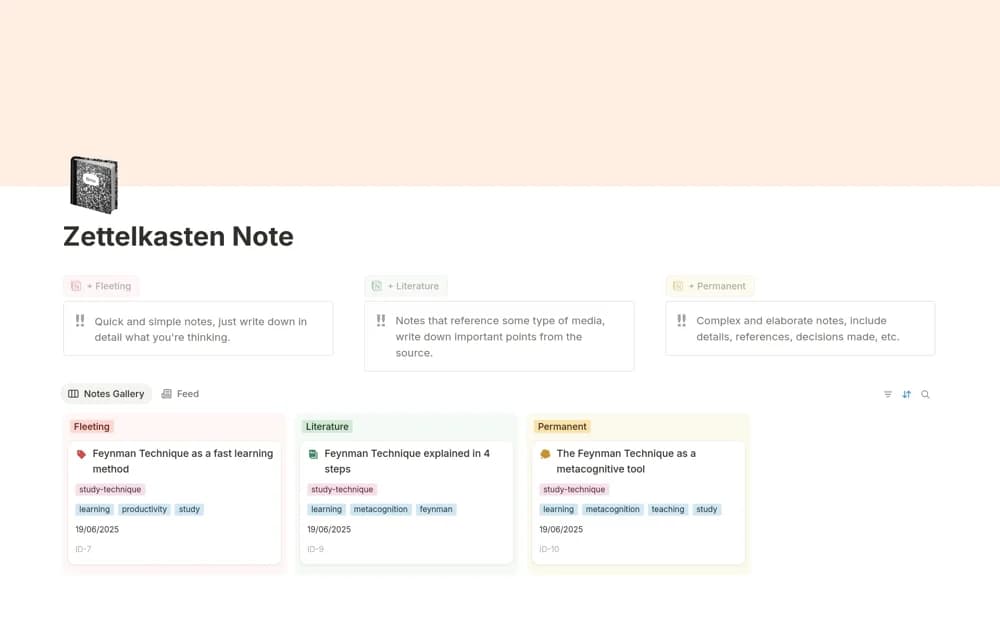 Free
A connected-note database distinguishing fleeting captures, literature notes, and permanent ideas in your own words.
 Free
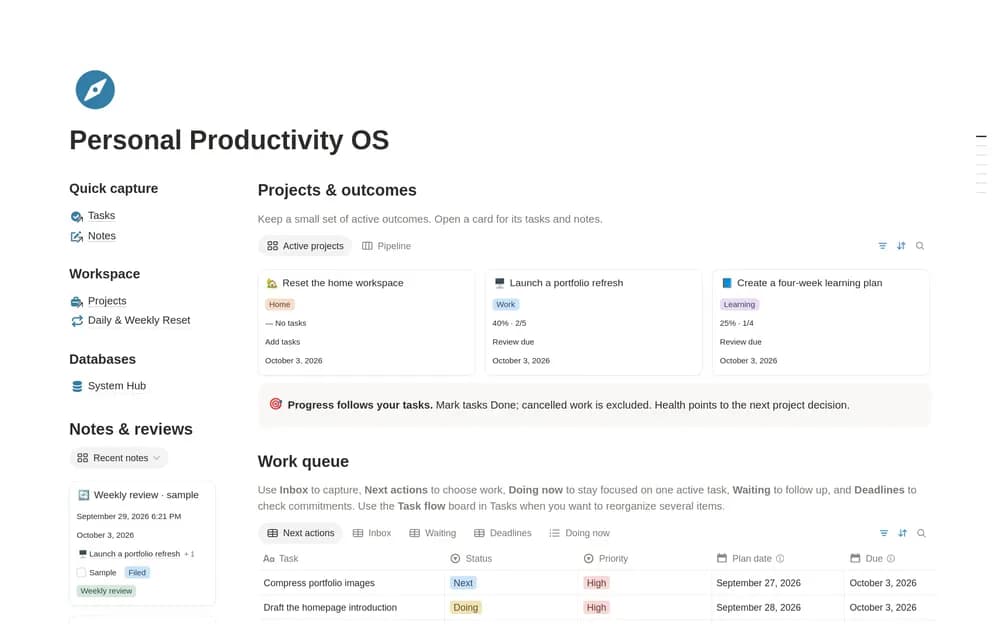 Free
Bring tasks, projects, notes, schedules, and weekly reviews into one Notion system with quick capture, a work queue, and a daily and weekly reset.
 Free
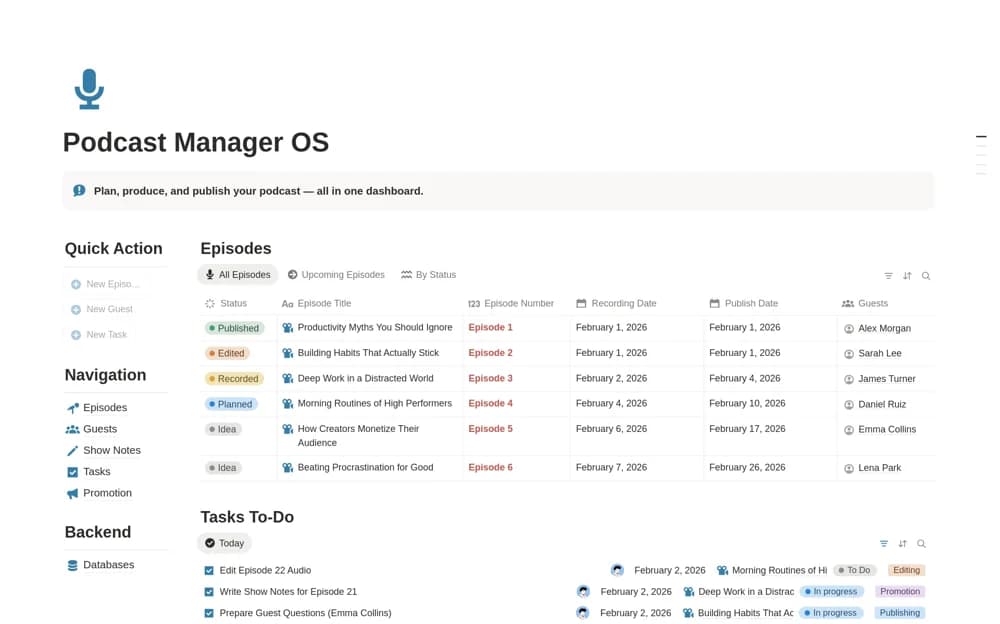
A podcast workflow linking episodes, guests, show notes, editing tasks, release dates, and promotion status.
 Free
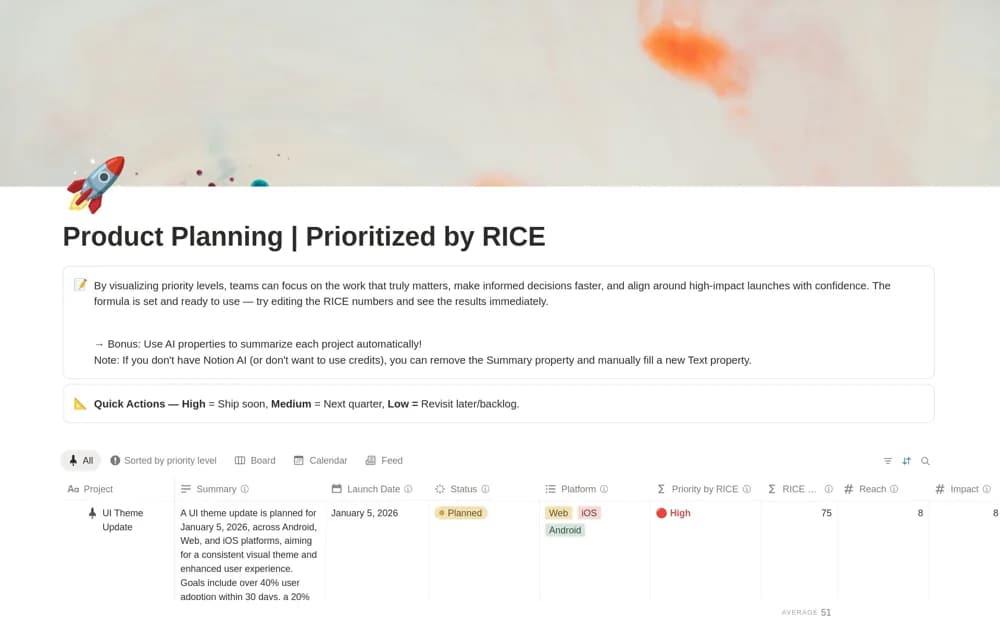
Compare product initiatives in Notion with RICE scores, owners, channels, and launch timing, plus an optional AI summary property.
 Free
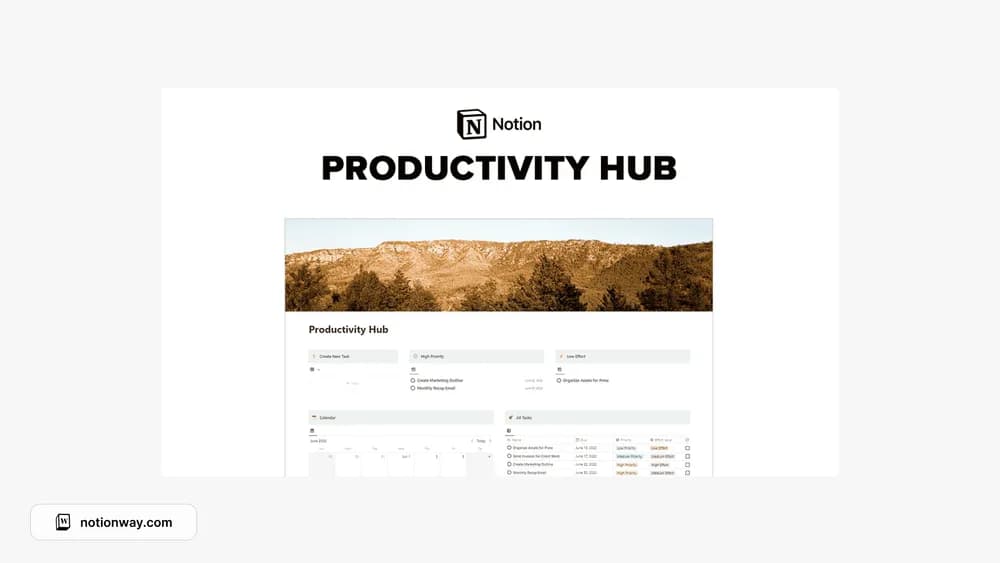
A productivity dashboard for bringing current work into one view.
 Free
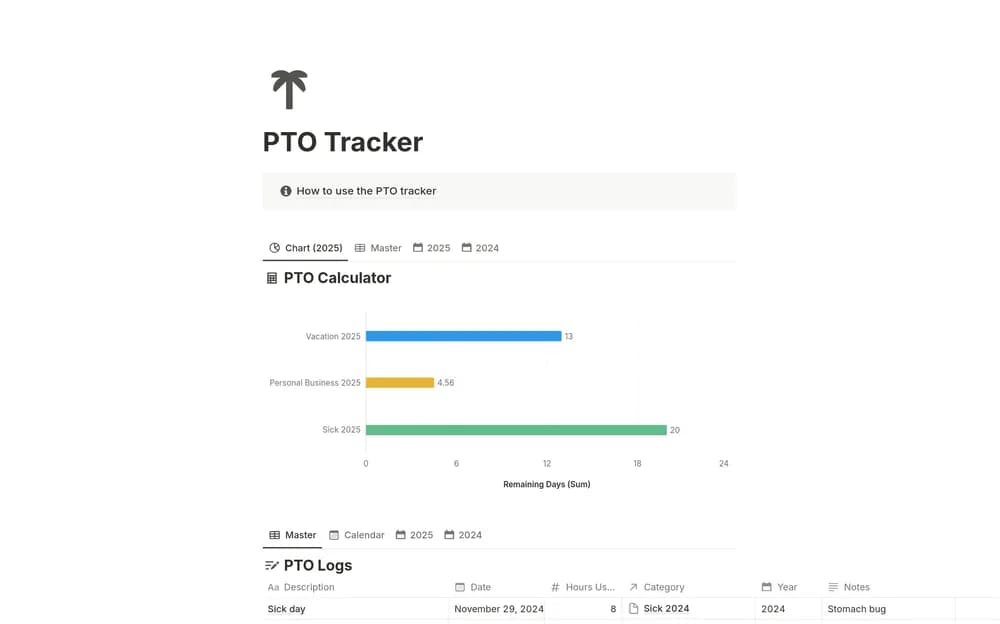
Log time off in Notion by type, such as vacation, sick, personal, or floating holidays, and see remaining PTO hours and days calculated across years.
 Free
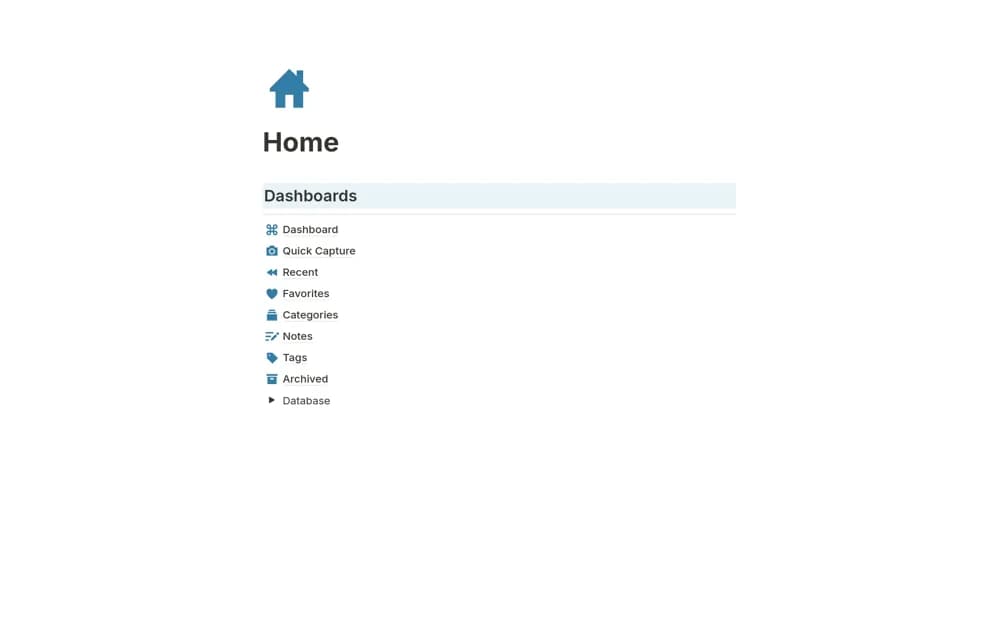
A screenshot reference library with quick capture, tags, source notes, favorites, and recent-item views.
 Free
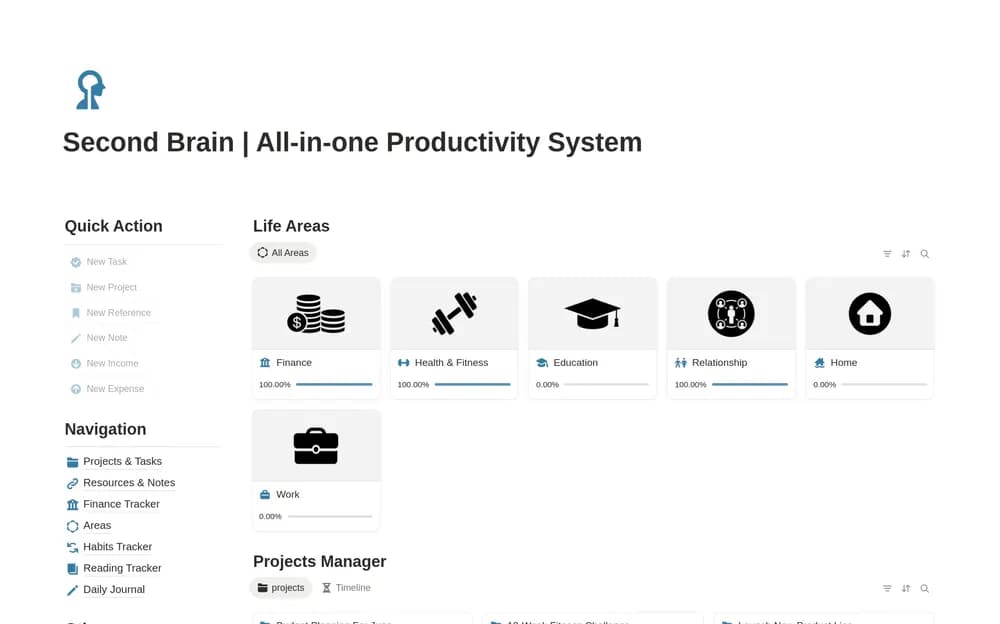
Run life areas, projects, tasks, notes, habits, reading, and finances from one Notion second brain dashboard with quick-capture buttons.
Compare the purpose and included features before choosing a workspace.
People with ADHD, or anyone who struggles with focus, time blindness, and daily routines.
People who want a place to think before starting a task.
Professionals, freelancers, and students who want a connected personal system for projects and next actions.
55 working templates from 47 creators: 51 free and 4 paid, with paid options from $1 to $29. Links last checked November 22, 2026.
| Template | Best for | Price | Creator |
|---|---|---|---|
| ADHD Widgets: Calm Daily Tools | People with ADHD, or anyone who struggles with focus, time blindness, and daily routines. | Free | NotoMantra |
| Brainstorm & Pomodoro Room | People who want a place to think before starting a task. | Free | Haonmade Studio |
| Personal Productivity OS | Professionals, freelancers, and students who want a connected personal system for projects and next actions. | Free | heyismail.co |
| Productivity Hub | People looking for a central task workspace. | Free | Matt Bio |
| Simple Habit Tracker | People starting a manageable daily check-in. | Free | Katia Creates |
| The KEE productivity system | People comparing different personal planning approaches. | Free | Edwindoit.eth |
| Ultimate Daily Action Template | Creators, students, and professionals who want long-term goals turned into daily actions. | $9 | CERO |
| PARA Dashboard | People who want a clear organizing principle for notes and projects. | Free | Easlo |
Begin with the point where work usually stalls. If you forget tasks, try a simple capture list. If you struggle to choose, look for prioritization. If you overbook, use a weekly plan with realistic space. The useful template is the one that helps with your particular bottleneck and still feels manageable on a busy day.
A clear next action
Realistic planning
Low-friction capture
About the directoryUse quick capture if commitments are forgotten, a priority view if choosing is difficult, or a realistic weekly plan if you overbook. Keep the next action small and concrete. Review unfinished work before adding more so the system reflects actual capacity and current responsibilities.
Jump straight to any listing in the collection.
Begin with one useful workflow, keep daily upkeep small, and review it after real use. Remove features that do not help your decisions before adding a larger setup.
It depends on the job you need it to do. Good starting points in this collection include ADHD Widgets: Calm Daily Tools (people with ADHD, or anyone who struggles with focus, time blindness, and daily routines), Brainstorm & Pomodoro Room (people who want a place to think before starting a task), Personal Productivity OS (professionals, freelancers and and students who want a connected personal system for projects and next actions). Compare the included features below, then try your first choice with a week of real information before moving everything across.
Yes. This collection currently includes 51 listings with a confirmed free creator offer, alongside 4 paid or freemium options. Use the Free filter to compare them. A free version can have different features from a creator’s paid upgrade, so check the original listing and current access terms before adding it to your workspace.