 Free
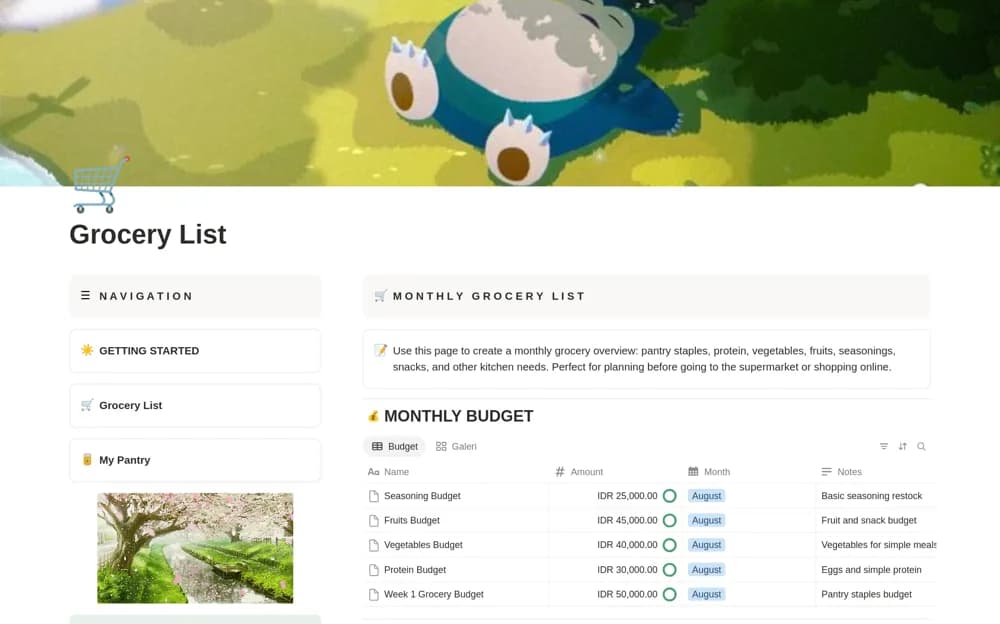
FreeSimple Grocery Budget Tracker
A monthly grocery planner with category lists, pantry needs, a budget tracker, spending estimates, and shopping reflections.
Compare Notion templates for personal budgets and business finances, from spending and subscriptions to cash flow, invoices, and accounting records.
Showing 55–68 of 68 templates
FreeA monthly grocery planner with category lists, pantry needs, a budget tracker, spending estimates, and shopping reflections.
 Free
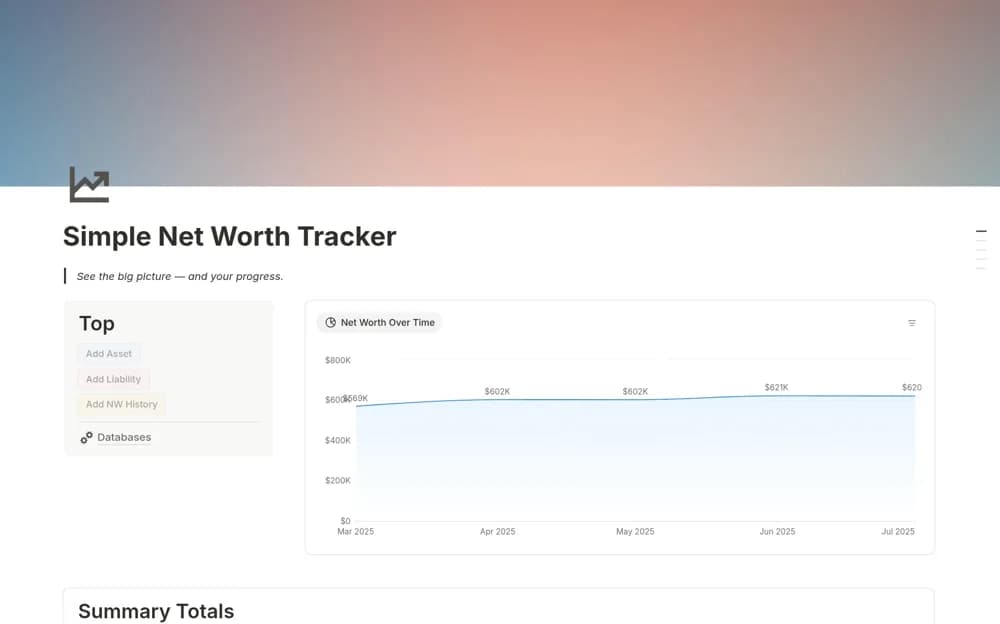
FreeRecord monthly assets and liabilities in Notion with account categories, net-worth history, summary totals, and a monthly chart.
 Free
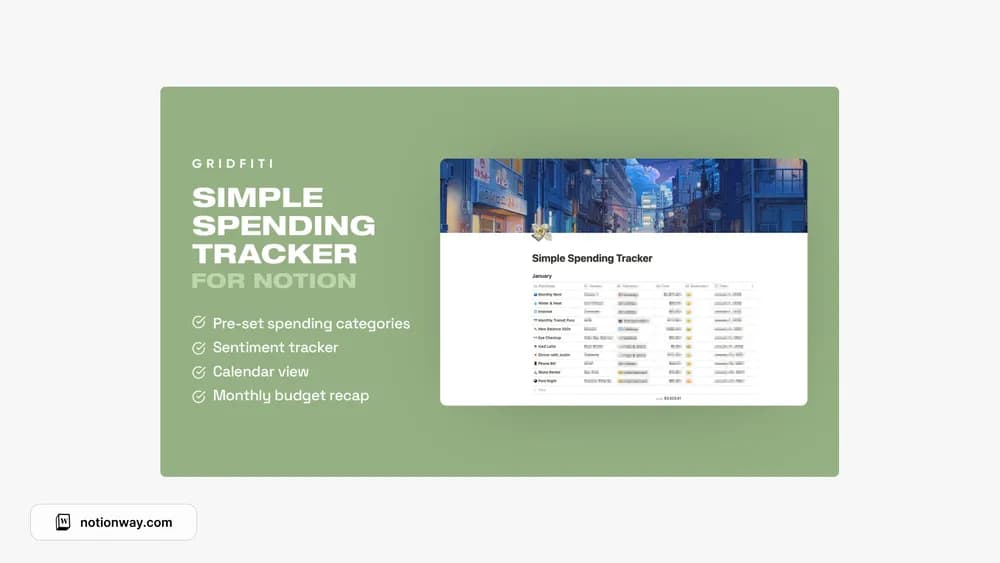
FreeGridfiti’s simple spending tracker for a lighter logging routine.
 Paid
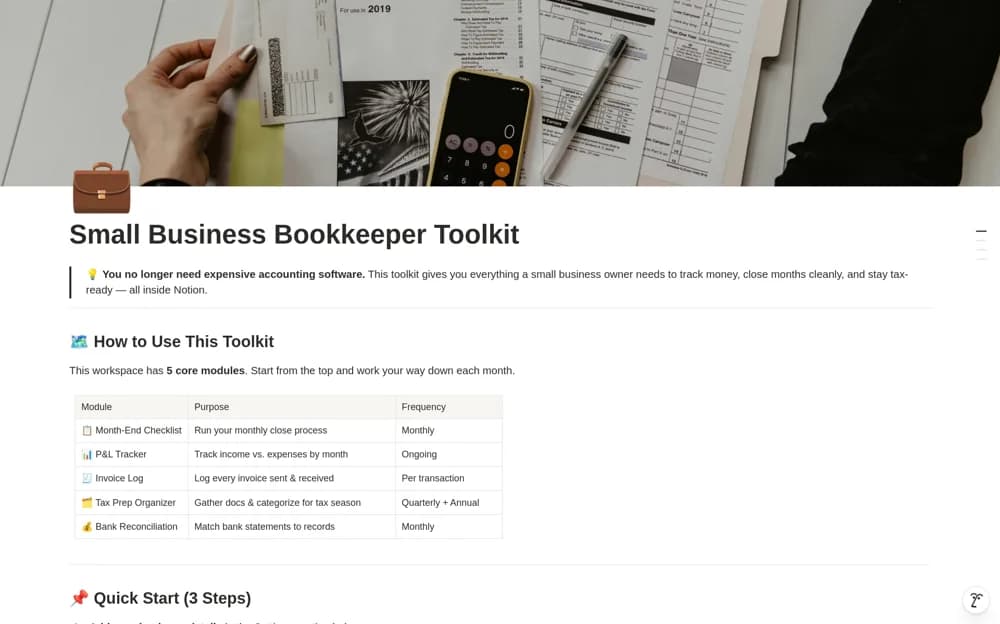
PaidA paid bookkeeping toolkit combining a fifteen-step monthly close, profit-and-loss tracking, invoice records, tax preparation, and a bank reconciliation log, with example data to explain the workflow.
 Free
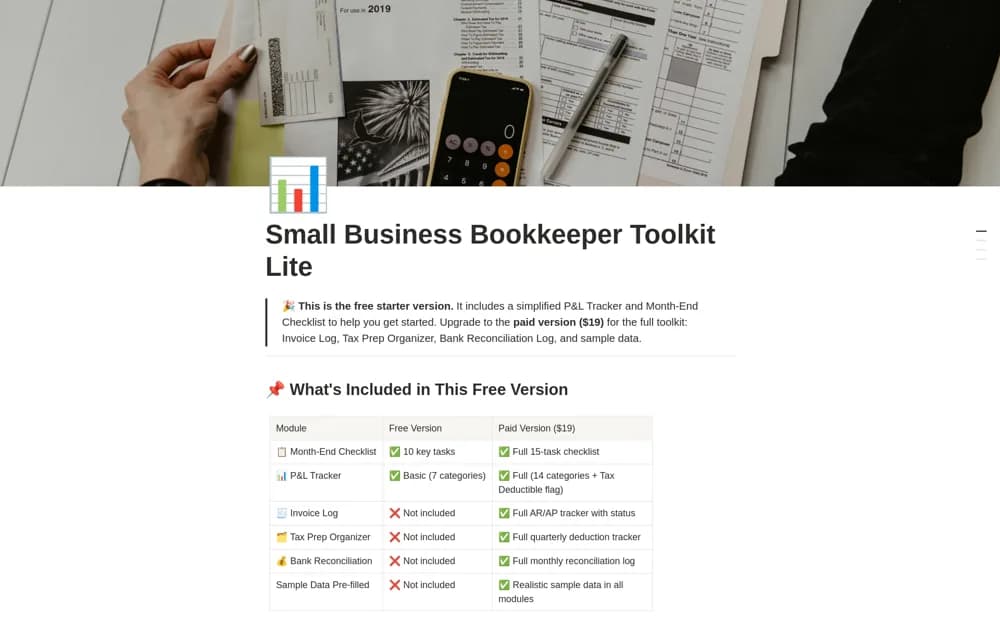
FreeA free bookkeeping starter kit with a ten-task month-end checklist and a profit-and-loss tracker using seven categories for income and expense records.
 Free
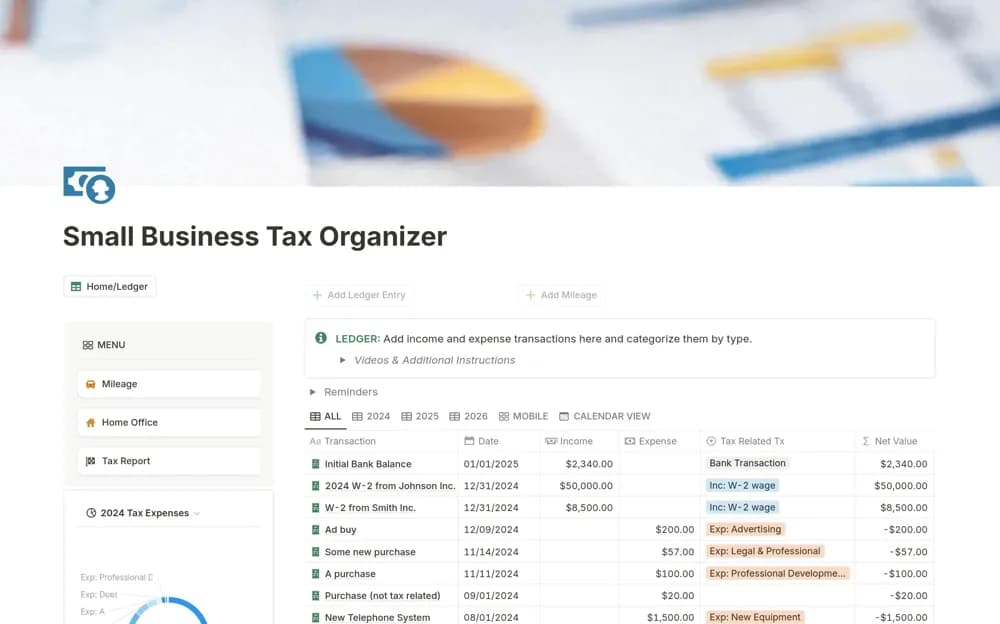
FreeA small-business record organizer for income, expense categories, home-office costs, mileage, and summary reporting.
 Free
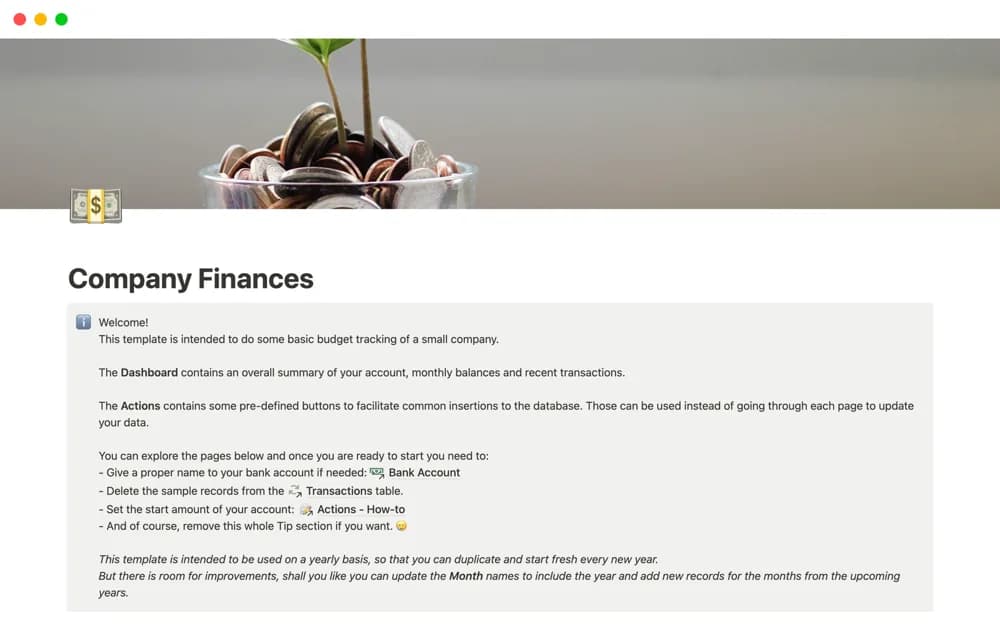
FreeA simple business-budget dashboard with transaction-entry buttons, intended to begin fresh each year and provide an accessible starting point for recording company finances.
 Free
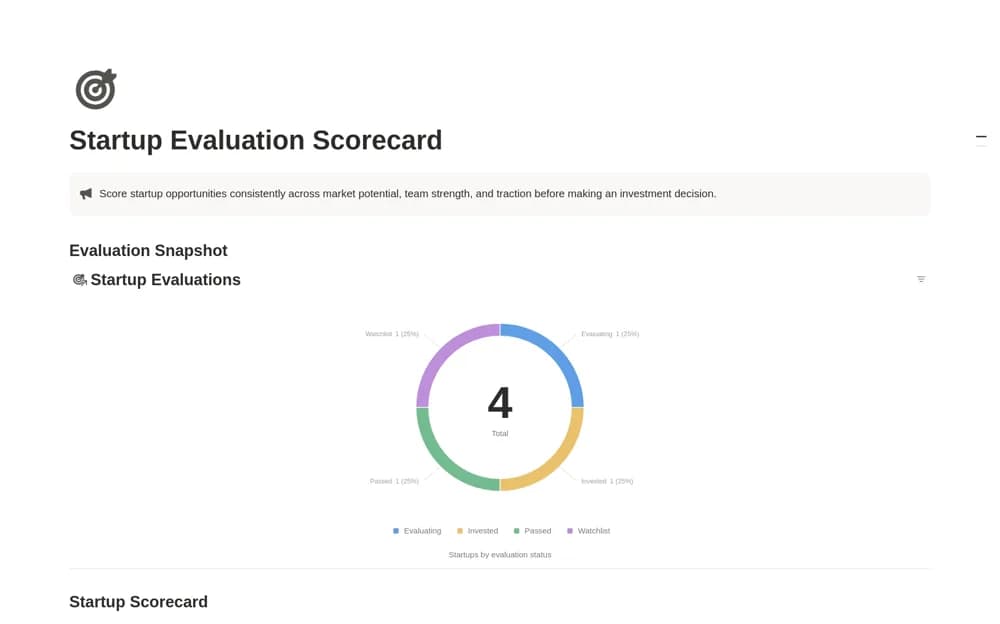
FreeAn angel-investment screening workspace recording sectors, market, team, and traction scores, an averaged overall score, and a pipeline from review to a final decision.
 Free
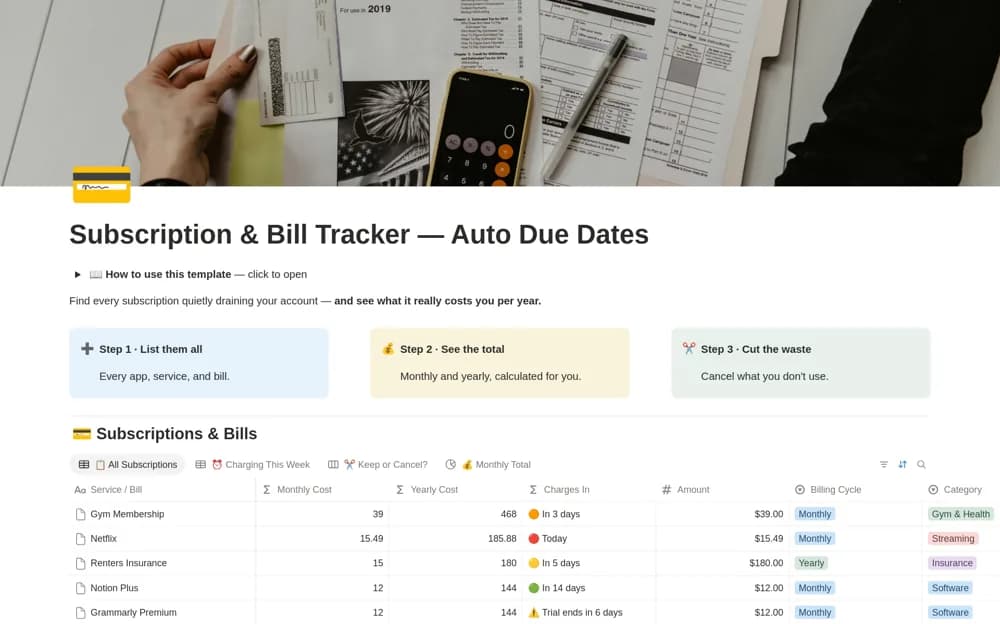
FreeReview recurring bills in Notion with rolling due dates, comparable monthly and annual costs, trial flags, and a keep-or-cancel board.
 Free
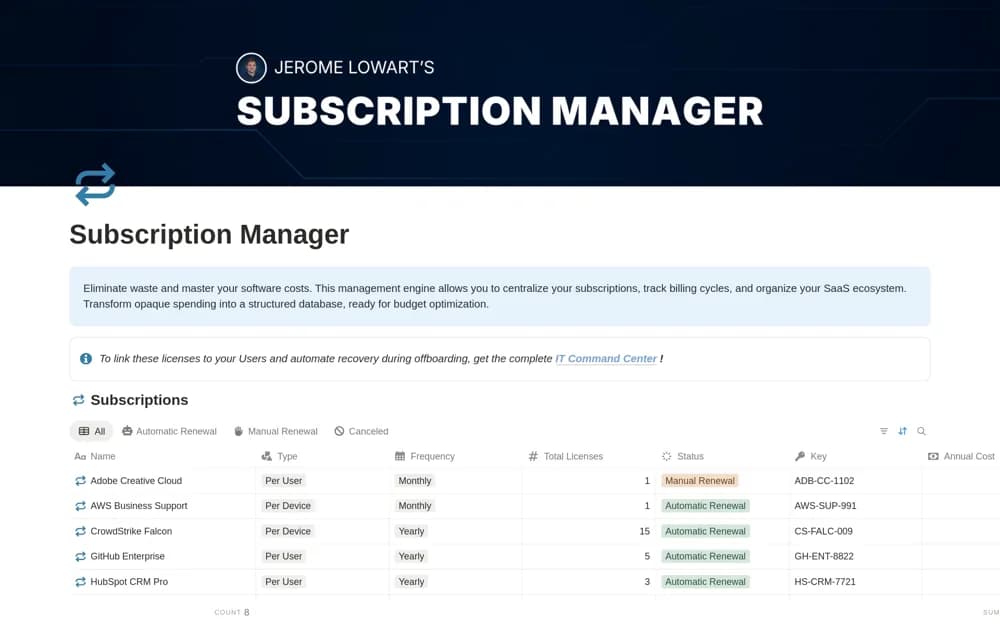
FreeA software subscription register for vendor details, recurring costs, contract information, categories, and renewal dates.
 Free
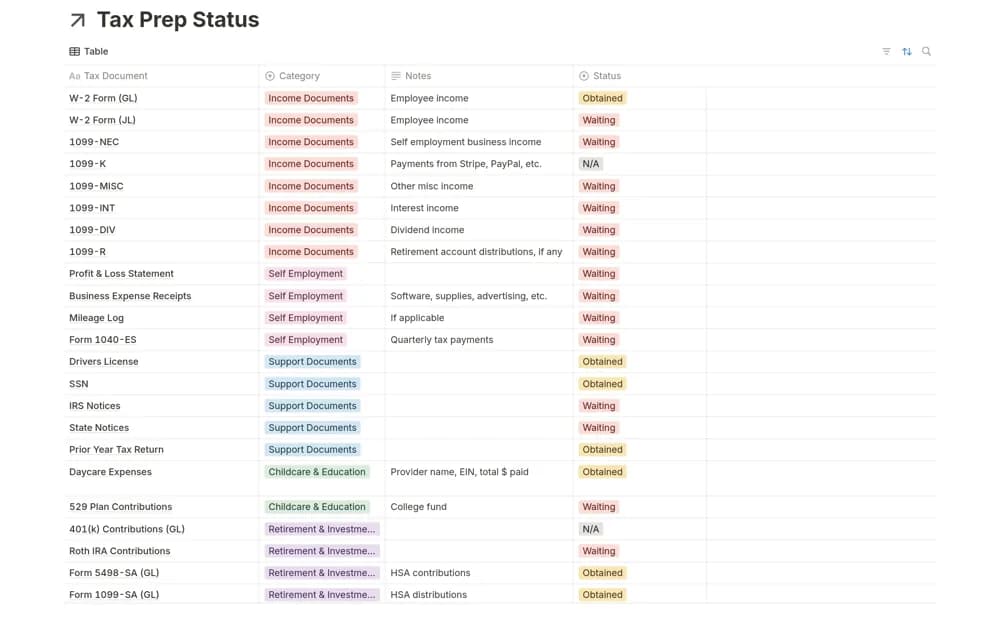
FreeA reusable tax-preparation checklist and database for organizing documents received, missing items, and year-by-year follow-up.
 Free
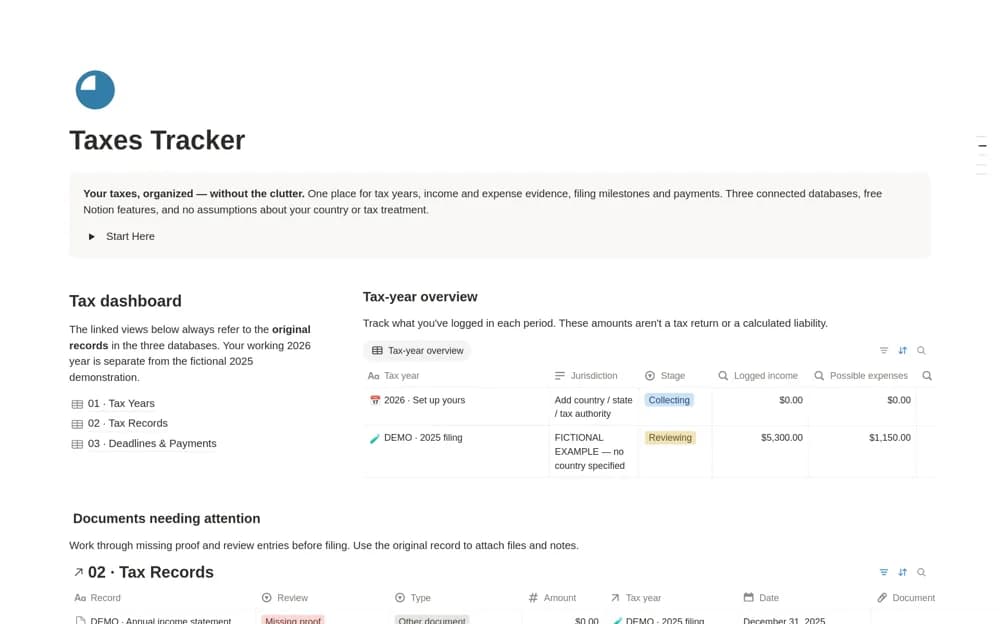
FreeCollect tax-year records in Notion with income and supporting documents, jurisdiction notes, filing status, and missing-document reviews.
 Free
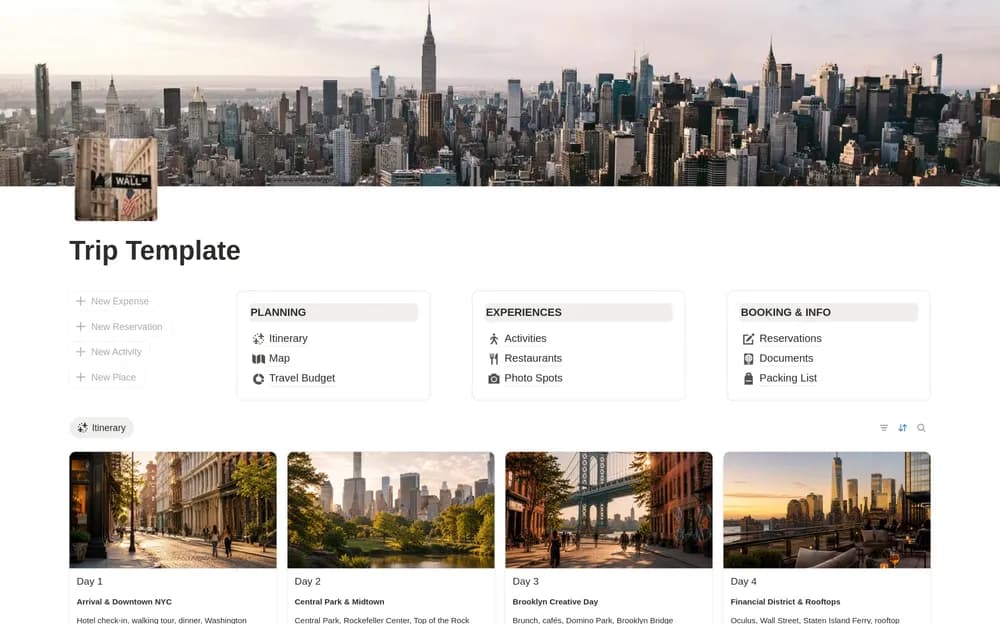
FreeKeep a trip itinerary, budget, and packing plan together.
 Free
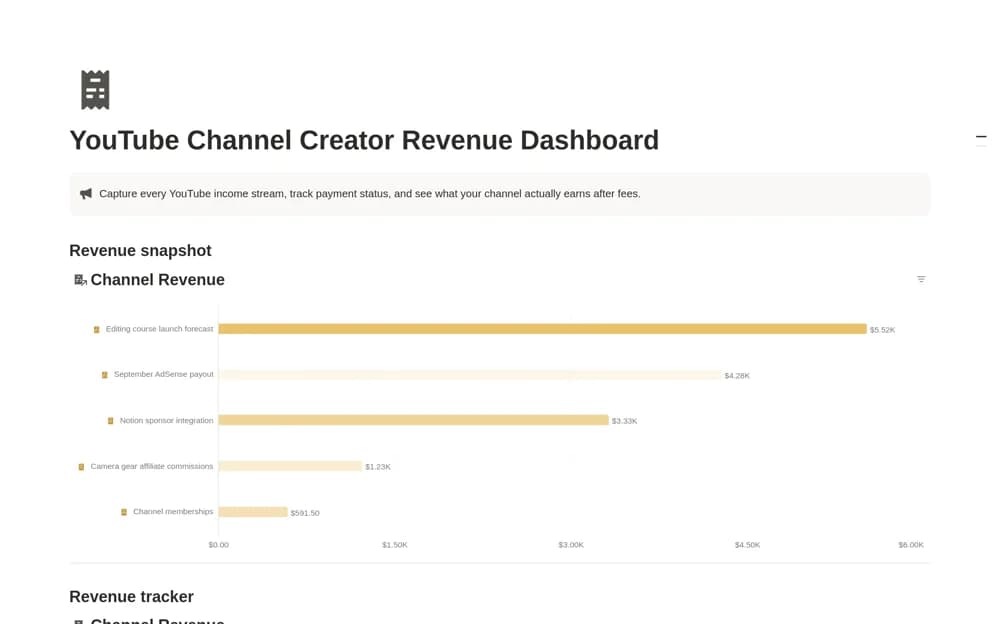
FreeA creator income dashboard recording gross revenue, fees, dates, owners, and payment status, with a net-revenue calculation and an entry-level comparison view.
Compare the purpose and included features before choosing a workspace.
Accounting teams documenting repeatable work and reviewing responsibilities during a close.
Accountants, bookkeepers, and small firms organizing client relationships.
Small businesses and founders who want planning calculations beside their recorded financial activity.
Decide whose money you need to organize before choosing a template. For a household, start with spending categories, bills, savings, and a realistic update routine. For a business, look at invoices, expenses, cash movements, and the records your finance team needs to reconcile. A net-worth snapshot is different from a budget, and a sales total is different from profit. Check the calculation method and whether data is entered manually. Try one completed period against your bank or accounting records before relying on a dashboard. The Personal finance and Business finance collections offer narrower starting points when you already know which kind of work you need to do.
The right personal or business workflow
Traceable figures and calculation methods
A manageable update and review routine
About the directoryEnter a typical income payment, a purchase, a transfer, and a refund before loading older records. Check how categories, currencies, and reporting periods affect the totals. Keep a source note where an amount needs explanation and choose a regular update routine that fits how you manage your records.
A standalone template does not establish a bank connection. Some creators document separate integrations or imports; check those requirements explicitly. Otherwise, expect to enter or import transactions yourself and verify the results against source records.
Yes. This collection currently includes 58 listings with a confirmed free creator offer, alongside 10 paid or freemium options. Use the Free filter to compare them. A free version can have different features from a creator’s paid upgrade, so check the original listing and current access terms before adding it to your workspace.