 Free
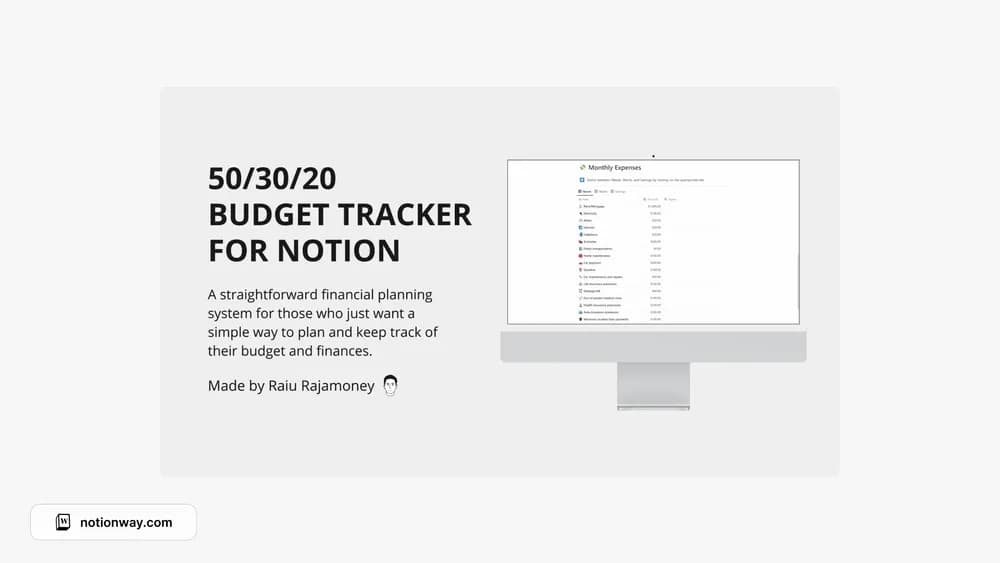
FreeNotion 50/30/20 Budget Tracker
A Notion budget layout built around the 50/30/20 approach.
Compare Notion templates for personal budgets and business finances, from spending and subscriptions to cash flow, invoices, and accounting records.
Showing 37–54 of 68 templates
FreeA Notion budget layout built around the 50/30/20 approach.
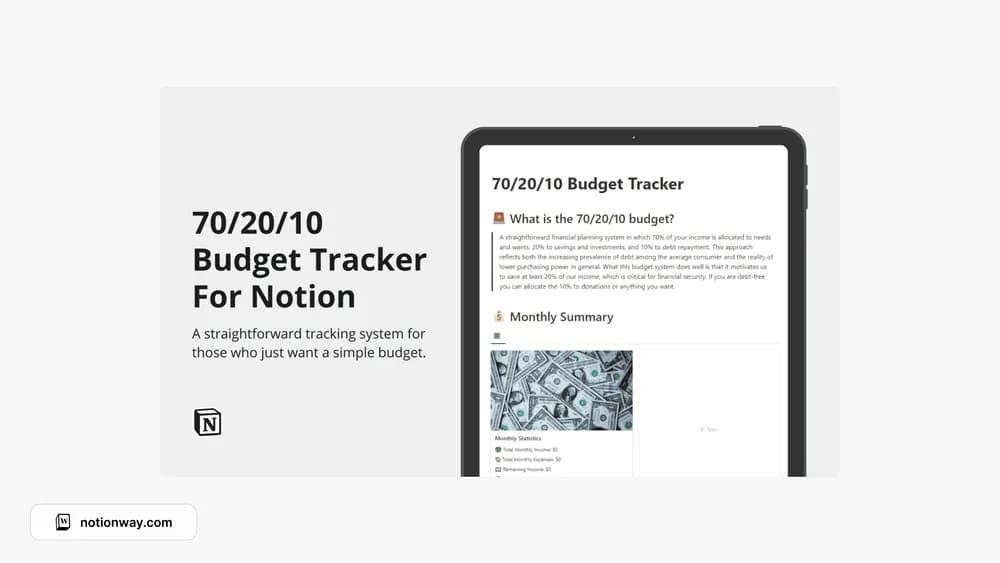 Free
Free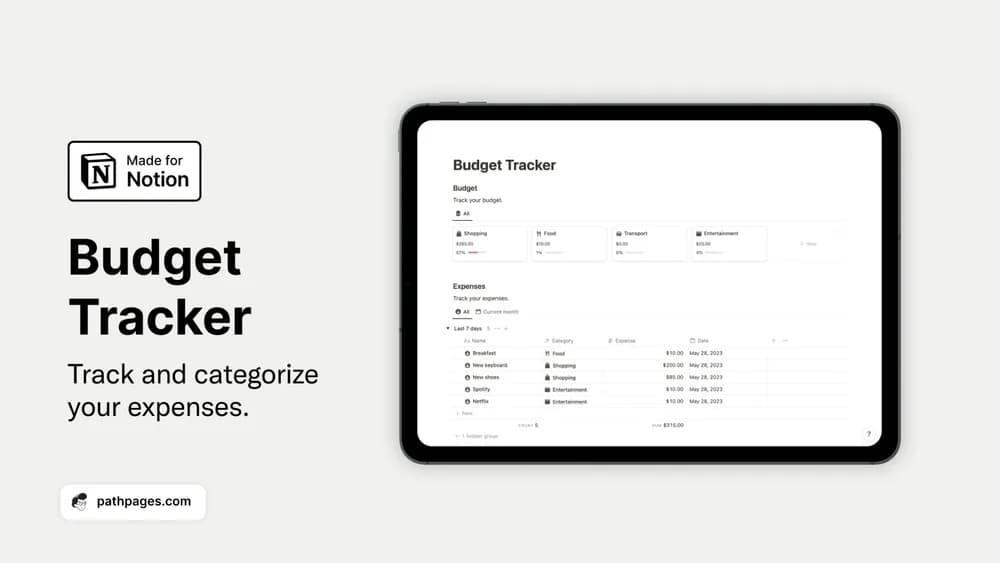 Free
FreeOrganize spending categories and bring a monthly budget into view.
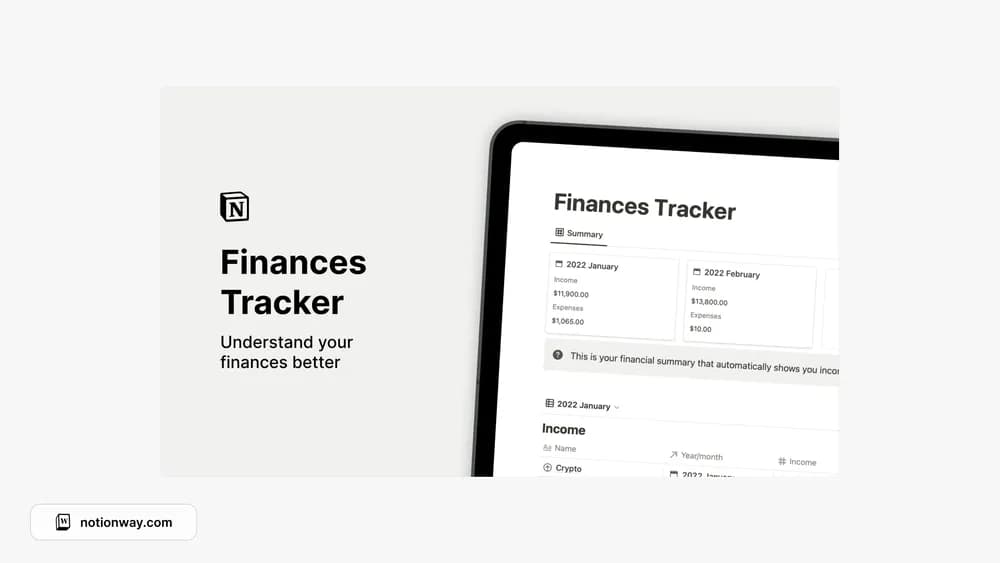 Free
Free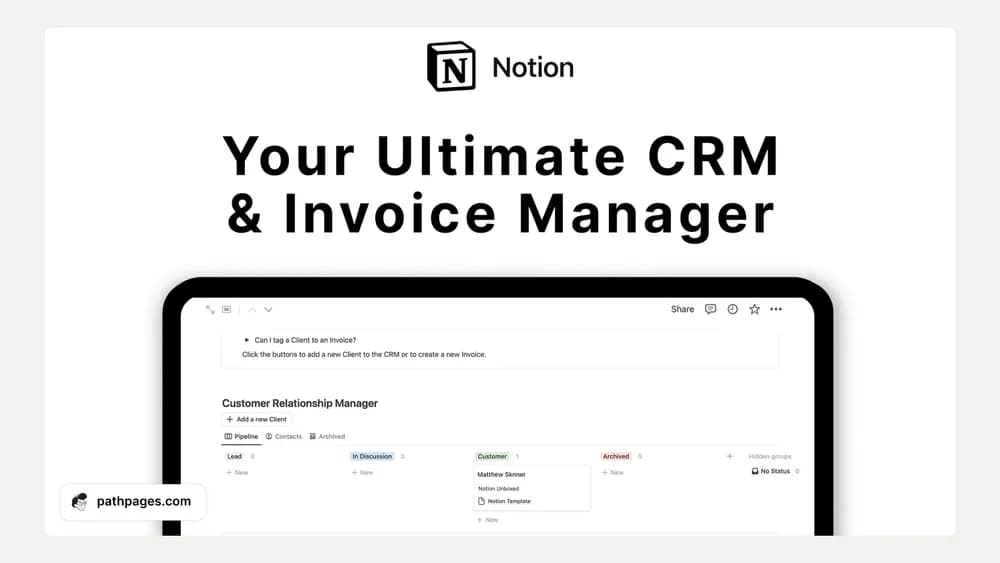 Free
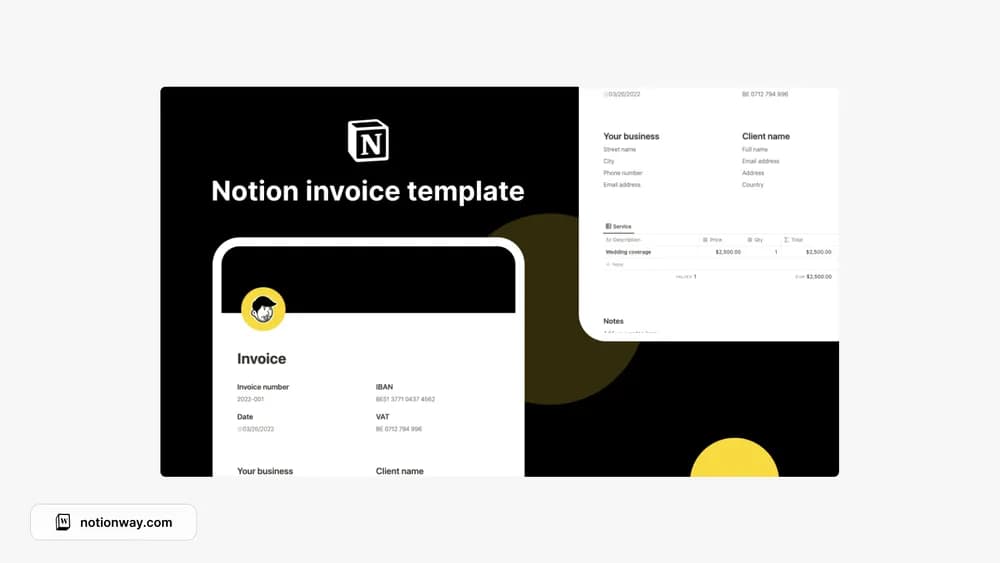
FreeBring client relationships and invoice organization into one workspace.
 Paid
Paid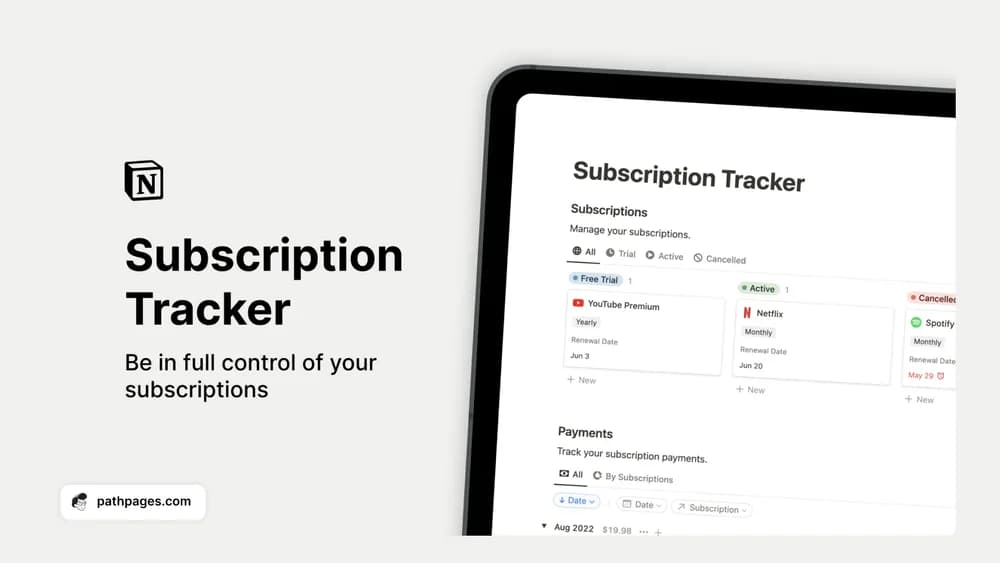 Free
FreeSee recurring subscriptions and payments before another renewal slips past.
 Free
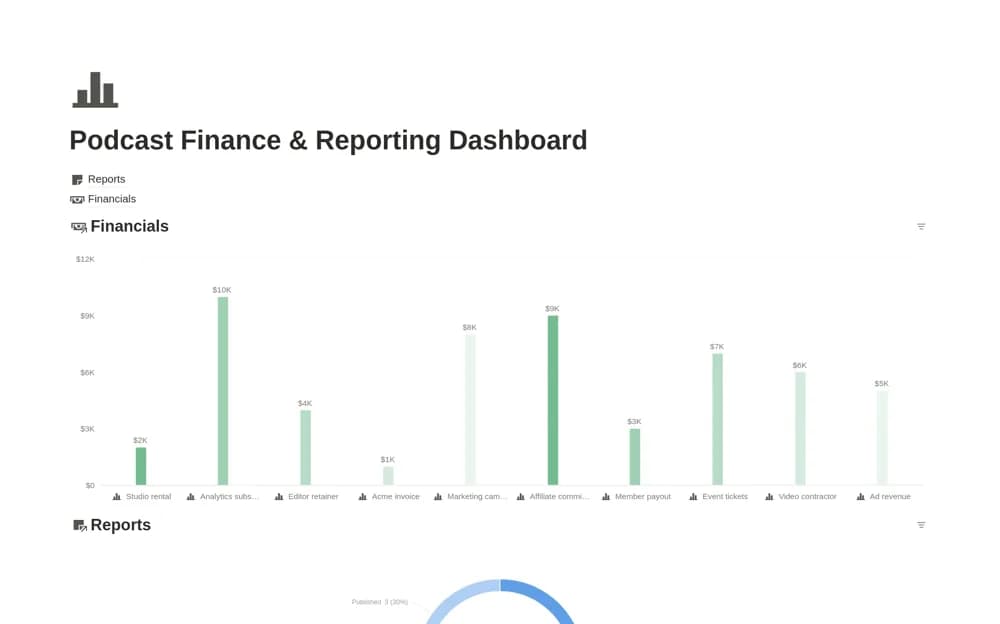
FreeA podcast administration dashboard with separate financial transactions and report records, including payment or approval stages, cash timing, reporting periods, findings, and next actions.
 Free
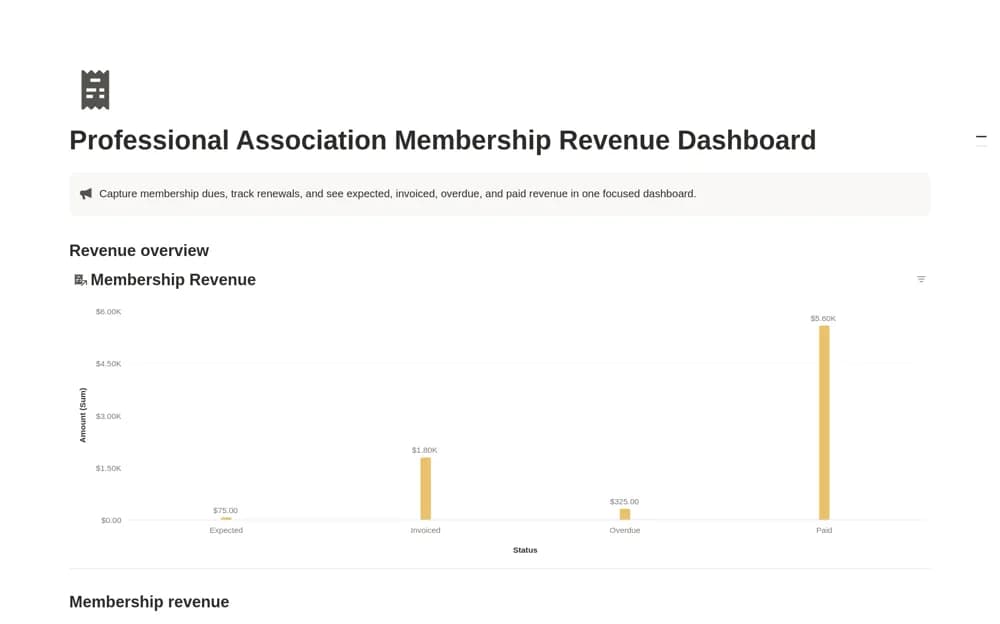
FreeA membership dues tracker separating expected, invoiced, overdue, and paid revenue, with member or organization details, renewal dates, payment dates, amounts, and notes.
 Free
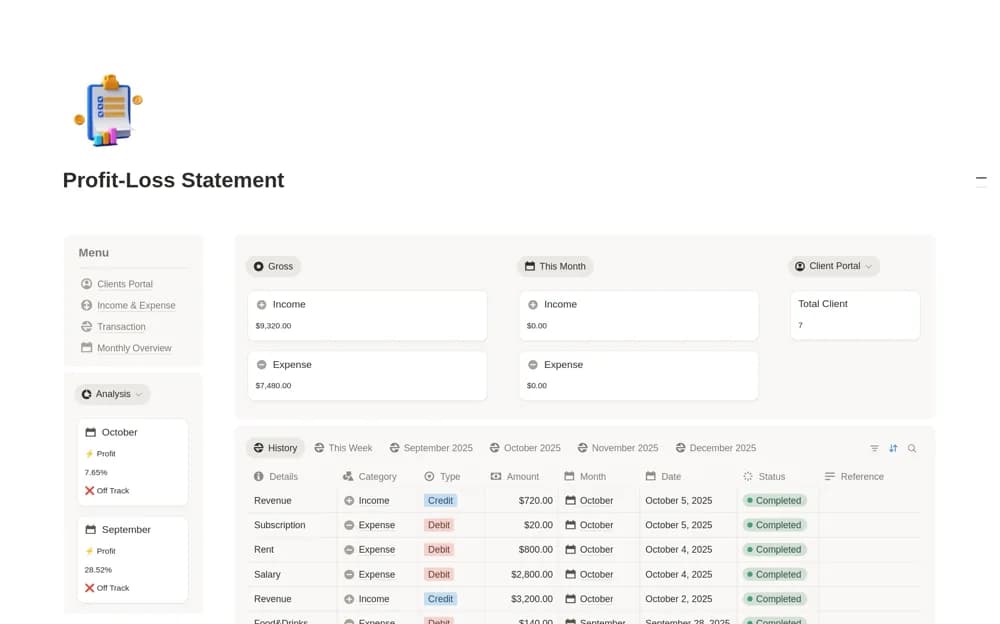
FreeA business finance workspace linking clients, income and expenses, transactions, and a monthly dashboard showing net profit, client revenue, and spending categories.
 Free
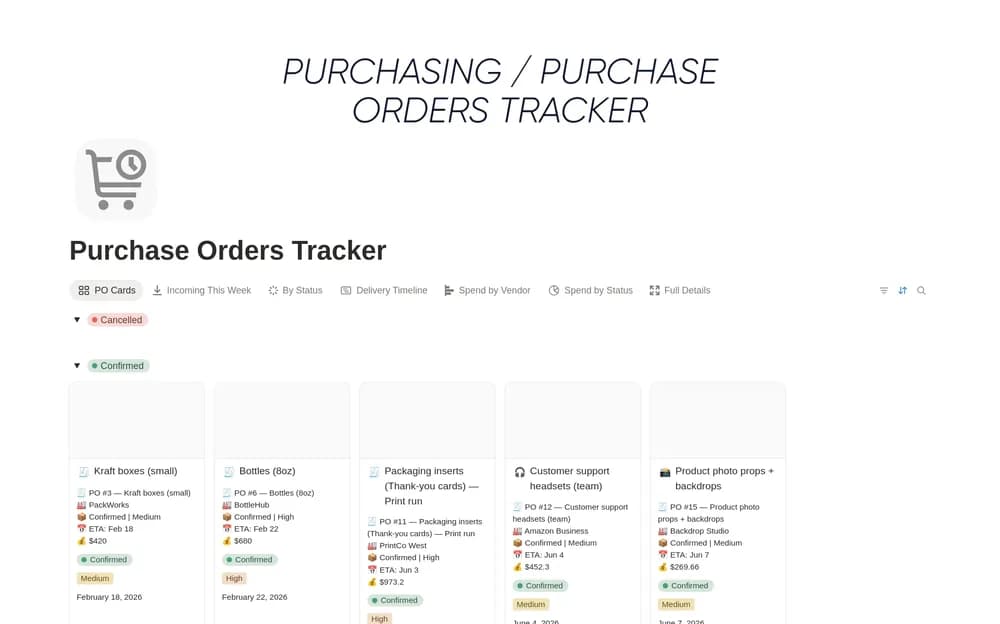
FreeKeep purchase orders and their current status easy to review.
 Free
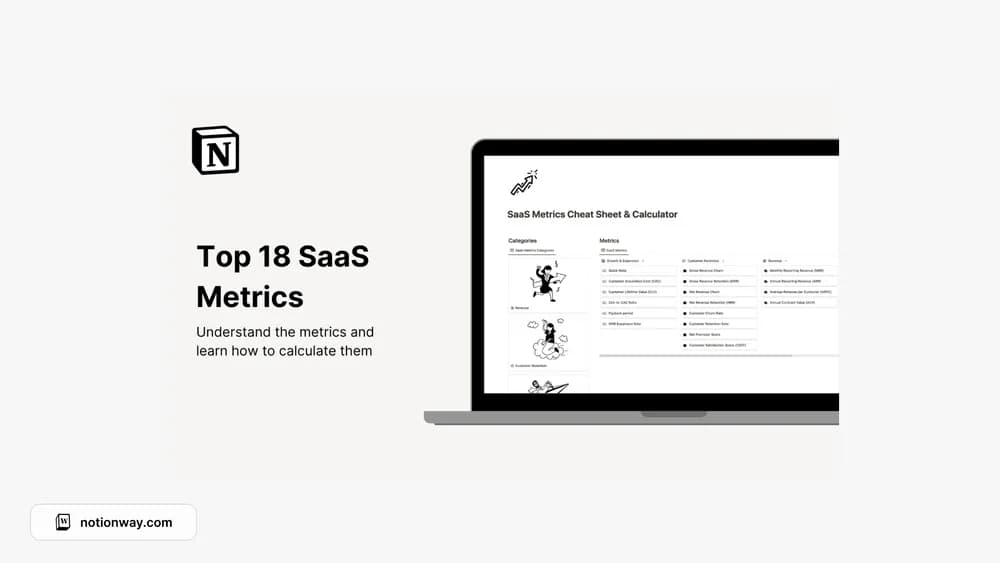
FreeA reference and calculator for understanding SaaS business metrics.
 Paid
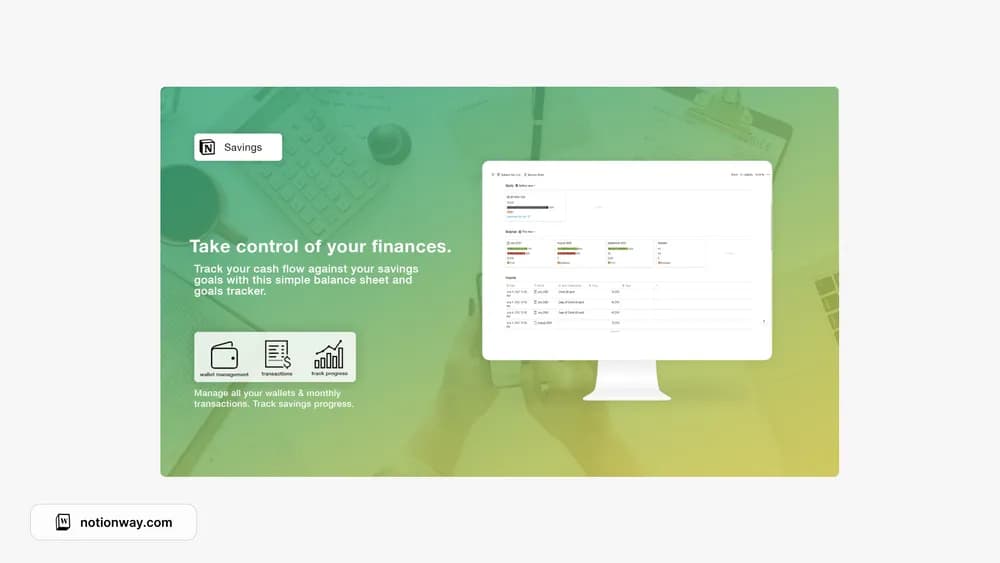
PaidKeep a savings goal and a balance-sheet view in one place.
 Free
Free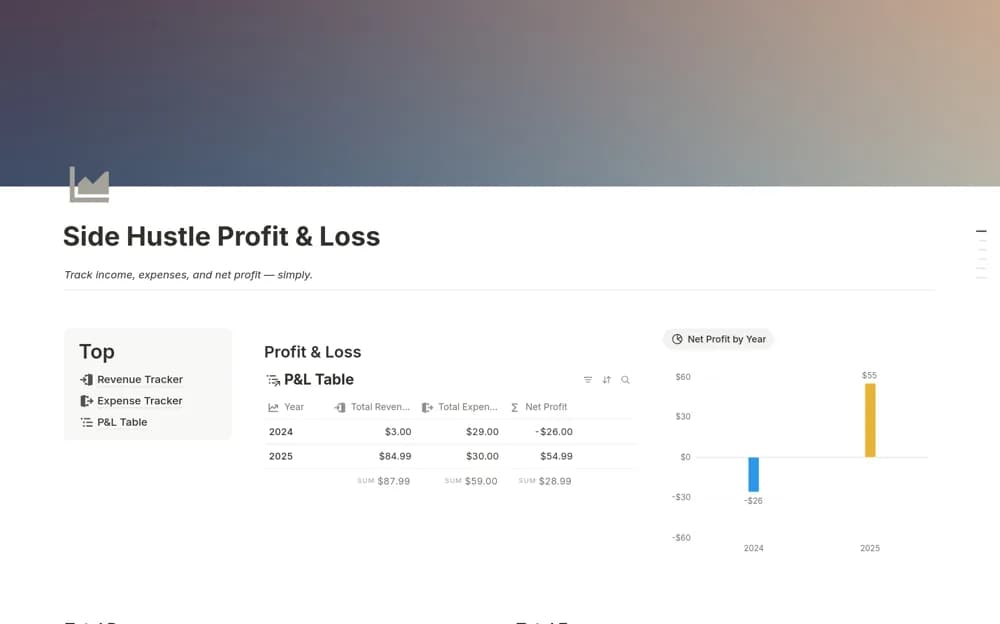 Free
FreeA focused side-business finance tracker recording income, expenses, categories, and sources, with revenue, spending, and net-profit summaries filtered by month or another period.
 Free
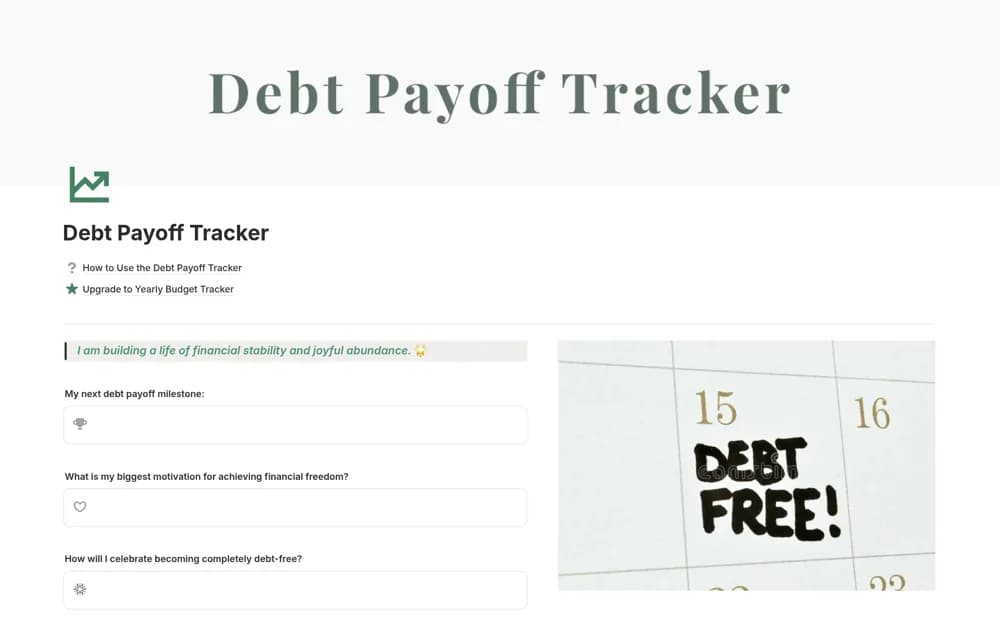
FreeA personal debt tracker with balances, rates, minimum payments, due dates, and two payoff-ordering approaches.
 Free
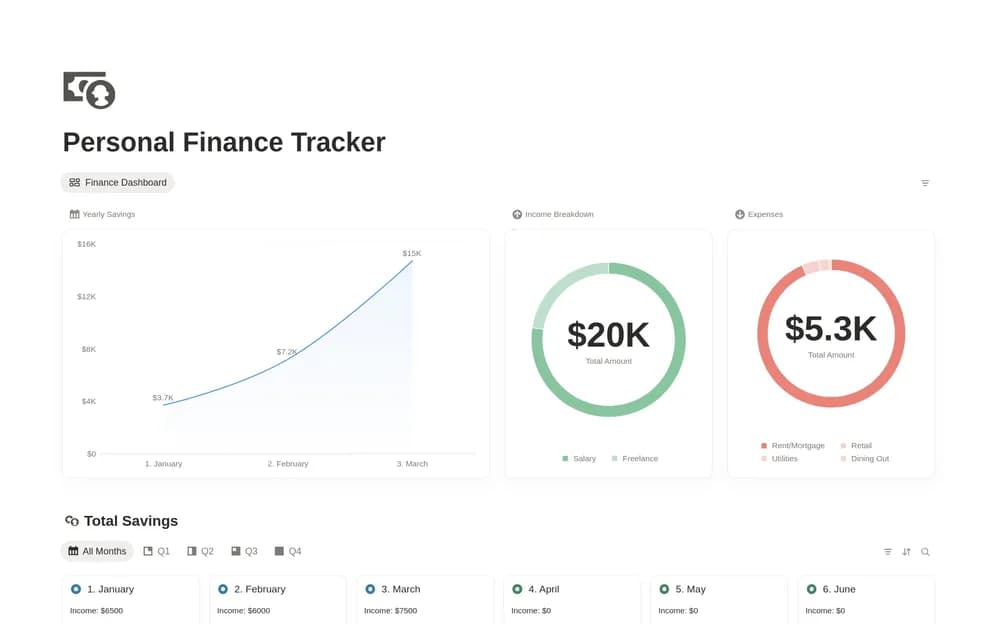
FreeKeep a clearer overview of personal income and spending records.
 Free
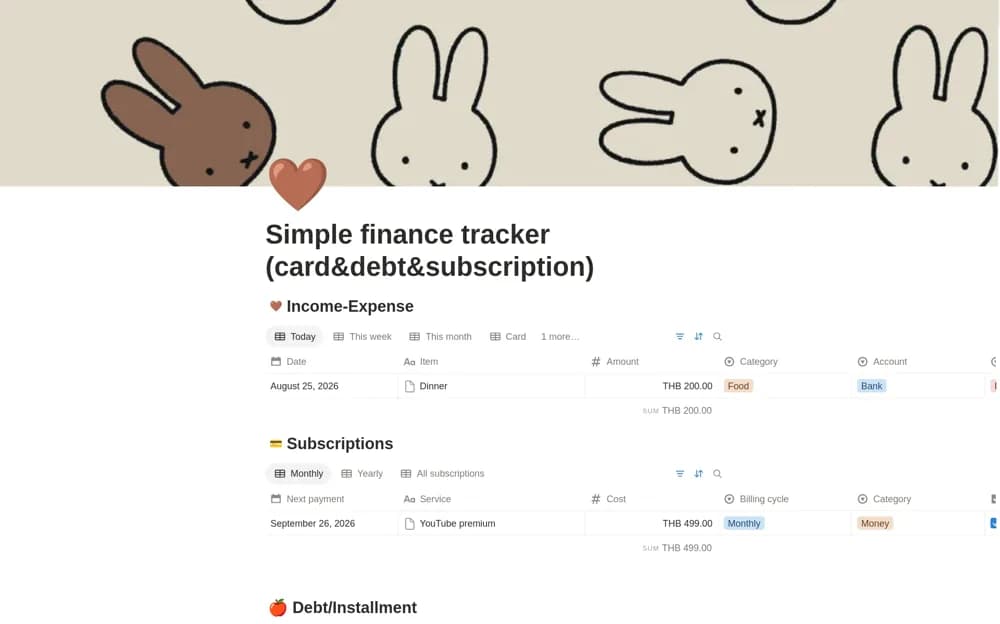
FreeA phone-oriented personal finance tracker combining cards, subscriptions, installments, and time-based summaries.
Compare the purpose and included features before choosing a workspace.
Accounting teams documenting repeatable work and reviewing responsibilities during a close.
Accountants, bookkeepers, and small firms organizing client relationships.
Small businesses and founders who want planning calculations beside their recorded financial activity.
Decide whose money you need to organize before choosing a template. For a household, start with spending categories, bills, savings, and a realistic update routine. For a business, look at invoices, expenses, cash movements, and the records your finance team needs to reconcile. A net-worth snapshot is different from a budget, and a sales total is different from profit. Check the calculation method and whether data is entered manually. Try one completed period against your bank or accounting records before relying on a dashboard. The Personal finance and Business finance collections offer narrower starting points when you already know which kind of work you need to do.
The right personal or business workflow
Traceable figures and calculation methods
A manageable update and review routine
About the directoryEnter a typical income payment, a purchase, a transfer, and a refund before loading older records. Check how categories, currencies, and reporting periods affect the totals. Keep a source note where an amount needs explanation and choose a regular update routine that fits how you manage your records.
A standalone template does not establish a bank connection. Some creators document separate integrations or imports; check those requirements explicitly. Otherwise, expect to enter or import transactions yourself and verify the results against source records.
Yes. This collection currently includes 58 listings with a confirmed free creator offer, alongside 10 paid or freemium options. Use the Free filter to compare them. A free version can have different features from a creator’s paid upgrade, so check the original listing and current access terms before adding it to your workspace.