 Free
Sales CRM & Pipeline OS
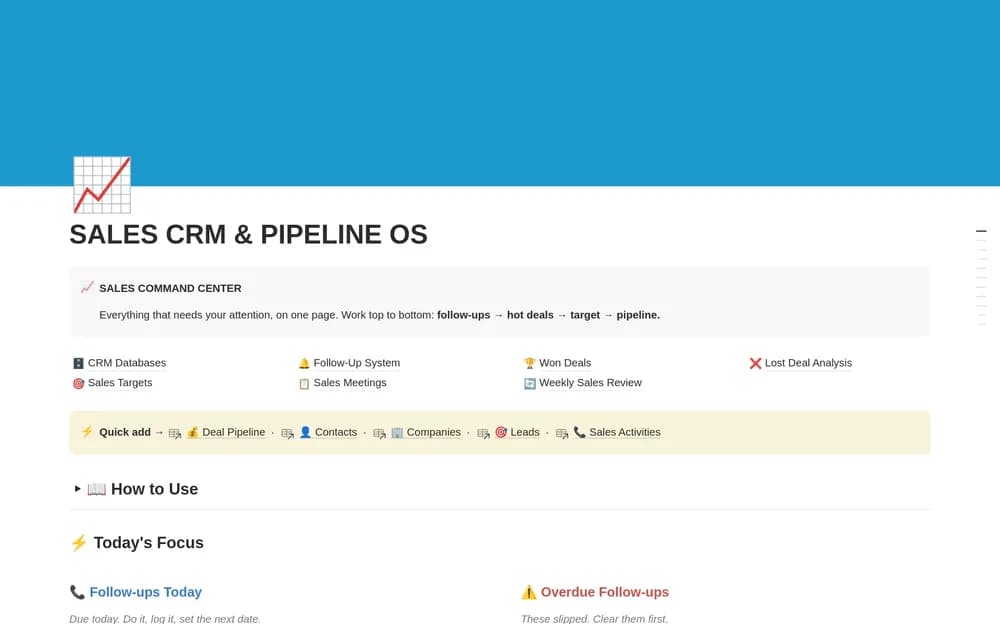
Track companies, contacts, leads, and deals in a Notion sales CRM with stage probabilities, expected revenue, follow-up views, and monthly targets.
Build one home page for the work, study, and life you manage in Notion. Compare free Notion dashboard templates that bring tasks, calendars, notes, habits, and goals together.
Showing 37–49 of 49 templates
FreeTrack companies, contacts, leads, and deals in a Notion sales CRM with stage probabilities, expected revenue, follow-up views, and monthly targets.
 Paid
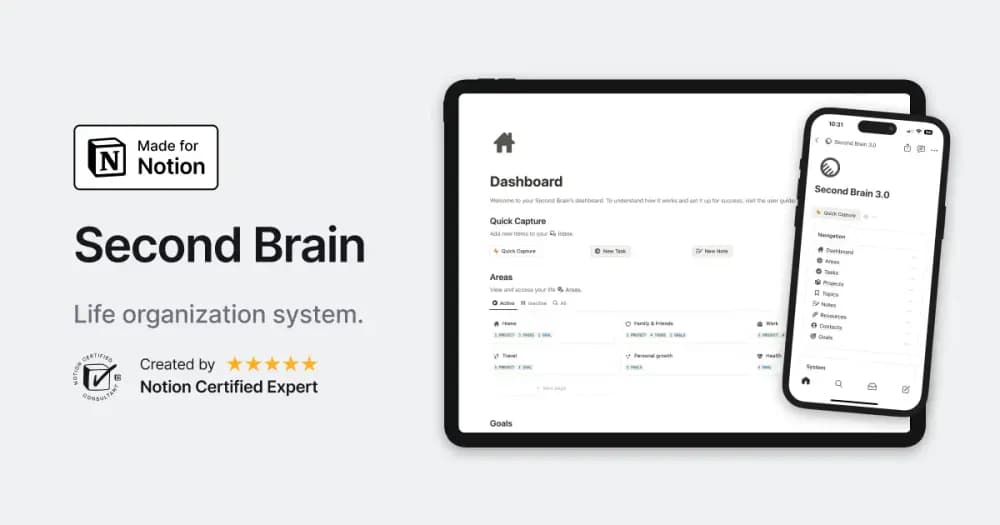
Notion Everything’s connected system for notes, projects, and everyday life.
 Free
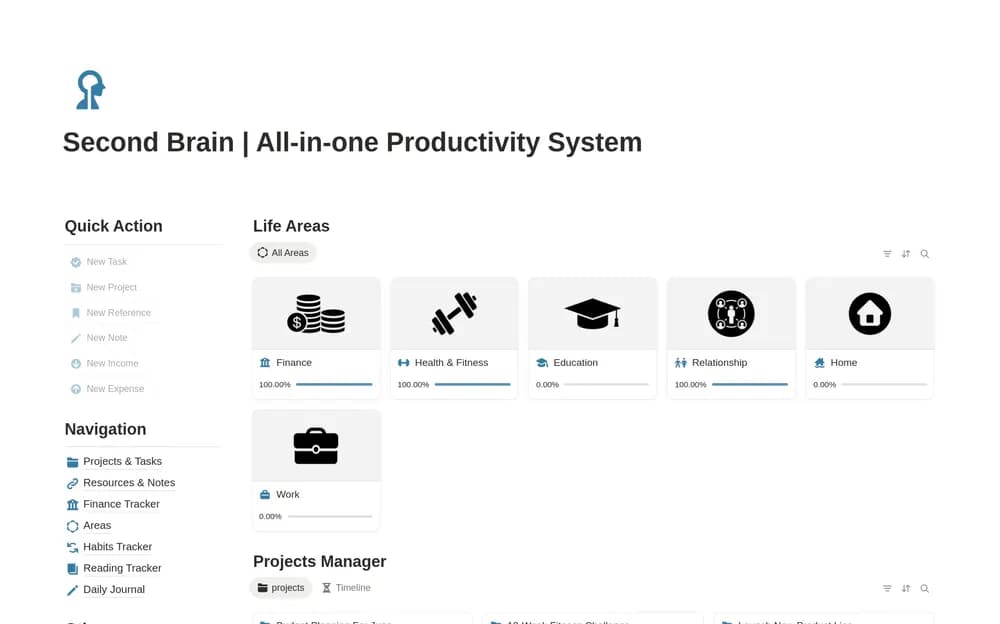
Run life areas, projects, tasks, notes, habits, reading, and finances from one Notion second brain dashboard with quick-capture buttons.
 Free
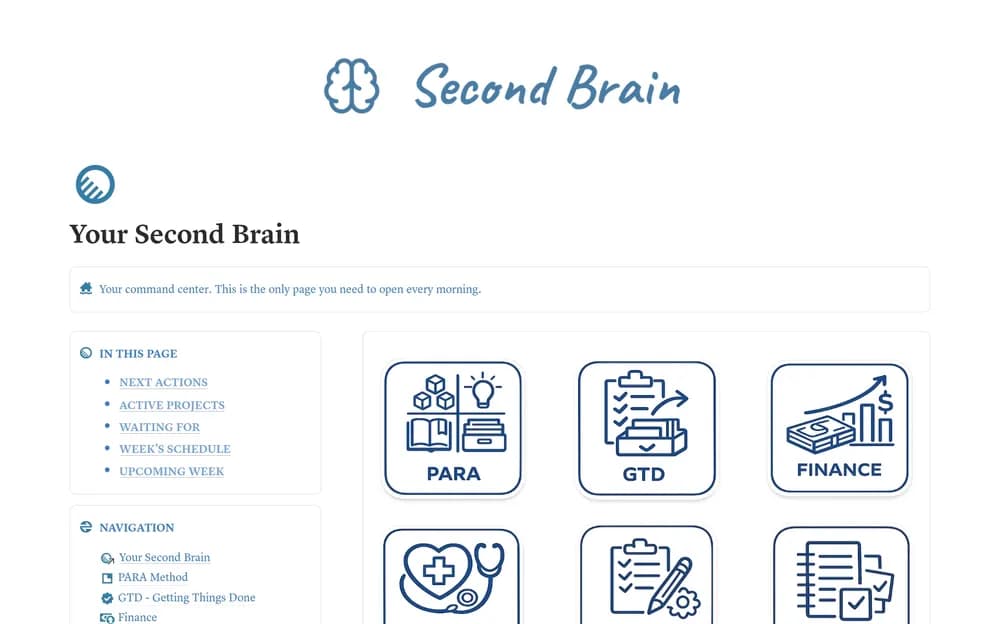
Combine PARA organization with a full GTD workflow in Notion, linking tasks to projects, plus finance, health, habit, time, and note trackers.
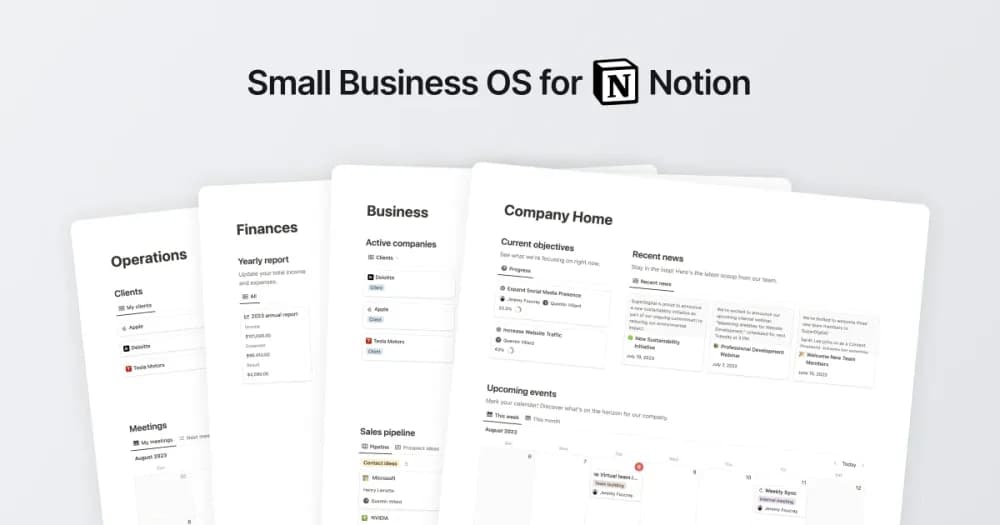 Paid
A connected workspace for a small business’s projects, clients, and knowledge.
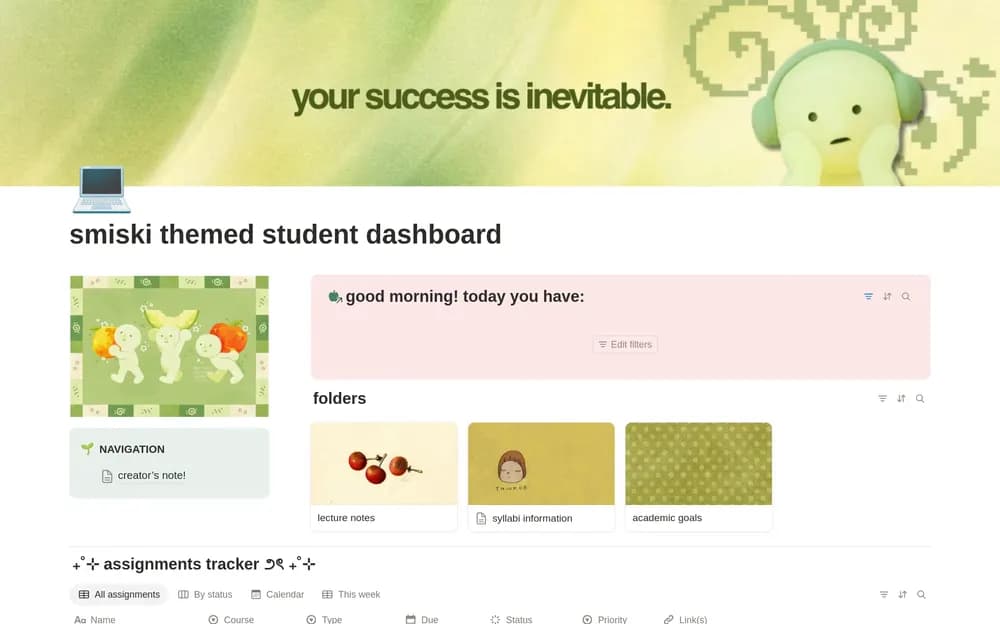 Free
Plan a semester from a cozy Smiski-themed Notion dashboard with a class schedule, course folders, quick links, a monthly agenda, and assignments.
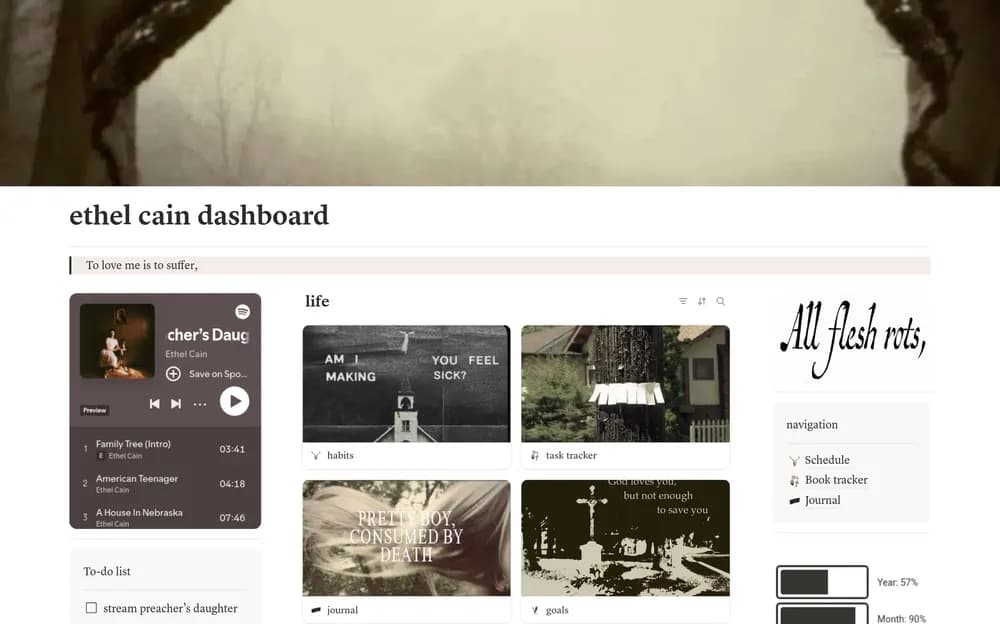 Free
Organize daily tasks in a moody Southern Gothic Notion dashboard inspired by Ethel Cain, with a to-do list and an embedded Preacher’s Daughter playlist.
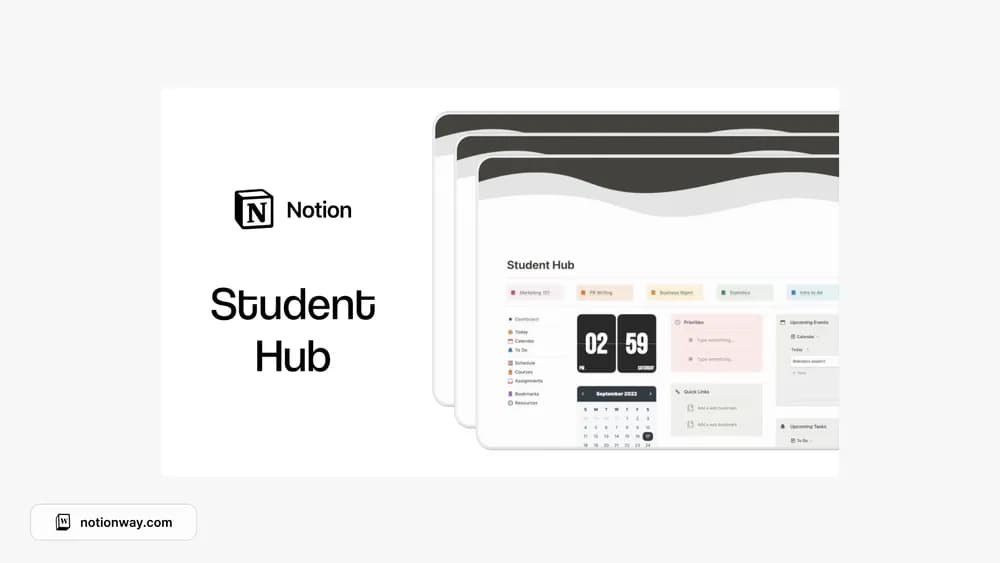 Free
 Paid
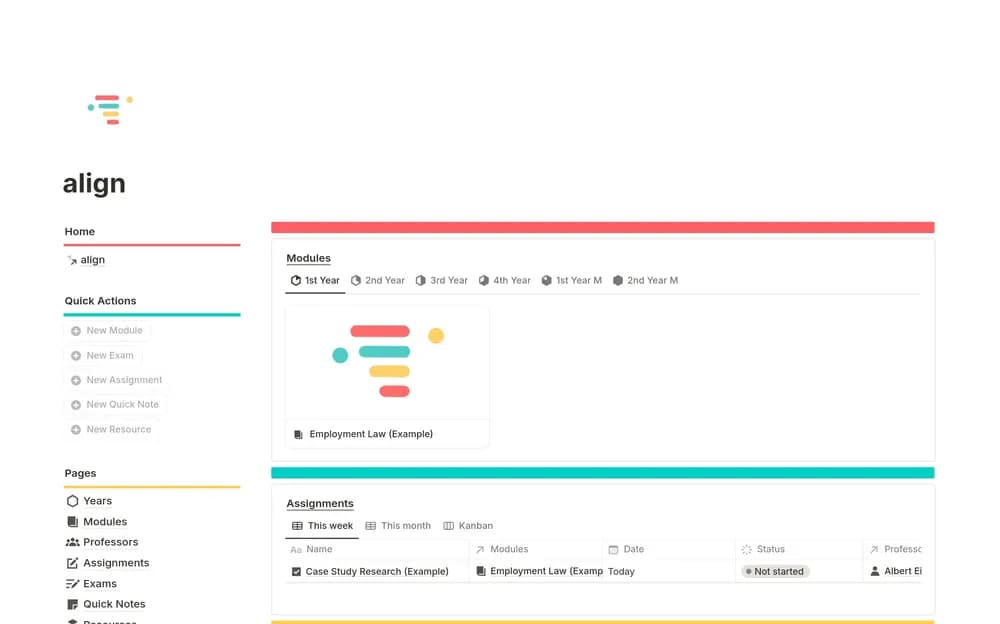
Bring courses, assignment deadlines, and exam preparation together.
 Free
 Free
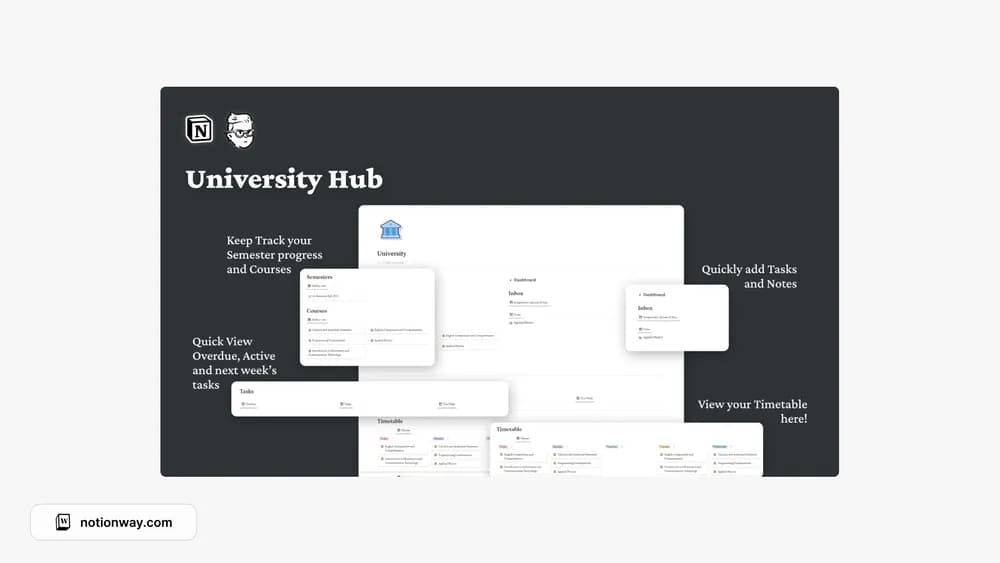
Abdul Rafay’s university hub for a central academic workspace.
 Free
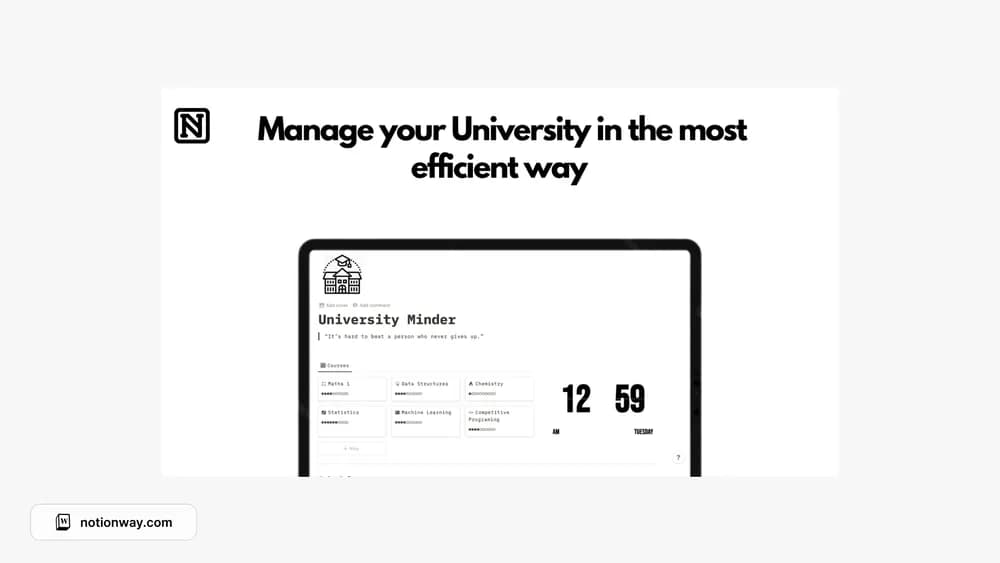
A university-focused template to explore for semester organization.
 Free
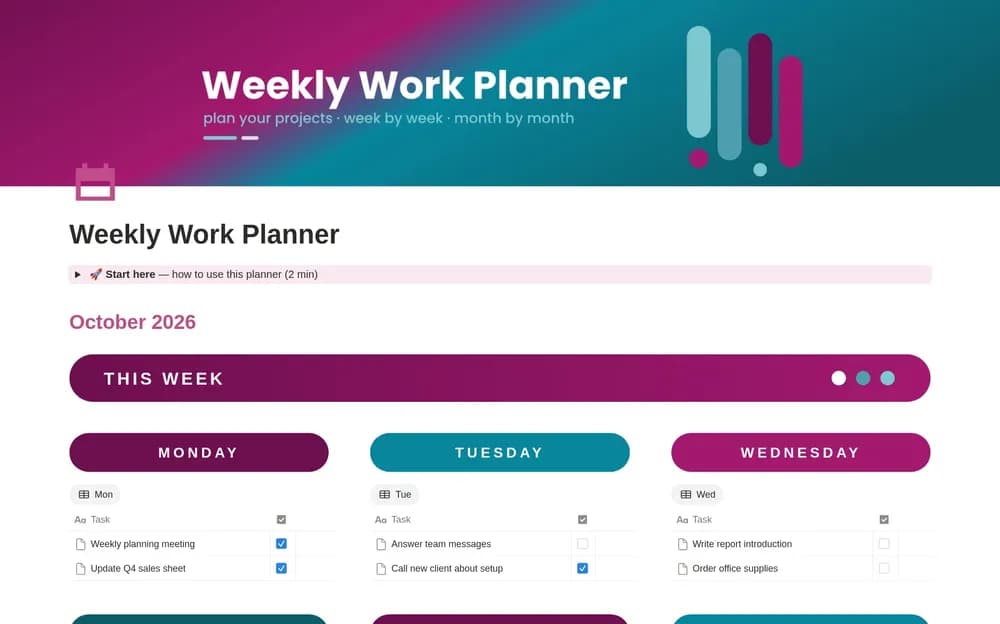
Write tasks under each weekday in Notion and see them land on a monthly calendar, with weekly lists that reset every Monday and project grouping.
Compare the purpose and included features before choosing a workspace.
University students who want a central academic workspace.
People with ADHD, or anyone who struggles with focus, time blindness, and daily routines.
People who prefer a soft visual style in their workspace.
46 working templates from 36 creators: 41 free and 5 paid, with paid options from $17.48 to $49. Links last checked November 22, 2026.
| Template | Best for | Price | Creator |
|---|---|---|---|
| University Hub | University students who want a central academic workspace. | Free | Fre |
| ADHD Widgets: Calm Daily Tools | People with ADHD, or anyone who struggles with focus, time blindness, and daily routines. | Free | NotoMantra |
| Aesthetic Personal Homepage Notion Template | People who prefer a soft visual style in their workspace. | Free | Hafsah | Notion Templates |
| Aesthetic Widgets Gallery: Fully Customizable | Notion users decorating dashboards who want ready-made embeds without hunting for widget sites. | Free | Mindful Setups |
| AuDHD Life OS: Autism & ADHD Adult Planner | Autistic, ADHD, and AuDHD adults, including the late diagnosed, who find typical planners overwhelming. | Free | NotoMantra |
| Classes Os | Students managing several classes at once. | Free | Alejandra |
| Clean Girl Dashboard | Students and anyone who wants a soft, minimal homepage for everyday planning. | Free | Emma |
| Connected Workspace | Teams setting up a central company workspace. | Free | Notion |
A dashboard should answer a few questions the moment it opens: what is due, what is in progress, and where the important pages are. Choose a layout around those questions instead of filling every column with widgets. Linked database views keep the dashboard current without copying information, so check that the template uses them for tasks and calendars. Open it on a normal morning and notice what you scroll past; anything you skip twice can usually go.
Linked views instead of copied lists
The next deadline visible without scrolling
Navigation to the pages you open most
About the directoryWrite down what you want to know when the page opens, such as what is due today, which projects are active, and where your notes live. Add one linked view for each question, filtered tightly enough to stay short. Put rarely used links lower down or in a toggle. Review the dashboard after a week and remove anything you never looked at.
A dashboard is only as current as the databases behind it. If tasks or notes live in another tool, link to them rather than recreating the information in Notion.
Include only what helps you act: a filtered view of today’s tasks, upcoming deadlines, active projects, and links to pages you open often. Habit trackers, quotes, and widgets are optional; keep them only if you actually use them.
It depends on the job you need it to do. Good starting points in this collection include University Hub (university students who want a central academic workspace), ADHD Widgets: Calm Daily Tools (people with ADHD, or anyone who struggles with focus, time blindness, and daily routines) and Aesthetic Personal Homepage Notion Template (people who prefer a soft visual style in their workspace). Compare the included features below, then try your first choice with a week of real information before moving everything across.
Yes. This collection currently includes 41 listings with a confirmed free creator offer, alongside 5 paid or freemium options. Use the Free filter to compare them. A free version can have different features from a creator’s paid upgrade, so check the original listing and current access terms before adding it to your workspace.