 Free
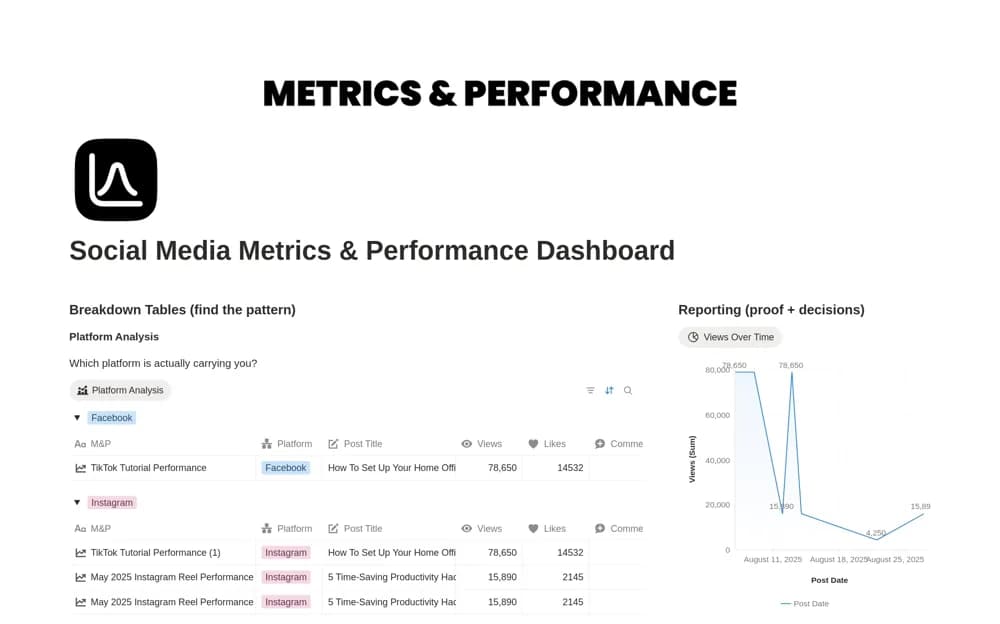
Social Media Metrics & Performance Dashboard
A social performance workspace with platform comparisons, engagement breakdowns, publishing cadence, and reporting views.
Keep ideas, drafts, and publishing dates together. Find Notion social media templates for planning one channel or coordinating a broader content schedule.
Showing 19–21 of 21 templates
FreeA social performance workspace with platform comparisons, engagement breakdowns, publishing cadence, and reporting views.
 Free
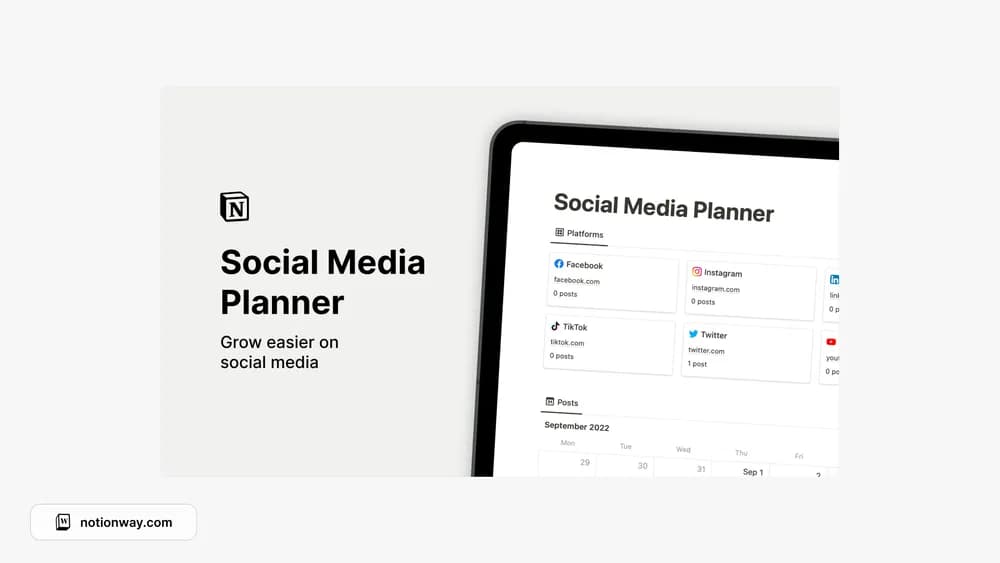
Plan social content in a calendar-oriented Notion workspace.
 Free
Compare the purpose and included features before choosing a workspace.
Creators, coaches, small business owners, and social media managers planning an Instagram account.
Instagram creators and small brands who plan posts in Notion and care about how the grid looks.
Creators who want a more useful idea backlog.
20 working templates from 18 creators: 16 free and 4 paid, with paid options from $9 to $24. Links last checked November 24, 2026.
| Template | Best for | Price | Creator |
|---|---|---|---|
| Instagram Content Planner | Creators, coaches, small business owners, and social media managers planning an Instagram account. | Free | Jithin Rajiv |
| Instagram Grid Preview Widget | Instagram creators and small brands who plan posts in Notion and care about how the grid looks. | Free | System Magic Studio |
| Notion - Social Media Ideation Template | Creators who want a more useful idea backlog. | Free | Haonmade Studio |
| Social Media & Marketing Planner | Creators and small businesses coordinating content. | Free | Ayelet |
| Social Media Content Planner | People maintaining a consistent social publishing plan. | Free | donbader |
| Social Media Planner & Calendar | Creators and small teams planning upcoming posts. | Free | Pathpages |
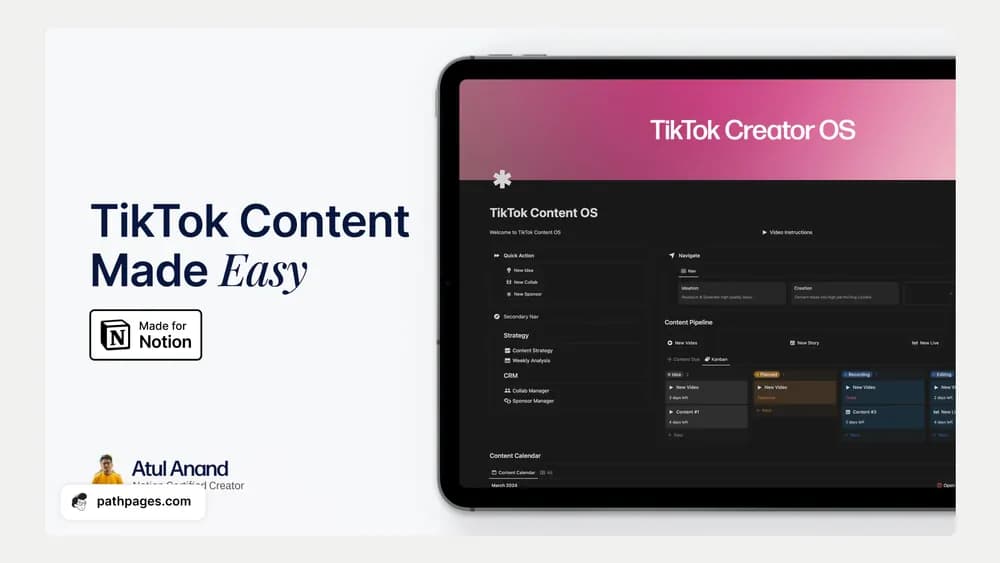
| TikTok Marketing Notion Template | Creators planning TikTok content. | Free | Atul's Notion |
| Campaign Launch Checklist | Marketing teams preparing to review creative, technical, tracking, and approval requirements before launch. | Free | RunBook |
A social media calendar should show what is ready and what still needs work. Check whether it can hold the format, channel, copy, and assets you need. Planning inside Notion does not necessarily schedule or publish a post. Read the creator’s requirements if automatic publishing is part of the offer.
Channel and format fields
A clear content status
Links to copy and assets
About the directoryKeep the purpose, channel, copy, required asset, status, and date with each post. Use a short production view to see what needs drafting or approval. Record published links and review results with their source and period, rather than treating the calendar alone as proof of an effective plan.
Jump straight to any listing in the collection.
Do not assume it does. Many templates organize planning only. Confirm any scheduling or publishing integration in the creator’s current instructions and check its separate account requirements.
It depends on the job you need it to do. Good starting points in this collection include Instagram Content Planner (creators, coaches, small business owners, and social media managers planning an Instagram account), Instagram Grid Preview Widget (instagram creators and small brands who plan posts in Notion and care about how the grid looks) and Notion - Social Media Ideation Template (creators who want a more useful idea backlog). Compare the included features below, then try your first choice with a week of real information before moving everything across.
Yes. This collection currently includes 16 listings with a confirmed free creator offer, alongside 4 paid or freemium options. Use the Free filter to compare them. A free version can have different features from a creator’s paid upgrade, so check the original listing and current access terms before adding it to your workspace.