 Free
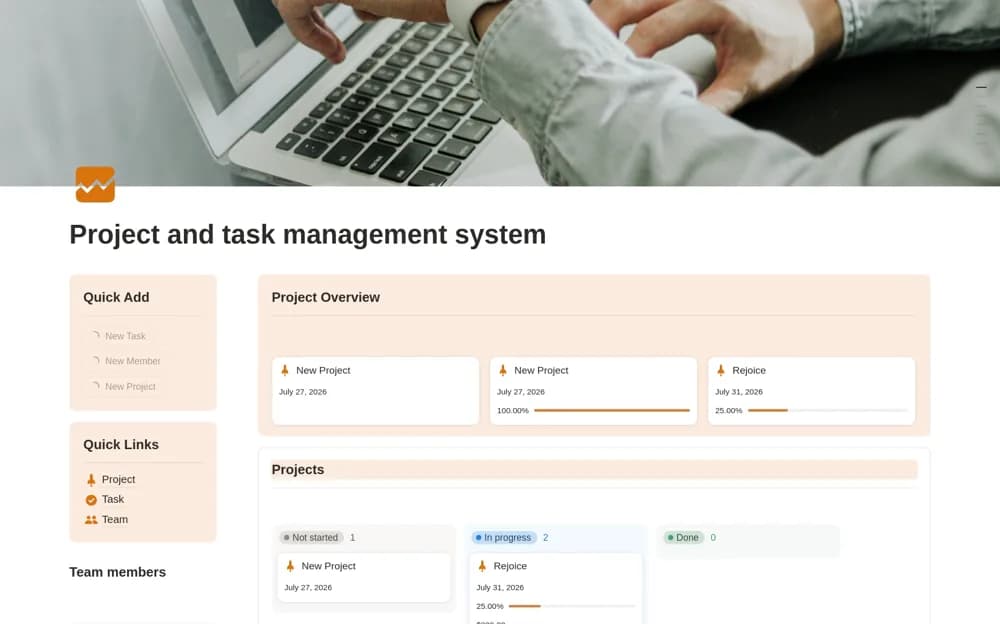
FreeTeam Project Management System
A project and task dashboard with team assignments, progress states, deadline calendars, and quick-add actions.
Find Notion templates for running a small business, serving clients, and keeping team work organized. Start with the workflow that needs the most attention.
Showing 361–378 of 415 templates
FreeA project and task dashboard with team assignments, progress states, deadline calendars, and quick-add actions.
 Free
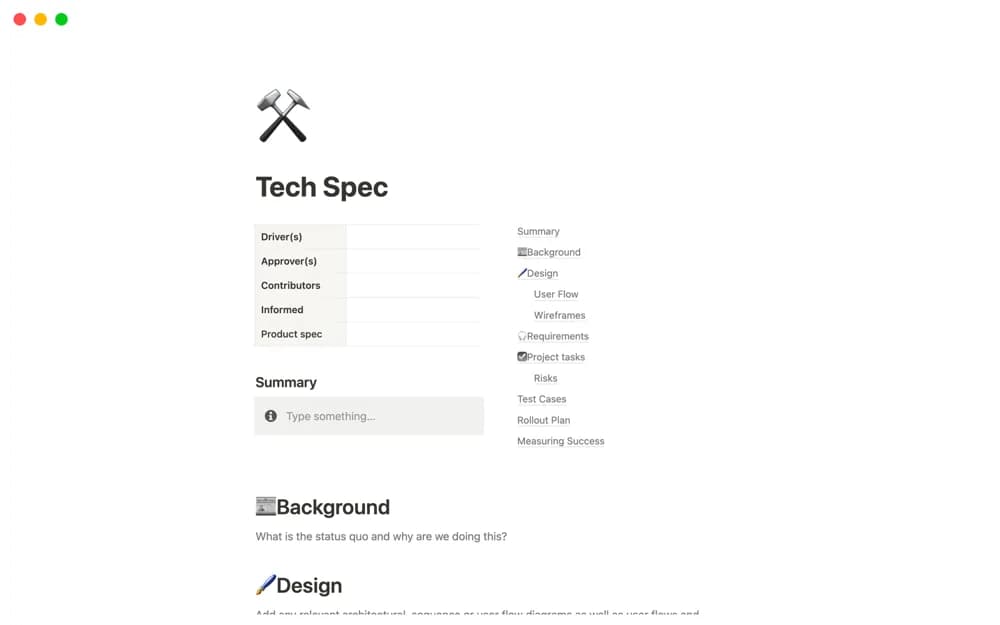
FreeA technical specification document connecting background, requirements, test plans, technical references, wireframes, and data.
 Free
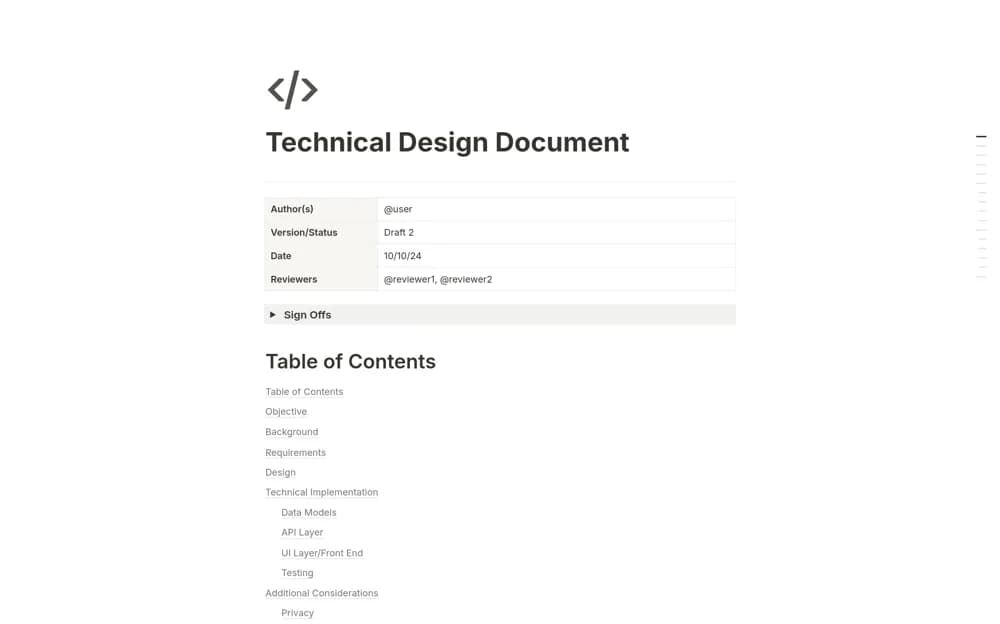
FreeDocument a technical change in Notion with authors and reviewers, signoffs, requirements, implementation design, and performance or security considerations.
 Free
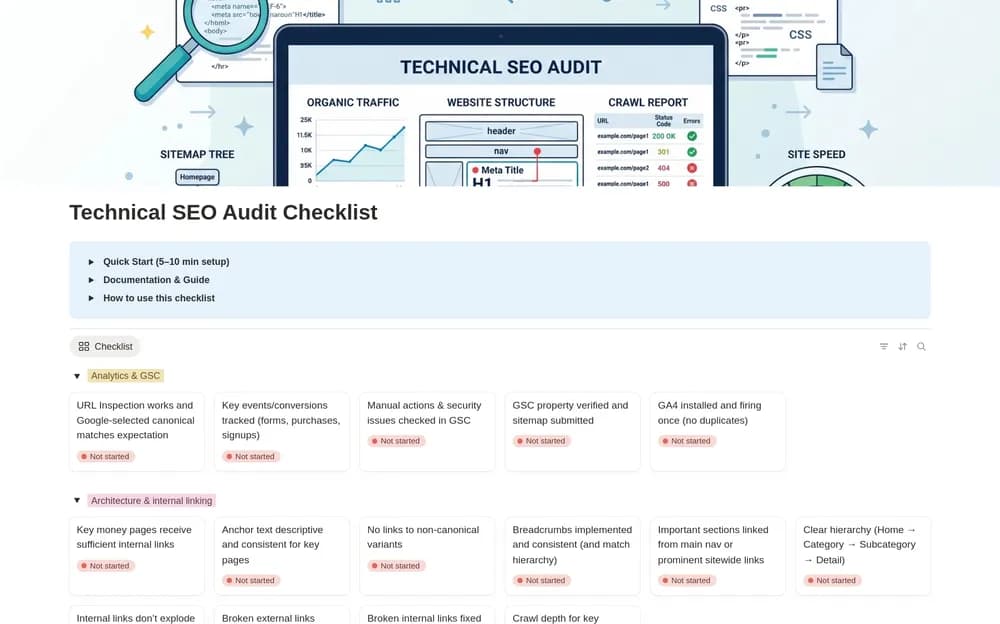
FreeKeep technical SEO checks organized while reviewing a website.
 Paid
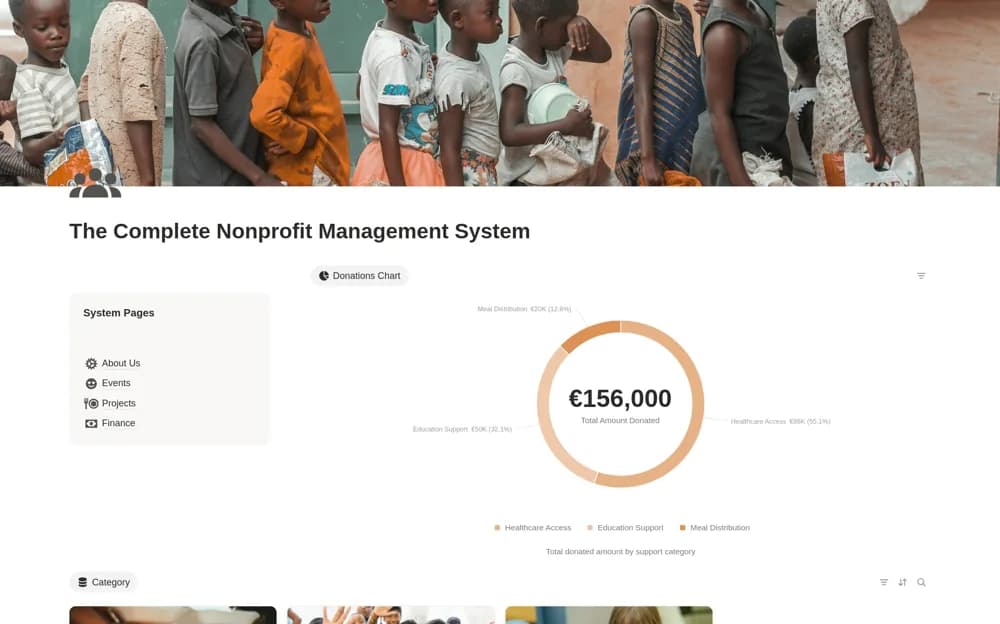
PaidA paid nonprofit workspace linking donors, giving history, funding categories, projects, volunteers, events, and expenses, with calculated balances for recorded support categories.
 Paid
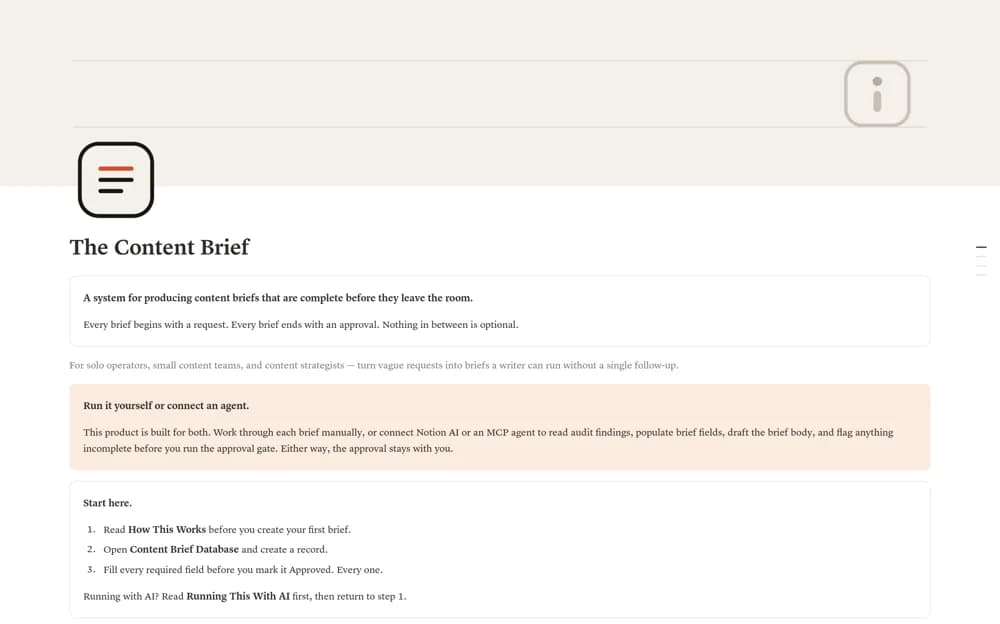
PaidA content briefing workflow with six database views, a completeness checklist, and a separate approval field.
 Free
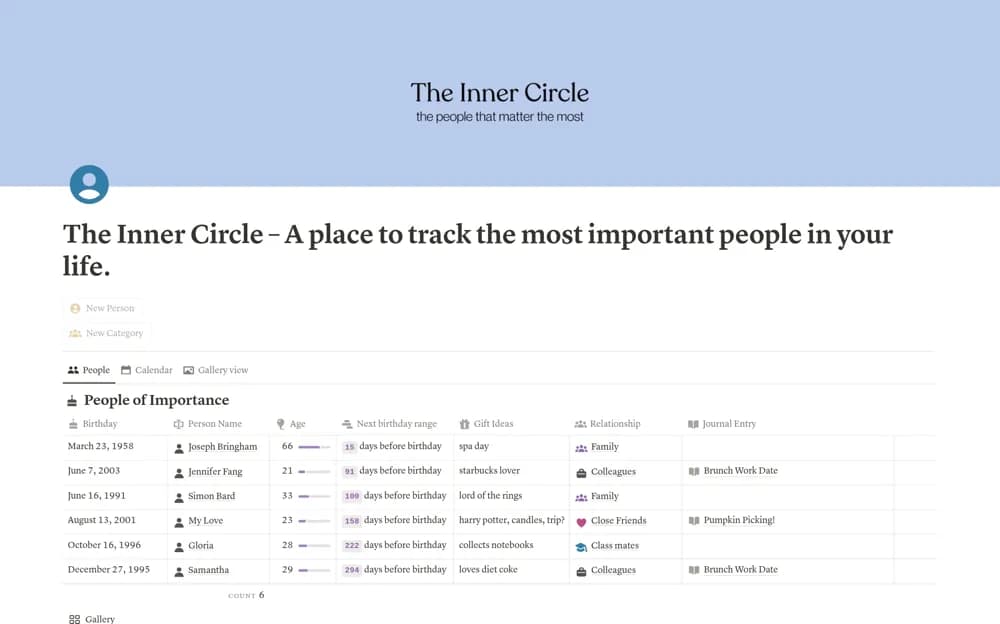
FreeA personal relationship notebook for birthdays, gift ideas, preferences, and details you want to remember about people.
 Free
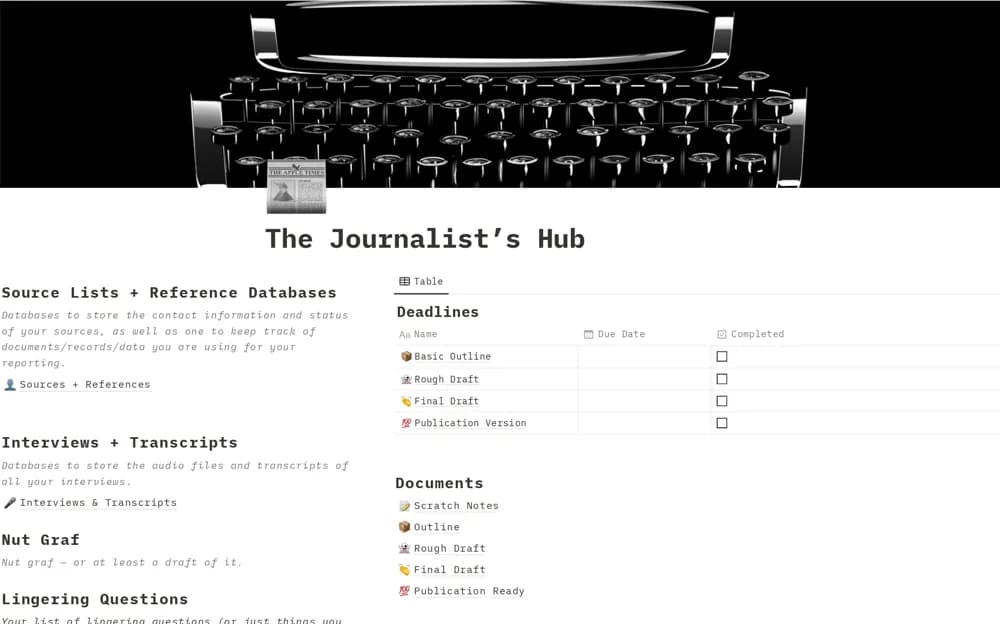
FreeA journalism workspace for sources, interviews, story structure, draft stages, lingering questions, pitches, and deadlines.
 Free
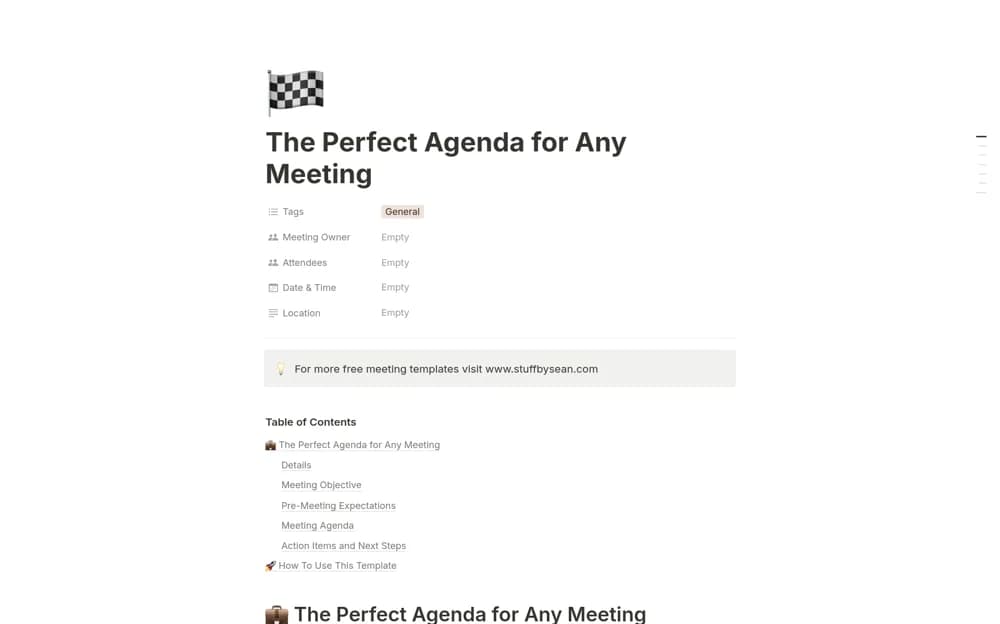
FreeA meeting-agenda framework emphasizing a clear objective, relevant attendees, preparation, and a focused discussion sequence.
 Free
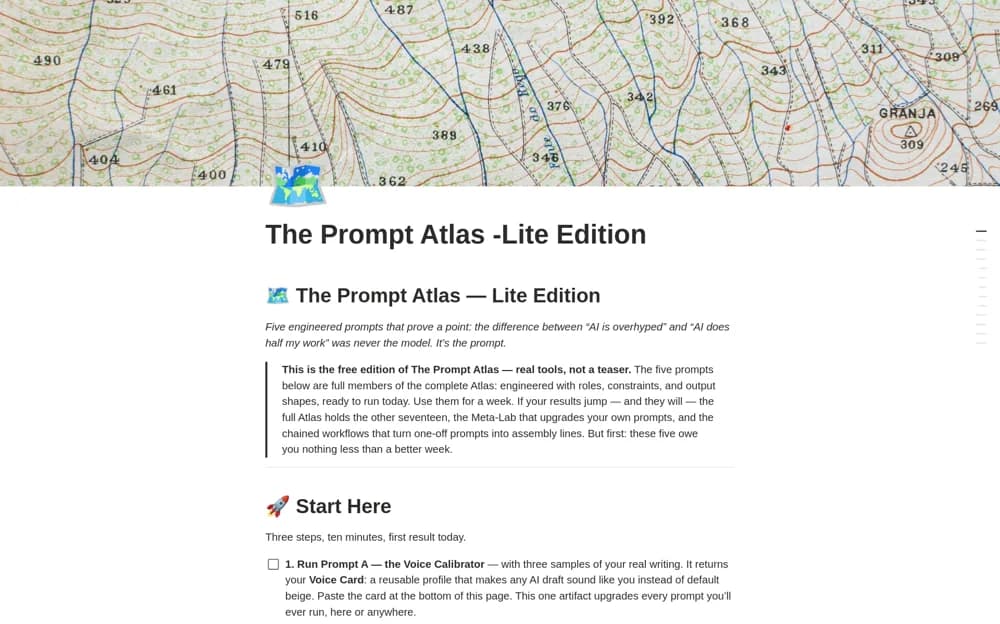
FreeA five-prompt library for writing voice, getting started, meeting summaries, daily planning, and content angles, with a usage log.
 Free
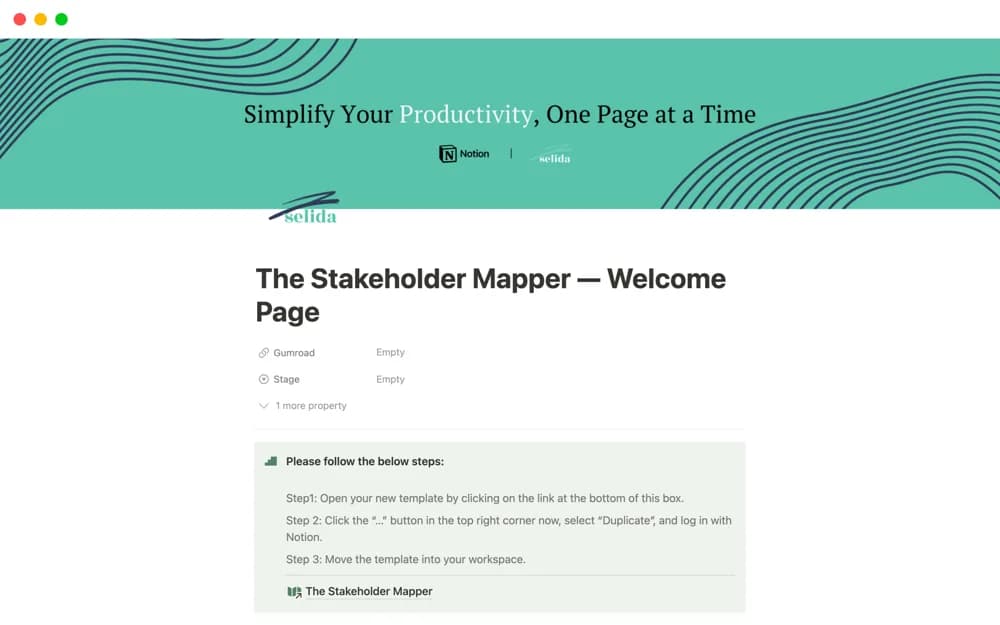
FreeA focused stakeholder-mapping template using Mendelow’s Matrix and salience types to organize how different people relate to a project or decision.
 Free
Free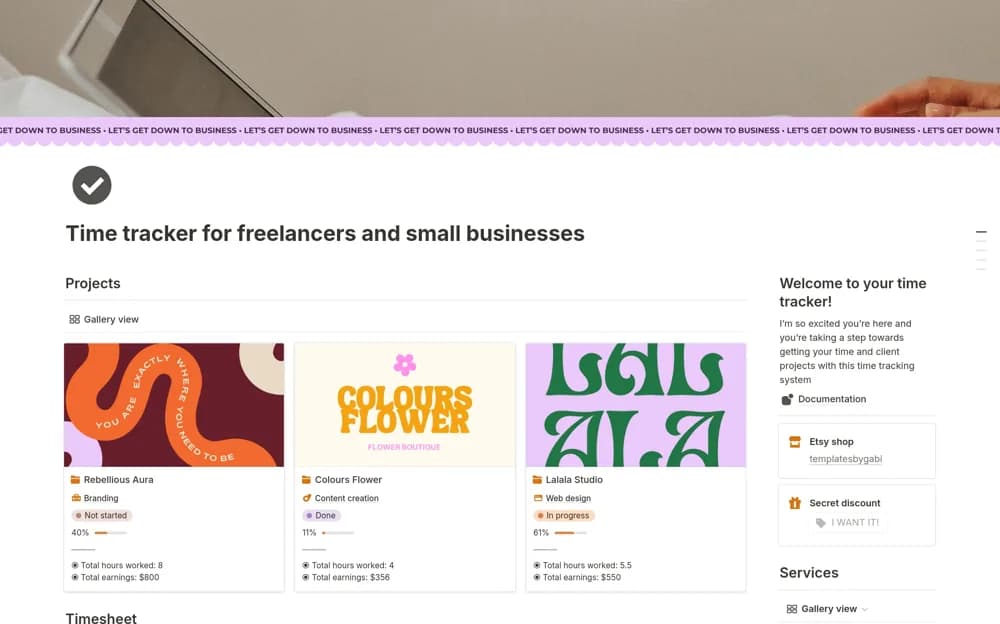 Free
FreeA client time tracker recording start and end times, billable work, project estimates, calculated earnings, and reports.
 Free
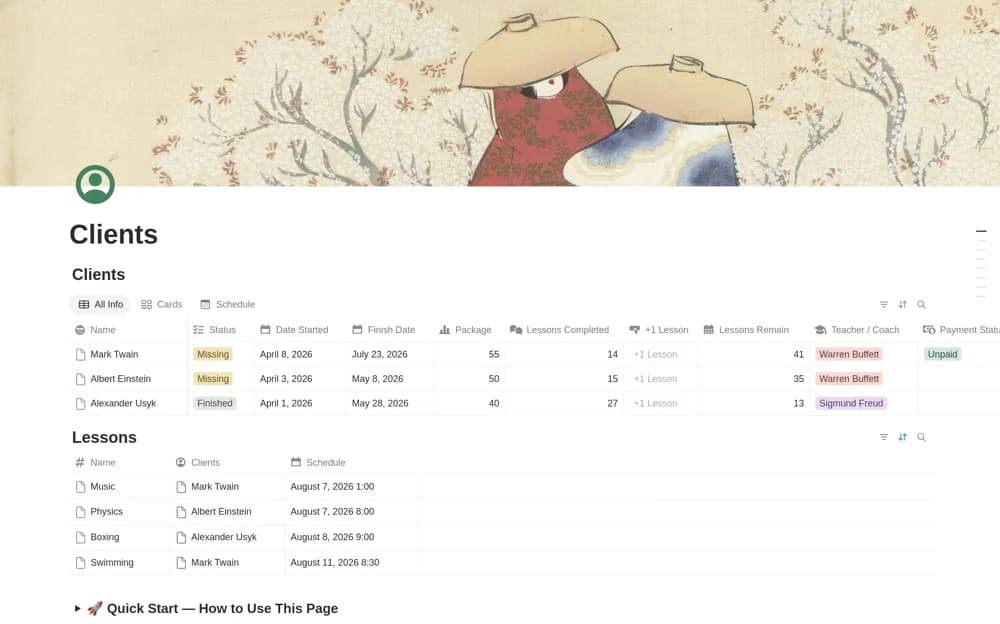
FreeA client and lesson tracker connecting packages, payment status, scheduled lessons, a one-click lesson counter, progress, and calculated remaining sessions.
 Free
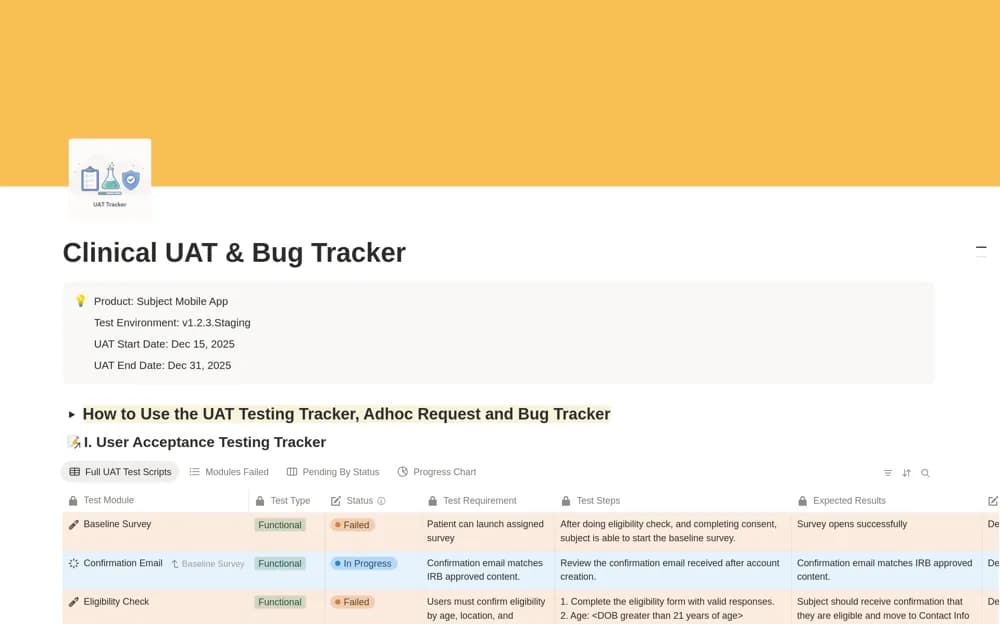
FreeA user-acceptance testing workspace for scripts, pass/fail states, bugs, ad hoc requests, and client review materials.
 Free
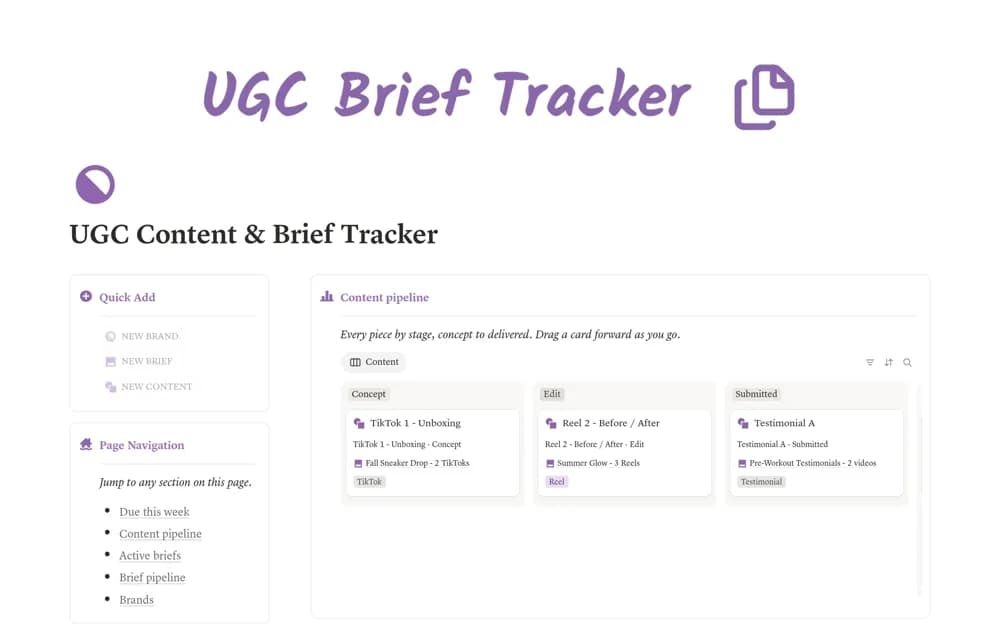
FreeKeep UGC brands, briefs, and content connected in Notion, with weekly deadlines, delivery progress, and flags for briefs at risk.
 Paid
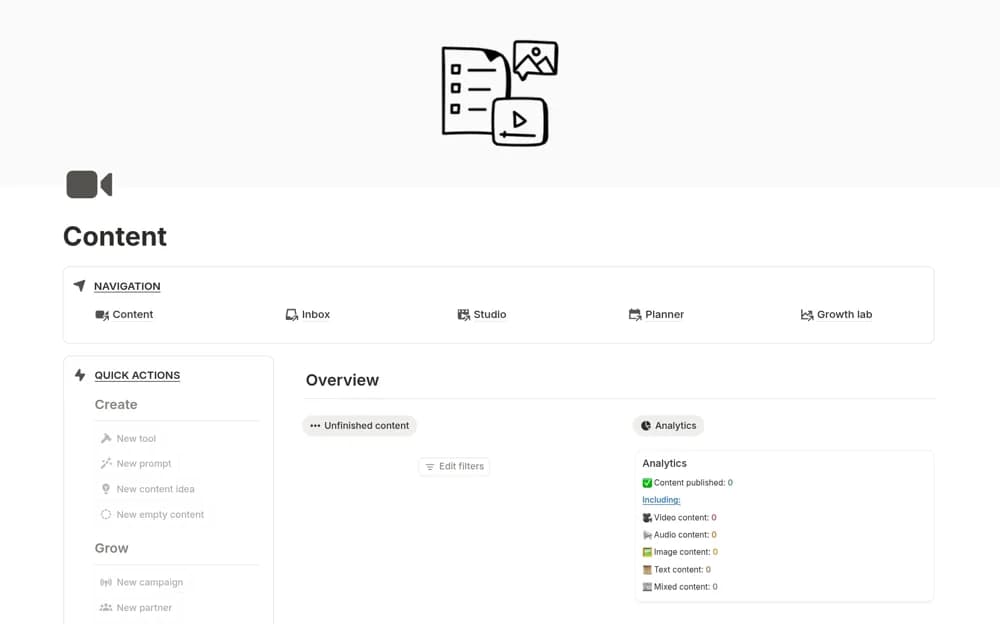
PaidA broad content-production workspace with connected databases, calendars, dashboards, performance records, and partnership organization.
 Free
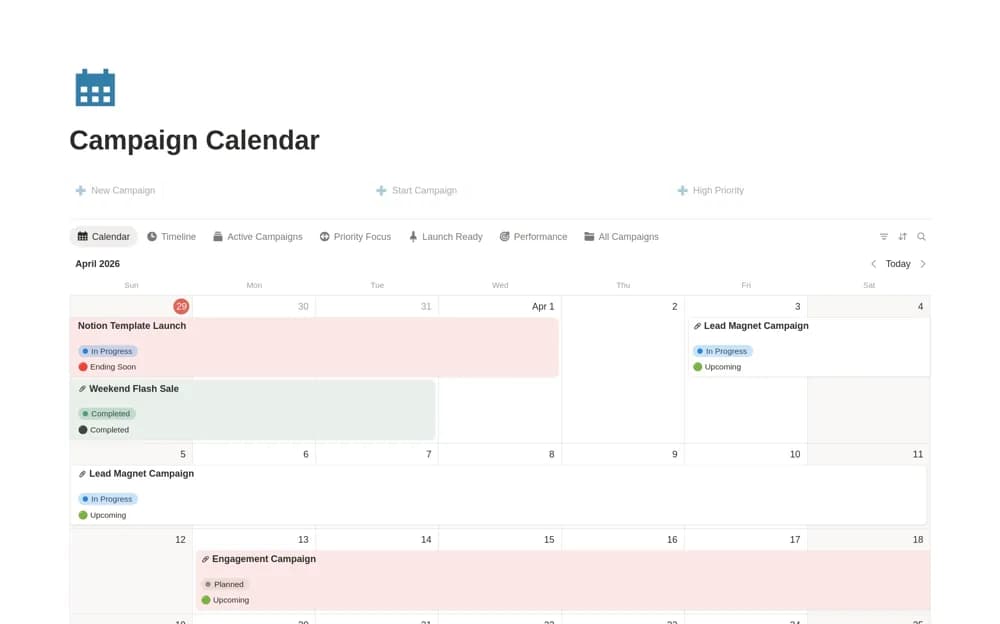
FreeA marketing campaign calendar with timeline overlaps, active work, priority records, budgets, and performance context.
Compare the purpose and included features before choosing a workspace.
Business owners evaluating things they might buy.
Small e-commerce operators coordinating several parts of their store.
People shaping a new or early-stage business.
A useful business workspace makes ownership and next steps visible. Look for a template that matches how your team already works, then test it with one active project. Permissions, client access, and reporting needs deserve a closer look before you bring sensitive company information into a shared page.
Clear ownership
Repeatable workflows
Useful project and client views
About the directoryPick an active client or project and follow it from intake to delivery. Keep the agreed scope, responsible person, next action, and supporting records together. Notice where the template reduces duplicate work and where it introduces another update. Decide who maintains shared information before rolling it out to the team.
A business hub combines several operational areas, while a client tracker focuses on relationships and follow-ups. Choose the tracker when the immediate problem is losing client context; choose a larger hub when its connected project and operations records have clear owners.
Yes. This collection currently includes 347 listings with a confirmed free creator offer, alongside 63 paid or freemium options. Use the Free filter to compare them. A free version can have different features from a creator’s paid upgrade, so check the original listing and current access terms before adding it to your workspace.