 Free
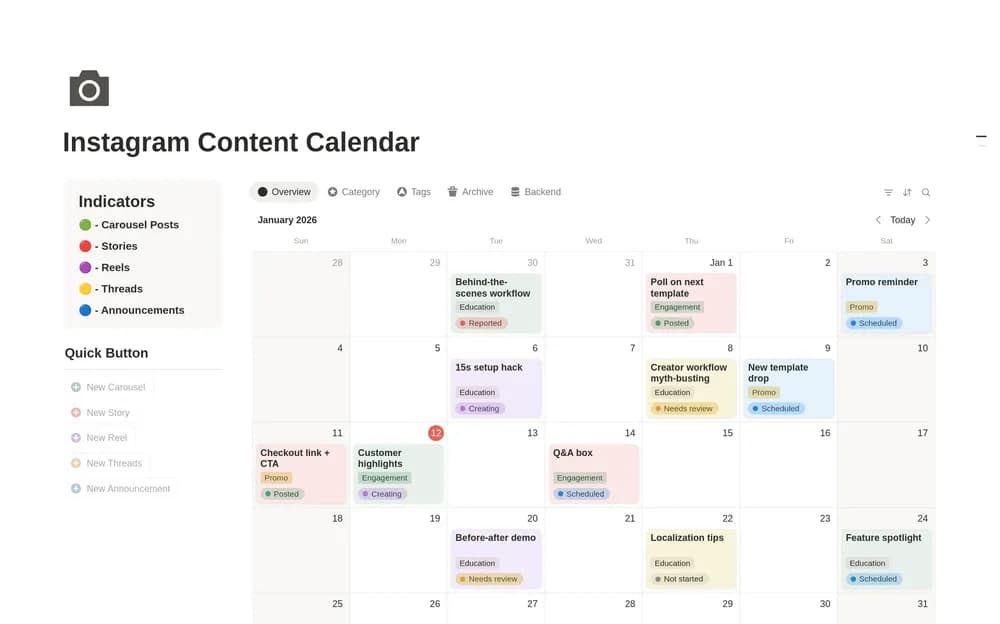
FreeInstagram Content Calendar
Give Instagram ideas, production, and publication dates a shared home.
Keep briefs, references, feedback, and design work together. Explore Notion templates for creative projects, design teams, and independent designers.
Showing 19–36 of 39 templates
A little structure goes a long way.FreeGive Instagram ideas, production, and publication dates a shared home.
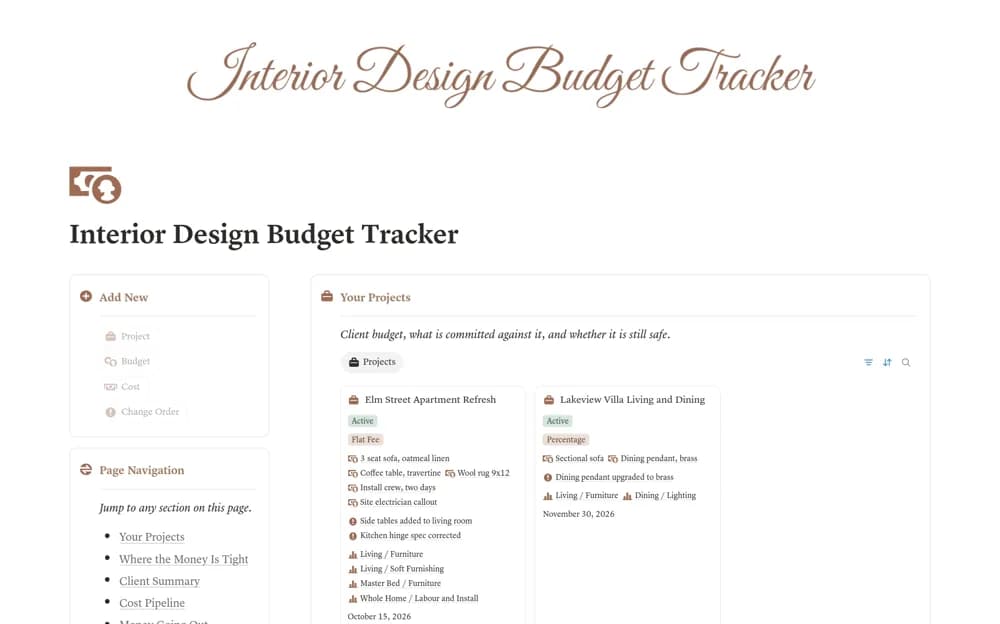 Free
FreeAn interior-project budget system separating allowances from quotes, orders, invoices, and payments, with client-price budget consumption, change orders, and visible budget-risk signals.
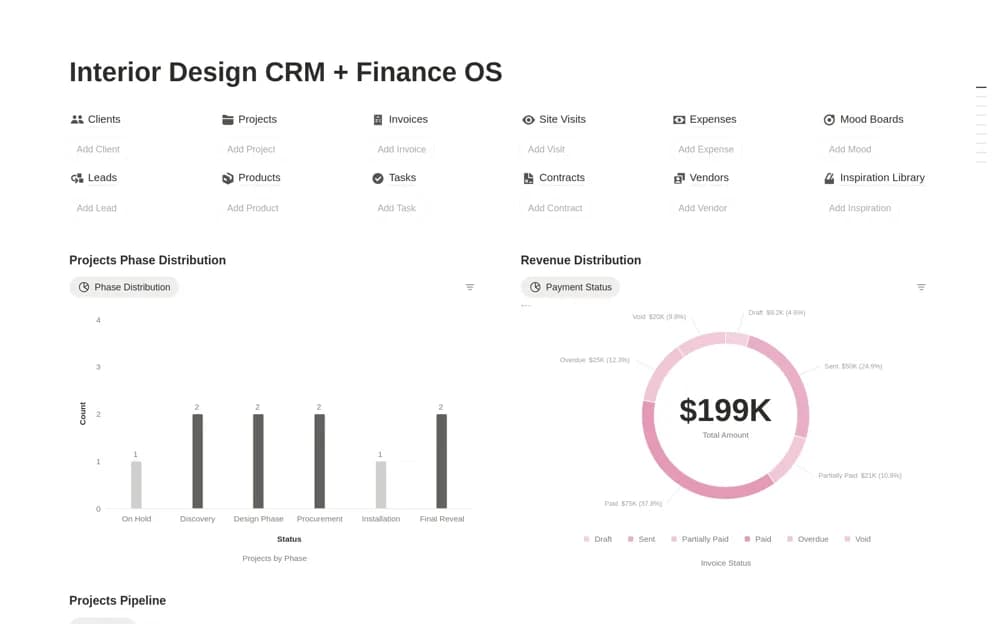 Paid
PaidA paid interior-design business workspace connecting leads, clients, project phases, tasks, invoices, payments, and expenses, with charts for workflow and financial review.
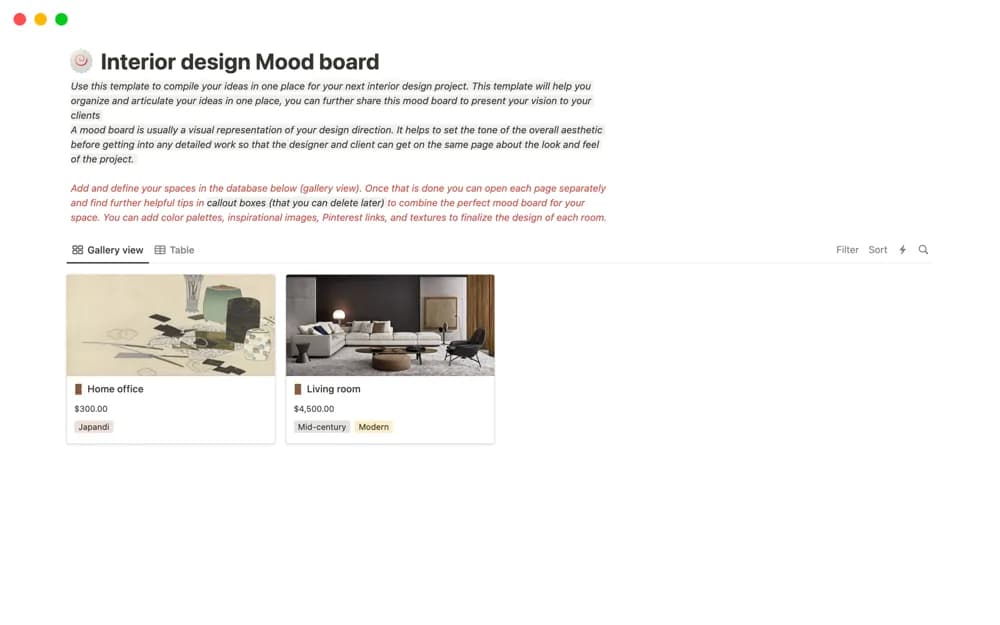 Free
FreeA room-based interior mood-board layout for images, references, links, colors, furniture, and textures, intended for collaboration or presenting a design direction.
 Free
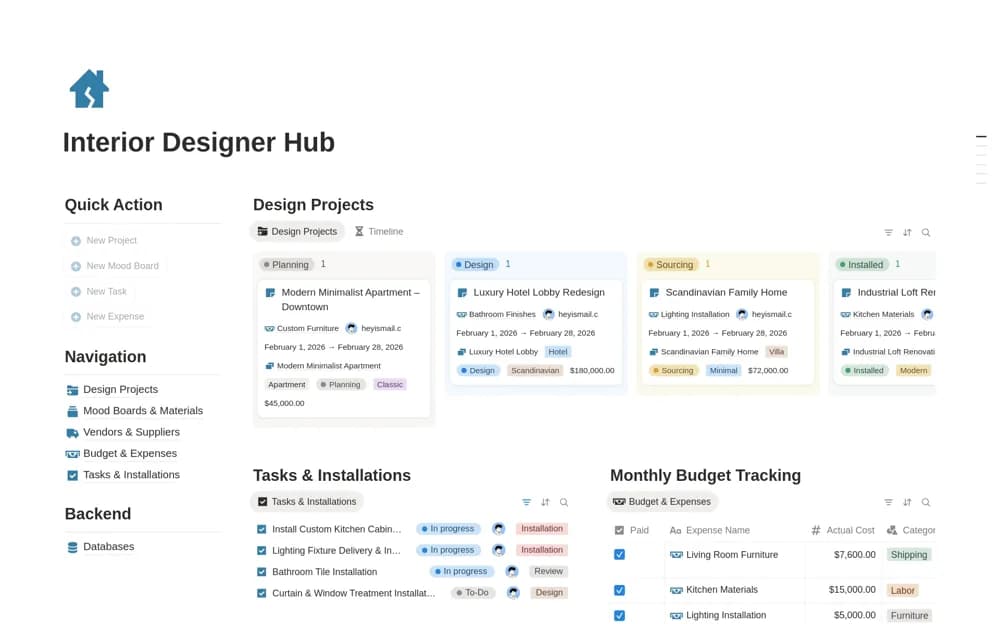
FreeAn interior-design project workspace combining clients’ projects, materials, mood boards, vendors, budgets, tasks, and installation work from concept through completion.
 Free
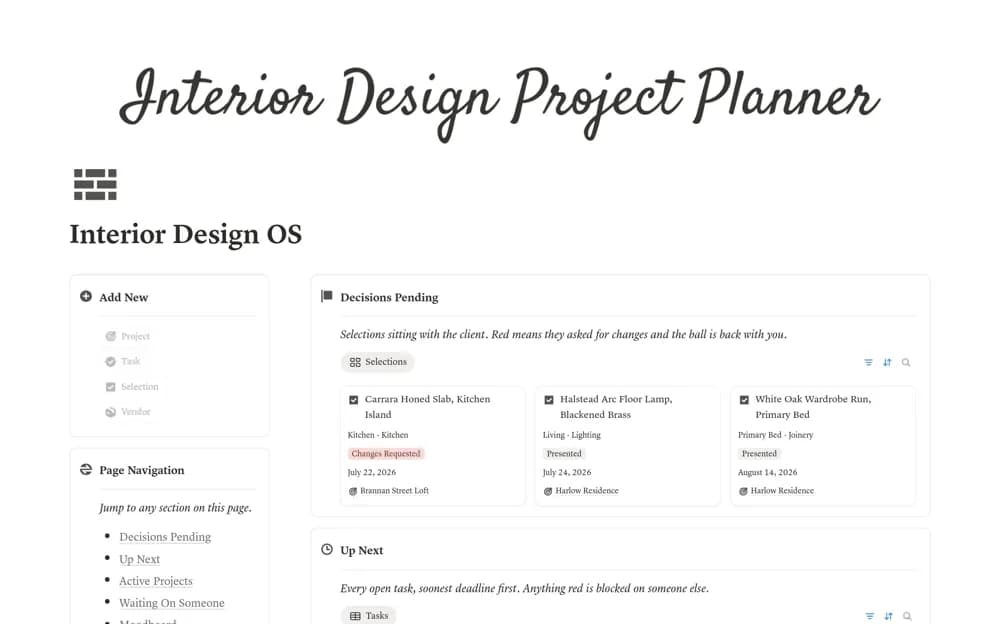
FreeAn interior design workspace for project briefs, room selections, moodboards, client decisions, tasks, and vendors.
 Free
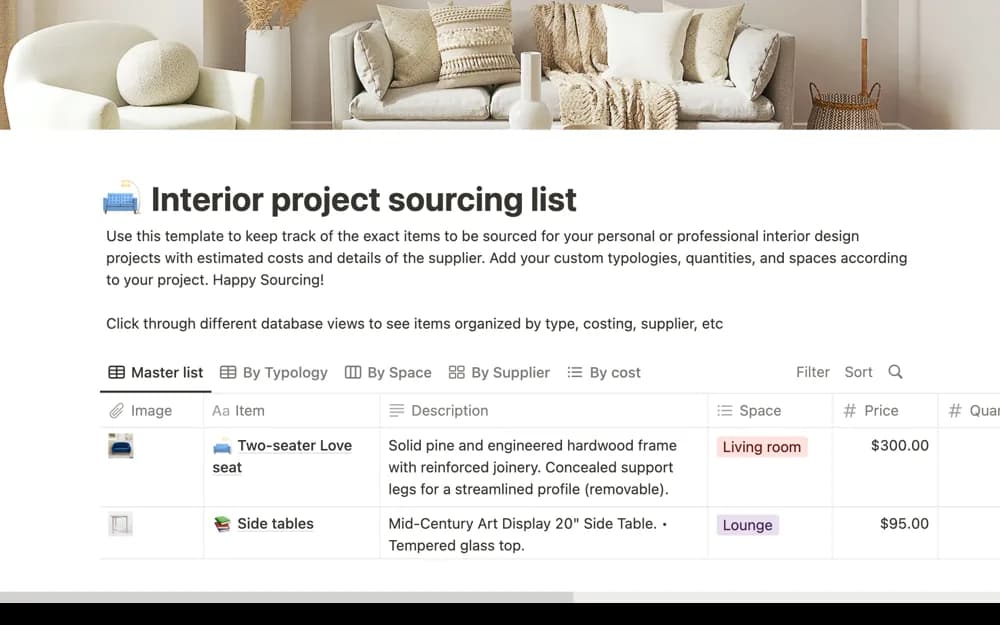
FreeAn interior sourcing list for shortlisting products, organizing suppliers, following budgets, and sharing choices for approval.
 Free
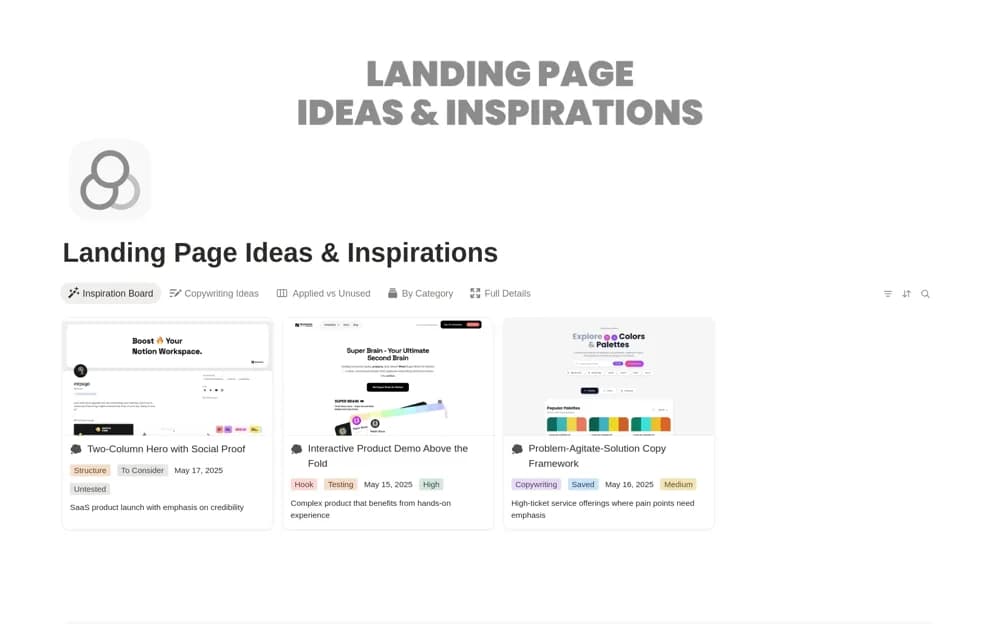
FreeA landing-page swipe file for saving design examples, headlines, and calls to action with useful tags.
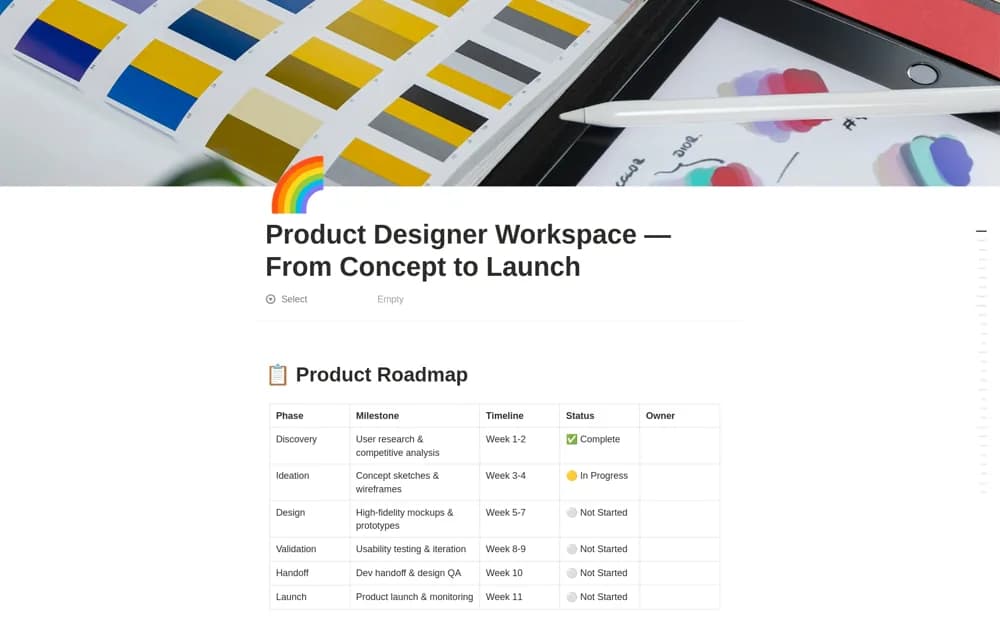 Paid
PaidA product-design workspace spanning discovery, ideation, design, validation, handoff, and launch, with sprint planning, component documentation, user-story mapping, and an accessibility review checklist.
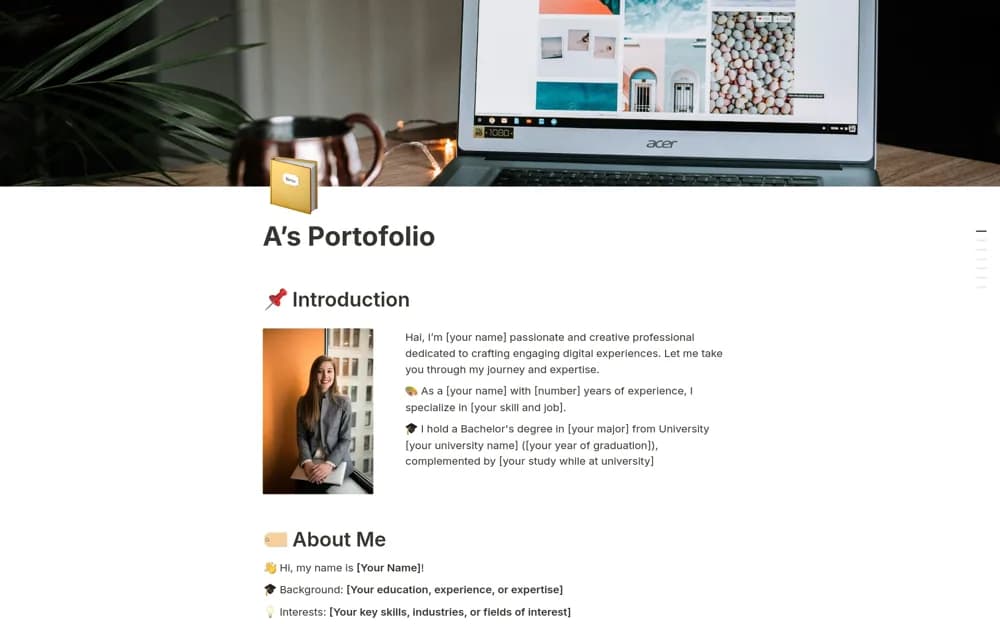 Paid
PaidA professional portfolio structure for an introduction, skills, case studies, research publications, testimonials, and contact details.
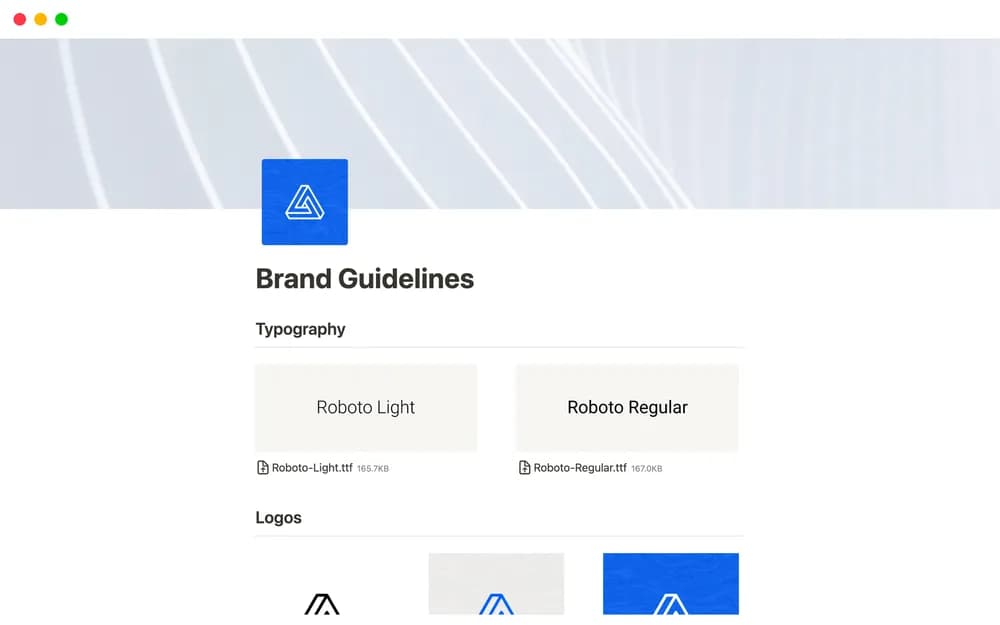 Free
FreeNotion’s public brand-guidelines page for a clear shared reference.
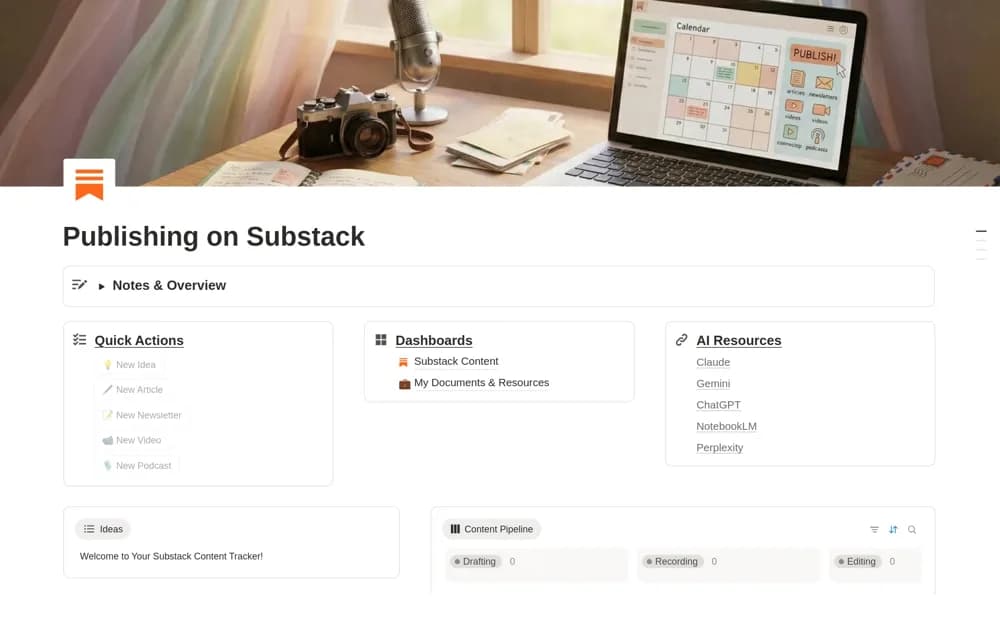 Free
FreeA Substack planning dashboard for ideas, articles, newsletters, recordings, supporting resources, and publication tracking.
 Free
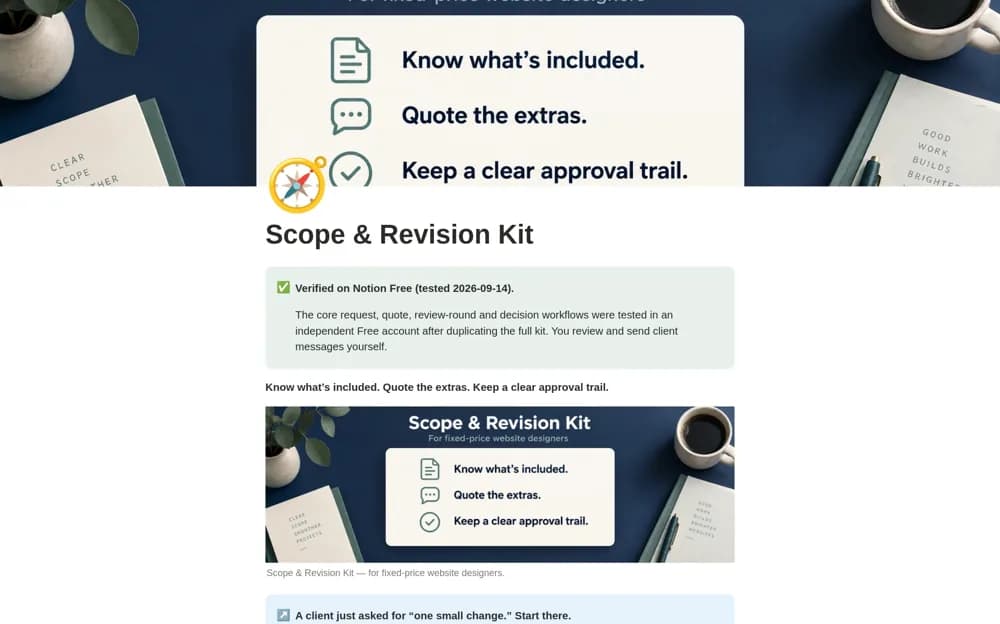
FreeA web-design revision kit that distinguishes included changes, corrections, and new scope, with quote preparation and records connecting requests, review rounds, versions, and approvals.
 Paid
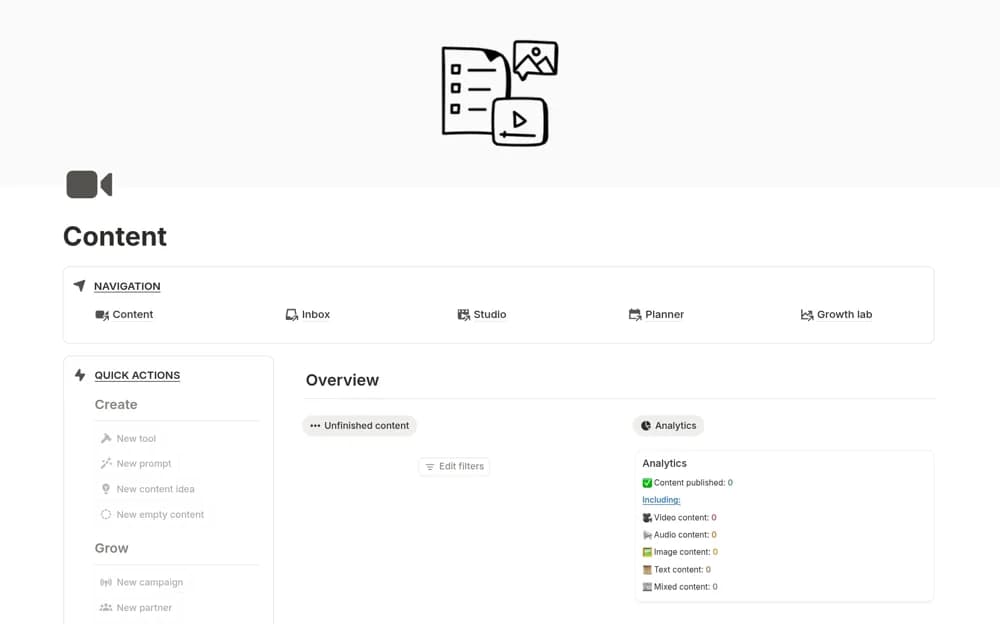
PaidA broad content-production workspace with connected databases, calendars, dashboards, performance records, and partnership organization.
 Free
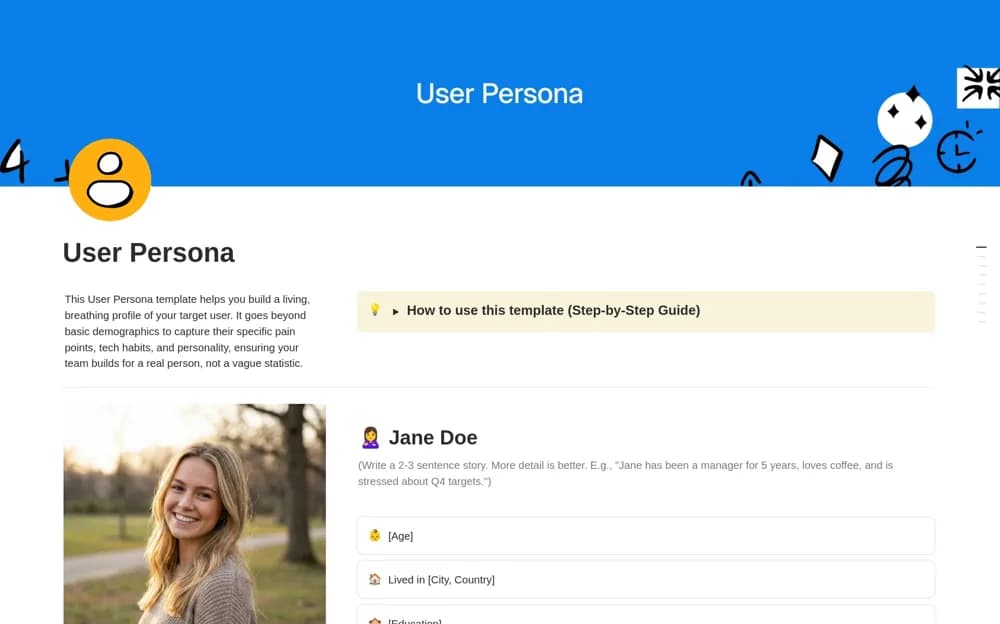
FreeA user-persona framework covering goals, pain points, technology context, behavior, and a narrative profile.
 Free
FreeA UX project workspace organizing research insights, feedback, design tasks, resources, and design-system references.
 Free
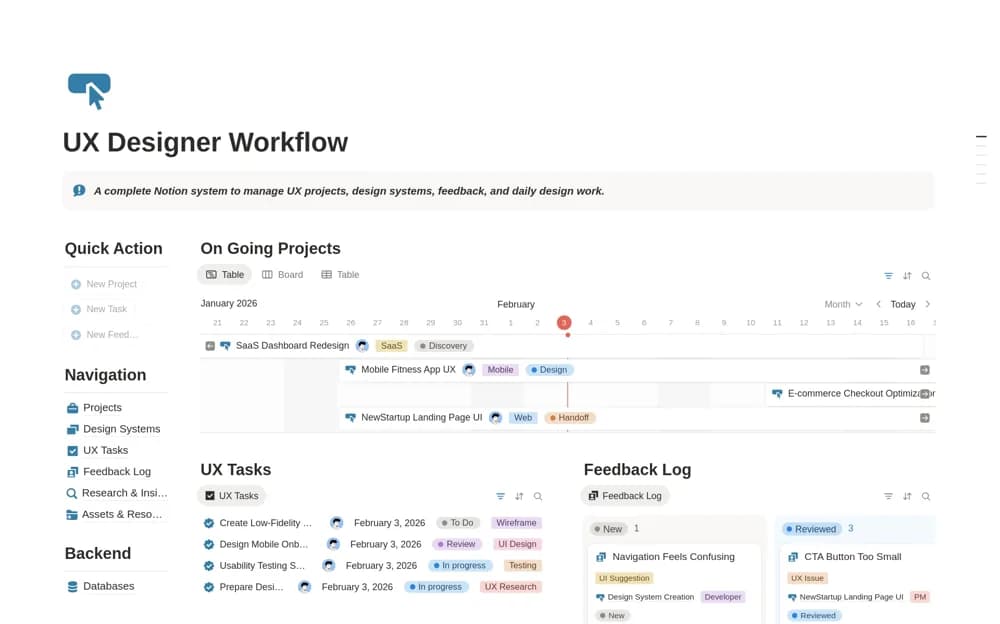
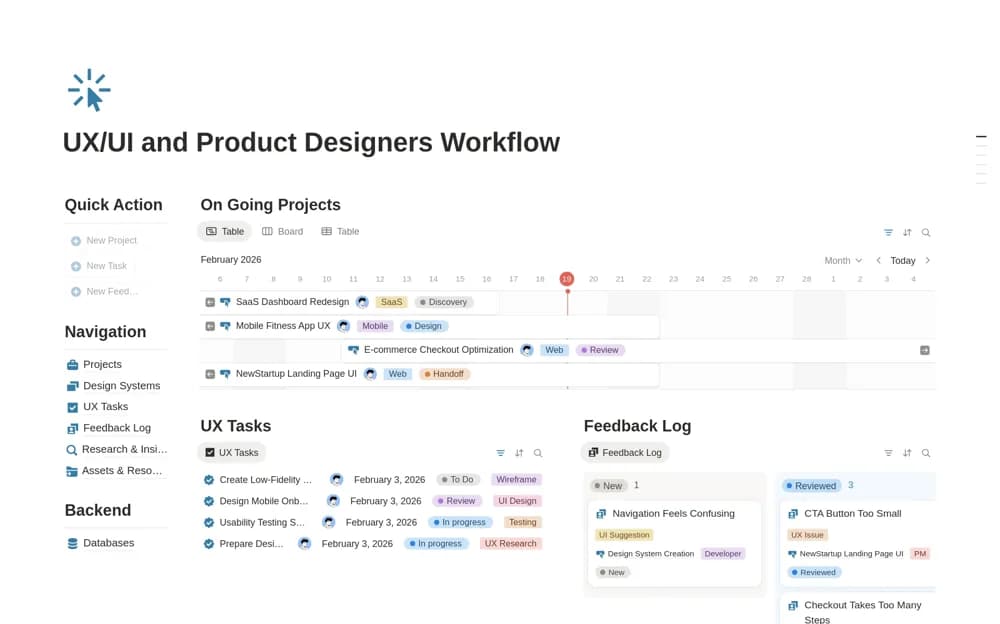
FreeA product-design workflow for timelines, UX tasks, categorized feedback, research, assets, design systems, and handoff.
 Free
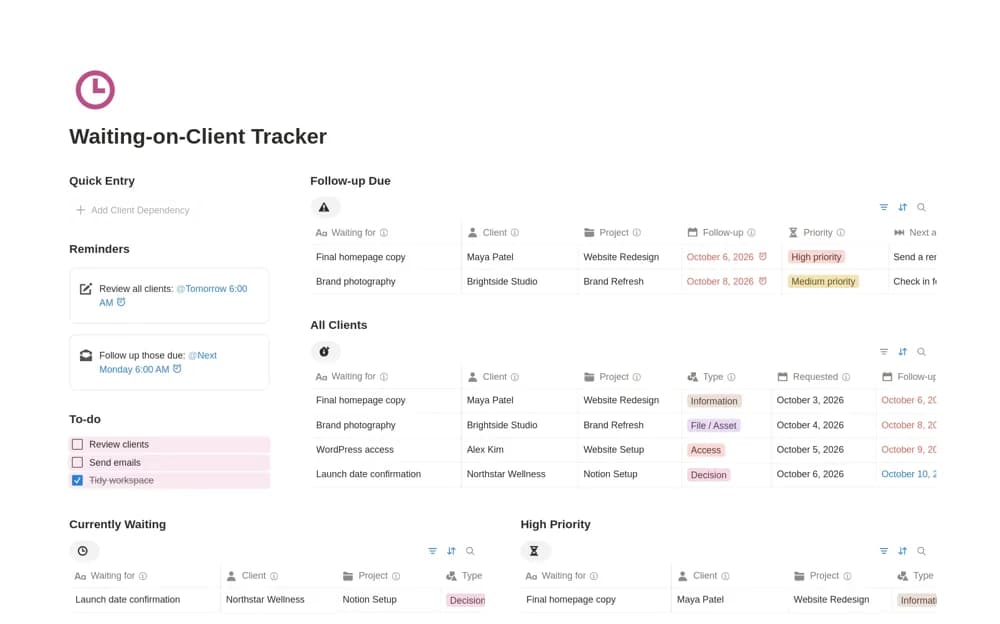
FreeA client dependency tracker for missing assets, feedback, approvals, access, payments, and clear follow-up actions.
Compare the purpose and included features before choosing a workspace.
Designers presenting projects to clients or employers.
Designers and visual thinkers gathering inspiration.
Designers and marketers collecting references before creating a landing page.
Look for a layout that makes the brief and the latest decision easy to find. Visual references need enough context to be useful later, and feedback needs an owner. If your design files live in another tool, a Notion workspace can act as the project’s index without duplicating every asset.
A useful project brief
Organized references
Feedback with clear next steps
About the directoryConnect the design request to the agreed problem, audience, deliverables, and constraints. Link working files from their maintained location and record feedback against the correct version. Keep a short decision history so a collaborator can understand why a direction changed without reading every conversation.
The workspace can act as the index to your project without holding every master file. Link to your maintained design and asset tools, then use Notion for briefs, decisions, feedback, and project context.
Yes. This collection currently includes 32 listings with a confirmed free creator offer, alongside 7 paid or freemium options. Use the Free filter to compare them. A free version can have different features from a creator’s paid upgrade, so check the original listing and current access terms before adding it to your workspace.