 Free
Life & everyday
To-Do List Notion templates
Keep tasks out of your head and in a list you trust. Browse free Notion to-do list templates, from a simple checklist to task databases with today, upcoming, and priority views.
Showing 19–36 of 36 templates
Free Free
 Free
One-Page Weekly Planner with Daily To-Dos
View the whole week on a single Notion page with to-do blocks for each day, a not-to-forget list for urgent items, and a calendar widget.
 Free
Pastel Minimal Weekly Planner & To-Do List
Organize weekly tasks in a pastel Notion planner by day, priority, and time of day, with carried-over status, a Top 3 widget, and a Sunday checklist.
 Free
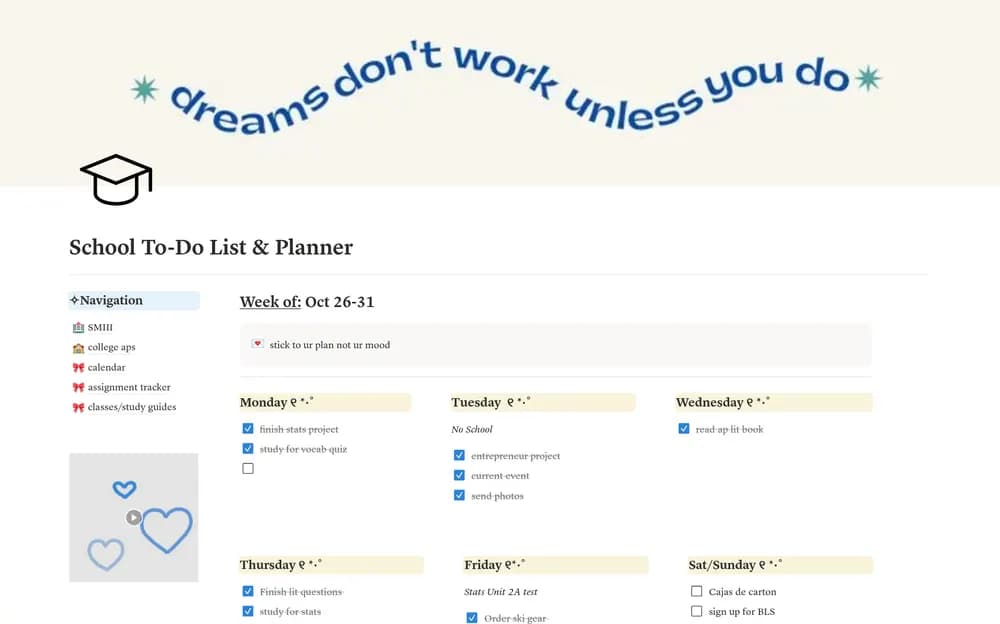
School To-Do List & Planner
Keep school assignments on track in Notion with a to-do list for each weekday, an assignment tracker, class pages, a calendar, and weekly goals.
 Free
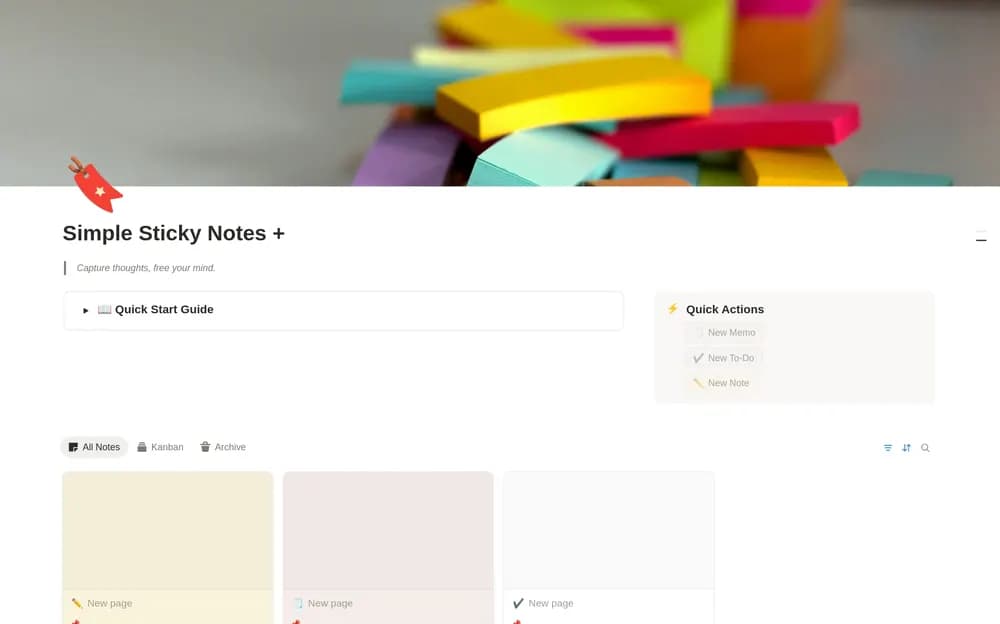
Simple Sticky Notes Plus
Capture memos, tasks, and quick notes as color-coded sticky notes in Notion using buttons, then pin key notes and archive finished ones in a click.
 Free
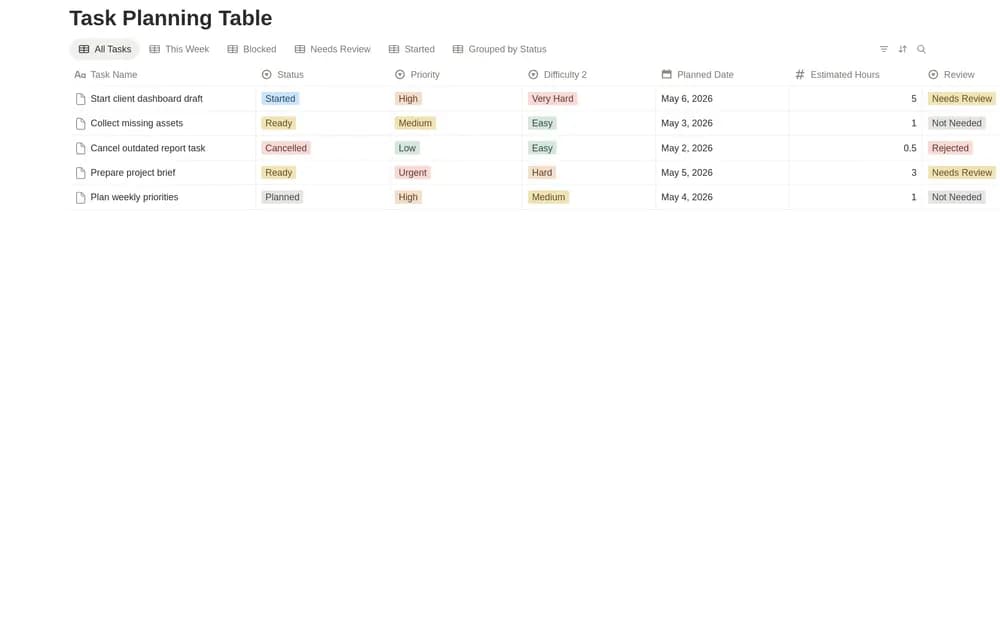
Simple Task Planning Table
Plan and track tasks in one Notion table with status, priority, difficulty, estimated hours, assignees, and views for blocked or review items.
 Free
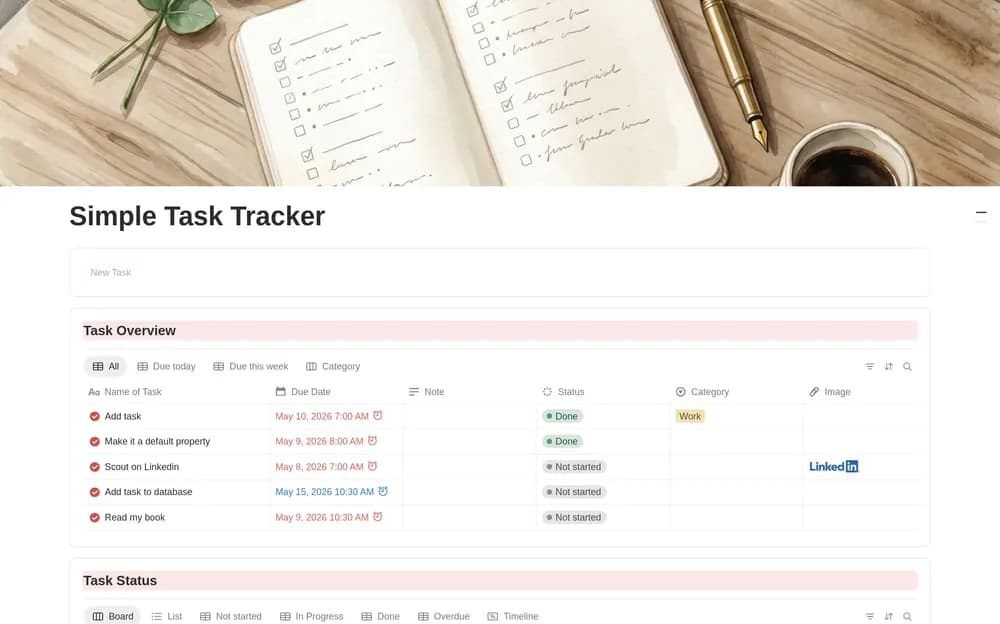
Simple Task Tracker
Manage daily tasks in Notion with due dates, priorities, simple status updates, sub-tasks, and Today, This Week, and Upcoming views on a minimal page.
 Free
Simple To-Do List with Checklist and Board
Write to-dos in a quick checklist, drag them onto a Notion status board as they progress, and let completed tasks hide themselves after a month.
 Free
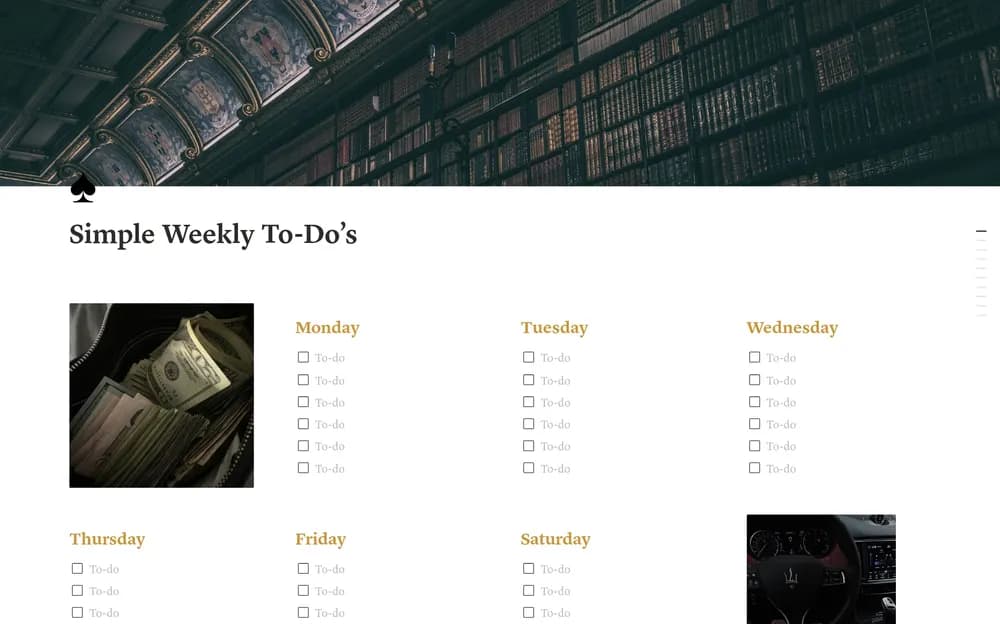
Simple Weekly To-Dos
Keep a basic weekly to-do list in Notion with space for each day, a simple calendar view, and a minimal design you can duplicate and start using.
 Free
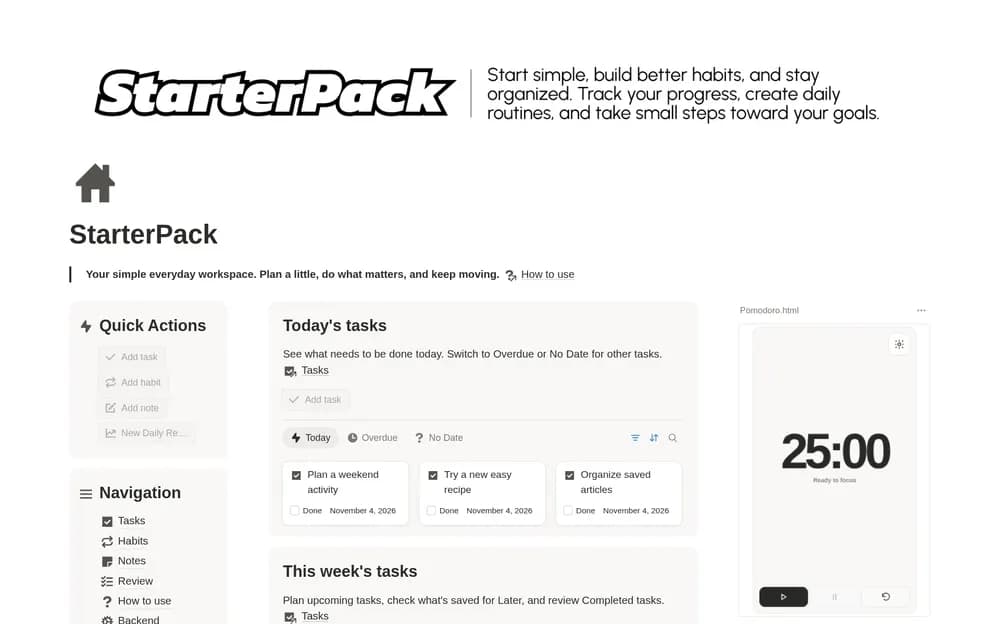
StarterPack: Daily Planner & Habit Tracker
Start with Notion using a beginner workspace for dated tasks, weekly habit checkboxes, quick notes, a three-prompt daily review, and a focus timer.
 Free
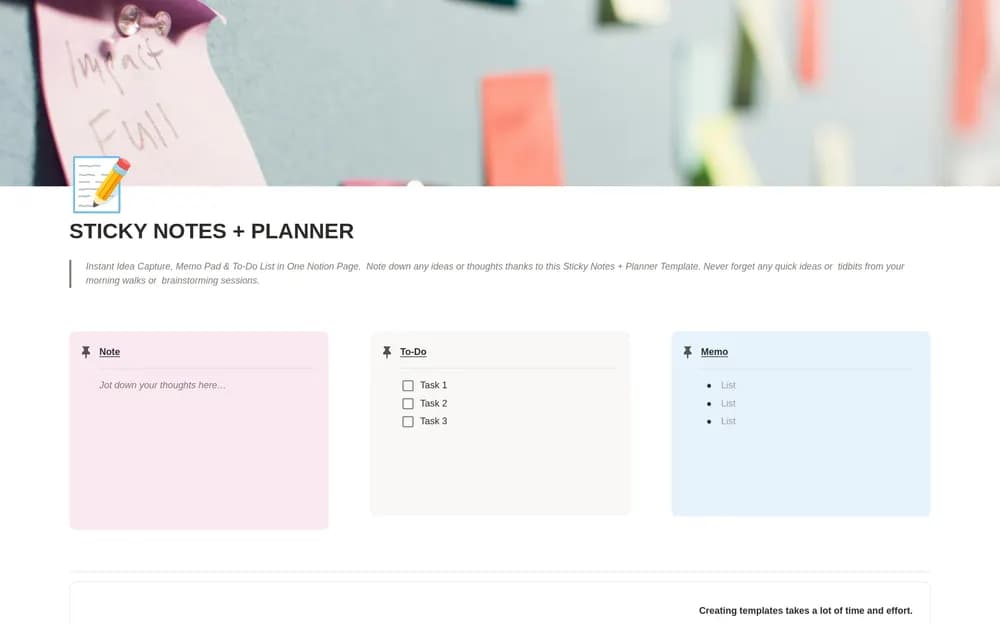
Sticky Notes & Planner
Catch passing thoughts on a Notion page that combines a sticky-notes board for ideas, a memo pad for short lists, and a simple to-do checklist.
 Free
 Free
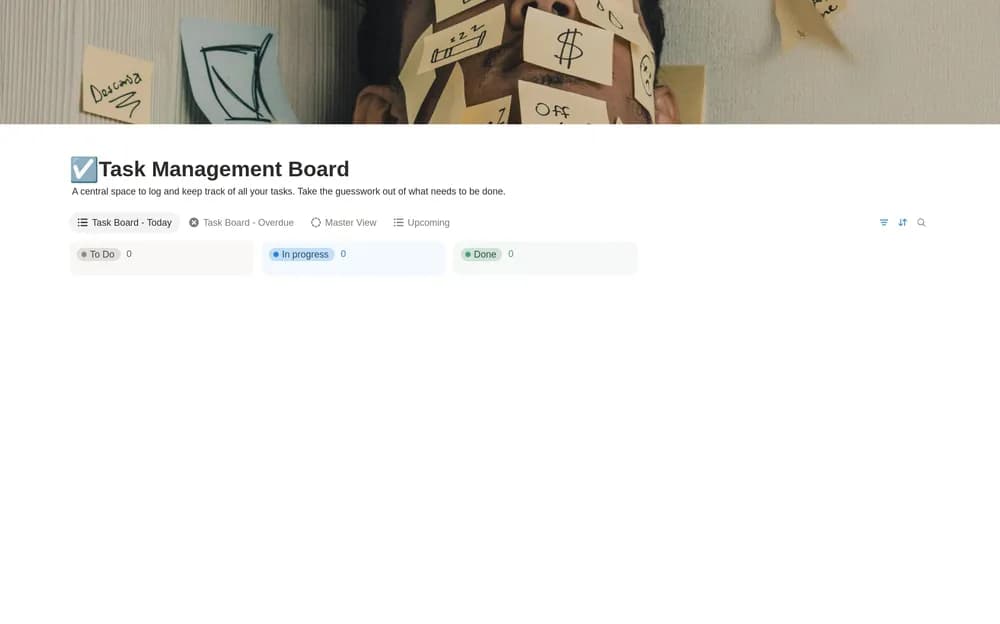
To-Do Workspace with Board and Calendar Views
Capture action items in a flexible Notion to-do workspace with deadlines, project and context categories, priorities, Kanban boards, and calendars.
 Free
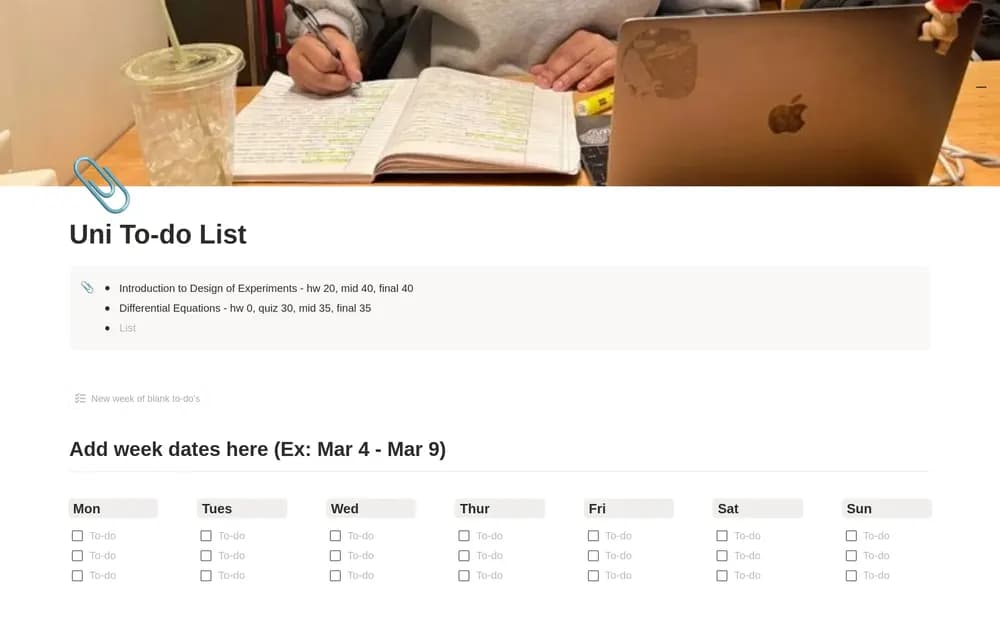
Uni To-Do List
Plan a university week in Notion with a Monday-to-Sunday checklist, course notes at the top, and a button that adds a fresh blank week.
 Free
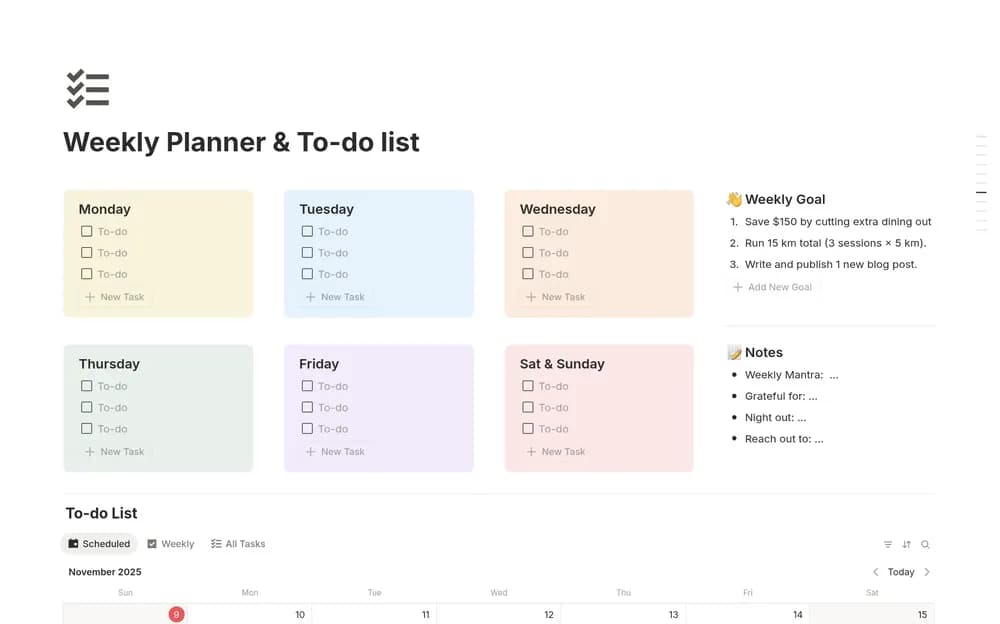
Weekly Planner & To-Do List
Balance a busy week in Notion with color-coded daily boards, a central task database, top-three goals, habits, meal plans, and reflection prompts.
 Free
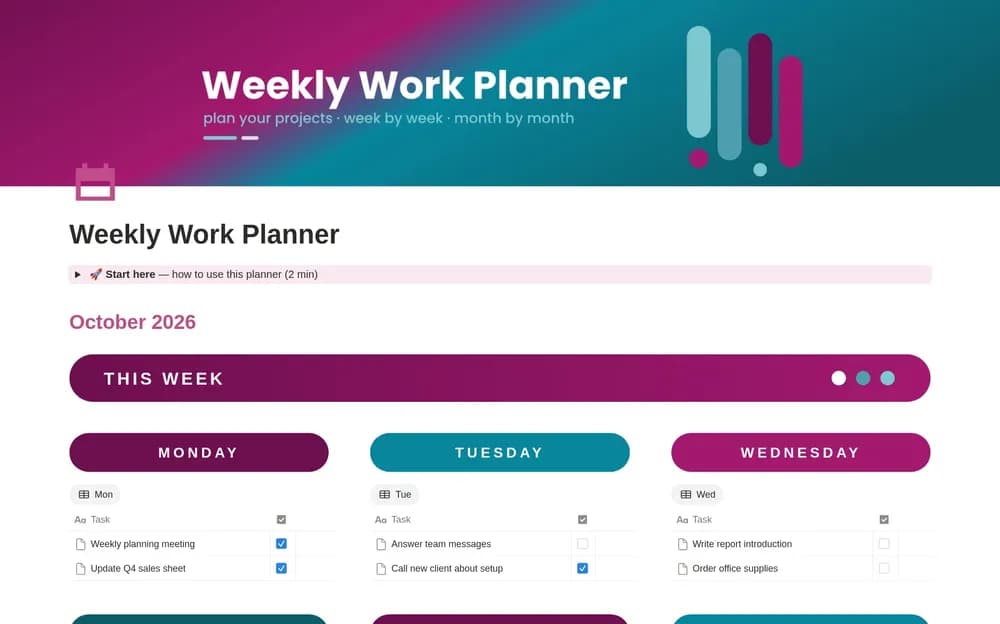
Weekly Work Planner
Write tasks under each weekday in Notion and see them land on a monthly calendar, with weekly lists that reset every Monday and project grouping.
 Free
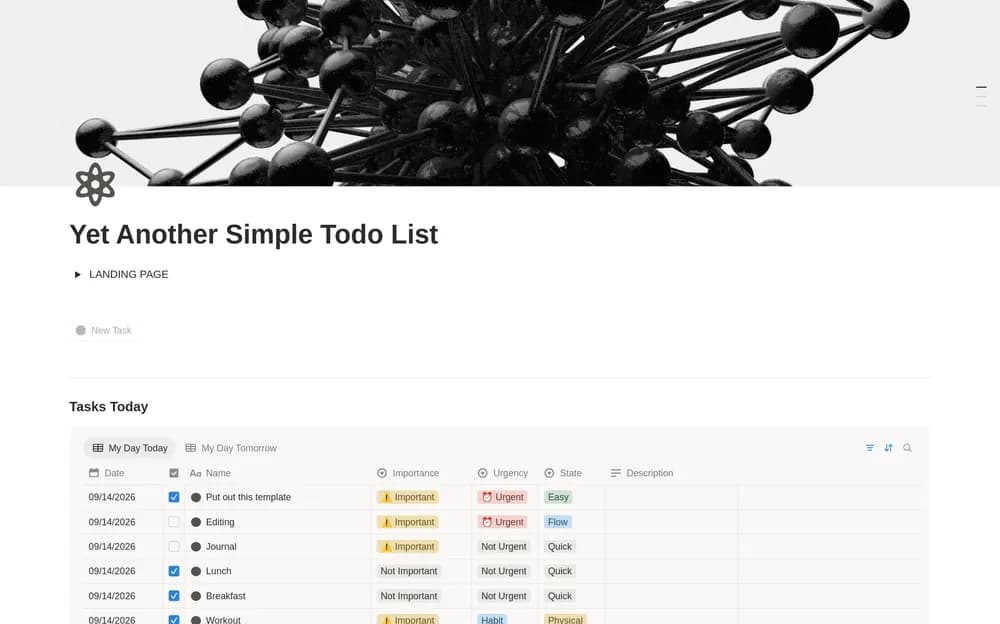
Yet Another Simple To-Do List
Put tasks, routines, and hobbies into one dated Notion database, sorted by importance and urgency, with an energy State property and three views.
A closer look at the collection
Which template fits your work?
Compare the purpose and included features before choosing a workspace.
Advanced To-Do List
Students and professionals who like seeing statistics on how many tasks they finish.
- Today, This Week, This Year, and Upcoming views
- Calendar view for deadlines
- Status view for task completion
- Second database reporting completion rates by day, week, month, and year
Basic To-Do List for Classes and Personal Tasks
Students, especially those in demanding programs, who want classes and personal tasks in one color-coded list.
- Tasks sorted into class or personal categories
- Color coding by category
- Table, board, and calendar views
- Overdue section
Daily & Weekly To-Do Lists
Students and individuals who want near-term and week-level tasks visible together.
- Daily To-Do board by day of the week
- Weekly To-Do board by week of the month
- Both boards on a single page
At a glance
To-Do List Notion templates compared
36 working templates from 35 creators: 36 free. Links last checked November 22, 2026.
| Template | Best for | Price | Creator |
|---|---|---|---|
| Advanced To-Do List | Students and professionals who like seeing statistics on how many tasks they finish. | Free | Power Of Habits |
| Basic To-Do List for Classes and Personal Tasks | Students, especially those in demanding programs, who want classes and personal tasks in one color-coded list. | Free | lientzu_thecreator |
| Daily & Weekly To-Do Lists | Students and individuals who want near-term and week-level tasks visible together. | Free | Lintha |
| Daily & Weekly To-Do: Simple Priority To-Do List | Busy people, students, and parents who want a daily and weekly to-do list that takes seconds to update. | Free | NotoMantra |
| Daily Focus | People who want a lightweight daily task page instead of a full productivity system. | Free | Jon Parsons |
| Easy Notion To Do List | Notion beginners who want a basic task list without setting up a larger productivity system. | Free | PetersonCreates |
| Minimal Task System To-Do List | People who keep overcomplicating productivity and want one plain task database. | Free | NStation |
| Simple To-Do List with Checklist and Board | People who like jotting tasks quickly and moving them across columns without much setup. | Free | KN NOTE |
Choose something that fits
How to compare to-do list templates
Start by choosing the smallest structure that works. A page of checkboxes is enough for a shopping run or a packing list; a task database helps when you need due dates, projects, or recurring chores. Look for a quick way to capture an item and a view that shows only what matters today. Add priority or energy fields only when you will really use them to decide what to do next, otherwise every task costs extra clicks.
A few things to look for
Fast capture without required fields
A focused Today view
Completed tasks that leave the main list
About the directoryPut it into practice
Keep the list short enough to trust
Capture everything quickly, then decide what belongs on today’s list. A task needs an action verb and, when it matters, a real due date; arbitrary dates make the whole list feel overdue. Group tasks by project or context only when that helps you choose. Clear completed items from the main view so the list shows what is left, not what is finished.
Recurring chores are easier to manage with a repeating database template than by copying tasks by hand. Check whether the template uses Notion’s repeat options or expects you to duplicate tasks yourself.
Before you choose
Common questions
What is the simplest way to make a to-do list in Notion?+
Type /to-do on any page to add checkboxes. That is enough for short lists. When you need due dates, priorities, or recurring tasks, switch to a task database with a filtered Today view; a template can give you that structure ready-made.
What is the best to-do list Notion template?+
It depends on the job you need it to do. Good starting points in this collection include Advanced To-Do List (students and professionals who like seeing statistics on how many tasks they finish), Basic To-Do List for Classes and Personal Tasks (students, especially those in demanding programs, who want classes and personal tasks in one color-coded list) and Daily & Weekly To-Do Lists (students and individuals who want near-term and week-level tasks visible together). Compare the included features below, then try your first choice with a week of real information before moving everything across.
Are there free templates in the to-do list collection?+
Yes. This collection currently includes 36 listings with a confirmed free creator offer. Use the Free filter to compare them. A free version can have different features from a creator’s paid upgrade, so check the original listing and current access terms before adding it to your workspace.