 Free
Productivity Dashboard + Calendar
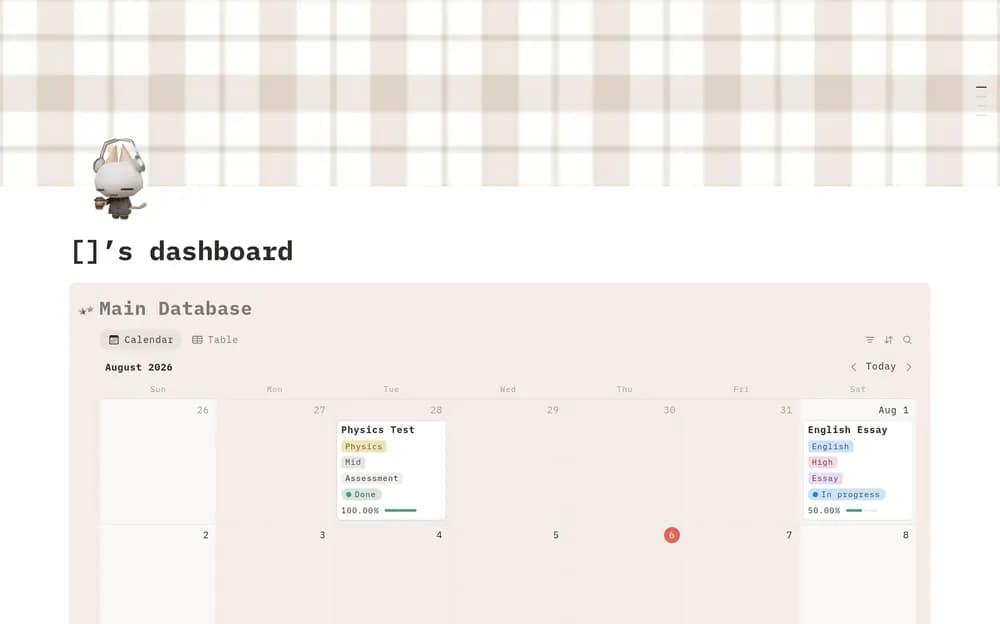
Manage schoolwork from one Notion dashboard with a task database by class, priority, and assignment type, plus subtasks and completion rollups.
Plan revision around the material you need to learn. Find Notion study templates for exam preparation, weekly sessions, and keeping coursework on track.
Showing 19–34 of 34 templates
FreeManage schoolwork from one Notion dashboard with a task database by class, priority, and assignment type, plus subtasks and completion rollups.
 Free
 Free
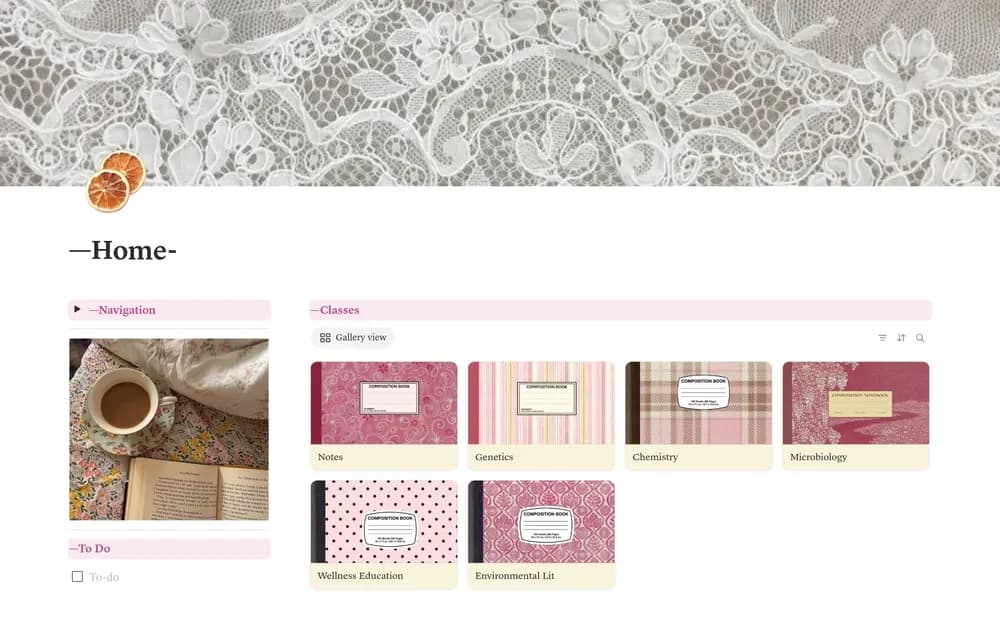
Keep class notes in a Notion gallery, follow assignments in a table, and list what still needs doing on a simple school to-do list.
 Free
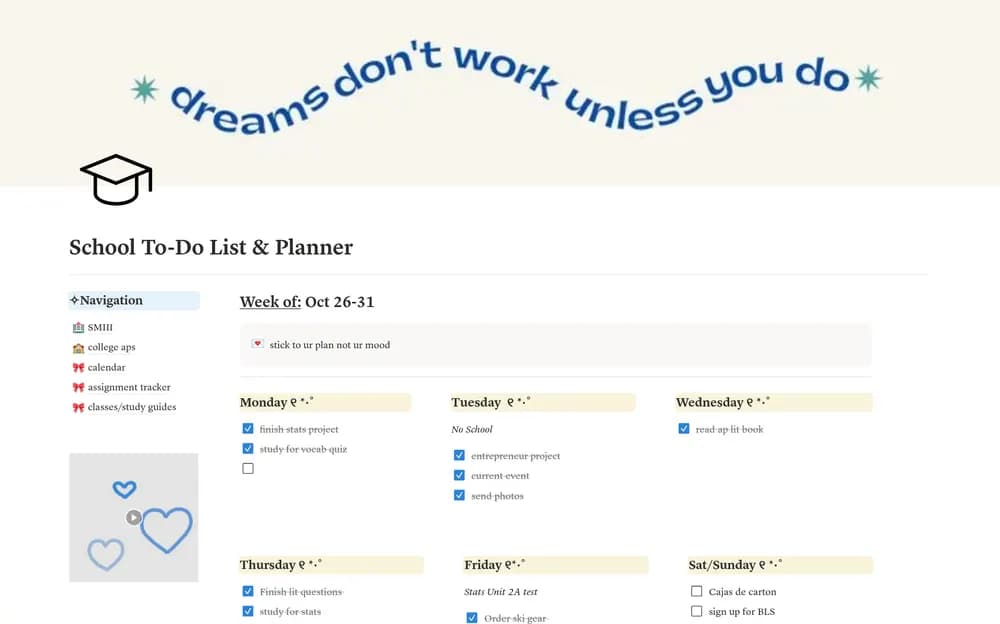
Keep school assignments on track in Notion with a to-do list for each weekday, an assignment tracker, class pages, a calendar, and weekly goals.
 Free
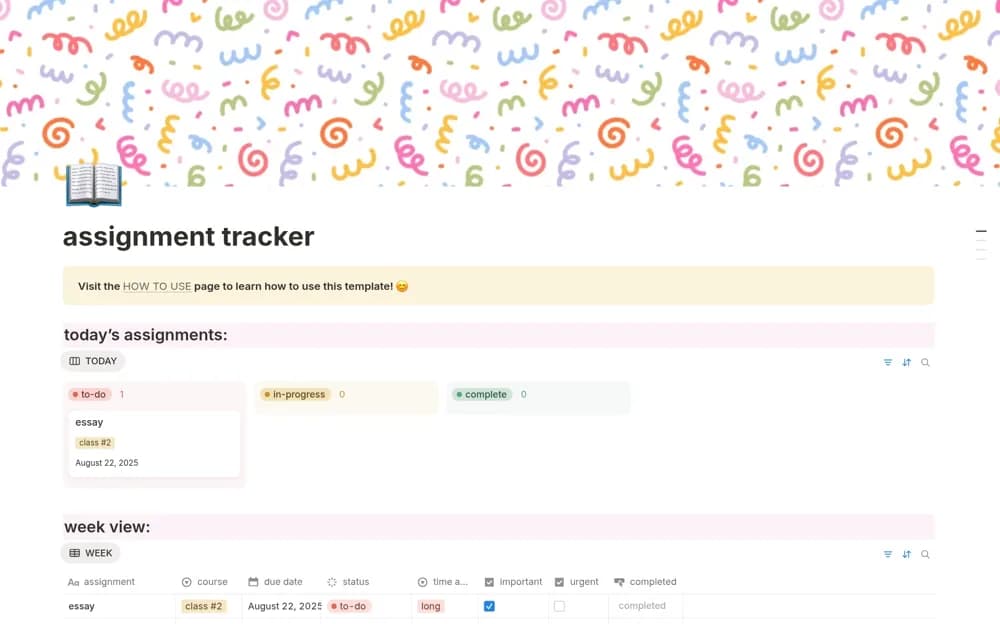
A deadline-first assignment tracker with near-term views and an urgency-and-importance prioritization matrix.
 Free
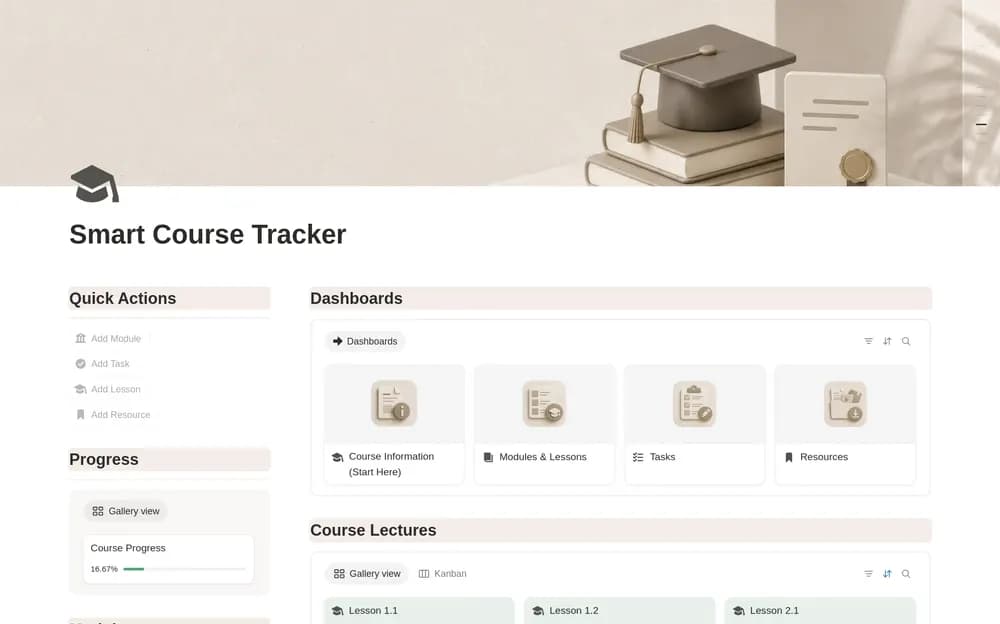
Map any course, class, or certification in Notion as modules and lessons, with linked coursework, deadlines, and a library of resources.
 Free
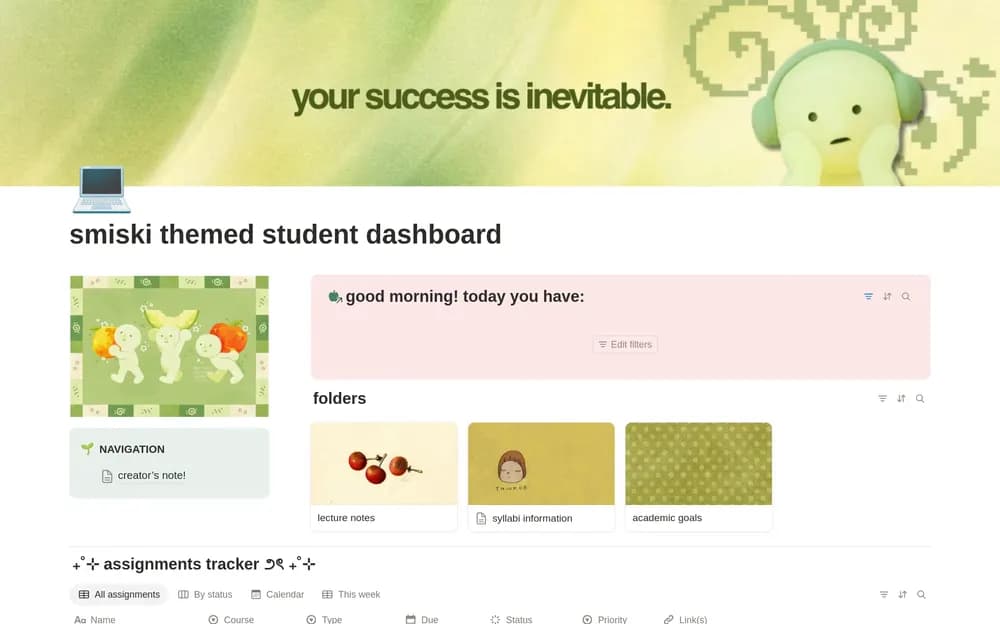
Plan a semester from a cozy Smiski-themed Notion dashboard with a class schedule, course folders, quick links, a monthly agenda, and assignments.
 Paid
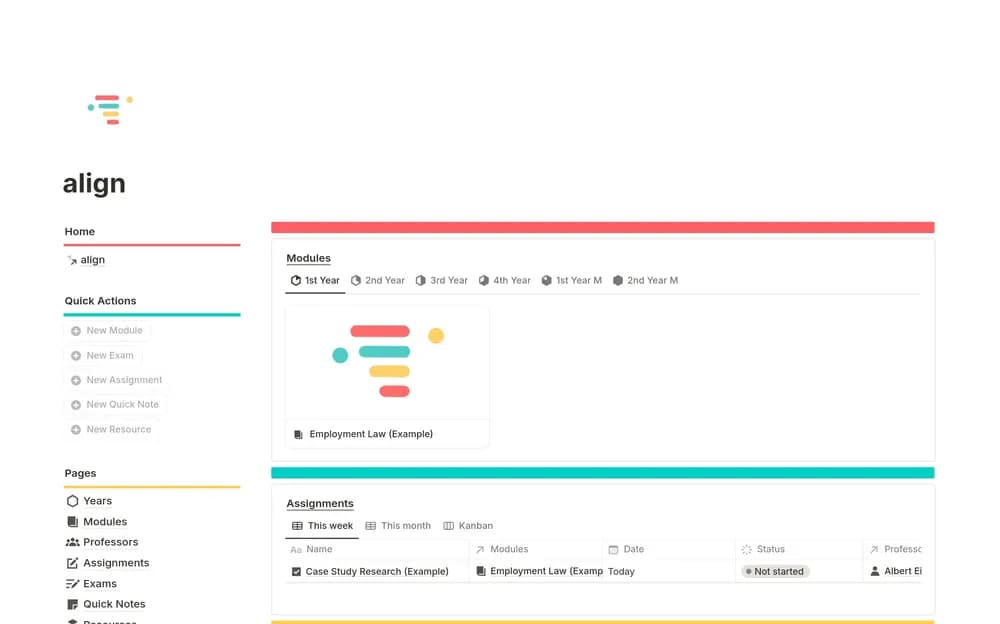
Bring courses, assignment deadlines, and exam preparation together.
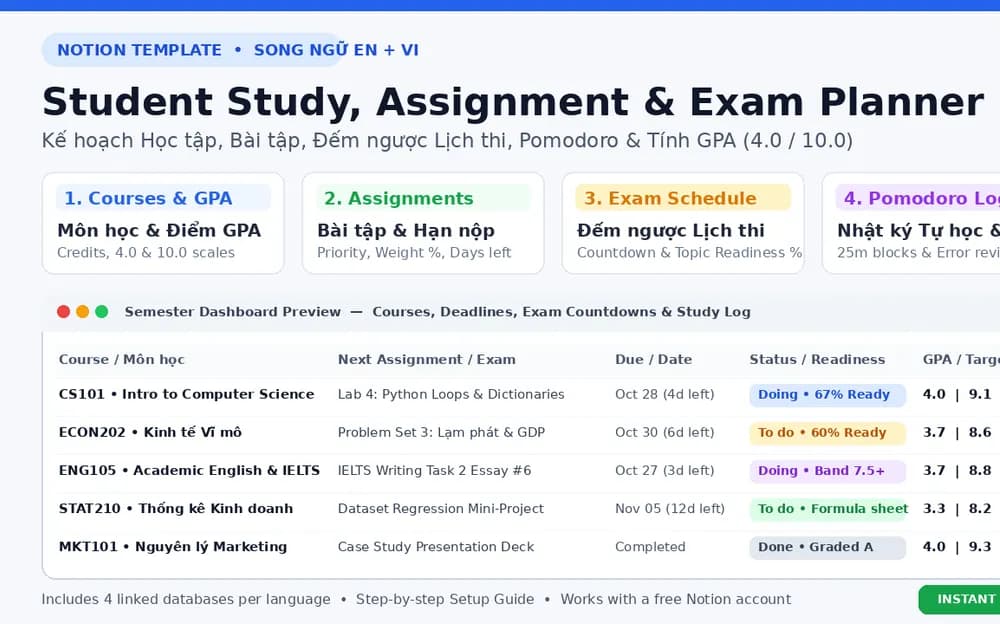 Paid
Manage courses, GPA, assignment deadlines, exam readiness, Pomodoro sessions, and an IELTS error log in one bilingual Notion student workspace.
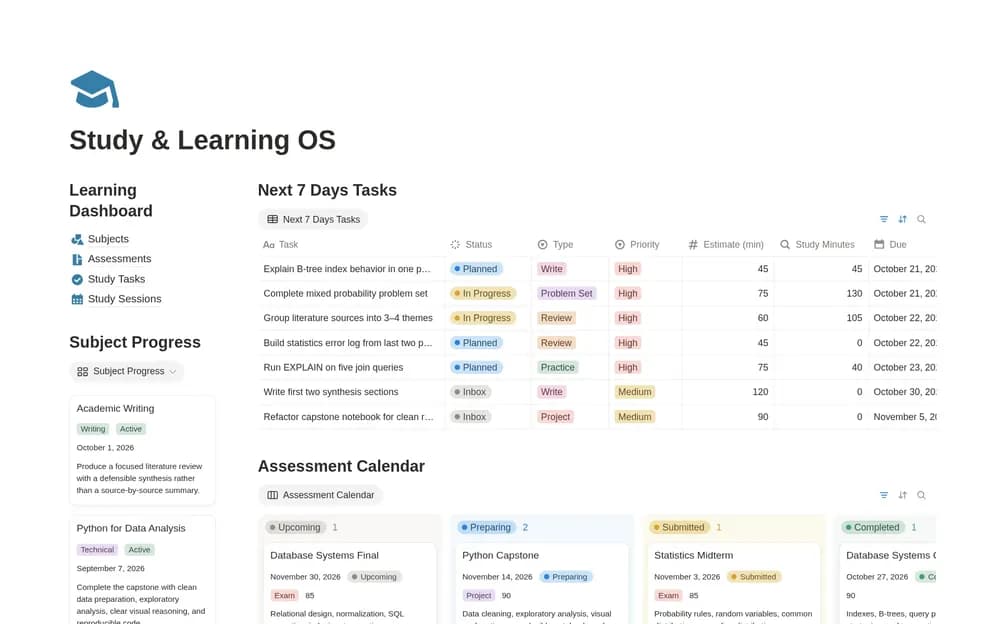 Free
Connect subjects, assessments, study tasks, and logged study sessions in one Notion workspace for school, university, or self-directed learning.
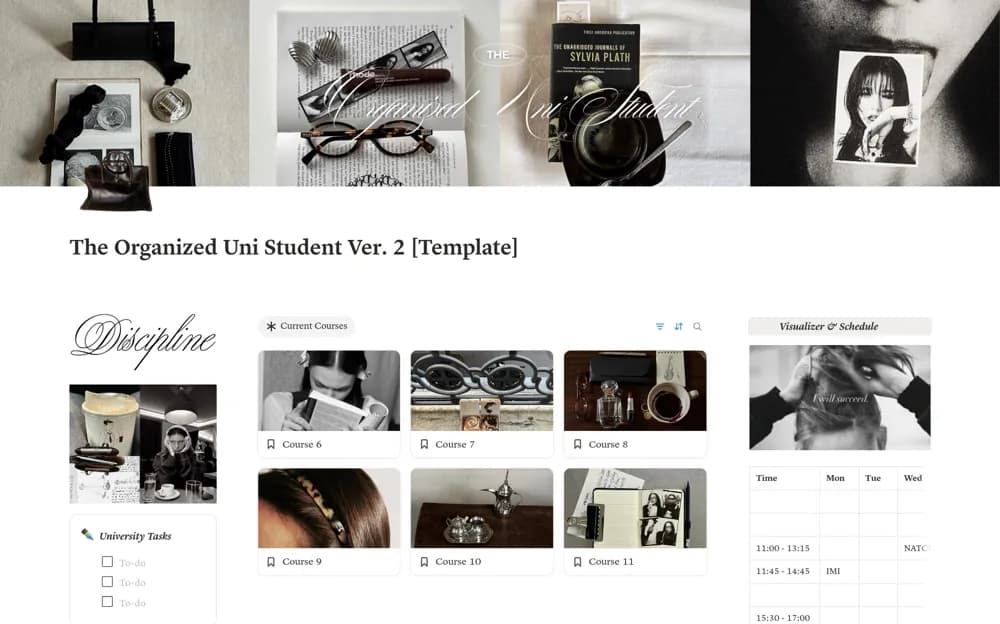 Free
A university workspace combining courses, classes, assignments, semesters, a schedule, tasks, resources, and habits.
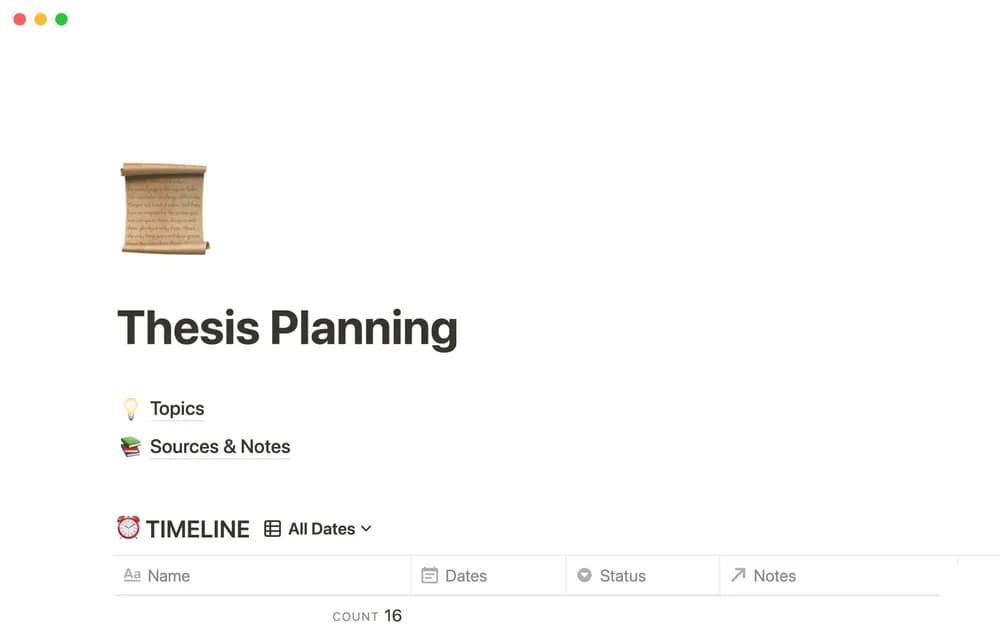 Free
 Free
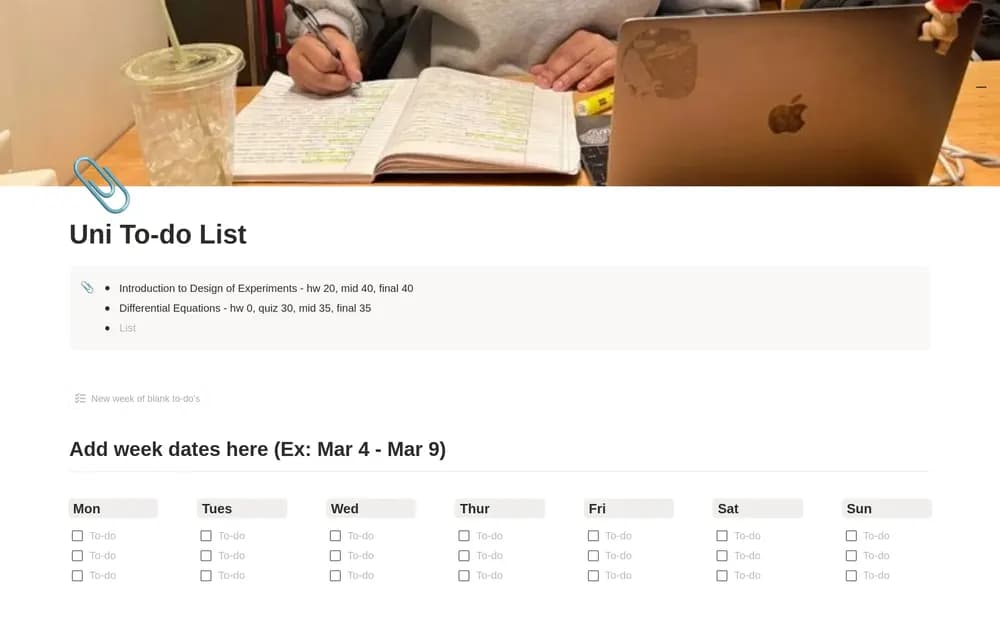
Plan a university week in Notion with a Monday-to-Sunday checklist, course notes at the top, and a button that adds a fresh blank week.
 Free
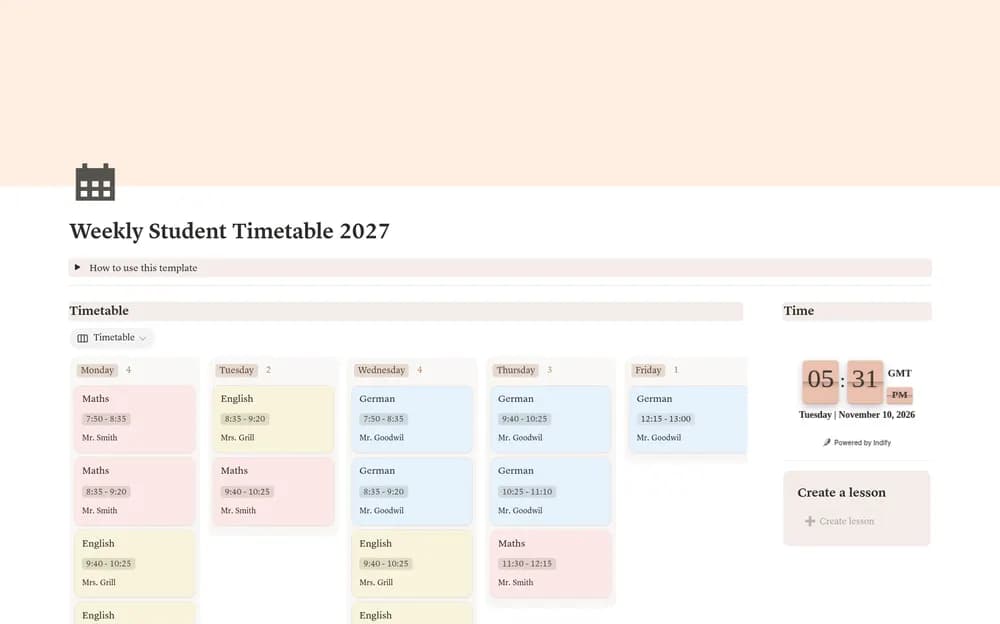
Lay out Monday-to-Friday lessons in a pastel Notion timetable with color-coded subjects, teacher names, and class times managed from a lesson manager.
 Free
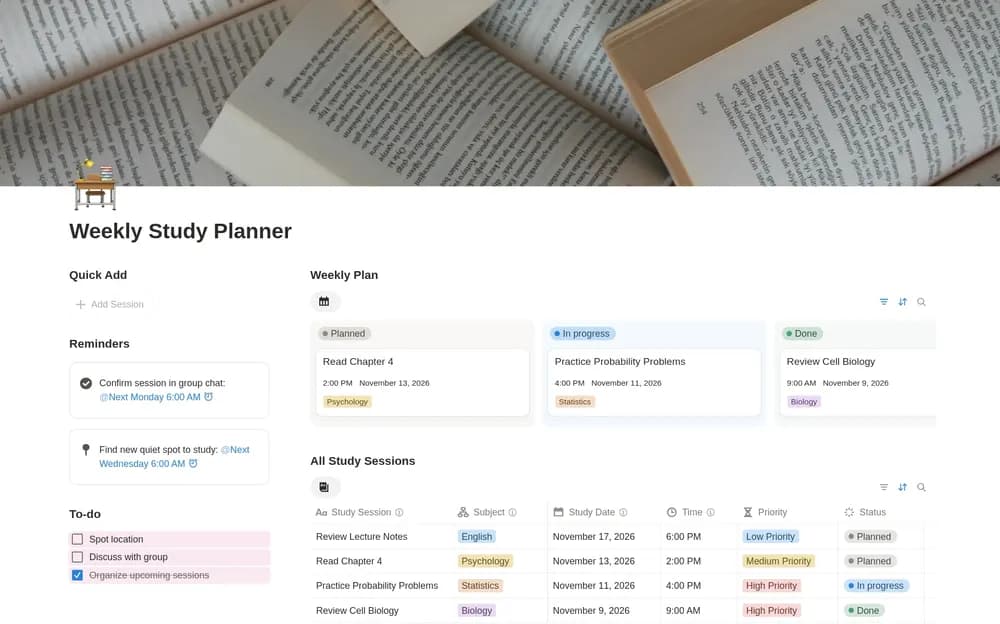
Schedule study sessions across the week in Notion, tying each to a subject, a specific topic or goal, a priority, and a planned or done status.
 Free
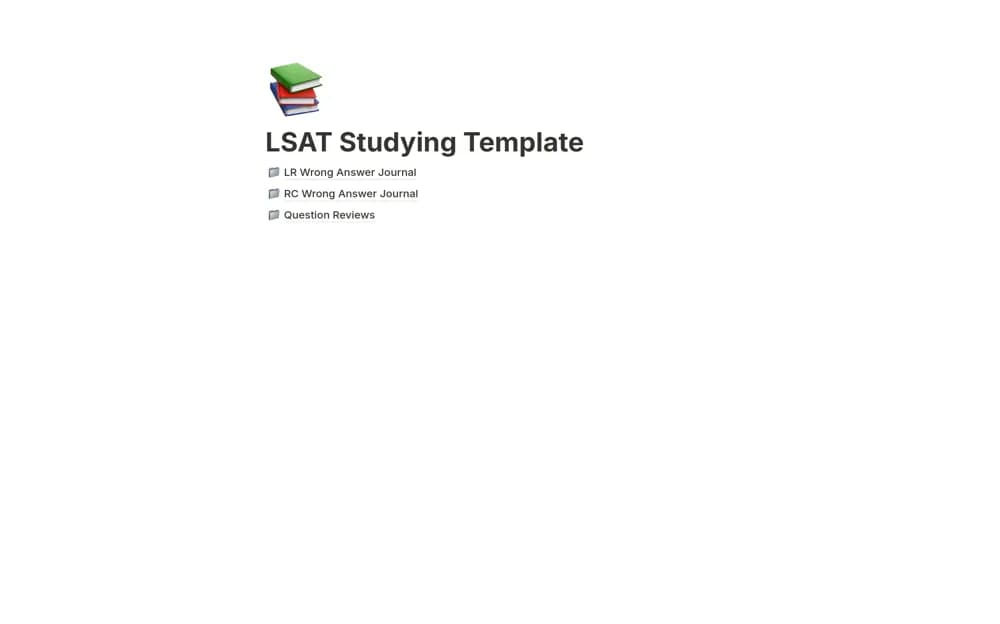
Keep missed questions and their review pages connected in a Notion study journal, with an example showing how to link a completed review.
Compare the purpose and included features before choosing a workspace.
Students organizing revision for upcoming exams.
Students checking how course assessments contribute to a result.
Students and freelancers who want an attractive weekly timetable they can check on any device.
34 working templates from 31 creators: 31 free and 3 paid, with paid options from $5 to $17.48. Links last checked November 22, 2026.
| Template | Best for | Price | Creator |
|---|---|---|---|
| Exam Planner | Students organizing revision for upcoming exams. | Free | YC |
| Final Grade Calculator | Students checking how course assessments contribute to a result. | Free | Notion |
| My Class Schedule | Students and freelancers who want an attractive weekly timetable they can check on any device. | Free | Misha |
| Resource: Studies Hub | Students who want a more consistent overview of their work. | Free | Jacobo Del Río |
| School To-Do List & Planner | High school and college students who want a simple weekly view of homework and classes. | Free | Sophia Erickson |
| Student Study, Assignment & Exam Planner | High school and university students, particularly those in Vietnam or preparing for IELTS. | $5 | BobStore |
| Study & Learning OS | Students and independent learners balancing several subjects and upcoming exams. | Free | heyismail.co |
| Weekly Student Timetable | High school and university students who want a clear, pretty weekly view of their class schedule. | Free | Roma Life Design |
Choose a planner that connects each study session to a subject or a specific piece of material. A list of hours alone does not show what you understand. Look for room to record difficult topics and revisit them. Build your first week around the time available, including breaks and other deadlines.
Subjects and exam dates
Specific session goals
A way to revisit difficult topics
About the directoryUse current course or exam information to define the material, then identify topics that need another attempt. Schedule a specific exercise or question for each session and record what remains unclear. Review practice results before planning the next week so the timetable reflects learning rather than just completed time blocks.
Jump straight to any listing in the collection.
It helps you choose what to study next and see what needs more practice. A completed session count alone is less informative than a record of topics, questions, mistakes, and later attempts.
It depends on the job you need it to do. Good starting points in this collection include Exam Planner (students organizing revision for upcoming exams), Final Grade Calculator (students checking how course assessments contribute to a result) and My Class Schedule (students and freelancers who want an attractive weekly timetable they can check on any device). Compare the included features below, then try your first choice with a week of real information before moving everything across.
Yes. This collection currently includes 31 listings with a confirmed free creator offer, alongside 3 paid or freemium options. Use the Free filter to compare them. A free version can have different features from a creator’s paid upgrade, so check the original listing and current access terms before adding it to your workspace.